Buy anything from 5,000+ international stores. One checkout price. No surprise fees. Join 2M+ shoppers on Desertcart.
Desertcart purchases this item on your behalf and handles shipping, customs, and support to Vanuatu.
🎨 Elevate your digital artistry with precision and portability
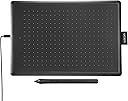
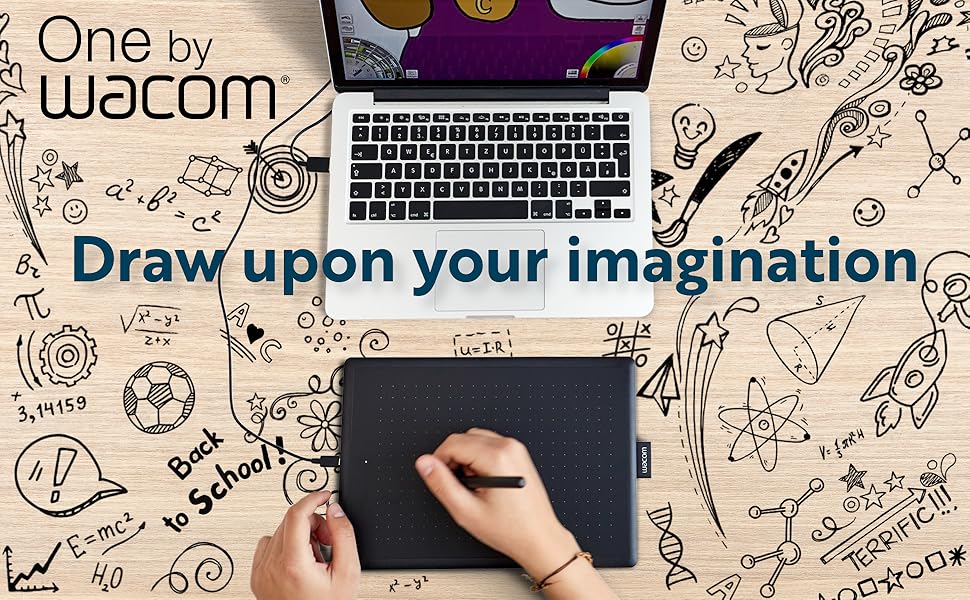
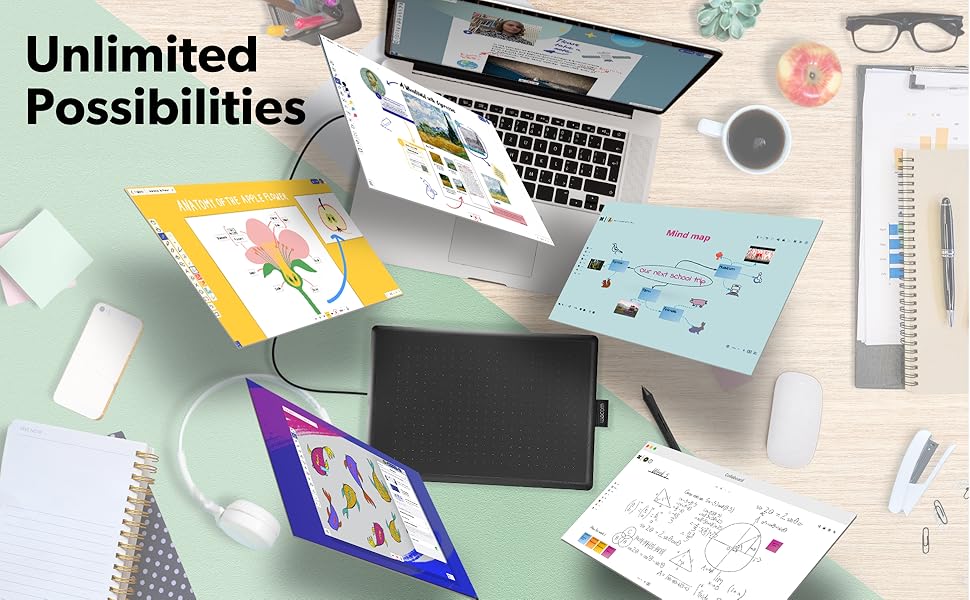
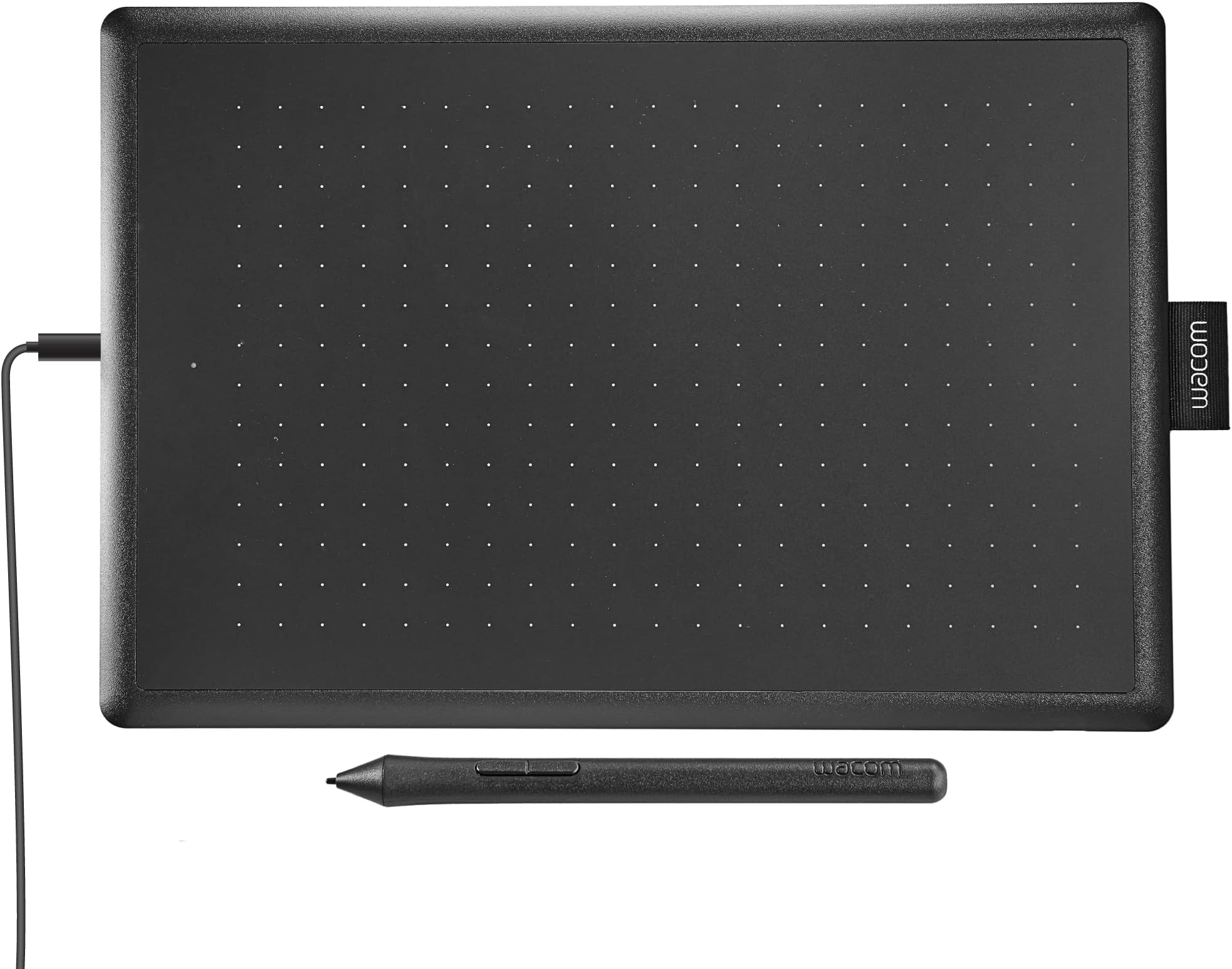
The One by Wacom Medium Drawing Tablet offers a 10.9" x 7.4" active area with 2048 levels of pen pressure sensitivity and natural tilt recognition, delivering a realistic pen-on-paper experience. Designed for beginners and students, it features plug-and-play USB connectivity compatible with Windows, Mac, Chromebook, and Linux, making it ideal for creative work, education, and digital communication. The package includes the tablet, a battery-free pen, replacement nibs, and all necessary accessories for immediate use.


| Standing screen display size | 10.9 Inches |
| Screen Resolution | 2048 |
| Max Screen Resolution | 1920 x 1080 Pixels |
| Brand | Wacom |
| Series | One By Wacom, Medium |
| Item model number | CTL672K1A |
| Hardware Platform | PC, Mac |
| Operating System | Windows, Mac OS |
| Item Weight | 15.2 ounces |
| Product Dimensions | 7.4 x 10.9 x 0.1 inches |
| Item Dimensions LxWxH | 7.4 x 10.9 x 0.1 inches |
| Color | Black & Red |
| Batteries | 1 Lithium Polymer batteries required. |
| Manufacturer | Wacom Technology Corporation |
| ASIN | B07XW9WW98 |
| Country of Origin | China |
| Date First Available | September 14, 2019 |
R**A
A Simple, Reliable, and Perfect Tablet for Beginners and Pros Alike
The One by Wacom Drawing Tablet has been a great addition to my creative workflow. It’s compact, easy to use, and delivers the quality and precision you’d expect from Wacom, all at an affordable price.Setup and Compatibility:Getting started was quick and painless. The tablet connects via USB and works seamlessly across multiple platforms (Windows, Mac, and even some Linux distributions). The driver installation was straightforward, and I was up and running in minutes.Design:The tablet is lightweight and slim, making it easy to carry around or store when not in use. Despite its compact size, the active area of 8.5" x 5.3" is spacious enough for detailed work, and the smooth matte surface mimics the feel of drawing on paper.Pen Performance:The pen is cordless, battery-free, and incredibly responsive. It offers 2048 levels of pressure sensitivity, which translates beautifully into nuanced strokes for drawing, shading, and editing. It’s comfortable to hold for long sessions, and the two customizable buttons add an extra layer of functionality.Drawing Experience:The accuracy and responsiveness of this tablet are excellent. It tracks pen movements with precision, making it suitable for both digital art and photo editing. Whether sketching, inking, or working with layers in programs like Photoshop or Clip Studio Paint, the performance is smooth and consistent.Versatility:This tablet isn’t just for artists—it’s also a fantastic tool for note-taking, creating diagrams, or even online teaching. It’s a versatile device that can adapt to a variety of needs, making it a great investment.Value for Money:For the price, the One by Wacom punches well above its weight. It delivers professional-grade quality at a beginner-friendly price, making it ideal for students, hobbyists, and even professionals looking for a secondary device.Final Thoughts:The One by Wacom Drawing Tablet is a reliable and high-performing graphics tablet that strikes the perfect balance between affordability and functionality. It’s compact, responsive, and easy to use, making it a solid choice for anyone looking to dive into digital art or upgrade their current setup.Highly recommended for its performance, simplicity, and excellent value.
J**E
Great value and works wonders
Easy to set up and use, very portable/ slim/ light weight. For what I paid, this is amazing. I am a graphic designer and rarely do illustrations, but when I need it, this is exactly what I need.
A**A
Amazing drawing tablet - And works on old and new pcs!
WOW!! This drawing tablet is great!! Not too small, and easy to take with me. The pen/sensor is super precise and I never have issues with accuracy!Sidenote; I was able to get this working, out of the box, on a 1995 Gateway tower computer running Windows 2000, and Adobe Photoshop 7!
A**R
Worked as advertised
Good product. Easy to set up and install. It takes some time to get used to if you're not used to using a drawing pen, like me. It was difficult to use only in the sense of never using one before. Can't fault the product because of me.
M**Z
It’s great, if I could go back I’d buy the Bluetooth one tho (read review)
Great tablet, pressure sensitivity is great and is lightweight it works not only for drawing but for any type of editing and creating programs, its works better than a mouse when I work on adobe ai but that’s just me I guess. Like I said in the tittle I’d buy the Bluetooth version if I could go back because you can work with the cable on and with the Bluetooth option so I guess you could connect it to the iPad or your phone with the Bluetooth and the cable with the computer since I heard it lags a little when it comes to Bluetooth.
L**O
Perfect!
Everything about it is amazing! Yes, since it is the One by Wacom series and not the Intuos, it is basic. It is literally just a tablet and a pen. It comes with a USB cord that is 1 meter long. Could be short for some people but for me it is good enough. However, if you want a longer cord, you would have to buy a micro-b to USB 2.0 cable separately. As this is the type of USB that the tablet uses.The tablet functions perfectly along with the drivers. Had it for a month and have not encountered any issues whatsoever. Excellent for a beginner just starting out with digital art. If you are not an artist then that is fine as well as this tablet is great for taking notes or simply using it like another mouse. Pen pressure is superb and allows for dynamic handwriting or brush strokes. Have not encountered any lag as it has always been responsive and feels natural to use. Just like using traditional pencil and paper.Setting up the tablet to your pc is pretty much plug-n-play. Download the drivers for the tablet as this is the software you will need to customize on how you will use the tablet (e.g. assign a pen button to a hotkey such as ctrl+z (undo)). Not difficult to do at all and might take you 5 minutes or less to setup.
Trustpilot
1 day ago
2 weeks ago