🚀 Elevate your NAS game with WD Red — storage that works as hard as you do!
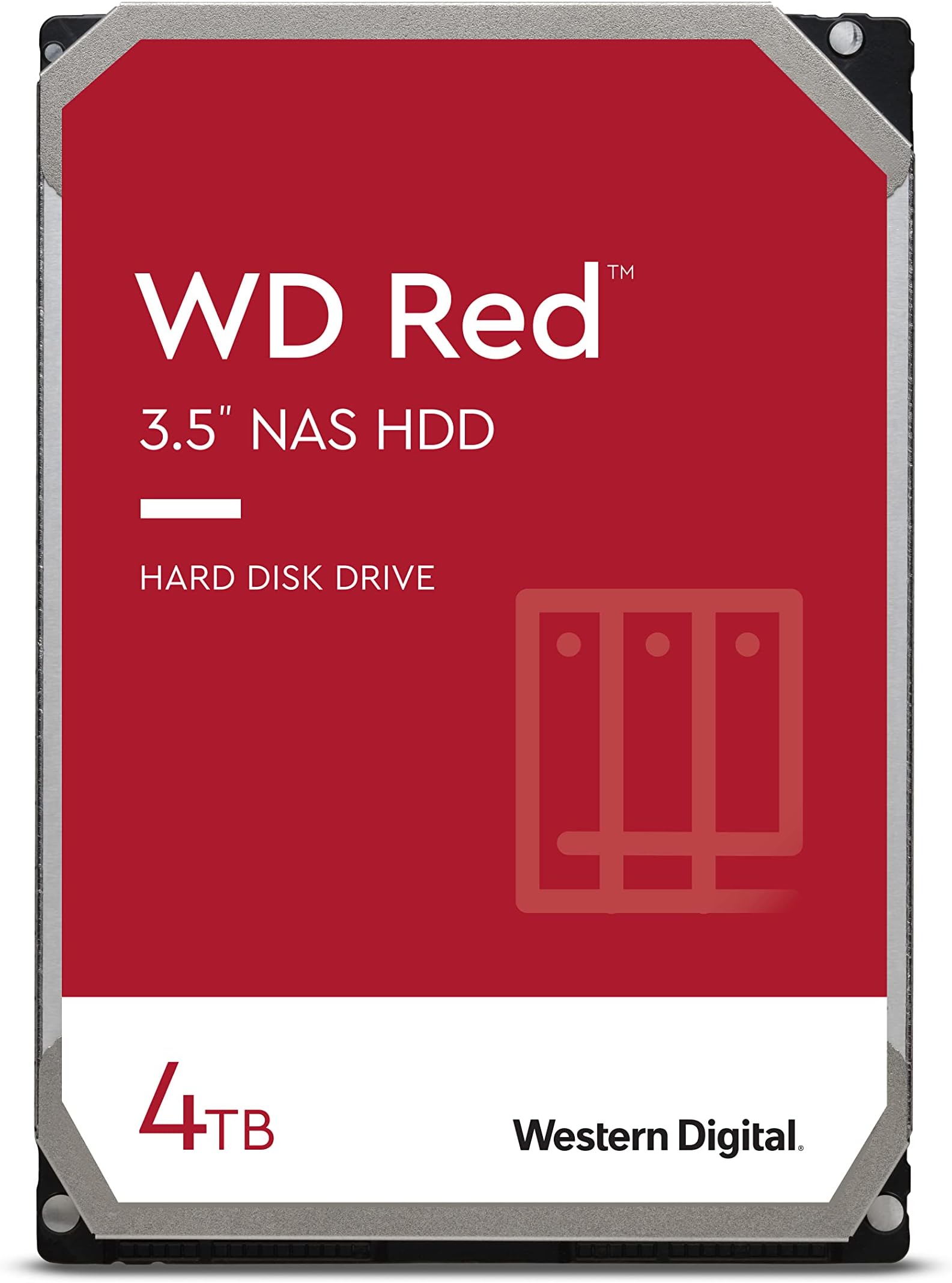
The 4TB WD Red NAS Internal Hard Drive (WD40EFAX) is a purpose-built, 3.5-inch mechanical HDD designed for personal and home office NAS systems. Featuring a 5400 RPM spin speed, SATA 6 Gb/s interface, and NASware firmware, it delivers reliable, quiet, and efficient performance optimized for multi-bay NAS environments. With a hefty 256MB cache and support for up to 180 TB/year workload, it ensures robust data handling and longevity, backed by a 3-year limited warranty.


| ASIN | B083XVY99B |
| Best Sellers Rank | #24 in Internal Hard Drives |
| Brand | Western Digital |
| Color | Red |
| Customer Reviews | 4.5 4.5 out of 5 stars (12,435) |
| Date First Available | January 15, 2020 |
| Flash Memory Size | 4 TB |
| Hard Drive | 4 TB Mechanical Hard Disk |
| Hard Drive Interface | Serial ATA-600 |
| Hard Drive Rotational Speed | 5400 RPM |
| Hardware Platform | Mac, PC |
| Is Discontinued By Manufacturer | No |
| Item Dimensions LxWxH | 1.03 x 5.79 x 4 inches |
| Item Weight | 1.23 pounds |
| Item model number | WD40EFAX |
| Language | English, English, English, English, English |
| Manufacturer | Western Digital |
| Product Dimensions | 1.03 x 5.79 x 4 inches |
| Series | WD Red |
| Standing screen display size | 24 Inches |
C**I
Western Digital NAS Hard Drive
This is not your average Western Digital desktop hard drive. The WD Reds are made for heavy duty, high duty cycle use. They are made for use in Network Attached Storage devices. The NAS environment can really torture a hard drive. Especially when it has to support a lot of users and devices. This hard drive is made to be able to function in such an environment. I have a Terramaster NAS in my home network. That system has two Seagate Ironwolf hard drives. It has been flawless in operation. I attached an external hard drive enclosure to the Terramaster to have a backup of all the data. The hard drive enclosure does not come with its own hard drive. You get to choose, depending on your needs. I bought this WD Red hard drive to use as the backup for the Terramaster. I backup the data from the NAS on this hard drive and then store the drive in a safe location. The WD Red has been flawless. It is easily the equivalent of the Seagate Ironwolf. The operation is silent and reliable. I have not had any issues with these NAS hard drives. Yes you can use a regular desktop hard drive for this purpose. A WD Blue caviar hard drive will also work. However, the WD Red is a more robust hard drive. It is more expensive than a regular desktop hard drive. But the reliability and peace of mind are worth it. NAS hard drives will also work on your desktop computer. You can swap out your WD Blue hard drive for this one. You will get added durability and dependability. But it will only be worth the extra cost if your computer is regularly stressed. A one-user desktop PC that gets used for 5 hours per day is not under stress. However, if you have a PC that is used for security monitoring purposes or as a home server, then yes, invest in a more robust hard drive. I love solid state hard drives for their performance and lighter weight when used on a laptop. However, for storage purposes, I still prefer a mechanical hard drive. If I were building my own desktop PC, yes, I would use a NAS hard drive such as the WD Red. But I would not throw out a working WD Blue that comes with a new PC. Evaluate your needs carefully. A data storage system used in a business setting should have robust hard drives. If you are a content creator on Youtube, get at least a four bay NAS storage device and fill those drive bays with WD Reds or Seagate Ironwolves. If you surf the internet, shop online, and basically only consume social media, then a regular PC with a traditional desktop hard drive will be good enough. Highly recommended for NAS Storage systems and heavy-duty desktop use.
C**S
Works exactly as expected
This hard drive does exactly what it promises. It's fast, quiet, and reliable. Perfect for NAS setups or internal storage. Western Digital remains a solid choice for quality and performance.
T**A
6TB Hard Drive Worked Great!
Buying anything off Amazon related to computer equipment can be a risk. Great experience from this seller and would buy 4 more hard drives if I had the money. Received it, bench tested and ran with no errors. Formatted and spun right up on my NAS. Great customer service and very responsive! Saving for future purchases 5 Star!
R**T
Used to Easily Replace Failed Drive in Tivo Roamio
I considered throwing away my six year old Roamio, model 846500, when it failed. The Tivo wouldn't get past the "Welcome" screen. I fixed the failure in less than an hour with only this WD20EFAX drive, and now have four times the storage as a bonus. The internet knowledge base (and the Weaknees company that's probably the best third party support company for Tivo) says that this failure mode is almost always caused by a failed hard drive. They also recommend this particular model replacement drive. Replacing the drive in Tivo Roamio is extremely easy. It's easy both both physically and because this Tivo will automatically format a new drive (as long as the drive size is 3TB or less) and automatically load all the required Tivo software during boot up. You will, unfortunately, lose any recordings and such drive-kept data as channel lists, scheduled recordings and One-Passes, and so on that were on the old failed drive. There are plenty of decent videos on the internet to show how to do this, but here is a quick procedure to give you an idea of how easy it is: Remove two torx head screws in the back of the unit and use a thin blade such as a common dinner knife to carefully pry up the top of the box. Remove three torx screws that attach the drive's adapter rails to the box and disconnect the drive's data/power cable by pulling the connector away from the drive. Remove the drive mounting rails from each side of the drive, noting their original position, by removing the two torx screws connecting each rail to the drive. Using the new drive, put everything back together. Reconnect the Tivo to your TV system, plugging in the power cable last. Plug in the Tivo's power and let the system boot up. Be patient because it will take some time for the Tivo to automatically format the drive and load all the software needed. Follow the screen guide to set up the Tivo as for a new unit. Your current account with Tivo and any monthly or All-In programming are still in place because the account is based on the box'es ID number which is stored on Tivo's motherboard rather than its hard drive. Voila...You just saved yourself the cost of a new Tivo and upgraded your video storage capacity, as I did!
C**N
Funciona muy bien.
M**E
Achetez il y a six mois pour un Nas en fonctionnement 24/24. Aucune remarque à faire. J'en suis satisfait.
H**T
Le produit correspond tout à fait a la description, neuf et bon rapport qualité prix. Par contre le transport a été réalisé par UPS et l'application Amazon communique très mal les informations de livraison. J'ai donc cherché chez tous les voisins avant de découvrir un code chez UPS qui disait que le colis était livré dans un commerce! Donc récupéré juste à temps avant qu'il ne soit renvoyé tout ça a cause d Amazon qui reflète très mal les informations de livraison de UPS.
R**O
Harde schijf NAS was defect, meteen een RAID1 aangemaakt met een 2de dezelfde harde schijf. Goed verpakt, snel geleverd.
G**Y
The two 1TB Seagate drives in our ZyXEL NAS326A were beginning to throw a few "Spin_Retry_Count" errors and were getting a bit noisy and hot. This is often a sign that the bearings are starting to go. As I also wanted to increase capacity, I opted for 2 of these WD NAS Red drives (2TB) - to run in a similar Raid-1 configuration. They arrived next day, factory sealed and well packaged direct from Amazon. Their manufacture date was November 2019 and the SMART information on each drive confirmed zero power on hours and zero accumulated errors. So I was able to swap one drive at a time with a rebuild in between. It took a few hours but everything seems fine. These new drives run a few degrees cooler than the older Seagate discs they replaced. They are also much quieter (though not silent). Transfer times are a marginal improvement - though that has never been an issue for us. After a week, we still have zero errors so I am satisfied everything is as it should be. Automatic backups to an external drive are also running smoothly. I was also able to register both drives on the WD website and received confirmation of the ~3 year (37 month) warranty. At 5400 rpm, they may not be the quickest NAS drives available, but at less than £70 each (including Prime delivery), I consider these discs a bit of a bargain. So, thus far, I am most chuffed! Obviously, time will tell.....
Trustpilot
1 month ago
1 month ago