We remain fully operational. Our teams are working around the clock to ensure your deliveries continue safely.

DOWNLOAD THE APP


Customer Services
Copyright © 2025 Desertcart Holdings Limited
DOWNLOAD THE APP




Buy anything from 5,000+ international stores. One checkout price. No surprise fees. Join 2M+ shoppers on Desertcart.
Desertcart purchases this item on your behalf and handles shipping, customs, and support to Vanuatu.
🌟 Power your outdoors smartly—because your home deserves next-level control!
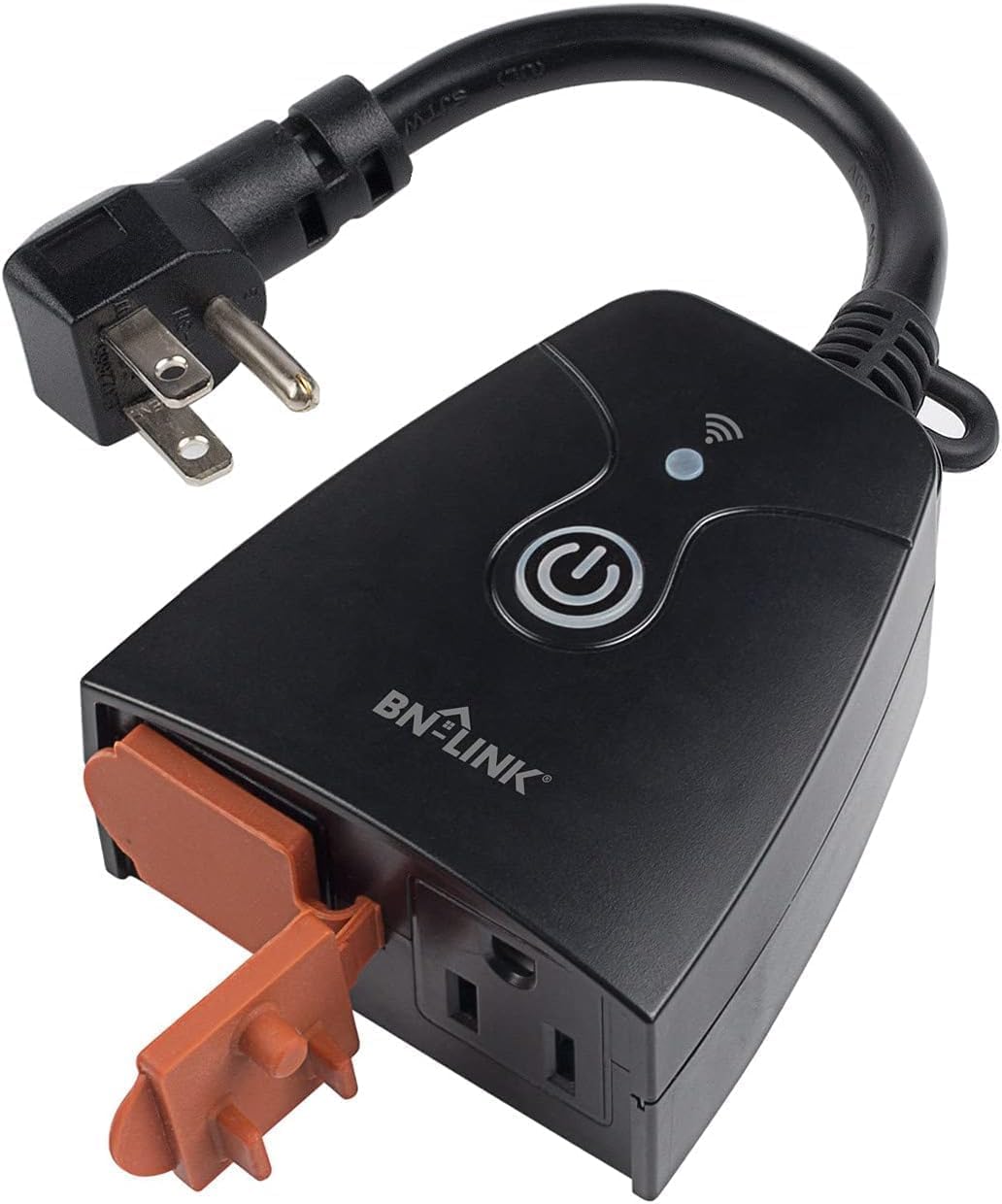
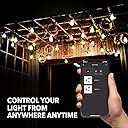
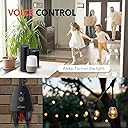
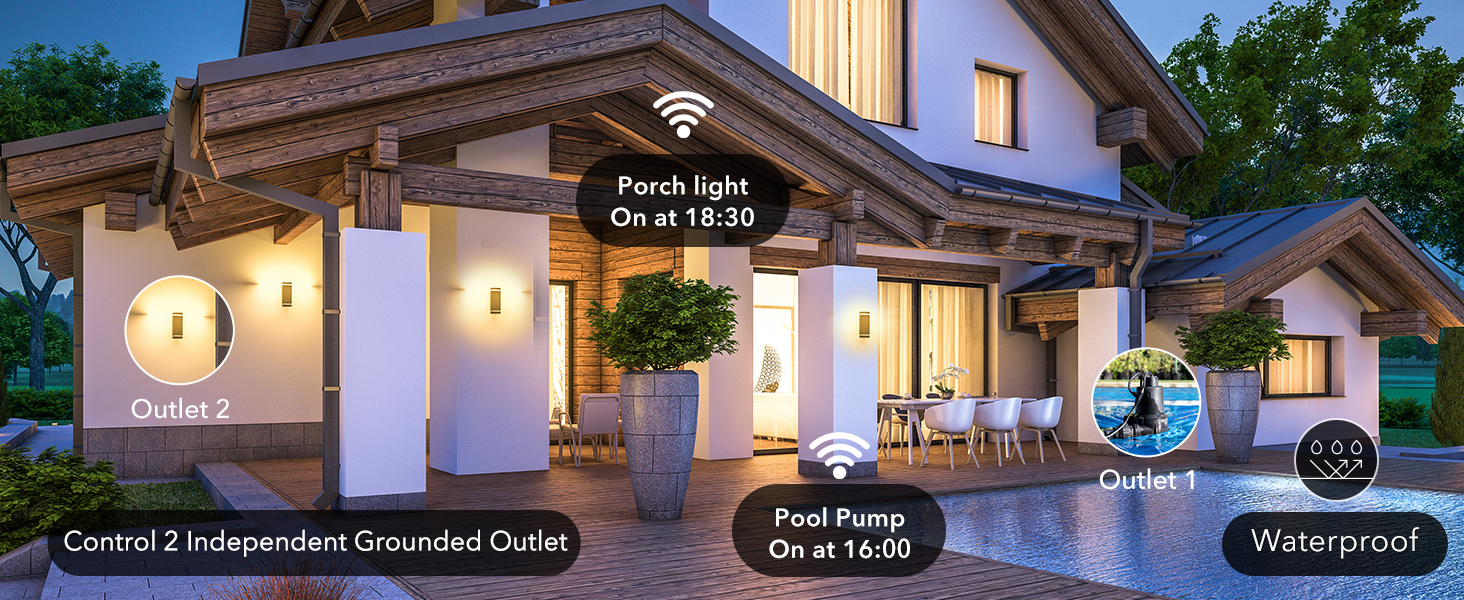
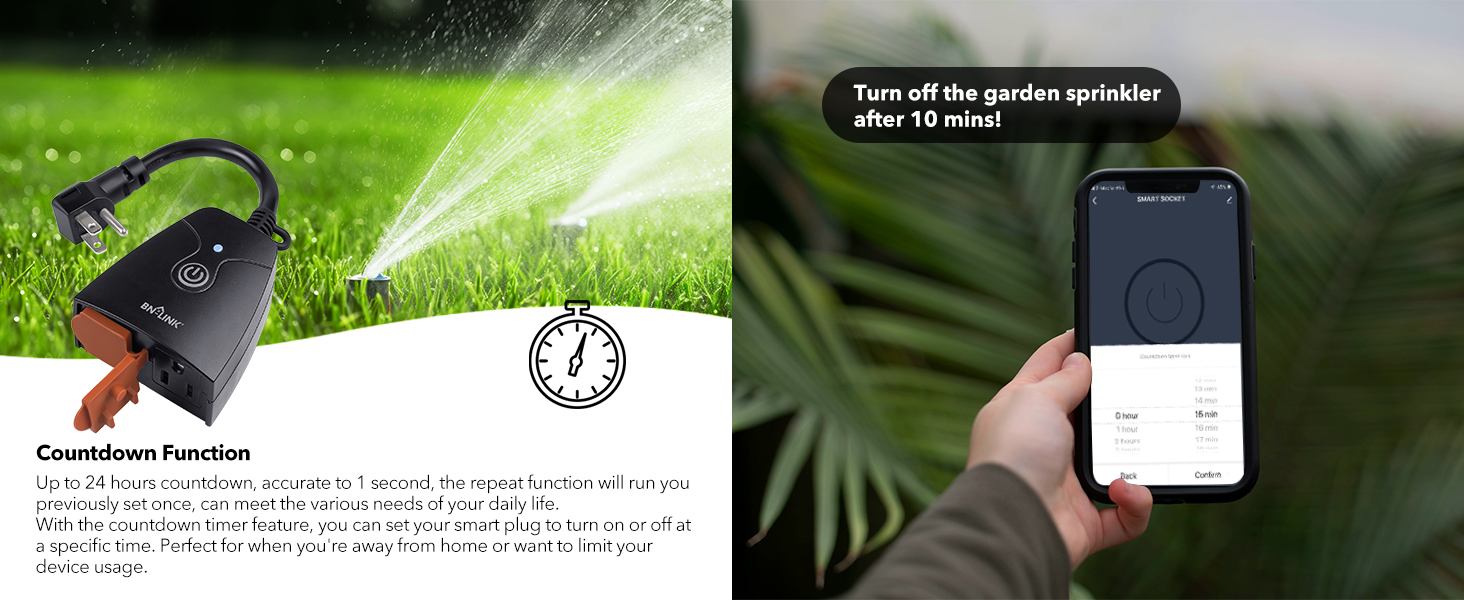
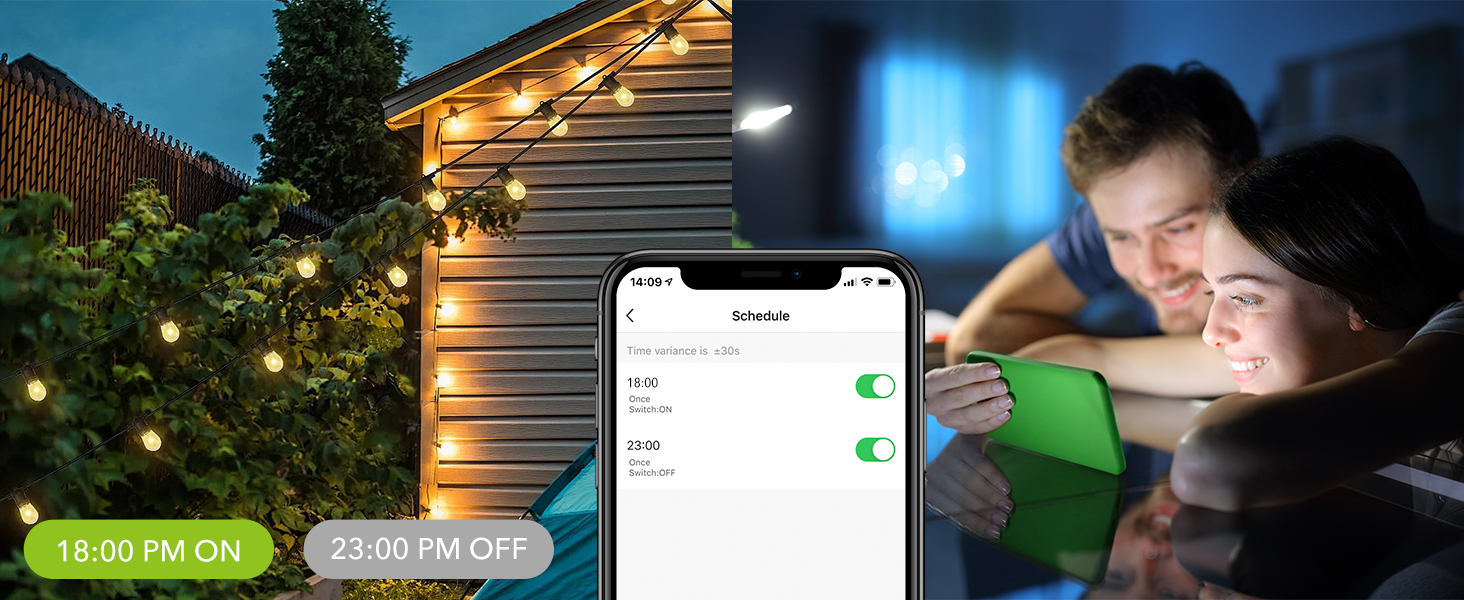
The BN-LINK Outdoor Smart Dual Outlet is a heavy-duty, weather-resistant Wi-Fi plug featuring two independently controlled grounded outlets. Compatible with Alexa and Google Assistant, it operates on a 2.4 GHz network and supports smart scheduling and remote control via smartphone apps. Rated for up to 1875W and ETL certified, it’s designed for reliable outdoor use with IP44 protection and backed by a 15-month warranty.




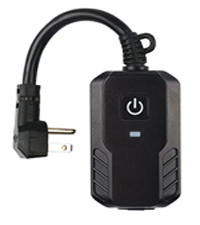
| ASIN | B083JMX98Z |
| Actuator Type | Push Button |
| Best Sellers Rank | #197,806 in Tools & Home Improvement ( See Top 100 in Tools & Home Improvement ) #358 in Electrical Outlet Switches |
| Brand | BN-LINK |
| Circuit Type | 1-way |
| Connectivity Protocol | Wi-Fi |
| Connector Type | Plug In |
| Contact Material | Metal |
| Contact Type | Plug in |
| Control Method | App |
| Control Type | Full |
| Controller Type | Amazon Alexa |
| Current Rating | 15 Amps |
| Date First Available | January 6, 2020 |
| Global Trade Identification Number | 00857333007639 |
| International Protection Rating | IP44 |
| Item Weight | 7 ounces |
| Item dimensions L x W x H | 4 x 5 x 2 inches |
| Item model number | BNC-60/U154-1 |
| Manufacturer | BN-LINK |
| Number of Items | 1 |
| Number of Positions | 2 |
| Operating Voltage | 125 Volts |
| Operation Mode | ON-OFF |
| Product Dimensions | 4 x 5 x 2 inches |
| Smart Home Compatibility | Smart Home Compatible |
| Terminal | Blade |
| Unit Count | 1.0 Count |
| Upper Temperature Rating | 140 Degrees Fahrenheit |
| Wattage | 1875 watts |
B**B
Works great
Have it set up in my water well to activate a heat lamp in the winter when the temps drop below freezing. The well has a brick encloser which is mortar washed and painted about 75' or so away from house that has full perimeter 3/4" insulation sheets of foam/ foil both sides and a metal roof. Prior to purchase, I would grab a coat, put on my boots and walk over to the well and flip the switch to turn on the heat lamp. This unit works great and I just turn on the heat lamp from my phone.
W**E
Throw away the manual...
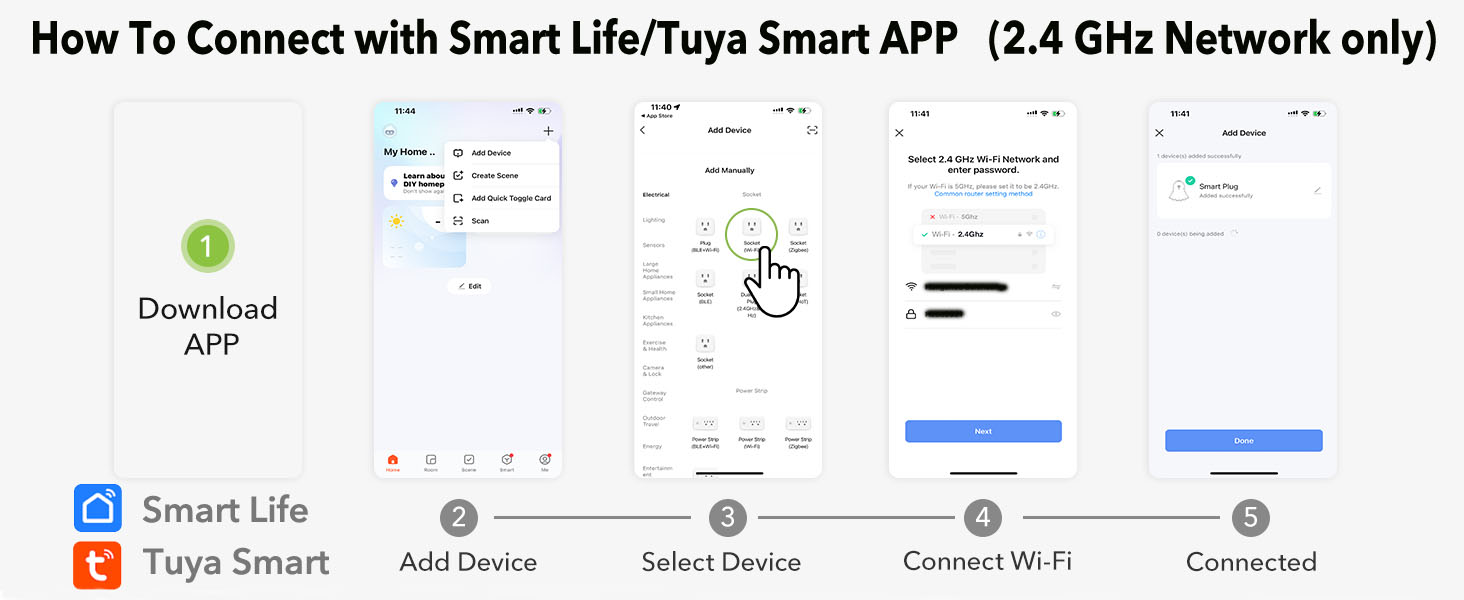
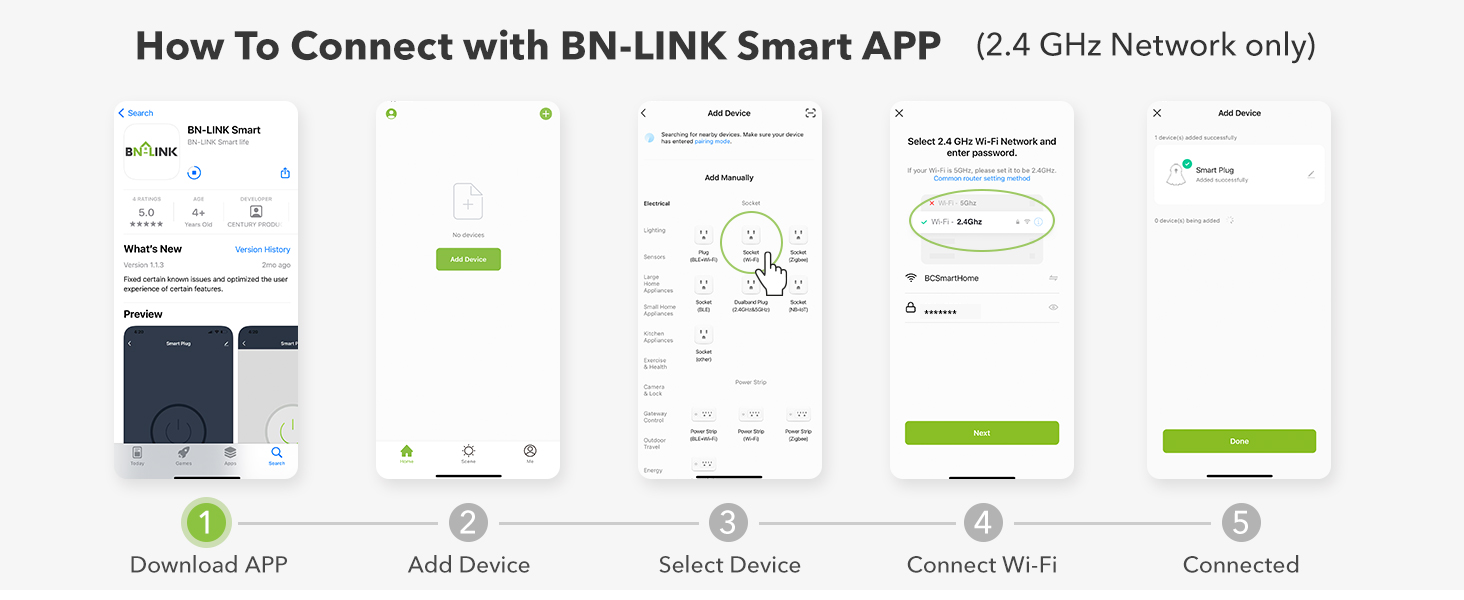
Trying to keep this simple. It sets up pretty easy if you ignore the vendor's instructions. Per the vendor you MUST have 2.4Ghz wireless for this gizmo to work. The app does not show the "Outdoor Heavy Duty Wi-Fo Plug", but it does show a Socket (Wi-Fi). That's what you want. I added a few screenshots. Might buy a few more now that I've got it working.
D**S
Will NOT connect to normal 5g wifi. 2.4gh ONLY. Bluetooth doesn't work. AVOID!!!!
This thing is beyond useless. Absolute garbage. I actually abandoned using this, and returned to a NON-wifi option, due to this things endless headaches. ONLY works on 2.4gh wifi, does NOT connect to 5gh (what most people have, standard for wifi). Requires making specific technical changes to your wifi, which is quite painful for most. Then, once (IF) you manage to get that figured, the thing WON'T connect to bluetooth/wifi. Took me 20-30 seperate tries (5-10 mins each) to get it to connect (simply doesn't find bluetooth unless a unicorn happens to be dancing on your roof) but then after endless headaches it just connects fine, randomly. Used it a while, several months without additional issues, then we lost power at one point, and I was back to the beginning. Got screwy, wouldn't recognize the phone app, ultimately had no choice, had to delete it and reinstall. Tried to get it reconnected, would NOT find bluetooth, again, even though the 2 devices were on top of eachother. Got so frustrated and angry I threw the thing away, and dusted off my old manually programmable timer. At least it friggin works! This thing does NOT. Unless maybe you're a tech genius that just loves troubleshooting dumb/infuriating stuff. Simply adjusting your wifi to broadcast dual bands (2.4gh & 5gh) is FAR beyond what the average joe can figure out. I used to install cable & internet for a job so I understand this stuff better than many will. Most will NOT get it. At all. Personally I would say find an option that DOESN'T require 2.4gh wifi to connect, or just go with a manual/non wifi timer and avoid these headaches. Shocked they can even sell this thing with what it takes to get it to work. Useless. Threw it away, just for the peace of mind of knowing that particular one unit will never generate the sort of inexplicable rage in anyone else, in the way it did to me. Hope this helps someone to avoid similar headaches!
H**S
Fantastic smart plug, each outlet is programmable!
This outlet works great with our Echos, one first gen and one second gen. I'm so very pleased with these! I ran one outside on the second level to power lights over our deck, pictured. Then with the other outlet I rand a cord under the deck to do the same thing for that area which is always so dark. Rename the plugs "upper deck" and "lower deck" and you're in business! Without meaning to, i found out the Echo will turn on or off BOTH outlets if you say, "turn off the deck", because the word "deck" is in both names. Pro tip! Haha. On similar note you can name the entire device something else, like "back 40", and tell the Echo to "turn off the back 40" and it will cycle both outlets off, etc. So far I've had this outside for 2 months. Its not protected from tons of rain, wind, and sub-freezing temps-- and has had zero issues so far. I love this thing!
R**N
Great switch, terrible app but there is an alternative app
The instructions say to change the network to 2.4 and use the BN-LINK SMART app which would not connect with the Smart Plug at all making the Smart Plug pretty useless. Fortunately other reviewers recommended the Feit Electric app which had no trouble connecting to the BN-LINK Smart Plug using the easy setup (quick blinking) mode and with that app I was up and running in less than a minute. Programming sunrise/sunset was challenging because you don’t program it on the Smart Plug operation page like you do for specific times. Instead you create a Smart Scene Automation and then tell it to turn the switch(es) on or off. One automation for sunrise and another for sunset. It works great NOW, but for an hour and half while following the instructions and fighting with it, I wanted to smash it to smithereens. We currently have a slightly strained relationship with little patience for any further misadventures. It has not disappointed.
A**R
CONNECTION HELP
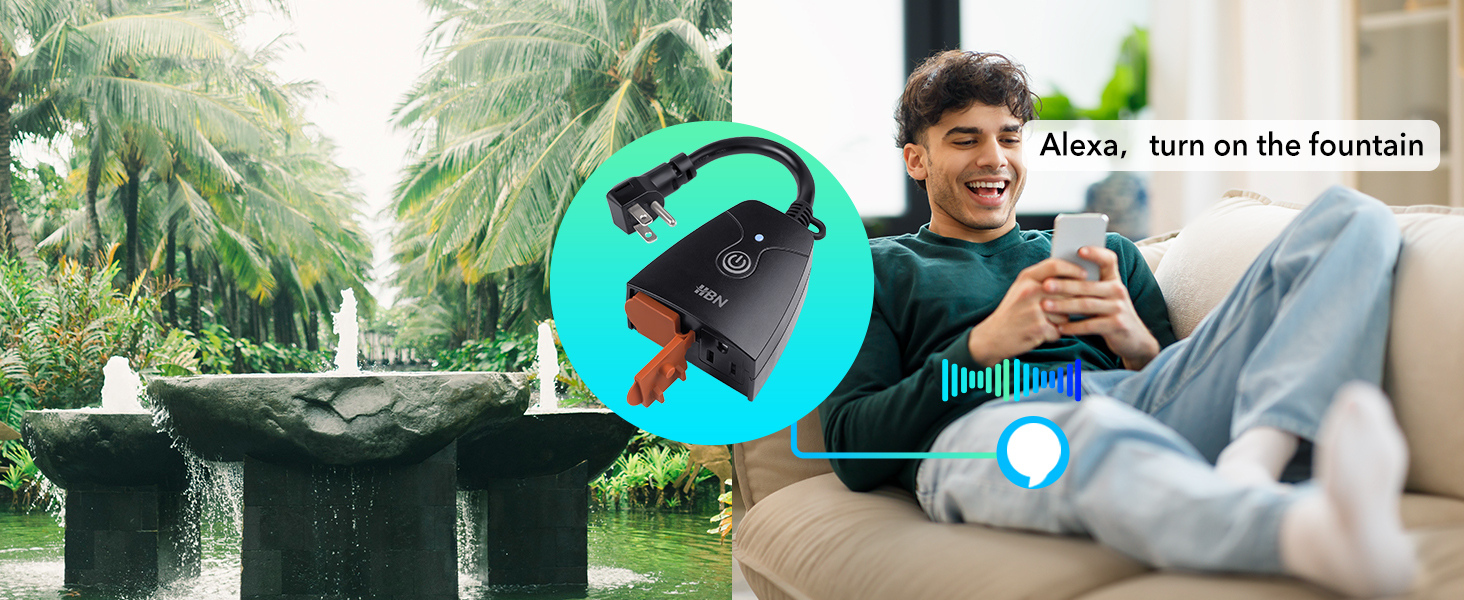
I was almost ready to send this product back because like others, I couldn’t connect with my cell phone to the product. Following the instructions, another gentleman posted earlier about connecting manually with the picture shown above. For me, the problem is this is 2.4 ghz product only and will not connect to 5 ghz. A lot of routers have separate signals and you can connect to either one and you need to make sure that your cellphone Wi-Fi is connected only to 2.4. ghz. when you try to connect. I have a TP – link Deco mesh system that transmits simultaneously in both and you cannot connect independently to one or the other, which was preventing me from connecting this product. The solution was to use the Deco app for my router and set up your guest network and transmit that in only 2.4 ghz. Once I did that, using the manual connection feature, it found it right away, and I had no problem connecting. You can control it through the BN – Link app and the instructions that come with it are very clear for connecting to Alexa if you want to use voice control. The app allows you to name the plug itself, and to independently name the two different outlets on the plug. I connected mine to the front yard and named it that, and named the first plug fountain, and now I can turn on my fountain with just a voice command, and I also set it on a timer. Good luck and hope this helps someone. I ordered another one for my backyard!!!
B**T
Easy to connect to SmartLife app I use. The cable a bit short and rigid - my outside outlet is upside down so it's difficult to put the box in a position with outlet facing down. Not a problem though as it survived snowy/rainy weather.
R**X
I use the IOS CE Smart app (very similar to Smartlife app) to control my WiFi lighting automation devices (CE Smart Home from Costco). This device added easily to the app (hold button until blue light flashes, add manually, enter WiFi details, wait for 2 minute timer to find device). I bought 2 of these and both added first try while sitting next to my Google WiFi mesh router (2.4+5ghz), so no issues with 5ghz. Each of the 2 plugs can be controlled individually with the app Scenes automation. So far it works as expected perfectly.
M**Y
Own two. Easy set up with app and have worked well outside so far.
O**V
Works outdoor and I mean outdoor where rain and snow gets on top of it. Never failed during the winter and controlled all my Christmas lighting. Good wifi signal and works well with Tuya Smart Life app. Also can be controlled in HomeAssistant with Tuya plugin.
A**R
The product only lasted 4 months. It stopped working.
Trustpilot
1 day ago
1 week ago