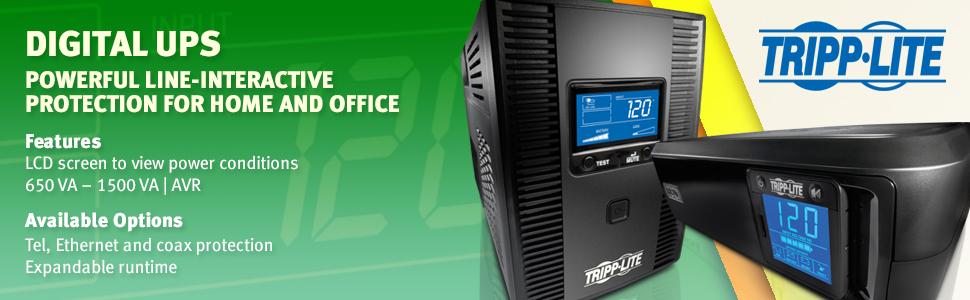
🔋 Stay powered, stay productive — never miss a beat with Tripp Lite SMART1500LCD!
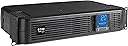
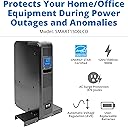
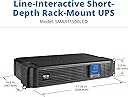
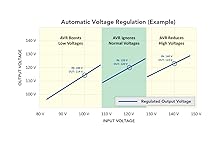
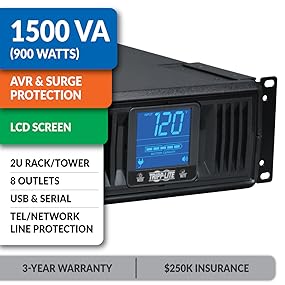
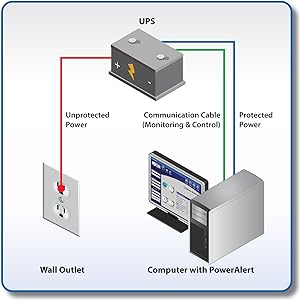
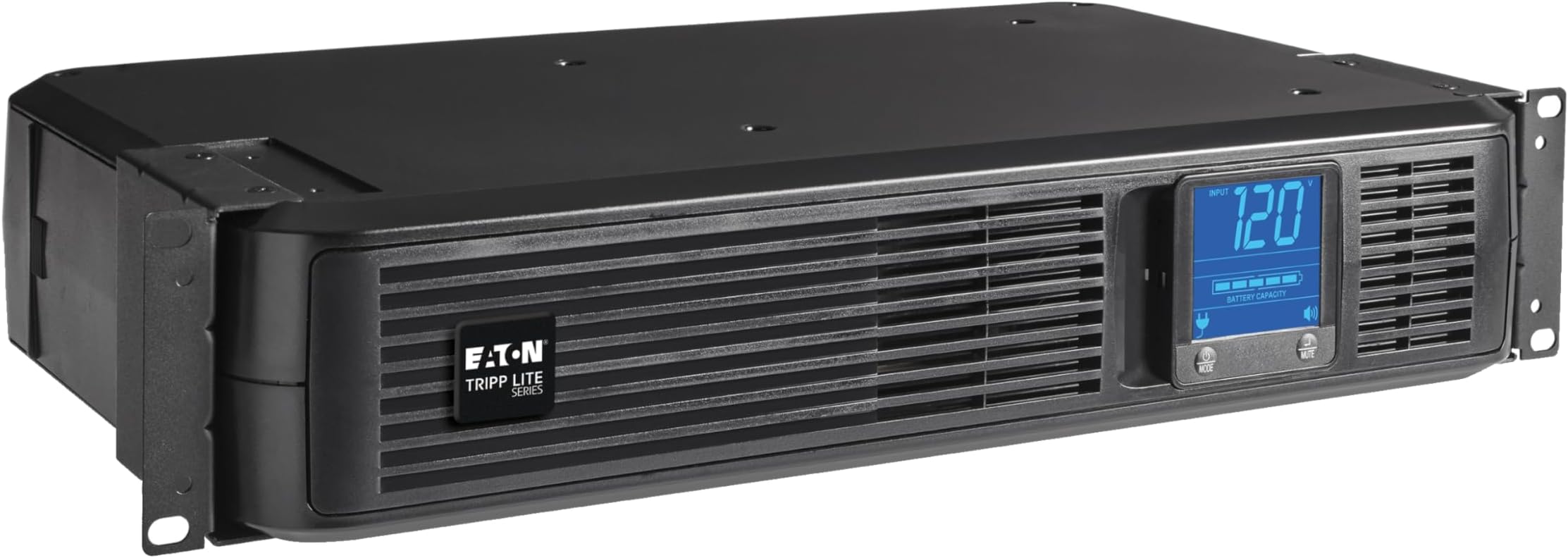
The Tripp Lite SMART1500LCD is a high-capacity 1500VA/900W UPS designed for professional environments, offering 8 surge-protected outlets, versatile 2U rack or tower mounting, and advanced Automatic Voltage Regulation to protect against brownouts and surges. Its rotatable LCD screen provides real-time monitoring of power status, while user-replaceable batteries and comprehensive warranty coverage ensure long-term reliability and peace of mind.


| ASIN | B000DZRY9C |
| Batteries | 2 Product Specific batteries required. (included) |
| Best Sellers Rank | #11 in Computer Uninterruptible Power Supply Units |
| Customer Reviews | 4.1 4.1 out of 5 stars (3,863) |
| Date First Available | August 18, 2008 |
| Is Discontinued By Manufacturer | No |
| Item Weight | 29 pounds |
| Item model number | SMART1500LCD |
| Manufacturer | Tripp Lite |
| Product Dimensions | 10.5 x 17.25 x 3.5 inches |
P**2
Huge 2 battery Unit I love it so much I bought it again!
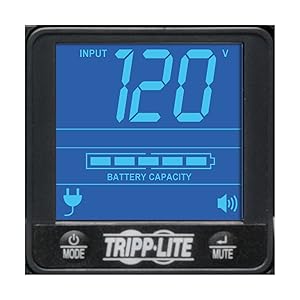
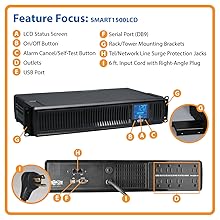
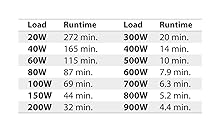
Huge. I will update in a few months. I received today and wanted to share my experience and provide tips. First, I did not notice ANY odor upon opening the box. Second, It is huge in comparison to APC units I have bought in the past. I was an APC fan until the unit internal systems broke down and would not work with new batteries. I Wanted to try different and narrowed this down to Tripp-Lite and Cyber-Power 1500. Tripp-Lite is 900 watts. I am running: -Intel I-7 core processor -power supply is dynamic 850 WATTS -32 GBs Ram -Windows 10 -DELL 24 inch LED monitor -Yamaha Quad speaker with subwoofer Output is at 10% Out Watts 90, which is minimal Estimate backup is roughly 56-60 minutes, which is plenty, given I have a Kohler 20RES 20,000 K (with 200 watt entire house transformer) Generator. I live in Ohio in the country and my local company just randomly tested power and disconnected several homes without warning. I was on the computer when everything when dark. Not good. Then recently, our transform caught on fire. again without warning, and yes, I was computer. I am lucky my computer works at all, hence, reason for generator and buying this unit. Tips: -I recommend before installing, to look at batteries. just unscrew bottom and gingerly pull the front cover off but not too far because wires are connected. You will noticed TWO batteries are required. The support page for Tripp Lite will suggest (as well as in the manual), RBC 51 (two batteries). I suggest you search for RBC 5 battery set. Much cheaper (less than a single RBC 51). Also, I recommend you attempt to pull out batteries to experience the difficulty to replace these batteries. Not bad, but a little tricky. -the surge/battery protect outlets are on the right side (if you are facing the back side of unit), the non-battery outlets with surge protection only are on left side of unit. -Inside the box, the Smart 1500 comes with power (3 prong ground non-brick) cord, a 6 foot USB communication Port cord which needs to be longer (like 8-10 foot). Also, I attempted to use the existing USB port cord from my old APC unit and the computer did not recognize the Trip-Lite unit. This could have been fluke but when I used the 6 foot USB Port cord, it worked and showed in tool bar right side icon, charging. Keep in mind it also would show red x as though battery was not recognized. There is no software and no warranty card in English (it was Española). -when you test the unit, it will drop to 86% battery after testing. Just hold the test button for two seconds. Use mute button to cycle screen like output voltage, output load percent, Etc. when you unit test itself, it automatically will show estimated runtime. It will take about 8 hours to fully restore battery after plugged in so no worries. -Instead of installing software, use Windows, Linux, Mac power manager. Go to Control Panel or equivalent, go to hardware, go to power options go to ;change plan;. Look close and find: Change Advance Power Settings.; Now, scroll all the way to bottom until you see battery;. Click on the plus sign and make sure you set critical battery warning or equivalent if using other operating systems, to &shut down. The battery will charge in about 8-10 hours after you plug in. I will update when the next outage occurs and I will update in terms of when the batteries need replaced (supposedly not for 3 years). I hope this helps for now. Update: 6/19/20. I bought the Tripp lite UPS almost 5 years ago. I replaced the batteries once after about 3 years. The unit recently died. I was downloading Windows V2004 when everything shut off. I freaked out. The unit showed it had full battery charge but the unit would not turn on. So I unplugged everything and plug the PC and Accessories into a surge. Windows, thank God, kept downloading the huge update. I am grateful it did not shut off during install. OMG. I called Tripp*Lite and talked to a human being, which is nice. He was very helpful. He said the unit died and replacement of batteries would not help. So I purchased another 1500 LCDT. This unit works great during power outage. I mean i have had others that did not switch over fast enough. This unit has worked like a charm for 5 years. I have had several power outages and it just works. I know this is expensive but worth it. When I called the company I talked to a human being who was quite helpful. I love Tripp-Lite!
C**Y
It works well. - See update
All-in-all, I really like this unit. At work, I support more than a dozen computers and related devices, and because of the area we live in (coastal Florida) we get a LOT of lightning. In fact, the US Government Lightning research facility is only 60 miles away. Yikes! Because of this, every one of my devices sits on a UPS (most) or a heavy duty surge arrester (laser printers). I also have 4 UPS's at home. Of all the different UPS's I have installed, this is now my favorite unit. It comes with the battery installed, which is unusual and nice. The display is nice-crisp and really easy to read. UPDATE: READ my Update below. ******************************************* Why did I only give it a 4? Simple. I want a 'real' test button. I want a button on a UPS that when I press it, runs a quick self-test, then puts the UPS online for say 15 seconds, to PROVE that it is working. The test button on this unit is a 'self test', but make no show of putting it on battery and displaying how much time is available. Please note: it is UNSAFE to pull the plug on a UPS to test it, because when you pull the plug, there is no longer a ground. Therefore, in most cases, the only real way to test a UPS is to turn off the circuit breaker, which can be a pain, because other things may be on the same circuit. ****************************************** UPDATE for the Update: I read Tripp-lites reply below, and I was wrong. I thought the test button only ran a 'self test', and did not put the unit on battery, but according to the manual, it DOES put the unit on the battery. I stand corrected and raised my rating to 5 stars. Excellent unit-it appears it will run our phone system at work for a couple of hours plus, which is excellent and more than we needed, so I'm really happy with the unit. One other thing, when I purchased this unit, it was the most powerful (capacity) unit available for a reasonable price. The next step up in capacity (time on battery) cost almost three times as much. Because it can output a lot of power, it is fan cooled when on battery, and I have now noticed that when you press the test button, the fan whirs to life, which is kind-of reassuring. I am buying another unit, for a location where it will power 2 PC's, a router, Gigabit switch, and a DVR. This unit is heavy duty enough to power all of these devices. ****************************************** Further update: October 2013. Very, very happy with the two units we have. Buying a third for our office today.
A**A
Compré este No Break (1500VA) para proteger mi PC, Monitor, Pantalla y Xbox One. Sin ningún problema soporta lo antes mencionando tomando en cuenta que XBOX Y PC Juntos consumen gran cantidad de energía. Hasta 40 minutos de energía teniendo conectada la PC con fuente de alimentación de 750 watts, Pantalla Samsung 40 "LCD, Monitor Asus 27 ", Xbox One y el módem para la conexión de internet. El proveedor da 3 años de garantía para las baterias , algo que es muy aceptable. Soporta conexión USB que es una función muy útil para controlar el No Break. Viene con una entrada coaxial que protege los equipos conectados al módem del servicio de internet. Lo recomiendo ampliamente ya que con 3,500 de inversión en este aparato seguramente no compro más que la fuente de poder de mi PC. No duden en que es una buena opción para proteger y prevenir daños por falla eléctrica y tormentas eléctricas. Yo vivo en la ciudad de México y por las tormentas eléctricas se me ha dañado una Xbox 360 y los puertos Ethernet y usb de una PC. El envió es por parte de amazon así que no hay nada que decir más que rápido como siempre.
O**.
Great in the server rack ! The best ones.
J**D
Hooked up and will see what happens the next time the power goes out as computers and server hooked up to it as backup power
A**S
El No Break llegó 5 días antes de lo previsto, lo compre el sábado y fue entregado el día martes debido a que el lunes fue puente; resguarda un TV Hisense 4K de 43', un PS4 FAT y una XBOX ONE FAT; más de una semana usándolo y funciona a la perfección, su batería esta cargada al 100%. Por el precio normal de la versión de 720W fue adquirido la de 900W. En las noches hace un poco de ruido, como si se descargara y volviera a cargar, o algún tipo de testeo automático, pero tampoco es lo suficiente fuerte como para ser molesto.
P**D
I Just purchase 2 of these "tripp lite ups" for my my home office 2 computers setup, the main reason for purchasing was for the horizontal rack format and to make nice setup. Didnt read the reviews, I am so very dissapointed in my purchase, the fan noise is so very ANNOYING, IT RUNS ALL THE TIME, AND IS LOUD it's all i hear now in my office. What a waste of money, I would have returned them if I could but Unfortunatly I trew away the box after unpacking thinking they were just good PSU's for the price I paid, . These PSU's are not designed for in home use, maybe hidding them in a closet in the basement or outside in the garage, not good for working beside them... Please dont do the same mistake I did, Read the reviews, I ma not he type to do review but this I had to let you know they are bad industrial fans inside those units, looks good hope they work good, I havent kept them plug in................. this tripp lite ups is not recommended.
Trustpilot
1 month ago
2 weeks ago