Buy anything from 5,000+ international stores. One checkout price. No surprise fees. Join 2M+ shoppers on Desertcart.
Desertcart purchases this item on your behalf and handles shipping, customs, and support to Vanuatu.
🎉 Elevate Your Game with Stunning Visuals!
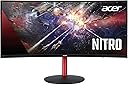
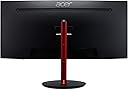
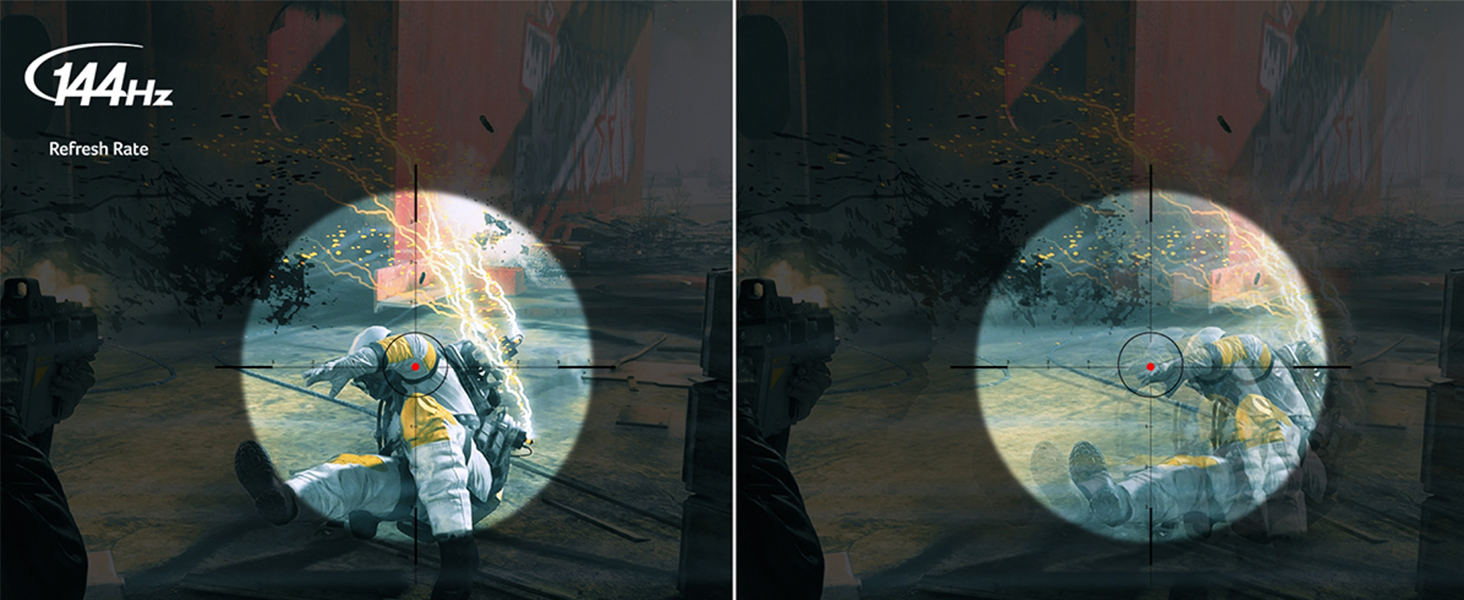
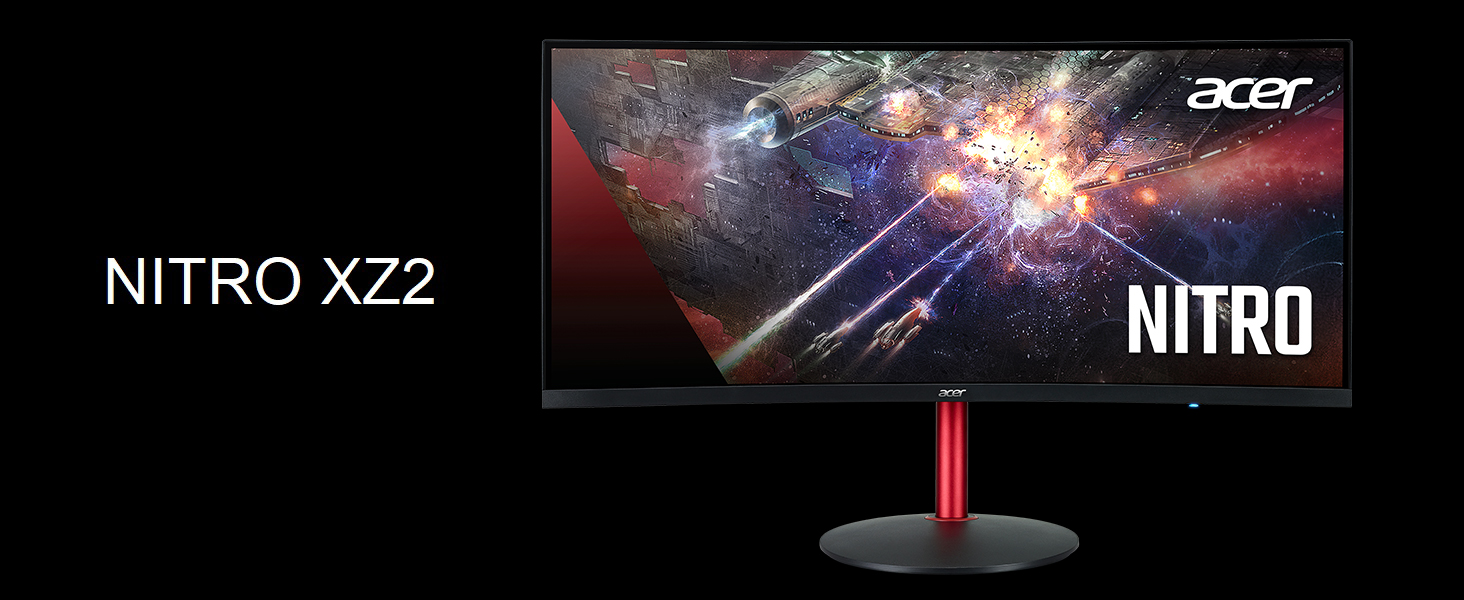
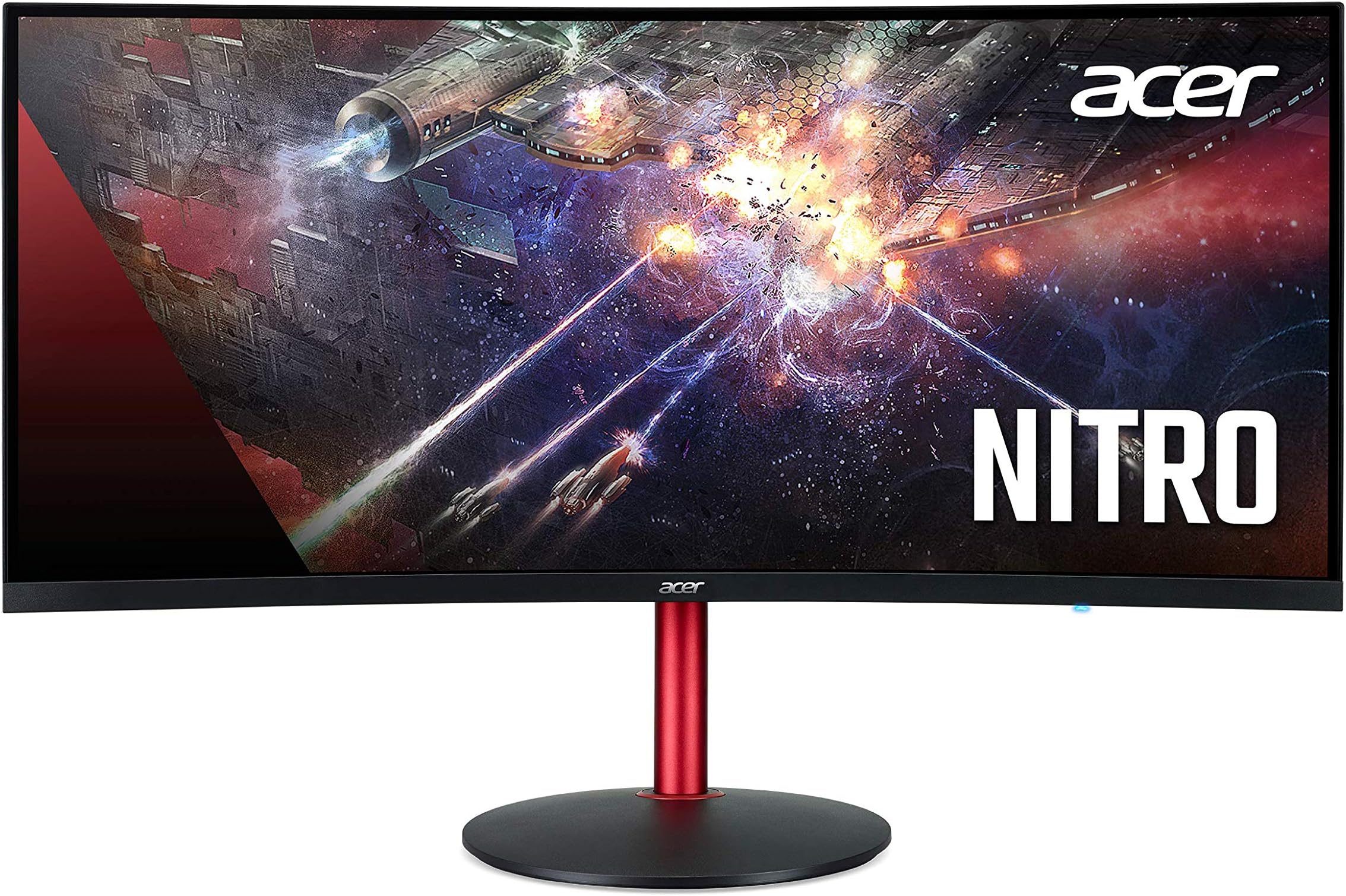
The Acer Nitro XZ342CK Pbmiiphx is a 34-inch 1500R curved gaming monitor that boasts a WQHD resolution of 3440 x 1440, delivering immersive visuals and a smooth gaming experience with a 144Hz refresh rate and 1ms response time. Featuring AMD Radeon FreeSync technology and VESA Certified DisplayHDR400, this monitor ensures vibrant colors and stunning clarity, making it a perfect choice for gamers and professionals alike.


| ASIN | B08BW3XS12 |
| Adaptive Sync | FreeSync |
| Additional Features | Curved, High Dynamic Range, Ultrawide Screen |
| Aspect Ratio | 21:9 |
| Best Sellers Rank | #869,668 in Electronics ( See Top 100 in Electronics ) #16,398 in Computer Monitors |
| Brand | acer |
| Brightness | 400 |
| Built-In Media | 1 x Display Port and 2 x HDMI 2.0 (HDMI Cable and Display Port Cable Included) |
| Color | Black |
| Color Gamut | 0.95 |
| Compatible Devices | Computers, Gaming Consoles |
| Connectivity Technology | USB |
| Contrast Ratio | 3000:1 |
| Customer Reviews | 4.4 4.4 out of 5 stars (1,370) |
| Display Resolution Maximum | 3440 x 1440 |
| Display Technology | LED |
| Display Type | LED |
| Hardware Connectivity | HDMI |
| Has Color Screen | Yes |
| Item Dimensions D x W x H | 10.59"D x 31.81"W x 16.81"H |
| Item Weight | 8.1 Kilograms |
| Manufacturer | Acer |
| Model Name | XZ342CK P |
| Model Number | XZ342CK Pbmiiphx |
| Mounting Type | Wall Mount |
| Native Resolution | 3440x1440 |
| Number of Component Outputs | 2 |
| Picture Quality Enhancement Technology | AMD Radeon Freesync |
| Power Consumption | 500 Milliwatts |
| Processor Count | 1 |
| Refresh Rate | 144 Hz |
| Resolution | QHD Ultra Wide 1440p |
| Response Time | 1 Milliseconds |
| Screen Finish | Glossy |
| Screen Size | 34 Inches |
| Shape | rectangular prism |
| Specific Uses For Product | Gaming, Multimedia, Personal |
| Total Number of HDMI Ports | 1 |
| UPC | 193199911629 |
| Viewing Angle | 178 Degrees |
| Voltage | 100240 Volts |
| Warranty Description | 3 year parts and labor |
B**L
A 1440p Ultrawide for the Masses
As a disclaimer, I am not a digital artist, and generally speaking my eyes don't see super-nice OLED displays unless its my phone. I am also using a VESA mount, so I cannot speak on the quality of the included monitor stand. Also, I don't care about HDR content. I think its fair to say that, given this price range, most consumers are not buying this expecting great HDR performance. This monitor perfectly highlights the perfect storm that has formed over the recent years in recent advancements with display technology. It basically has everything I wanted in an ultrawide about 3-4 years ago: - 1440p resolution @ 21:9 - 144hz refresh rate - Great image quality (IPS was the only option at the time) - adaptive synchronization technology (until 2020, you had to buy GSYNC monitors if you had an NVIDIA GPU, and they were VERY pricy). If you're in the market for an ultrawide, now seems like a great time to buy. Although GPUs are hard to come by right now, ultrawide monitors have recently seen a sharp decline in pricing due to new 21:9 1440p curved panels rivaling that color "pop" factor you typically get with IPS. I have a 2560x1440 IPS display that sits alongside this, and I must say the VA panel is excellent, and in some ways beats the IPS panel (although the IPS monitor itself is about four years old). Thanks to the arrival of these new VA panels, while they likely cannot compete with OLEDs or newer IPS displays, the price for the technology you are getting is excellent. This monitor is being powered by a GTX 1070 with a DisplayPort 1.4 cable (included in the box). I can confirm the following works within the NVIDIA Control Panel: - forcing GSYNC to be enabled, works just fine without NVIDIA 'officially' supporting this specific display. - enabling 10bpc color depth - setting refresh rate to 144hz - Using full dynamic range Some folks like myself were a bit hesitant with the fact that this is a VA panel. I think this comes from the fact that the first generation of VA panels weren't too great. But what I am looking at right now as I type this review is fantastic. Out of the box calibration is excellent, and requires minimal tweaking (I like using 'user' color settings at their default values). Again, with SDR in mind, brightness is really, really good in my opinion. If you're working in a typical home office room, have blinds on your windows, and don't have the sun shining right onto it, you won't have issues with glare. Using this for both games and work, it excels at both. Input latency isn't noticeable for for typical casual/light competitive usage. This is the first product I can think of that's earned a five-star review, mainly due to the price-to-performance and of course my personal needs. If you're wanting a 21:9 1440p monitor with FreeSync and 144hz, this is the one to get at $499.
A**R
Great Monitor at a great price - replaces 2 curved 32" monitors
This monitor is excellent! I use it for software development & video editing. It does have speaker(s), probably equivalent to standard speakers on a laptop, but they have no bass and point away, as they're positioned behind the monitor and project behind. I don't buy monitors for their speakers, so just having them is a plus for me. The monitor stand and tilting is excellent! With one hand, you can raise or lower, by about 5-6 inches! You can also tilt upward/downward with a good range. This is a great feature when you want to change your posture or move your eyes a bit. The power cord is a "standard PC cord" - no special cables, and takes up only 1 slot on the power strip. Big kudos to Acer for this! I often buy duplicates, so this means I don't have to spend $80 on a replacement adapter - just use any standard PC/Printer cable you have around! Shipped with two HDMI cables, so you can have 2 inputs to the same monitor. I can't speak to these features, but good on Acer to provide all the things you'll need! I normally use 2 Samsung 32" curved monitors, but one was lost in a move. Instead of buying another of the same, I decided to look at these ultra-wide, higher-resolution monitors. In all, with the extra real estate on a single monitor, vs. 2 monitors, you're not restricted with things like wide spreadsheets, side-by-side video editing, etc. You can make your app-windows any size! I hope to never go back to anything less than 34"! Think "really wide spreadsheets", with an email next to it, or a video editor, browsing assets beside. Owning a business, I generally have 2 of everything (keyboards, mice, etc.); one set in the office, and one set in the living room. I was planning on using my old 32"curved in the living room, but this monitor is so amazing, I went ahead and purchased another. Plus, with the physical height being less, and the ability to easily adjust the height so much, it is more convenient to see the TV as well. With the "pole" as as stand, I can also easily move it around, so if I want it in front of me, or off to the side for more desk space, it's super easy. Once you go to this resolution, you won't go back. I chose this monitor twice, because the 49" monitors don't seem to have the 1440p height, at least not in my price range. This one does, and having the extra height & the same width as those 49" monitors, is amazing for productivity! I've been buying Acer computers for well over a decade, and same for Samsung monitors. Acer has me on the monitors, too. Especially with the simple power cord, price point, features and quality so far!
H**N
الانحناء رائع ولكن يحتاج الشخص لشراء سماعات خارجيه
B**S
Es un gran monitor sin lugar a dudas, el panel es bueno y los colores hermosos, anteriormente probé el Gigabyte G34WQC y me parece que la calidad de este está muy por encima. Algo que debo decir es que al usar los 144hz se ven algunas barras de colores extrañas, por lo que lo tuve que configurar a 120hz y creo que es problema de mi tarjeta de video. Leyendo los comentarios negativos me dio un poco de miedo comprarlo pero no me arrepiento en lo absoluto, creo que por el precio obtienes un excelente monitor.
A**M
This is probably the best value for 34" 1440p 144Hz monitor you can buy as of April 2021. Here I listed few alternatives in the same range that I considered and the reasons I decided to went for the Acer XZ342CK. Just to be clear I never seen these other models in person, all of these relies on other people's reviews, specs, and some inference within reason. Gigabyte G34WQC: the closest competitor to the acer model. I didn't like the backlight bleeding and smearing seen in the rtings comparison for Acer XV340CK and Gigabyte G34WQC. Notice this is not a direct comparison, XZ342CK is an improved version of XV340CK. AOC CU34G2X: smearing, G-sync flickering issue, no joystick mentioned in letsmodpcs's reddit post. Lenovo G34W-10: the DisplayPort cable that came with it seems to give people issues with flickering and black screens when G-Sync is on according to kirA9001's reddit post. Also many user mentioned the software is annoying, screen menu is a pain to navigate. Samsung 34" Odyssey G5: dimmer panel, this one actually have (marginally) better refresh rate at 165Hz, but cost $100 more. MSI MAG341CQ: slower refresh rate at 100Hz, no VESA mount built in MSI MAG342CQR: slightly dimmer panel, no joystick, oddly circle shaped VESA mount, some review mentioned flickering and ghosting issue with Adaptive Sync In summary, the Acer model shows the least amount of problems, after getting the monitor on hand, surely it didn't disappoint. I'm very happy with my decision. If you made it this far please upvote so other people that are looking for ultrawide gaming monitor don't waste time wondering like you and I.
K**F
For the price this is quite amazing, no it's not IPS or 4k but it is great at what it does. Keep in mind that running a game in ultrawide (when they support it) at 2k resolution will be extremely hard for your pc. I have a very competent pc and most games I play do not go higher than 90FPS (the same game runs at 160 at 1080p non-ultrawide), so you will rarely use the full 144hz refresh rate. It can also be annoying to play a game with black bars on the sides (or your desktop) when they don't support the aspect ratio. It is quite fun to use for work though, making music, editing videos and other multitasking is really fun and easy on such a big screen. If you want it only for gaming I would recommend a two-screen setup instead, but if like me you lack space and have an amazing pc then this screen will serve you well. BTW, I did not have any dead pixels and the whole build quality is actually very nice.
C**R
Los colores son muy buenos, para productividad es bestial, y para gaming bueno, una preciosura, solo que tengan en cuenta la resolución y la frecuencia de actualización de imagen, para alimentar tantos píxeles a tal velocidad se necesita algo robusto, la curvatura no es mala pero a tal dimensión me gustaría que hubiera sido aún más curvo Y el hdr es una pasada, tengan cuidado al jugar en la.noche, podrían quedar ciegos xD y las películas cambian totalmente tú experiencia de entretenimiento
Trustpilot
1 week ago
1 month ago