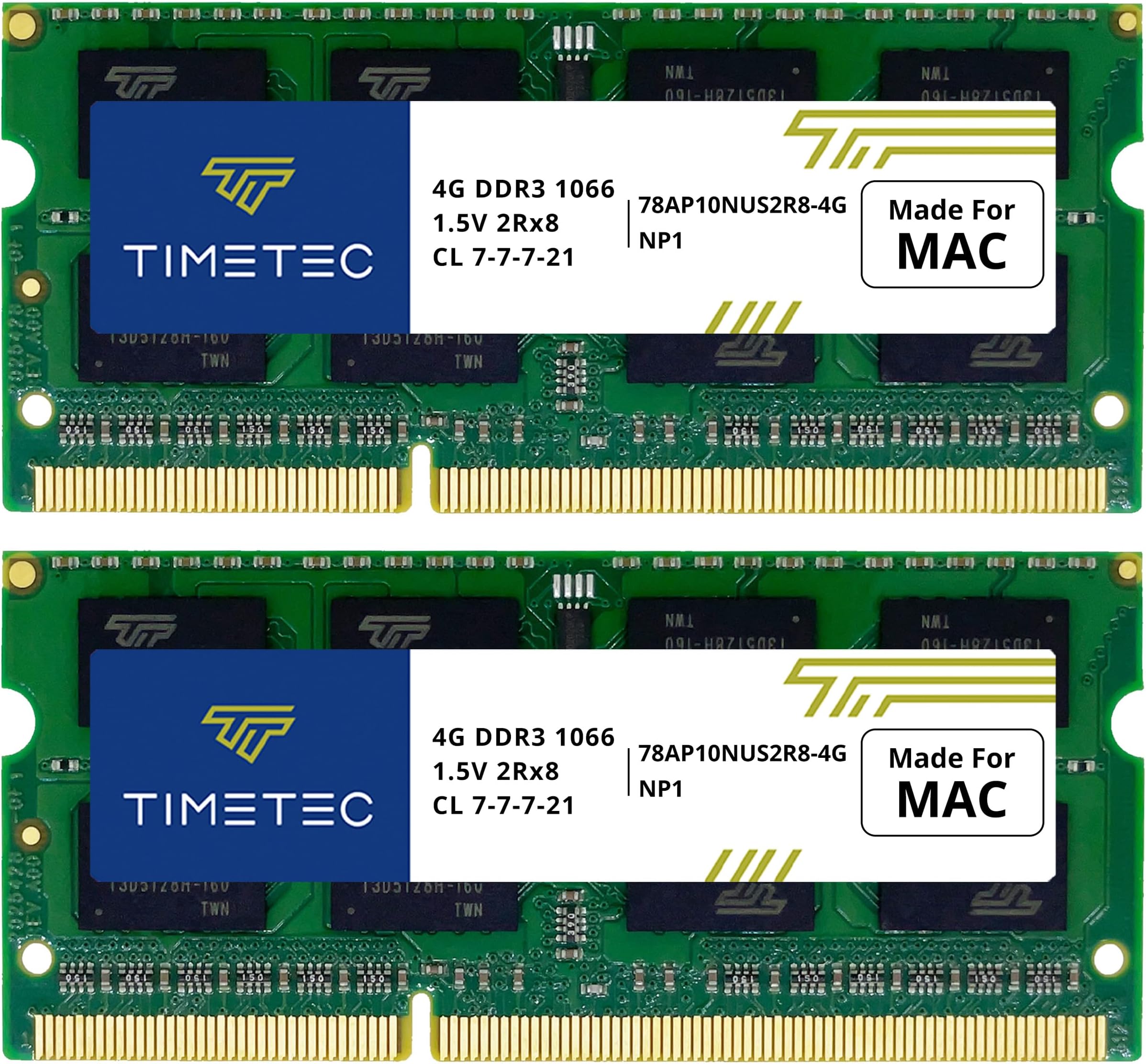
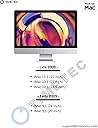
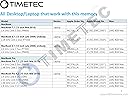
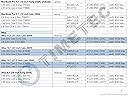
I bought this RAM upgrade after an installation on my wife’s late-2012 MacMini greatly improved performance. In that case we were replacing the factory-installed 4GB with 16GB—a 4-fold increase. Operation went from sluggish to lightning speed. It was like night and day. I had already upgraded my late 2009 iMac from the factory-installed 4GB to 12GB about 5 years ago. But with RAM prices down, I decided to try going all the way to 16GB. That would be a 1.33-fold increase. My first try went badly. But after two more attempts I got everything right and the computer is performing excellently. Here are the lessons learned in hopes it can help others. The four memory slots on this iMac are at the bottom of the case, just under the Apple logo. You shut down the computer, unplug, spread a towel on your work surface, and lay the computer screen-down on the towel. If you lift up the adjustable base, a small rectangular plate with vent holes becomes accessible. After wrapping a grounded discharge strap on your wrist, you loosen the three captive Philips head screws on the plate, revealing the four memory cards. My vent plate and the visible edge of the RAM cards were covered in dust, so it was a good time to clean that up first. Pulling out the RAM cards is a little more difficult than on most modern computers with flip-up slots. There is a plastic tab that looks like shiny black electrical tape folded over each of the two pairs of memory slots. Finagle the tab out so one end is free, and pull. Don’t be afraid to use a some force until you hear a click and see the two paired RAM cards pull towards you about an eighth- to a quarter-inch. Now ground yourself again (wrist strap preferred but not essential) and pull out the cards you want to replace. In my case there were two 4GB Crucial brand replacement memory cards in the lower (that is front) slots, and the two original MAC 2GB cards in the upper slots. I replaced the latter with my pair of new 4GB Timetec RAM cards. After pressing in the new cards and screwing the cover plate back on, I plugged the iMAC back in for the test. Disappointment! A dark screen, and a series of very scary loud beeps that last several seconds. The beeps just keep going—not just three as in one of the descriptions I read. Time to Google the problem. The best advice I could find was that the new memory cards, or at least one of them, are probably faulty. Now, I wondered why I had ever gotten into this, as the computer was working fine before my attempted upgrade. But with no other options, I decided to try reinstalling the original MAC 2GB cards. I unplugged the machine, opened up the cover again, and put the old cards back in. When I turned the machine back on, the infernal beeping started up again. Now I was really cursing myself. Had I destroyed a perfectly good computer, my go-to workhorse, all for an unnecessary upgrade? Time to calm down and think it through. I shut down, unplugged, and again opened up the RAM slot. Now something dawned on me. I had had some trouble replacing the cover the last two times. Could it be that the memory cards were not fully inserted? After fiddling with them a bit, I felt one of the older replacement cards in a lower slot press in more on one side so that the front edge of the card was flush with the edge of the slot. After some more pushing and wiggling, I got the other side of this card to flush up as well. It took a lot of urging, more than I had been ready to try on the first two installation attempts. Soon, with help of a large plastic spudger, I had all the cards seated flush. This time the cover went back on much more easily, and I was feeliing good about it. Plugged back in, restarted the machine, and voila! Everything worked. . . . . Phew. Project successful. Hope this might help somebody with a similar problem.