Buy anything from 5,000+ international stores. One checkout price. No surprise fees. Join 2M+ shoppers on Desertcart.
Desertcart purchases this item on your behalf and handles shipping, customs, and support to Vanuatu.
🖼️ Elevate your home office with pro-grade prints that last and save!
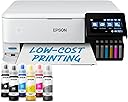
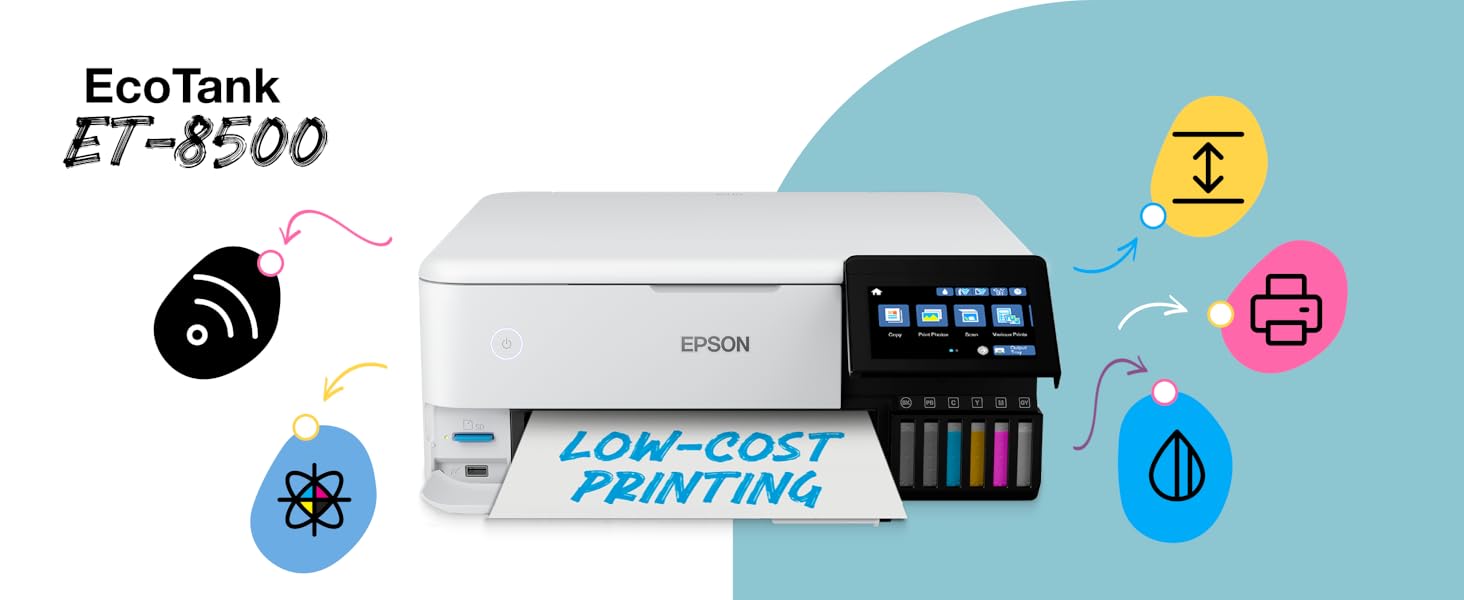
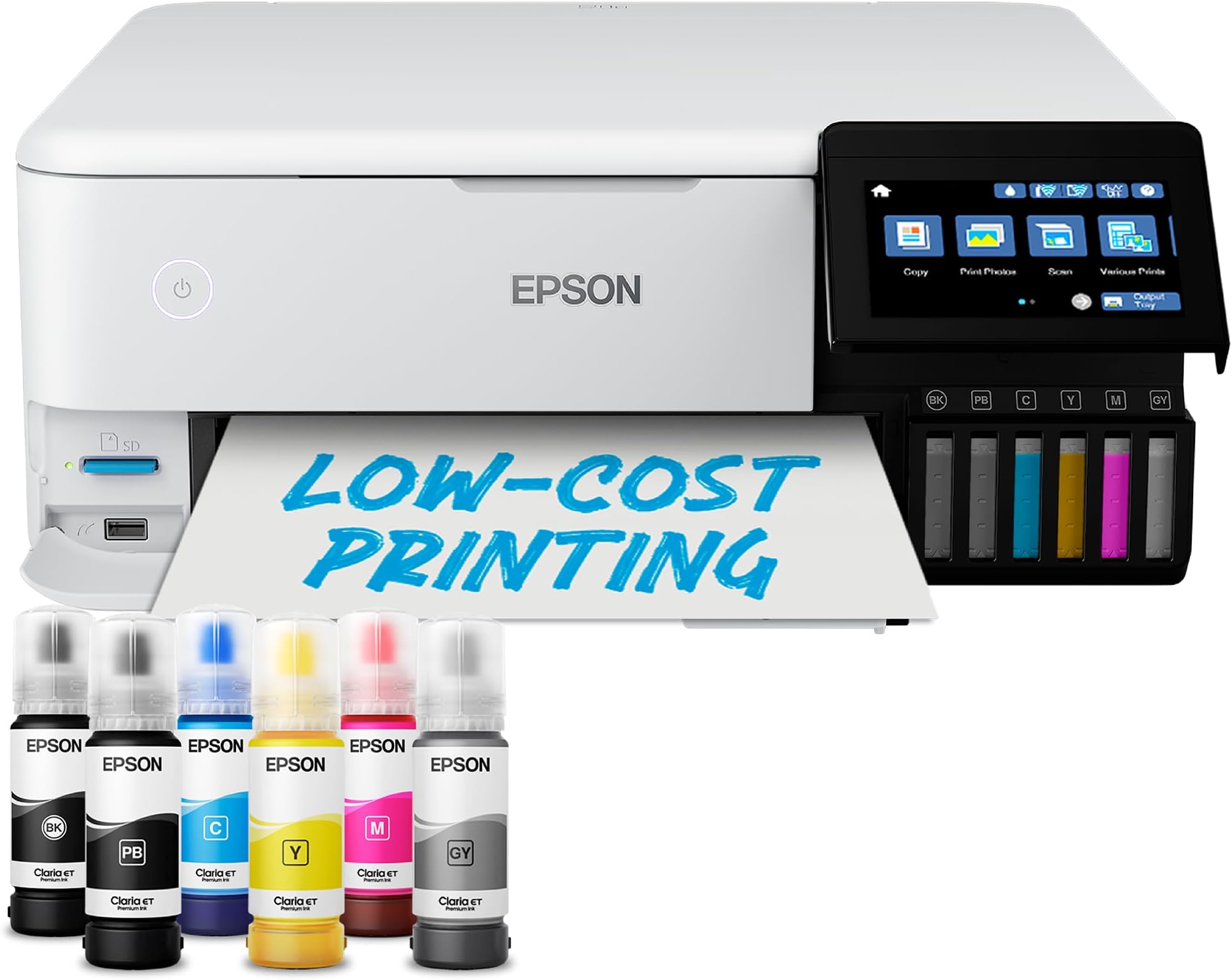
The Epson EcoTank ET-8500 is a premium all-in-one inkjet printer designed for professionals and creatives who demand exceptional photo and document quality. Featuring a 6-colour Claria ET Premium ink system with grey ink for enhanced black-and-white prints, it delivers sharp, vibrant results up to A4 size. Its large ink tanks enable up to 2,300 high-quality photo prints per refill, drastically reducing running costs. Connectivity is seamless with Wi-Fi, Wi-Fi Direct, Ethernet, and direct SD/USB printing via a bright 10.9cm touchscreen. The printer supports double-sided printing and versatile media types including thick card stock and printable CDs/DVDs. Controlled remotely through the Epson Smart Panel app, it’s engineered with heat-free Micro Piezo technology for fast, energy-efficient operation—perfect for home offices and creative professionals seeking reliability and economy.


| ASIN | B09128YQHG |
| Additional Printer Functions | All In One |
| B&W Pages per Minute | 16 |
| Best Sellers Rank | 3,219 in Computers & Accessories ( See Top 100 in Computers & Accessories ) 334 in Printers & Accessories |
| Box Contents | Epson Claria ET Premium 6 Colour Ink Bottles, CD/DVD Holders (if purchased separately) |
| Brand Name | Epson |
| Color Depth | 24 bpp |
| Color Pages per Minute | 12 ppm |
| Colour | black |
| Compatible Cartridge | Epson Claria ET Premium |
| Compatible Devices | Laptops, PC, Smartphones, Tablets |
| Control Method | App |
| Controller Type | Android |
| Country of Origin | Japan |
| Customer Reviews | 4.2 4.2 out of 5 stars (278) |
| Display Type | LED |
| Dual-sided printing | Yes |
| Duplex | Automatic |
| Global Trade Identification Number | 08715946676715 |
| Hardware Interface | Ethernet |
| Ink Colour | Black, Cyan, Magenta, Yellow, Grey, Black for Photo |
| Item Dimensions D x W x H | 37.9D x 52.3W x 16.9H centimetres |
| Item Type Name | Inkjet Printer |
| Item Weight | 11.1 Kilograms |
| Manufacturer | Epson |
| Maximum Copy Resolution Black and White | 1200 dpi |
| Maximum Copy Resolution Color | [GE1200] |
| Maximum Copy Speed Black and White | 16 ppm |
| Maximum Print Resolution Black and White | 600 x 1200 dpi |
| Maximum Sheet Capacity | 150 |
| Maximum Supported Paper Size | A4 |
| Maximum print Resolution Color | ≥1200 dpi |
| Model Name | ET-8500 |
| Model Number | C11CJ20401CE |
| Model Series | ET |
| Network Connectivity Technology | Ethernet |
| Number of Drivers | 3 |
| Number of Ethernet Ports | 1 |
| Number of Trays | 2 |
| Other Special Features of the Product | Refillable ink tank, Wi-Fi, Wi-Fi Direct and Ethernet connectivity |
| Output sheet capacity | 150 |
| Paper Size | A4 millimeters |
| Print media | Glossy photo paper |
| Printer Output Type | Colour |
| Printer Type | Inkjet |
| Processor Count | 1 |
| Product Warranty | 1 Year |
| Resolution | 1,200 x 2,400 dpi |
| Scanner Type | Flatbed |
| Series Number | 1 |
| Specific Uses For Product | Home, Office, Photo Printing, CD/DVD Printing |
| Total USB 2.0 Ports | 1 |
| Total USB Ports | 1 |
| Unit Count | 1.0 count |
| Warranty Type | limited warranty |
M**E
Fantastic home printer despite initial outlay
Bought to replace an aging Epson Inkjet printer for home use. We home educate so our printers get fairly heavy use for both colour A4 and photo printing. First - the obvious downside. It’s expensive whichever way you look at it. You could get several standard cartridge inkjet printers for the price of this. Any savings you will make from having an ink tank will be realised over the course of several years after the initial outlay. Secondly, it’s not entirely straightforward to set up. The app you have to download for it walks you through the process but it still takes at least an hour to fully put the thing together, and then you need to get it talking to your computers. We live in a Mac/PC/iPhone household and it did take a while to set it up on each system. I’m fairly confident with technology but it still felt like a bit of a chore. Now, the positives. The print quality blows any home printer I’ve had before out of the water. Photo printing is indistinguishable (to my eye) from what you’d get commercially. Standard printing on paper is quick and clear. Using the manual feed paper tray at the rear of the printer we have managed to print directly onto thick card stock which has come out perfectly. Once set up, the connection is stable and consistent. Not a single “unable to locate printer” error and due to its AirPrint capabilities iOS devices on the same network recognise it without needing to download the app. Having spent years with the choice of either paying through the nose for genuine printer cartridges or getting cheap generic ones that only work half the time, having the ink tank system seems to be the way forwards. Despite fairly heavy use we’ve barely got through any of the ink that it comes with, and replacements ink, both genuine and generic, is reasonably priced. As there is no security system like the chips you get in cartridges you won’t be penalised for using generic ink. The printer’s other features all seem to work well. The LED touchscreen is brightly lit and functional. There’s a button on it which can give you tutorials on pretty much all of the printer’s functions. You can load several types of media at once (we have A4 paper, glossy photos and use the rear feed for card stock or A4 photos). The scanner works well with various devices. All in all, I’m very happy with it despite the initial outlay
M**L
Excellent
I love this machine. It has everything that I want from a colour printer. The fact that the ink lasts so long is fantastic and having used this for printing out all of my Christmas cards I can say that the level has hardly moved. The filling of the ink was something I was concerned about having filled from bottles before on an older machine but I need not have worried as it is so easy to do and no spillage is possible. I had to try out different papers to find ones that were suitable for printing double sided for my cards but well worth it in the end as the quality of the printing is perfect. The colours are bright and no bleeding and this is far superior to my last Epson printer. Although initially the price is a lot more than I wanted to pay, but taking into consideration how long the inks lasts, the quality of the printing I definitely recommend this printer. Also I got it at a discount deal and even on an Amazon pay over 12 months free credit so perfect. The set up to my wifi went without any problems and having automatic double sided printing, the bottom photo tray and also the rear feeder tray is great. Being able to scan and copy is a bonus. Definitely recommend this printer.
P**H
Superb Print Quality Without The Cost Of Ink
I Just Purchased This Aio Multi Function To Replace My Previous Epson Printer In Still Works But The Cost Of Ink Cartridges For The XP-8500 Is Expensive So I'd Treat Myself To A New Printer After My 40th Birthday Party So I Picked This Model The Epson EcoTank ET-8500 After Switching From The Epson Expression Photo XP-8500 When I Unboxing The New Printer I Found 6 70ml Ink Bottles Of Each Colour Vs Epson 378 Squirrel Multipack Is Per 5.5ml - 4.1ml Of Ink Per Cartridge For My Previous Epson Printer Is The Epson Expression Photo XP-8500 Which Is Quite Expensive - So I Printed Photos Of My 40th Birthday Party Came Out Stunning Similar To My Epson Expression Photo XP-8500 Without Spending A Fortune On Ink Cartridges
C**E
Prints lovely first 10 photos (home printer so across 2 weeks) then cannot print any more
My old EPSON colour stylus printer, printed lovely pictures for years and years but now needs a new print head and the cartridge ink is costly so I decided to buy this very expensive replacement. I bought this to print my family photos with 6 inks. Prints lovely first 10 or so photos (home printer so printed across 2 weeks) then cannot print any more as it crushes the EPSON photo paper up, jamming the back rollers and you get a report that it’s out of paper! It isn’t, it’s just jammed itself up. Constant clearing the jam and double checking the photo paper is loaded correctly, the correct size as shown and the correct tray etc etc, but it continues to jam up. I spoke to Epson support but nothing they suggested helped, I had to accept this was a faulty machine and I sent it back for refund, which I got. I reordered the same machine, this time with £100 off and once again it happily printed some photos, then for no reason what so ever, jammed the photo paper up in the back rollers again every time I asked it to print. The rollers seem incapable of feeding the photo paper through, although it happily feeds it thru for a while when you first get it and prints 10 or so. That one reluctantly has gone back for refund as well, I’m cross about that, this was the printer I wanted and EPSON let me down, there is something wrong with the back rollers. I dont have a printer now and I’am toying with the idea of having my old EPSON repaired, they just aren’t making them correctly anymore Be aware
F**T
Number one photo printer
A**E
Photo tray does not work. Only way to print photos is via the rear tray. Latest problem: Rear tray must be manually selected each time - which is cumbersome. Do not buy this printer.
S**E
Excellent A4 size photo prints
Trustpilot
1 month ago
1 month ago