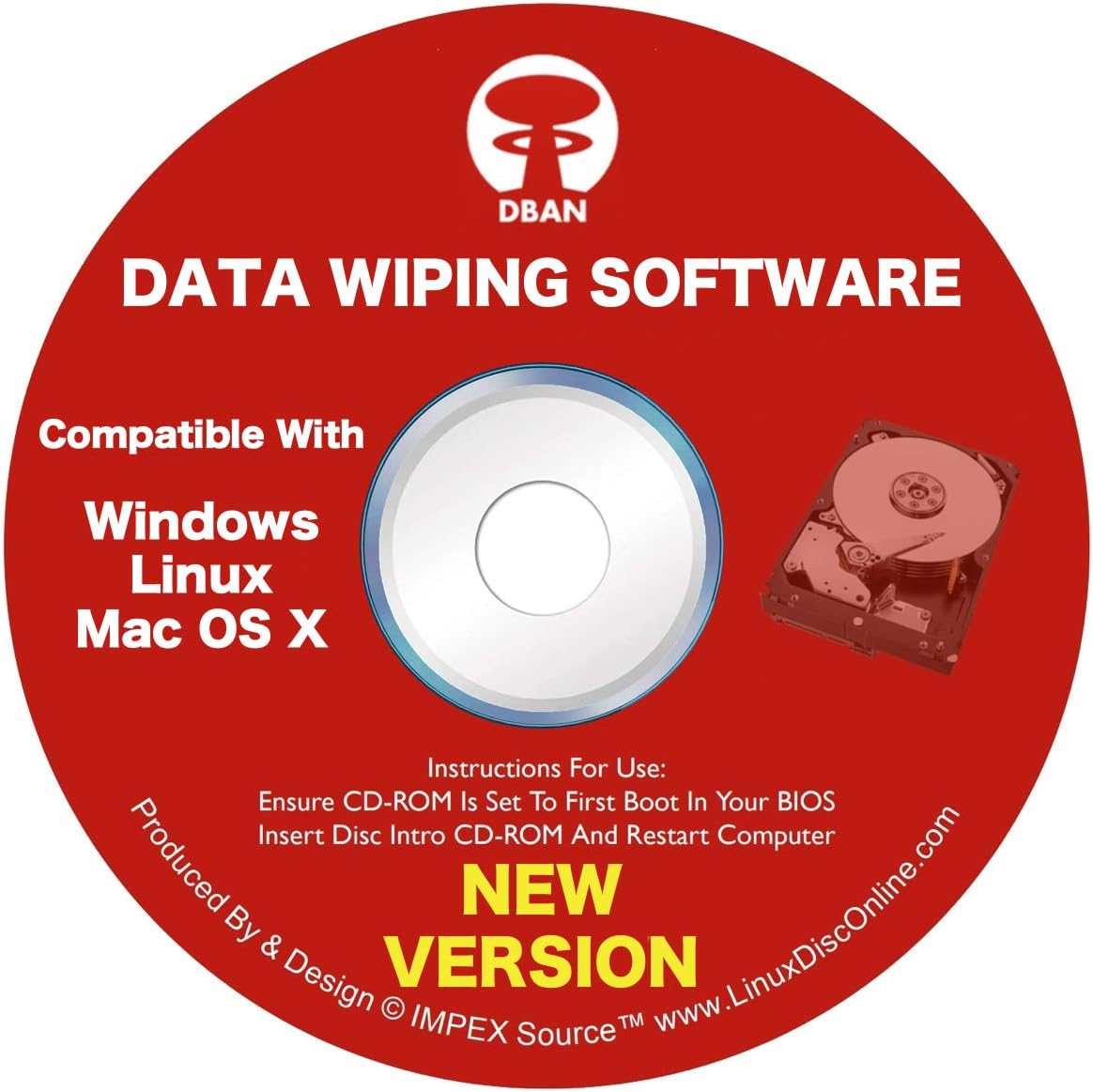


DBAN Boot and Nuke Hard Drive Data Wiping Software for Windows, Linux & Mac on CD
Product ID: 35906519
desertcart.com: DBAN Boot and Nuke Hard Drive Data Wiping Software for Windows, Linux & Mac on CD : Electronics Review: FAILURE - Waste of my money. Was never able to load it. No real directions. Ended up using Microsoft 10s erasure program which worked. Review: Boots The System, Runs In Manual or Automatic Mode, and Wipes Drive zero (Boot disk) - O.k., simple statement, this product does what it states it will do: 1. It will boot a system from the CD 2. It works in both manual and automatic settings This product, per screen statement, does a DoD wipe, low level. The DoD (Department of Defense) has a set standard for wiping disk drives, to ensure that all data is removed from a disk. This wipe procedure does a small subset of the wiping standard. Most folks are not aware that when they 'delete' something from a disk, the item is not actually 'deleted'. The only that is 'deleted' is the reference pointer to the file. so that it can be accessed. When the pointer is deleted, the spot that the deleted item resides at may be over-written with new data. The item can be recovered, with specific software, by combing the disk. It can be tedious work. But that is another world! It took about 5.5 hours to wipe a 500 GB drive, and slightly over 25 hours to wipe a three terabyte drive. This is something you definitely want to start running and forget about it for a long while. Another thing, don't bother putting two drives in a system and think that if you choose the automatic method, that it will wipe both drives--nope! It is set to recognize and wipe the 'boot' drive (drive zero). If you have a disk on drive 0 & drive 1, it will only see the drive on drive zero, and proceed to wipe it. Now with that said, if you do have a good drive, that you want to keep, by all means, UNPLUG THE CABLE FROM it, as a 'just in case'! You never know when one version of the software may change and seek to wipe very thing that it sees plugged in, not just drive 0. What this essentially means is that for any drive you want wiped, you will have to plug it into the drive 0 cable, not the drive 1 cable.
M**N
FAILURE
Waste of my money. Was never able to load it. No real directions. Ended up using Microsoft 10s erasure program which worked.
U**L
Boots The System, Runs In Manual or Automatic Mode, and Wipes Drive zero (Boot disk)
O.k., simple statement, this product does what it states it will do: 1. It will boot a system from the CD 2. It works in both manual and automatic settings This product, per screen statement, does a DoD wipe, low level. The DoD (Department of Defense) has a set standard for wiping disk drives, to ensure that all data is removed from a disk. This wipe procedure does a small subset of the wiping standard. Most folks are not aware that when they 'delete' something from a disk, the item is not actually 'deleted'. The only that is 'deleted' is the reference pointer to the file. so that it can be accessed. When the pointer is deleted, the spot that the deleted item resides at may be over-written with new data. The item can be recovered, with specific software, by combing the disk. It can be tedious work. But that is another world! It took about 5.5 hours to wipe a 500 GB drive, and slightly over 25 hours to wipe a three terabyte drive. This is something you definitely want to start running and forget about it for a long while. Another thing, don't bother putting two drives in a system and think that if you choose the automatic method, that it will wipe both drives--nope! It is set to recognize and wipe the 'boot' drive (drive zero). If you have a disk on drive 0 & drive 1, it will only see the drive on drive zero, and proceed to wipe it. Now with that said, if you do have a good drive, that you want to keep, by all means, UNPLUG THE CABLE FROM it, as a 'just in case'! You never know when one version of the software may change and seek to wipe very thing that it sees plugged in, not just drive 0. What this essentially means is that for any drive you want wiped, you will have to plug it into the drive 0 cable, not the drive 1 cable.
P**P
SAVE YOUR MONEY!!!
This is useless software. Do not purchase. You will be a victim of false advertising like me. It does not wipe the hard drive at all. It sends you to another software manufacturer, who desires to sell you performance enhancing software for your computer, for $39.95 up. Windows 10 will not recognize the program at all. It sends you to a list of files that do not function.
M**N
Worked Like A Charm
Great product... did exactly what it was supposed to. However, as a non-techie, I found the instructions a little confusing, so I got a friend of mine to help. We had to repeat the process a couple of time, but it worked fine.
A**A
Probably works, but i can't get it to work.
Unable to use it, I don't have the computer savvy to get the job done.
B**S
Over-writes ALL hard drives. Specific drives cannot be selected.
This product wipes ALL the hard drives it can find. One cannot select a specific drive. It may or may not detect and erase external USB-connected drives. The documentation says it might, but no promises. I didn't run it so I don't know for sure.
A**R
Get a product that is less complicated
No instructions included at all.
M**Y
Great hdd wiper
Great hdd wiper. Had a corrupted XP OS on an older laptop. Wiped it clean with DBAN and installed a new OS. Worked flawlessly. Fast delivery and great price
B**E
Excellent product
Excellent product
M**A
Did not work.
Did not work. Stops before it can get going with a message. Will not recommend
H**G
it works
There is a note that says it may not erase SSD drives but it worked on mine.
B**R
works well
Takes a long time for formatting ...
D**N
quick and easy
doesthe job
Trustpilot
4 days ago
2 months ago