Buy anything from 5,000+ international stores. One checkout price. No surprise fees. Join 2M+ shoppers on Desertcart.
Desertcart purchases this item on your behalf and handles shipping, customs, and support to Vanuatu.
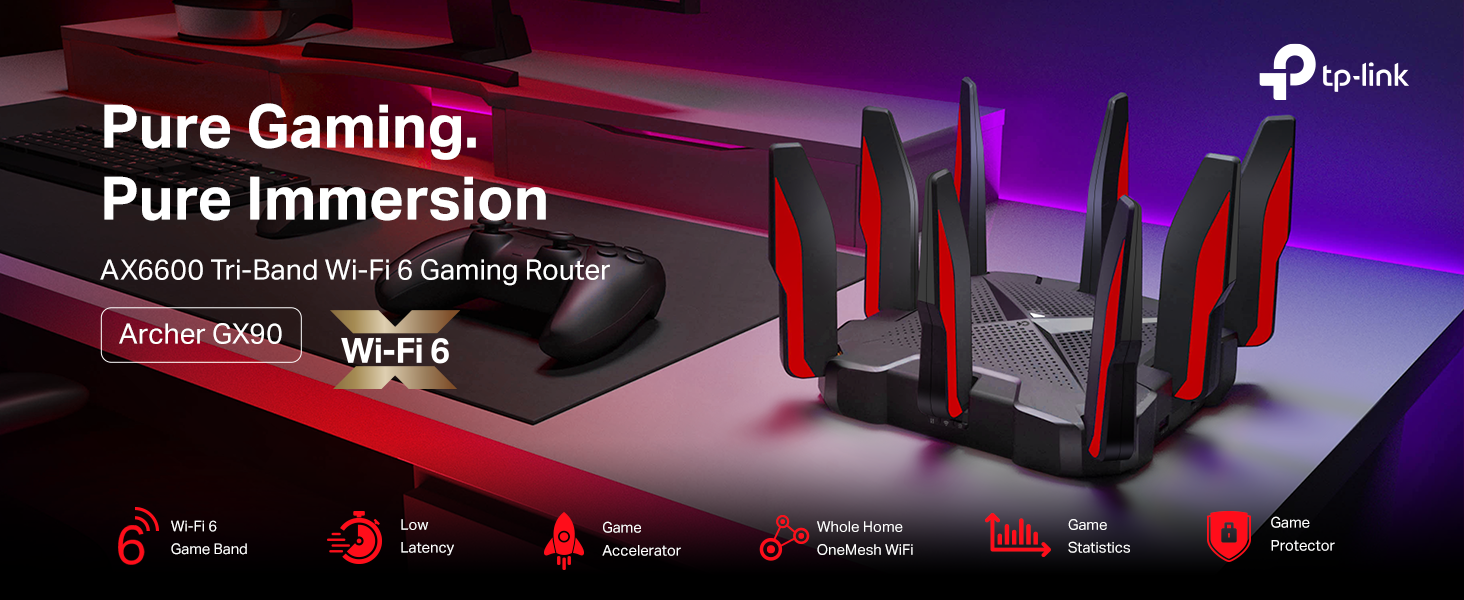
🎮 Dominate your digital domain with the Archer GX90 — where speed meets coverage!
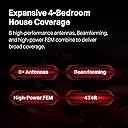
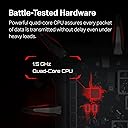
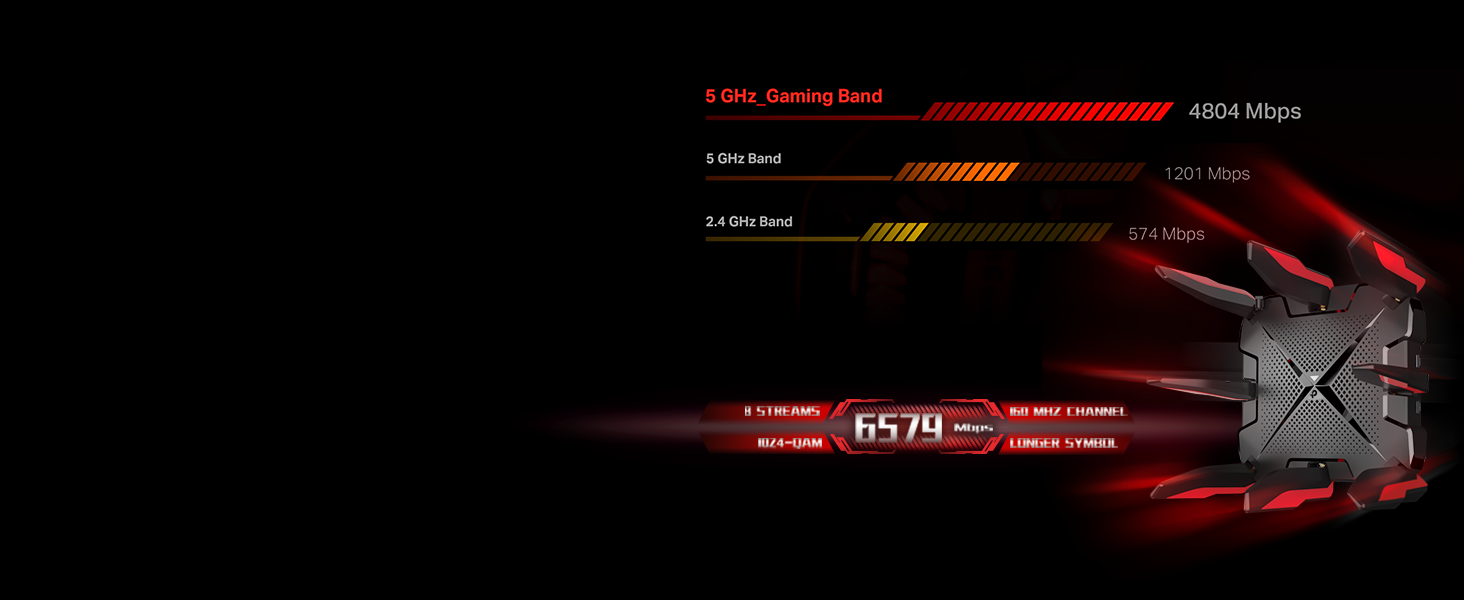
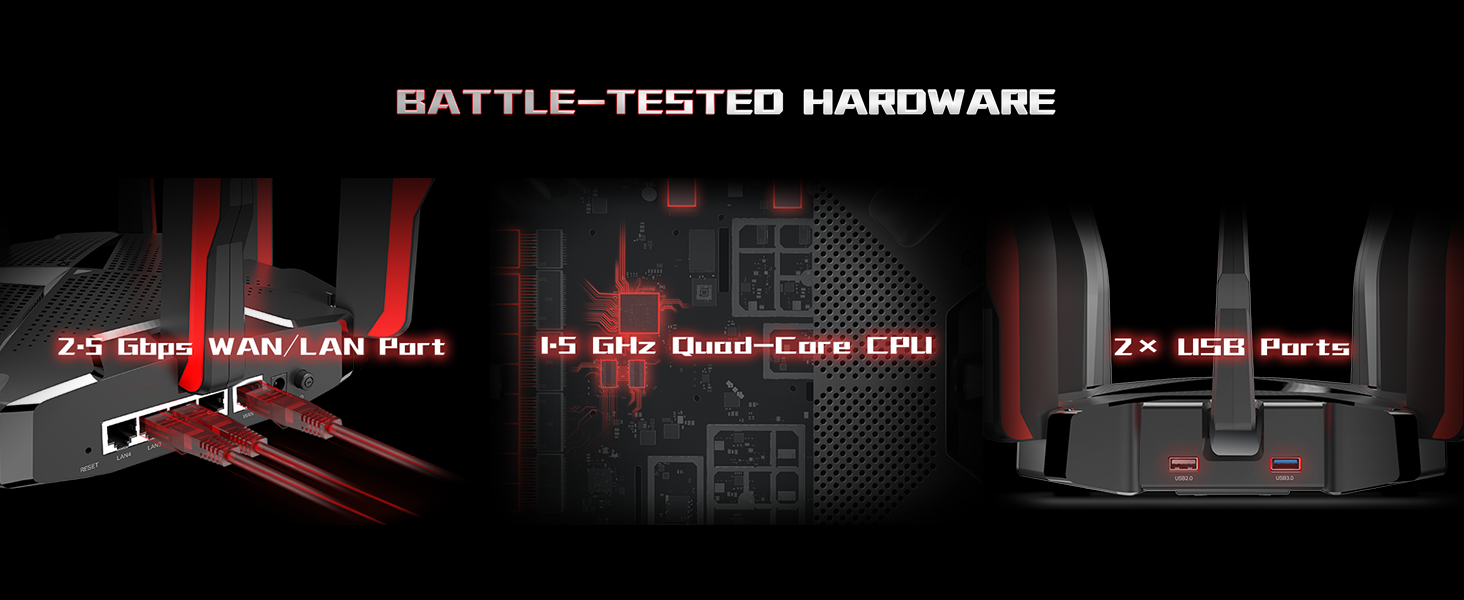
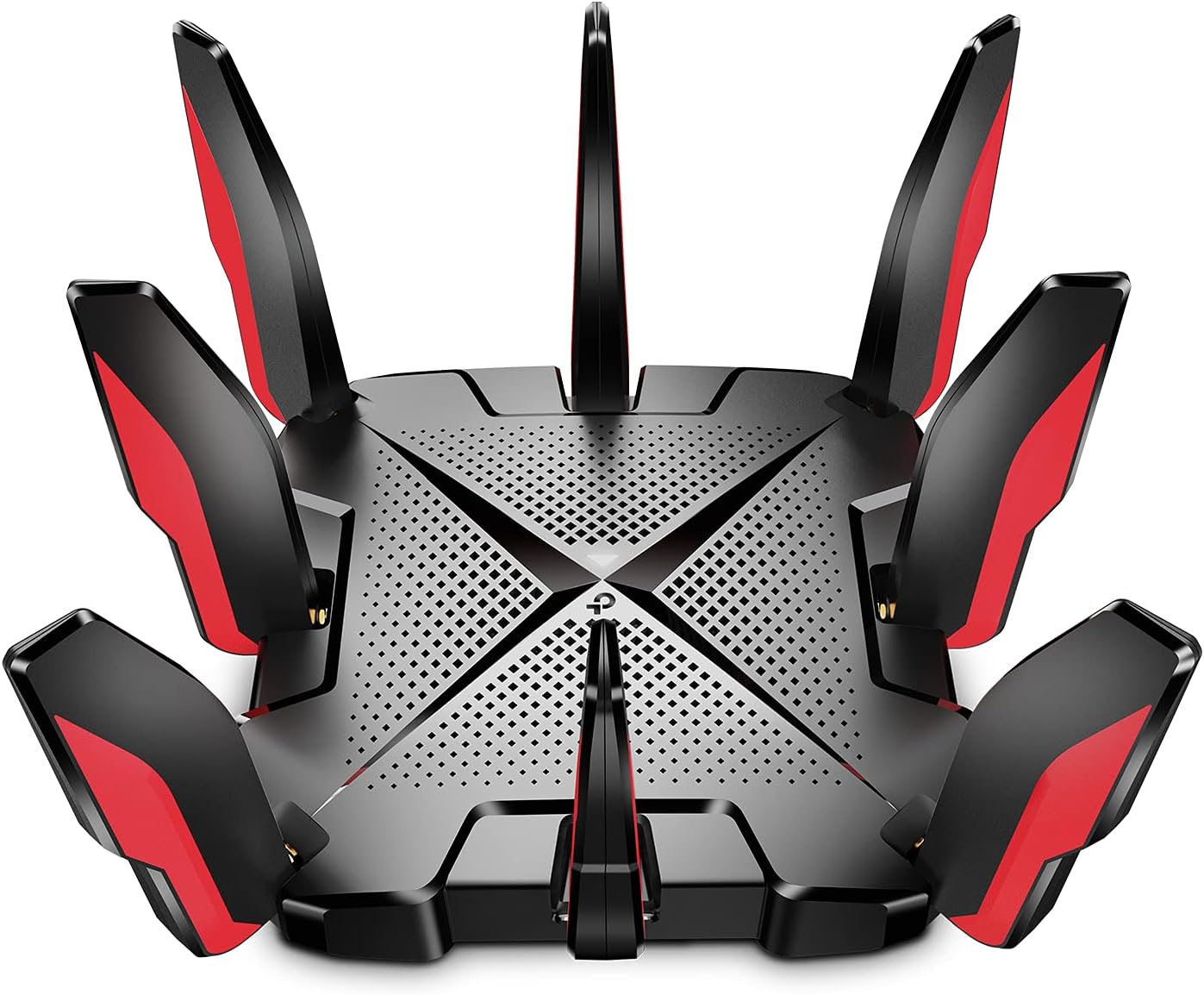
The TP-Link AX6600 Archer GX90 is a tri-band WiFi 6 router designed for high-speed gaming and large home coverage. Featuring a dedicated 4.8 Gbps Game Band, 8 detachable antennas with Beamforming, and a powerful 1.5 GHz Quad-Core CPU, it delivers ultra-fast, lag-free connectivity across multiple devices. With advanced OFDMA and MU-MIMO technologies, plus lifetime security via TP-Link HomeCare, it’s engineered to keep your network secure, optimized, and ready for any digital challenge.


| ASIN | B08TGKX9MT |
| Antenna Location | Gaming, Home |
| Antenna Type | Retractable |
| Best Sellers Rank | #14,133 in Computers ( See Top 100 in Computers ) #303 in Routers |
| Brand | TP-Link |
| Built-In Media | Power Adapter, Quick Installation Guide, RJ45 Ethernet Cable, Wi-Fi Router Archer GX90 |
| Color | Red |
| Compatible Devices | router |
| Connectivity Protocol | Wi-Fi |
| Connectivity Range | 250 Square Meters |
| Connectivity Technology | Ethernet, USB, Wi-Fi |
| Control Method | App |
| Controller Type | Android |
| Coverage | 4-bedroom house |
| Customer Reviews | 4.5 4.5 out of 5 stars (1,711) |
| Data Transfer Rate | 6579 Megabits Per Second |
| Frequency | 5 GHz |
| Frequency Band Class | Tri-Band |
| Has Internet Connectivity | Yes |
| Has Security Updates | Yes |
| Is Modem Compatible | Yes |
| Item Dimensions L x W x H | 21.2L x 21.2W x 5.2H centimeters |
| Item Type Name | WiFi 6 Router |
| Item Weight | 1.1 kg |
| LAN Port Bandwidth | 1000 Mbps |
| Manufacturer | TP-Link |
| Maximum Upstream Data Transfer Rate | 6579 Megabits Per Second |
| Mfr Part Number | Archer GX90 |
| Model Name | Archer GX90 |
| Model Number | Archer GX90 |
| Number of Antennas | 8 |
| Number of Ports | 5 |
| Operating System | Linux-based |
| Other Special Features of the Product | Beamforming, Parental Control, QoS, WPS |
| Router Firewall Security Level | High |
| Router Network Type | wireless |
| Security Protocol | WPA3 |
| UPC | 840030701023 |
| Unit Count | 1 Count |
| Voltage | 120240 Volts |
| Warranty Description | 2 year manufacturer |
| Wi-Fi Generation | Wi-Fi 6 |
| Wireless Compability | 802.11ac, 802.11ax, 802.11b, 802.11g, 802.11n |
A**R
Very good router in good price
Y**N
Strong signal through thick walls
This router is really good. the 8 antennas send a strong Wi-Fi signal for long distance. if price is not an issue, you will not regret buying this router.
M**T
Look No Further :)
Gx90 the gaming router you are looking for. Look no further. I know there are alot of comments and most of it confusing but if you want a router that cover your whole house and give the wired speed you need for your online gaming such as fortnite, apex or call of duty then this is the rite router without a shadow of the doubt. My speed is consistent now and gaming was never better. Just trying help others get what they need as I struggled searching different brands and going through alot of comments before I finally decided. I could have bought other brands but chosen this one for its price and easy setup.
N**F
Good Product
good price
R**D
Easy to set up
Pretty good router. Wish it had more range though
E**L
Recibí el producto hace pocos días, configurarlo inicialmente fue sencillo. Relativamente en mi caso juego en línea bastante así que tienes que tener cierto conocimiento por lo menos básico a intermedio o investigar para dejarlo en óptimas condiciones si quieres sacarle el máximo provecho. La velocidad la da y funciona muy bien, la calidad del material se ve bien y duradera. Aún tengo que aprender a optimizar los puertos y liberar la nat. Completamente. Aprovechar lo de el QOs entonces recomiendo este modem a alguien que le guste investigar o sepa realmente de redes para aprovechar al máximo sus funciones ya que un usuario básico o standard con poco conocimiento en redes gastaría mucho sin notar cambios. Ya que depende también de su proveedor de internet y configuraciones.
R**E
I’ve spent the last few years buying routers in an attempt to just make everything *work* in our house. We have a big network; gigabit Internet access, multiple wired gigabit switches, multiple NAS devices, a few physical development servers, Plex Media Server. Additionally there are about a dozen game consoles split between wired and Wi-Fi, 3 big gaming desktops, 5 Wi-Fi connected laptops, 6 AirPrint-compatible printers of various make and model, around another dozen streaming devices (e.g. Roku, Roku TV, Amazon Fire Stick). Finally, there are also a bunch of other Wi-Fi devices, and many wireless IoT smart home devices (most of which require access to the 2.4GHz Wi-Fi network on the router). And of course there is an assortment of phones and tablets. I’ve spent a few thousand dollars on routers, trying some of the highest end consumer routers available at each time. I went through multiple high-end Linksys units, a $400+ Netgear X10 Nighthawk that was supposed to solve all my problems, and most recently, a $400 Asus RT-AX89X that was also supposed to solve all of my problems. Every single one had issues. Major issues. Issues like dropping wireless connections. Or AirPrint not working. At all. Or band steering failing to work correctly. Or Wi-Fi range issues. Or issues with UPnP allowing the game consoles to remap ports, or BT overrunning the port/memory management in the router’s OS. The bottom line was - it didn’t seem to matter how much I spent - nothing would support our large home network. Recently in desperation I decided to give this TP-Link router a try. I figured the worst case was what - it wouldn’t work? Then I’d just be back to where I was anyway. It wasn’t even a brand I would look at, but they were getting good reviews, so I gave it a shot. And it solved EVERY SINGLE ISSUE. Everything works now. I’ve yet to throw something at this thing on our crazy network that it didn’t seem to just handle effortlessly. Now, it does have some stuff in it that I have off and won’t use because of the possibility of them slowing things down. And the Tether app requires a cloud account and doesn’t work locally, which is absolutely ridiculous. If I need to access my router through the app, there’s a decent change it’s due to Internet issues. Please fix this TP-Link - at least give us a “local login” option! Fortunately you can still do everything via the router’s web UI. Anyway, as it stands right now, I have a stack of 12 routers that couldn’t do what this TP-Link is doing. No constant screwing with the router, no wireless extenders, no screwing with the AirPrint all the time to see why it isn’t working. For the first time in years, the network just “works”, which is all we really wanted in the first place. And for the first time in years, the next time I need to buy any network hardware, I know what vendor I’m going to check out first. Thank you, TP-Link!
J**8
Pros: - Super easy/fast setup - Handles many many connected devices very well - Companion iOS app works well and has the features I need/want Cons: - Expensive - Looks audacious (I don't like the way it looks...you may, regardless, it's OUT THERE) - Not all named devices show up properly in the routing table (i.e. My wireless cameras have network names but the router only sees the IP address. You can name devices manually though) - Local network throughput is much lower than I hoped for (Note: I may have other local network issues contributing to this but low speeds show up between wireless and wired clients) - Internet scheduling is broken (i.e. You can NOT setup a schedule that goes from 11PM to 7AM; you can setup a schedule from 7PM to 12PM or from 12AM to 7AM though. In other words, you can't have a schedule that refers to both AM and PM in the same schedule) Background: I got this router for one main reason...my ISP provided MODEM/router was struggling to keep up with the demands of my growing connected devices. I was encountering three problems: 1) Devices would keep disconnecting from the MODEM/router; 2) Connected devices would "contend" over internet access which caused issues with browsing and streaming; 3) I had to reboot the MODEM/router weekly so it could regain its sanity I was looking to solve the above problems and an additional benefit I was looking forward to was related to parental controls by setting up schedules, quotas, and remote disconnect of devices. Experience/Process: I ran some tests before buying this router and determined that my internet speed/bandwidth was not my issue. So I researched a router that had multiple antennae and beefed up processing power. The setup was super easy and the app used to manage the router has the basic features I was looking for. I have a complex network with multiple routers, switches, and connected devices (both wired and wireless). With full home automation, smart appliances, five family members all with multiple connected devices, and relentless visiting of friends and extended family members, I expected the transition from old to new to be a little more painful. This was not the case. I followed the simple directions and after a couple of reboots I have done almost nothing to adjust/tweak the new router. The new router has been running for a few weeks now and shows no signs of requiring a reboot. No devices have disconnected and browsing/streaming experience is excellent now. Although there is a fair amount of gaming in the house, all gaming devices (consoles and PC's) are wired so I can't speak to wireless latency quality. Overall Impressions: I'm super happy with the router because now I can use the internet without thinking about it again...it just works and it's fast. The price tag was pretty hefty though and I'd care less if the access scheduling worked properly and I had better throughput when transferring files between local network clients. That said, scheduling and local file transfers were not the reasons I bought this router and both scheduling and local file transfers are still better than my ISP provided MODEM/router. In the end, it still feels like a win. If you have many connected devices and your internet experience has gotten worse over time, this is probably a great option for you. If you're looking for a wireless gaming router, I have no reason to believe it would not perform as expected but...all of my gaming devices are wired.
I**4
اخذته على التقيمات والتعليقات الي تحت وللأسف طلع كلها تطبيل ما فرق معي البنق مرتفع الاشارة ترتفع صح يعني يمديك تلقط نت من اخر البيت بس بلا داعي النت اضعف من الرواتر الي كان معي أصلًا
ف**ن
أنصح بالتعامل وبقوة مع امازون مصداقية وموثوقية وسرعة في إعادة المرتجع والمبالغ… فرق عن كبير كل مواقع التسوق اشكرهم من القلب❤️
Trustpilot
2 months ago
1 month ago