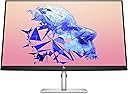
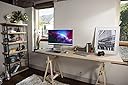
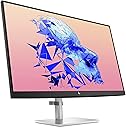
🚀 Elevate your workspace with HP U32: where clarity meets power and style.
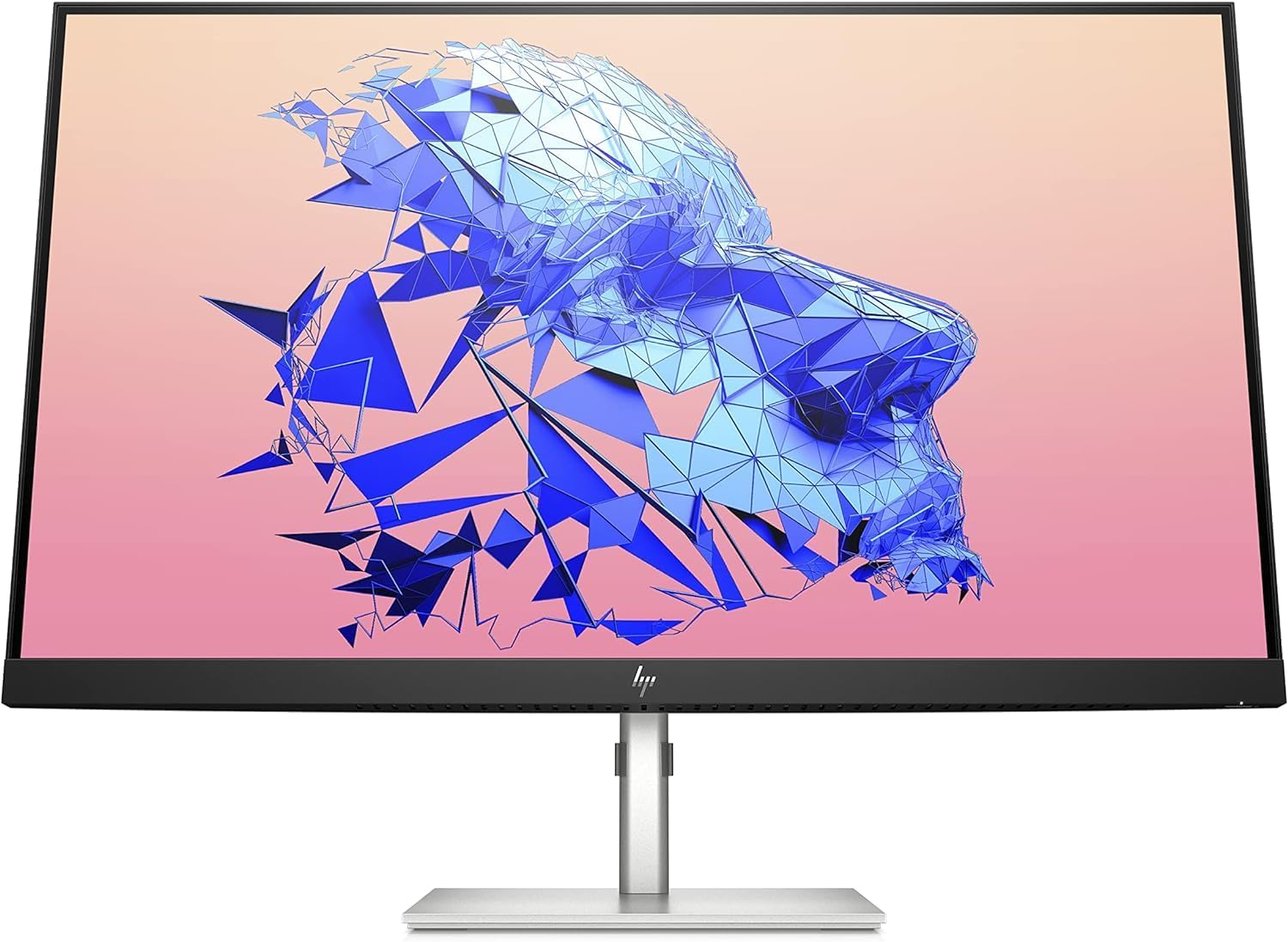
The HP U32 4K HDR Monitor is a 32-inch UHD display designed for professionals seeking exceptional color accuracy and ergonomic versatility. Factory-calibrated to cover 99% sRGB and 98% DCI-P3 color gamuts, it delivers vivid, true-to-life visuals. With USB-C connectivity providing 60W power delivery, plus HDMI and DisplayPort inputs, it supports streamlined single-cable setups. Its height-adjustable, tilt, and swivel stand ensures comfortable viewing, while included cables make setup effortless. Ideal for creative professionals and productivity-focused millennials, it offers premium features at a competitive price point.


| ASIN | B09H3BKVSV |
| Adaptive Sync | FreeSync |
| Aspect Ratio | 16:9 |
| Box Contents | DisplayPort cable, External power supplier, HDMI cable, Monitor |
| Brand Name | HP |
| Colour | Silver |
| Colour Gamut Value | 99 |
| Contrast Ratio | 1000:1 |
| Customer Reviews | 4.8 4.8 out of 5 stars (24) |
| Display Technology | LED |
| Display Type | IPS |
| Hardware Connectivity | DisplayPort, HDMI, Headphone, USB Type C |
| Has Color Screen | Yes |
| Item Dimensions D x W x H | 172D x 28.1W x 16.8H centimetres |
| Item Type Name | Display |
| Item Weight | 7.5 Kilograms |
| Manufacturer | HP |
| Maximum Display Resolution | 3840 x 2160 Pixels |
| Model Name | HP U32 4K HDR Monitor |
| Model Number | 368Y5AA#ABU |
| Mounting Type | Wall Mount |
| Native Resolution | 3840x2160 |
| Network Connectivity Technology | DisplayPort, HDMI, USB Type A, USB Type C |
| Power Consumption Size | 45 Watts |
| Product Features | Height Adjustment, High Dynamic Range, Swivel Adjustment, Tilt Adjustment |
| Product Warranty | 1 year |
| Refresh Rate | 60 Hz |
| Resolution | 4K UHD 2160p |
| Response Time | 4 Milliseconds |
| Screen Finish Type | Matte |
| Screen Size | 31.5 Inches |
| Shape | rectangular prism |
| Specific Uses For Product | Photo Editing, Video Editing |
| Total HDMI Port | 1 |
| Total USB 3.0 Ports | 3 |
| Total USB Ports | 4 |
| Total Video Out Ports | 2 |
| UPC | 195697850240 |
| Viewing Angle | 178 Degrees |
| Warranty Type | limited warranty |
L**Y
A good budget USB-C 4K monitor with high brightness for my MacBook
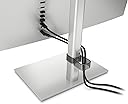
This is a review of the HP U32 model (32 Inch, 4K / UHD, USB-C). I was looking for a new monitor to use with my MacBook for software development, music production and general productivity / WFH tasks, and ended up settling on the HP U32 model after first trying and comparing two other models - the Dell U2723QE and the Lenovo L32p-30. My initial requirements were: - 4K resolution - USB-C with power delivery for a ‘single-cable’ MacBook solution - 27-32" screen size - USB 3.x ports / docking station - £500 or less. I didn't need the monitor for gaming or tasks such as photo / video editing, so specifications such as refresh rate, responsiveness and colour accuracy aren't being considered here. I decide to return the two other models and keep the HP U32 for the following reasons (many of which may not be advertised or widely considered): - The Dell U2723QE, being only 27", didn't provide enough screen estate for me compared to this 32" screen. There is a 32" version (U3223QE), but it currently costs over twice the price of the U32. Though most people consider 27" as the sweet-spot for a 4K monitor due to the PPI value, so in that regard the U2723QE may be better suited for you, but my use cases the PPI value is fine, even when comparing it to the Retina screen of my MacBook. - The Dell U2723QE had worse glare / reflection handling, which was a problem for me as I sit with a window behind me. After more research I discovered that Dell monitors are known for this. But again, probably not an issue for everyone. - The Dell U2723QE stand cable management solution didn't look as neat - there's a hole / channel in the stand for feeding your cables through, however if you have the stand height set to around 50% or higher then the cables are still visible. The clip on the U32 stand can be hidden and provides adequate cable management. - The Dell U2723QE power button is on the back (and therefore harder to find) compared to being on the front or bottom. - The Lenovo L32p-30 only has a peak brightness value of 350 nits (compared to 400 nits for the other models) - after using monitors with 400 nits the 50 nits difference was enough to be a problem in a well-lit room. - The Lenovo L32p-30 stand is very basic with only minor tilt adjust (compared to the others that have height, pivot and height adjustment too). - The Lenovo L32p-30, when in standard mode, only provides 60W (5W less than the U32) via USB-C power delivery. It can be increased to 70W (apparently 75W, but I couldn't figure out how to increase it), but in this mode the brightness control is disabled (and the screen is therefore very dim) and the USB data is disabled too. Though I've since learnt that my MacBook will very rarely (if ever) require more power than 60W, unless I require fast charging which I do not. - The Lenovo L32p-30's physical design seems pretty outdated and chunky, especially the base. It also felt cheaper (though I did get it for £80 cheaper than the U32). The U32 design is my favourite of the three and a lot more modern. - The Lenovo L32p-30 OSD is controlled via buttons (instead of a joystick like on the other models), which was annoying to use. Also the power LED was the brightest of the three models and could be quite distracting. Though the U32 isn't perfect, and did fall short compared to the other models in some regards: - I've been seeing some very occasional subtle colour flickering, but it appears to be related to specific things I'm doing on macOS (so maybe a macOS or macOS compatibility issue). Not enough of an issue for me to consider doing anything about it though. - On macOS when connected via USB-C the monitor is recognised as a ‘Television’ by macOS, which means that macOS is sending the colours to the monitor as YCbCr or YPbPr instead of RGB. Personally this doesn’t appear to be an issue for me, and is common amongst other monitors, but may be an issue if colour accuracy is important for you. - It uses an external power brick (instead of internal supply and an IEC cable). This means if the cable fails you need to buy a whole new, possibly non-standard, power supply. Also depending on your setup it may be hard to hide away. - The bottom bezel was the thickest of all three models, with a fairly prominent logo is certain lighting. - Only 3 USB ports, compared to 4 or 5 on the other monitors. But overall I'm very happy with this monitor after having it for over a month (so happy that my partner has since purchased one herself), and I really believe that if you're looking for a 32" 4K USB-C monitor, especially with a decent peak brightness value, then nothing comes close to the HP U32 without spending at least double the price.
V**A
Love love love, great quality monitor (once you figure out the sound)!
I spent ages looking for the perfect monitor and couldn’t be happier with my pick! I wanted a monitor for working from home, music production and watching movies/tv - and this ticks all the boxes. It’s bright and has great clarity (with eye protection features), thin bezel/nice aesthetic, works great with my MacBook M1 Pro, easy to set up, PIP & PBP. Based on all my research I would say it was the closest alternative to a Mac display within my budget The only thing I had a problem with is the sound, as this monitor only has a 3.5mm jack headphone output - and I wanted the sound to come out of my HS5 Yamaha speakers whilst using my Google chromecast directly (connecting chromecast through monitor hdmi, no laptop- so basically using it as a tv) I struggled to find the answer to this but finally figured it out, so for anyone experiencing the same issues I hope this helps, you’ll need the below: 1. Orei 4K Audio Extractor HDMI,... https://www.amazon.co.uk/dp/B07BHYXVTY?ref=ppx_pop_mob_ap_share (Extracts the audio and visuals from chromecast) 2. PROZOR Optical Coaxial to RCA... https://www.amazon.co.uk/dp/B07PGCZT45?ref=ppx_pop_mob_ap_share (Analogue sound converter) 3. Cable 2RCA Male To 2x Jack 6.35mm 1/4 Inch Mono 1.5m VITALCO Audio TS 6.35 to 2 RCA Phono OFC Cables https://amzn.eu/d/01sauzg1 (For connecting sound converter to speakers - only if they have a 1/4 jack input) 4. A 4k hdmi cable 5. Google Chromecast Plug the chromecast into hdmi extractor input, use the optical cable to connect to the analogue converter, use rca to 1/4 jack to connect to speakers (specific to my hs5’s). Connect hdmi extractor to the monitor (the key is to make sure you use a hdmi cable that is powerful enough to power 4k, hdmr etc. like this https://amzn.eu/d/01MYZkiU) Because I managed to sort out the audio/sound, it’s a 5 star from me!
G**S
Simply Stunning - recommended to all.
Literally only had the monitor a number of hours and can’t recommend enough (felt compelled to write this review). Searched high and low for a 32” 4K monitor seemed to stumble to this one. The search was a mindfield for mix reviews and price (spanning over £300 to £1000). Initially i purchased an alternate brand ultra wide monitor (non 4K) and immediately regretted the resolution across Mac and Windows based PC. Great service from Amazon to enable and process the return. Switched attention to this monitor and for the price paid £340 ish it’s amazing. The 4k image quality is spot on and scales nicely within Windows and MacOS. Have successfully used the USB hub to give my Mac Mini a boost in available ports which is great value added benefit. I haven’t customised the monitor as it seemed spot on from the box which is to be expected when it is calibrated pre shipping.
B**D
Amazing IPS panel for office work and vibrant colors
This screen is absolute worth the money and the IPS panel makes it really nice to work on such a large sized screen, colors are very vibrant and vivid. The viewing angle is amazing as you would expect it from an IPS panel with very good color accuracy! The dark colors are obviously less intense compared to a VA panel but if you want a screen for work purposes then this is the right one for you. If you are into gaming and watch a lot of movies you probably want to get a VA panel instead with higher contrast.
M**R
Great Monitor
Allows me to have several documents side by side, and so easier to work. The colours are good too
E**R
Excellent
This screen is of staggering quality, I changed from another brand (3 months old supposedly low blue) as it was giving me Migraines (none since) and this eye safe & low blue is the way to go I also like the calibrated colour palate and ability to turn the screen thru 90 degrees to portrait mode. Way to go HP
A**5
Yellow tone , poor menu options
The picture was too warm based on my preferences , the software was too hard to adjust compared to Samsung or LG
Trustpilot
2 weeks ago
3 weeks ago