Buy anything from 5,000+ international stores. One checkout price. No surprise fees. Join 2M+ shoppers on Desertcart.
Desertcart purchases this item on your behalf and handles shipping, customs, and support to Vanuatu.
🎮 Elevate your Steam Deck setup — dock, charge, and conquer in style!
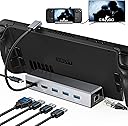
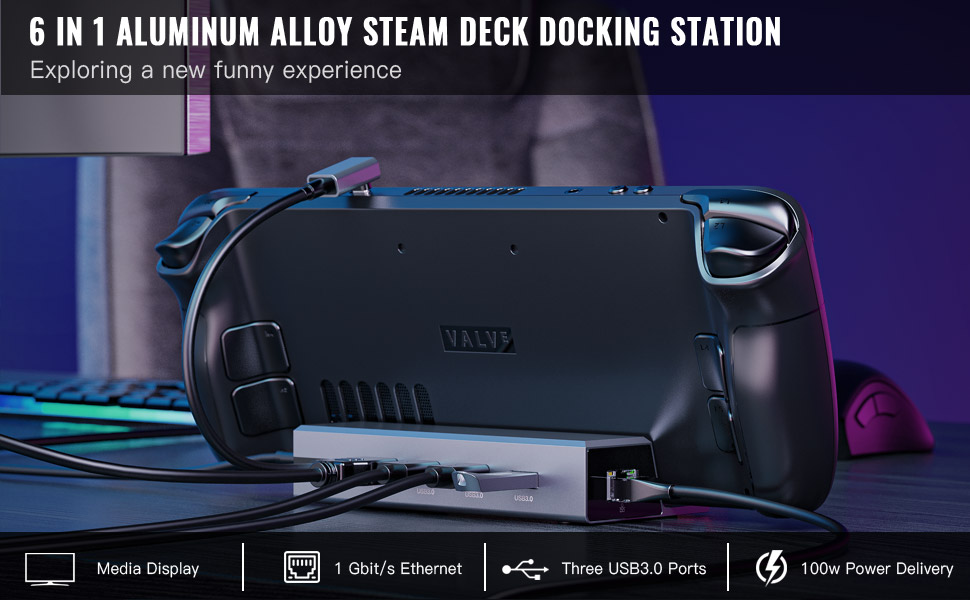
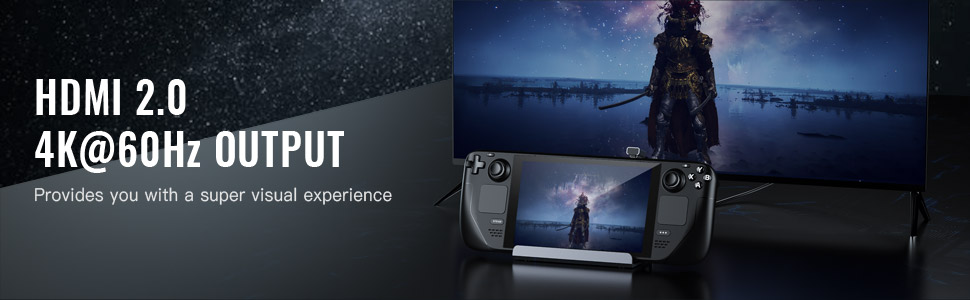
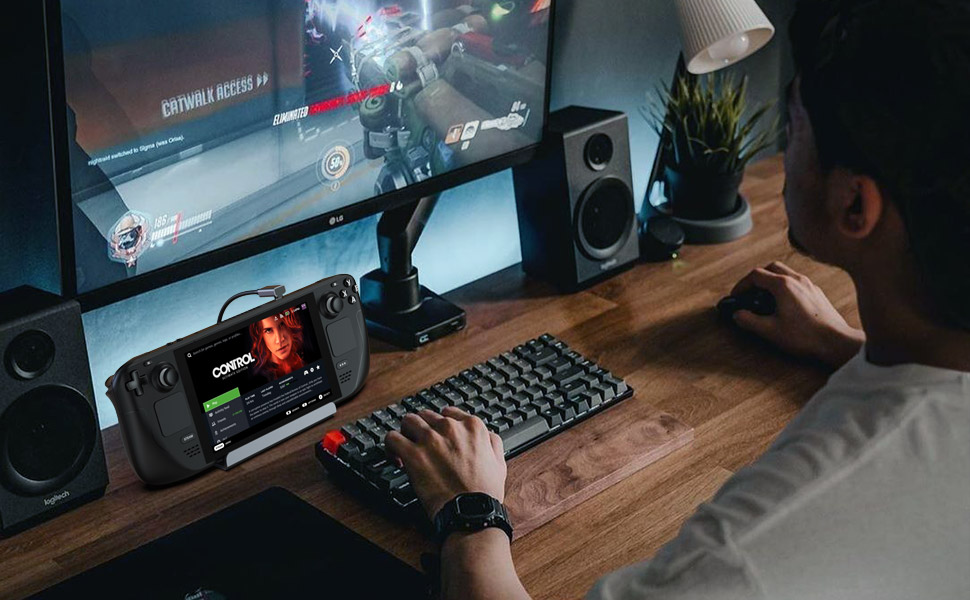
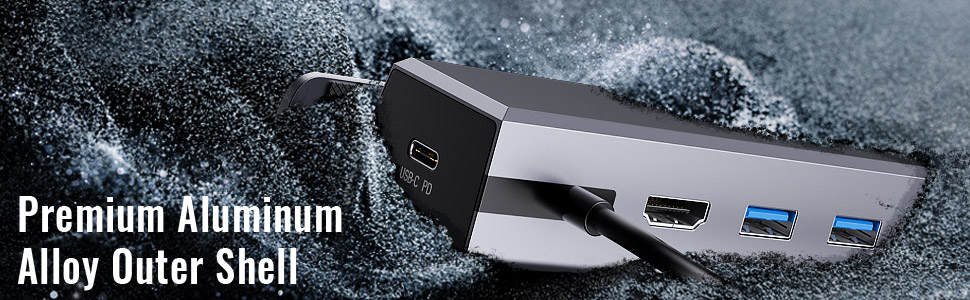
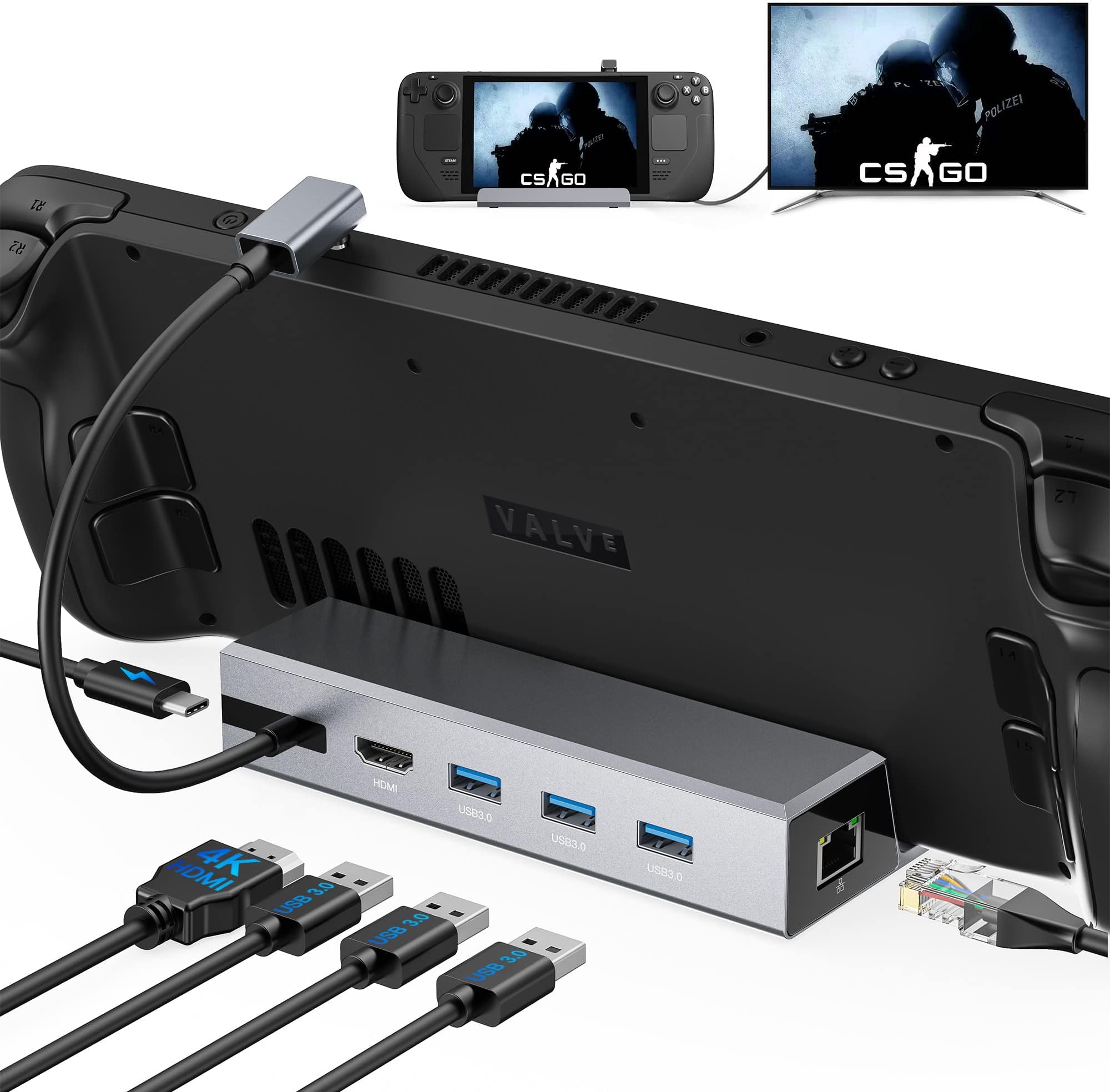
The Benazcap 7-in-1 Aluminum Docking Station is engineered for Steam Deck OLED and 2021 models, delivering 4K@60Hz HDMI 2.0 output, gigabit Ethernet, and triple USB-A 3.0 ports with blazing 5Gbps data transfer. Its 100W USB-C power delivery ensures rapid charging for your devices, while the sleek aluminum design offers stability and protection. Compatible with multiple USB-C devices, this docking station transforms your handheld gaming into a full desktop experience with seamless connectivity and power.


| ASIN | B0BJ23NSJG |
| Best Sellers Rank | 5,204 in Computers & Accessories ( See Top 100 in Computers & Accessories ) 36 in Docking Stations |
| Brand Name | Benazcap |
| Colour | Silver |
| Compatible Devices | Valve Steam Deck, Nintendo Switch, iPad, Samsung Tablets, Android Cellphones |
| Customer Reviews | 4.2 4.2 out of 5 stars (812) |
| Hardware Interface | HDMI |
| Item Weight | 0.19 Kilograms |
| Manufacturer | Benazcap |
| Number of Ports | 5 |
| Total HDMI Port | 1 |
| Total USB Ports | 3 |
| Wattage | 100 watts |
A**S
Works great on my ROG ALLY
I bought the Asus ROG Ally for primarily using when on the road or away from my main PC, whilst I have used my Ally for mostly that I found myself playing games on it so much that when I got home I wanted to swap from handheld mode to keyboard / mouse mode. This was the perfect docking station to help assist with that, I have a Roccat Sova plugged into this along with ethernet, another HDD via USB and this all connects to my TV meaning I can swap from handheld gaming to gaming from the sofa with a keyboard & mouse in minutes. I paired it with an 100W charger which powers all my connected devices and allows me to play with the ROG Ally in 30w Turbo mode. So far I have had zero problems from the dock. It looks very smart, most of the cable connections are on the back of the device helping to hide some of the mess, and the rubber grips in the gap for the handheld really help to hold the Ally in place. The only niggle I have is when the dock is empty it can lift up a little at the front as the weight of the dock isn't enough compared to the cables plugged in the back, I fixed this by adding a small strip of 3m double sided adhesive tap on the bottom near the front of the dock. Overall this has been a great addition for my handheld! It's not the cheapest on the market but I think the price is reasonable for the features which really helped make my Ally more accessible and allowed me to have an easier time swapping from handheld mode to desktop mode. Would highly recommend to anyone wanting a similar setup
P**E
Far better than expected.
Saw reviews stating this trickle charges the Steam Deck and some that mentioned no such thing like it wasnt an issue so I bought this just to see how it went. The result is that the device works perfectly, I have not noticed any trickle charging so I wonder if the reviewers who left reviews sating as such perhaps plugged their official Steam Deck charger into this hub and got those results, which makes sense as the Deck needs the 45w the official cable gives, but if you plug that into this hub which needs power as well, then add in anything you plug in like USB devices then that equates more power draw. I have a PSU which has multiple USB-C and USB-A plugs to power multiple devices and 1 of the USB-C outlets gives out 65W so i plugged this into this HUB and connected the hub to the Steam Deck and I have zero issues powering my Steam Deck so far. HDMI is working as intended on my 27" BENQ Monitor and a rando brand 13" portable Monitor, ethernet also works perfectly fine, disabled Wifi on the Deck just to make sure and out of nowhere what i did not expect was my New World game to work properly, no idea why, I have read wifi is an issue for some, perhaps the ethernet fixed that issue for me? who knows. This is pretty much the perfect HUB solution for me so far with the official one currently nowhere in sight, my only 1 gripe is that a few comments above stated that the same brand protector/case works in the stand/hub, which it does, however the metal back adds just enough bulk that the device stands up a bit too upright rather than seated back as usual. Remove the official case and the Steam Deck sits in at the expected angle. This small gripe with the viewing angle is only an issue if your trying to use the Steam Deck IN the hub, if you have HDMI plugged in and you are using a bluetooth controller then its no big deal.
A**X
Versatile and Efficient Docking Station for Steam Deck
I recently purchased the Docking Station for Steam Deck, and it has greatly enhanced my gaming and productivity experience. This docking station offers a range of connectivity options and features that make it a must-have accessory for Steam Deck owners. Pros: Versatile Connectivity: The docking station provides multiple ports, including a 4K@60Hz HDMI 2.0 port, a Gigabit Ethernet port, and 3 USB A ports. This allows for seamless connection to external displays, wired networks, and various USB devices. Enhanced Gaming Experience: The 4K HDMI port supports high-quality video output, allowing for immersive gaming on larger screens. It enhances the visual experience and makes gaming sessions more enjoyable. Reliable Ethernet Connection: The Gigabit Ethernet port ensures a stable and fast network connection, minimizing latency and providing a smooth online gaming experience. Convenient USB Ports: The 3 USB A ports offer flexibility for connecting peripherals such as gaming controllers, keyboards, mice, and external storage devices. Easy Setup: The docking station is straightforward to set up, simply connecting it to the Steam Deck via the USB-C port. It requires no additional drivers or software installation. Cons: Limited USB-C Ports: The docking station only provides a single USB-C port, which limits the ability to connect additional USB-C devices simultaneously. Size and Portability: Due to its additional ports and functionality, the docking station is bulkier than the Steam Deck itself, which may affect its portability for some users. Overall, the Docking Station for Steam Deck is a valuable accessory for Steam Deck owners seeking enhanced connectivity and functionality. Its versatile ports, including 4K HDMI, Gigabit Ethernet, and USB A, provide seamless integration with external displays, wired networks, and various peripherals. While it has limitations in terms of USB-C ports and bulkiness, its overall performance and convenience make it a worthwhile investment for an improved gaming and productivity experience.
D**O
provata con monitor, tv,mouse, tastiera, chiavette varie insomma lo consiglio di sicuro
A**.
Docking ottima!
I**G
Produit de bonne qualité à première vue. Je l'utilise comme pub USB Ethernet HDMI sur mon pc portable principalement. Noter qu'il est également compatible avec Samsung Dex !! Il fonctionne parfaitement et la qualité de la projection HDMI est plutôt pas mal. Le côté hub USB fonctionne parfaitement et le port Ethernet aussi. Seul bémol le câble a l'air un peu fragile au niveau du support. Avec le temps j'ai peur qu'il se dégrade. En dehors de cet aspect là, rien à dire tout est très bien !
X**R
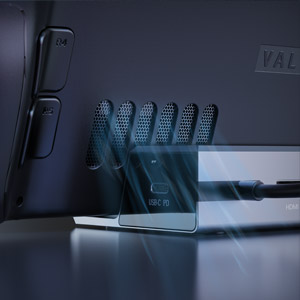
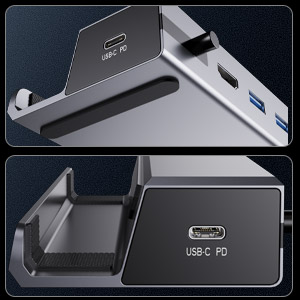
Nice solid constructed aluminum dock for the steam deck. It has rubber feet on the bottom to prevent sliding and inside the dock area to protect the steam deck. It's a pretty compact size so it fits great on a small desk. Despite the size, it still holds the deck strongly. For example, if I tilt the deck back, the whole dock goes with it instead of the deck slipping out. I tested it connected to a 4k TV which for some reason showed 30hz on the TV, but inside Linux on the deck it showed 4k@60hz. Not sure what that means, but it could possibly mean the dock supports 60hz, but can only output 30, or my hdmi cable doesn't support it so it dropped to 30. Everything works, the three usb3 ports were all used at the same time, the ethernet is 1G and works. The dock even works without the power delivery connected, but of course it drains your steam deck battery instead. Otherwise, with my power connected to the dock, the steam deck charges up as fast as always. This dock has 3 usb3.0 ports which I prefer to others that sacrifice usb ports for microsd readers and such. With the three usb ports, I can just add whatever I need as seen in the video. I tested read/write speeds of the nvme sssd I had attached and it ran at usb3.0 speeds on par with my other computers for that drive. It may have little reviews right now, but it's a solid dock and can't beat the price.
D**S
Super Top das Dock ;) Ich habe mir die Silberne Version des Docks zugelegt. Die günstigere Alternative des 100 Euro teureren Originals, wenn man das so nennen kann. Es fehlt lediglich der Display Port wie beim Steam Original und es wird für den Preis kein Netzteil mitgeliefert. Was aber bei diesem Preis von 30 Euro selbstverständlich ist. Aber für mich und meine Glotze reicht das vollkommen aus. Bei mir funktioniert alles einwandfrei, auch das bemängelte "Abschneiden" des Bildes am TV, welche einige hier beschrieben haben, kann ich bislang nicht bestätigen. Vielleicht liegt das am TV selbst und es muss hier nur was am Seitenverhältnis eingestellt werden. Eine Maus und Tastaur, sowie ein USB-Stick wurden einwandfrei an diesem Dock betrieben. Ich benutze derzeit keine Schutzhülle für das Steam Deck und kann daher nicht sagen, ob das Deck mit Hülle reinpasst.
Trustpilot
1 week ago
1 month ago