🚀 Elevate your workspace with power and style — don’t get left behind!
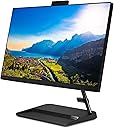
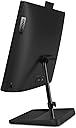
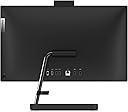
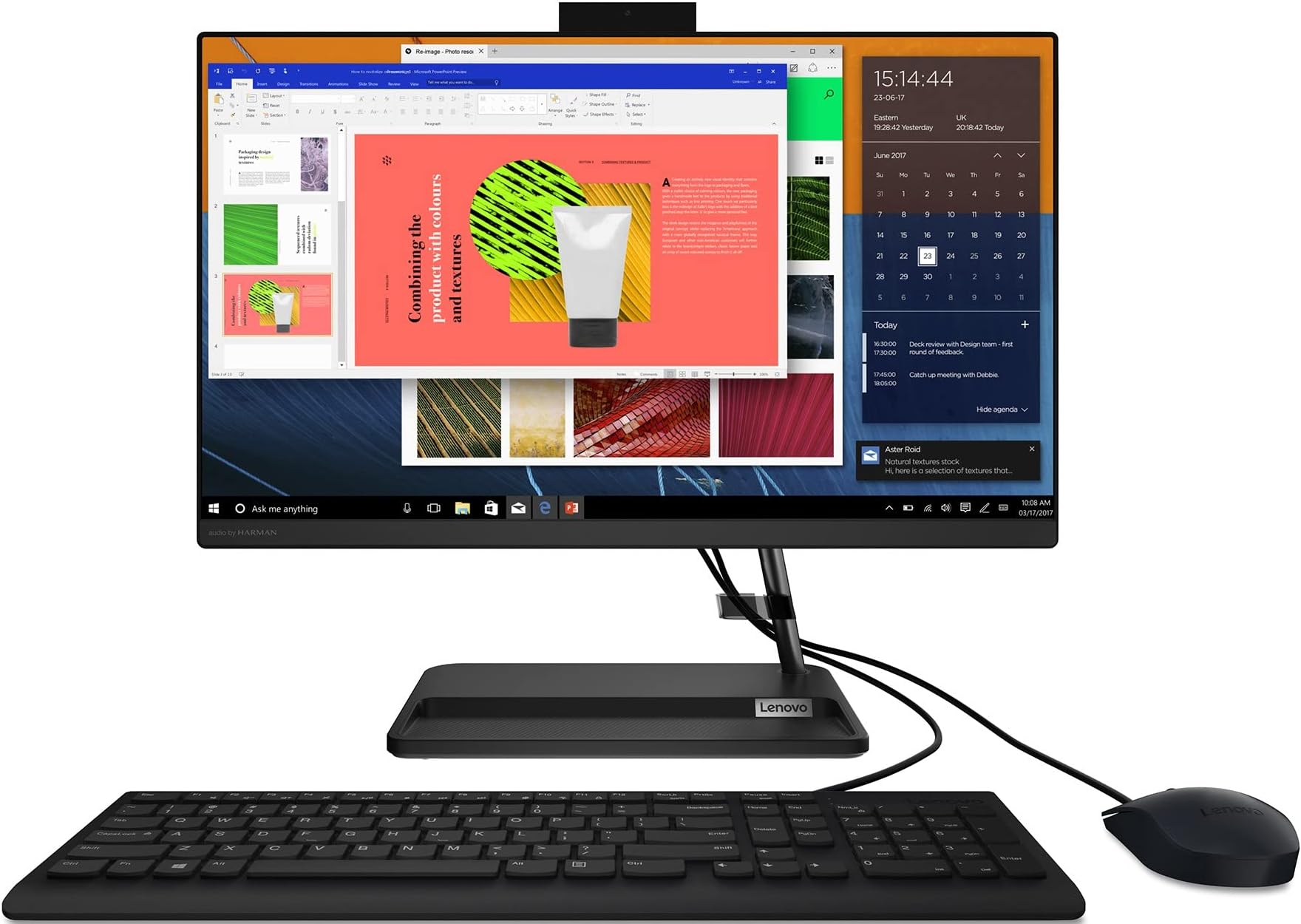
The Lenovo IdeaCentre AIO 3 is a sleek all-in-one desktop featuring a 21.5-inch Full HD IPS display, powered by an AMD Ryzen 3 3250U processor with 8GB DDR4 RAM and 1TB HDD storage. Preloaded with Windows 11 Home and MS Office 2021, it offers solid performance for professional and home use. Connectivity options include WiFi 5, Bluetooth 5.0, multiple USB ports, HDMI, and an HD 720p camera. Its compact design and upgrade-friendly specs make it a smart choice for millennials seeking a stylish yet powerful desktop solution.
| ASIN | B0B5736SPS |
| Best Sellers Rank | #143,080 in Computers ( See Top 100 in Computers ) #340 in All-in-One Desktop Computers |
| Brand | Lenovo |
| Color | Black |
| Computer Memory Type | DDR4 SDRAM |
| Connectivity Type | Wi-Fi |
| Customer Reviews | 3.6 3.6 out of 5 stars (50) |
| Date First Available | 14 July 2022 |
| Form Factor | All-in-One |
| Graphics Card Description | Integrated |
| Graphics Card Interface | Integrated |
| Graphics Chipset Brand | AMD |
| Graphics Coprocessor | Integrated AMD Radeon Graphics |
| Graphics RAM Type | Shared |
| Hard Disk Description | HDD |
| Hard Disk Rotational Speed | 5400 RPM |
| Hard Drive Interface | Serial ATA |
| Hard Drive Size | 1 TB |
| Item Weight | 5.24 Kilograms |
| Item model number | F0G6008AIN |
| Manufacturer | Lenovo |
| Maximum Memory Supported | 16 GB |
| Memory Clock Speed | 2400 MHz |
| Memory Technology | DDR4 |
| Number of HDMI Ports | 1 |
| Number of USB 2.0 Ports | 2 |
| Operating System | Windows 11 Home |
| Processor Brand | AMD |
| Processor Count | 2 |
| Processor Speed | 2.6 GHz |
| Processor Type | Ryzen 3 |
| Product Dimensions | 49.1 x 18.5 x 41.7 cm; 5.24 kg |
| RAM Size | 0.38 GB |
| Resolution | 1920x1080 Pixels |
| Series | IdeaCentre AIO |
| Speaker Description | stereo speakers |
| Standing screen display size | 21.5 Inches |
| Wireless Type | Bluetooth |
P**R
Excellent product from all angles. I purchased this during festive time and got it at a very discounted price because of the offers. Thanks Amazon. The display is 5 🌟. Processor is really good and working very fast. The keyboard vines with a dust protective cover which i kept it till now.
A**I
Here’s the revised feedback with the updated SSD cost range: I suggest Lenovo consider using SSD storage in their All-in-One (AIO) desktops for better performance. My system originally came with an HDD, which made it very slow. Recently, I upgraded to a 250GB SSD through the Lenovo service center. After the upgrade, the performance has improved significantly—my system is now fast and works perfectly. I can’t understand why Lenovo doesn’t include an SSD by default, especially when the cost difference would be just ₹1500–₹2500. For anyone planning to buy this AIO, I highly recommend budgeting an additional ₹4200 to upgrade to an SSD. Here’s the breakdown of my costs: ₹2700 for the SSD and ₹1500 for installation and a fresh Windows installation. It’s been 10 days since the upgrade, and the system has been flawless. Adding more RAM didn’t make much difference, but upgrading to an SSD has transformed the performance completely. If you’re buying this AIO, prioritize the SSD upgrade—it’s a game-changer. One major issue I’ve noticed is with reinstalling Windows after adding an SSD. Whenever you need to format your PC and reinstall Windows, you first need to physically remove the HDD, then install Windows on the SSD. After the installation is complete, the HDD can be reconnected. This process is inconvenient and cannot be easily done at home. Each time, you’ll need to visit a service center, which typically costs ₹700–₹800. This is a design limitation that Lenovo should address in future models to make the upgrade and maintenance process more user-friendly.
P**K
Product outlook is good but response time is slow.
N**G
The RaM is although of 8 GB, but the PC is super slow in Bootup! I checked every possibility whether there are so many apps needs to be start at the Bootup, but I guess apart from the basic nothing was there! Also due to the all in one PC it'll not be possible to add the extra RAM or anything! It turned out a good amount of money has been wasted!
M**K
Screen has turned black in 7 months of use. Even though product is under warranty, Lenovo is refusing to replace the screen saying its physical damage. What's more they have not even sent any technician to check the product but are sure its physical damage. How can anyone damage a desktop computer? Regret buying this substance chinese product. I have issued orders in my office to stop buying any Lenovo product. Most third class company.
Trustpilot
1 week ago
2 months ago