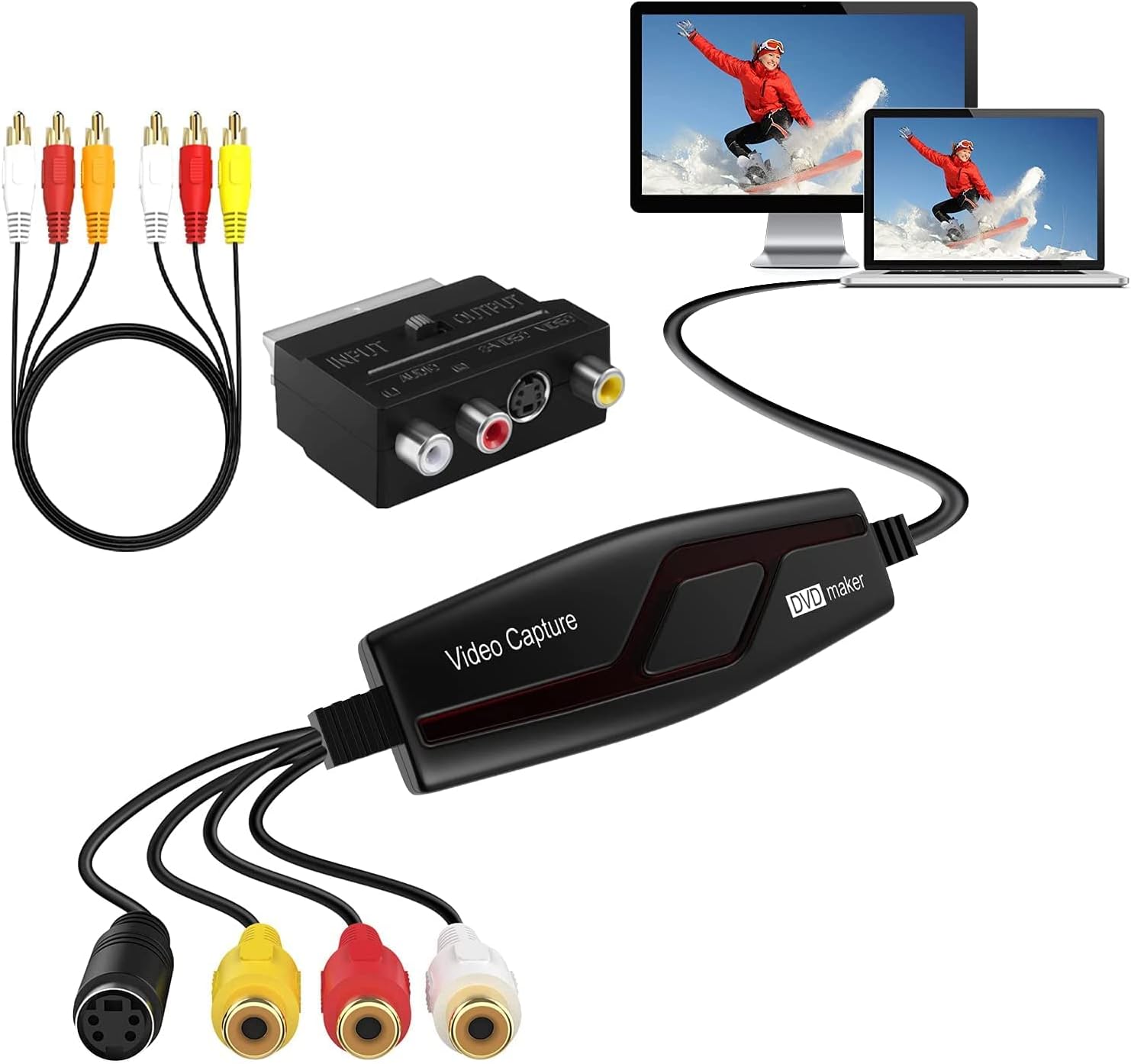
I wasn't expecting super high quality from this device as I live in PAL land - and in many ways I was right... TL;DR: It does what it says, but not in very high quality. OK at a pinch. First of all, the process of getting it to work was problematic to say the least. Try as I might I could not get it to work on my AMD PC, the default windows drivers, the ones included with the device on CDROM, or one downloaded from various places on the internet just would not work. The interface to control the capturing would appear, but it could not render any output using any software including GraphEdit which is a manual way of building direct show filters. I tried it on my Intel Surface Pro, and it worked with the default windows 10 drivers! I have Premiere on this, so I started to capture using that, but because there is no control on how the video is capture it was using a mode that ended up being useless again thanks to compression and frame rate. It presents itself as a webcam and the audio seperately as a usb microphone. I tried using the supplied software, but the software key would not work with the version on the disk, or a downloaded version, so could not try it. In the end I connected it to my Intel gaming laptop, and using ffmpeg I could get more control over the capture. The settings offered are: ffmpeg -f dshow -list_options true -i video="AV TO USB2.0" [dshow @ 000001775f829980] DirectShow video device options (from video devices) [dshow @ 000001775f829980] Pin "Capture" (alternative pin name "0") [dshow @ 000001775f829980] vcodec=mjpeg min s=640x480 fps=10 max s=640x480 fps=50 [dshow @ 000001775f829980] vcodec=mjpeg min s=640x480 fps=10 max s=640x480 fps=50 [dshow @ 000001775f829980] vcodec=mjpeg min s=480x320 fps=30 max s=480x320 fps=30 [dshow @ 000001775f829980] vcodec=mjpeg min s=480x320 fps=30 max s=480x320 fps=30 [dshow @ 000001775f829980] vcodec=mjpeg min s=720x480 fps=10 max s=720x480 fps=50 [dshow @ 000001775f829980] vcodec=mjpeg min s=720x480 fps=10 max s=720x480 fps=50 [dshow @ 000001775f829980] pixel_format=yuyv422 min s=480x320 fps=30 max s=480x320 fps=30 [dshow @ 000001775f829980] pixel_format=yuyv422 min s=480x320 fps=30 max s=480x320 fps=30 Selecting 720x480 at 50 fps gives more picture at the side and isn't quite the correct aspect ratio, so in the end 640x480 at 50fps was used. The interface automatically deinterlaces the image, but sometimes gets it wrong resulting in flickering. One of the most annoying 'features' is an auto-gain on the video which causes the image to suddenly brighten or darken which is annoying. The fact there isn't a direct one to one relationship with the field structure results in soft images (even with lots of post production in FFMPEG when trying to recombine film captured footage which should give a full 576 full resolution progresive output but it soft thanks to it's own deinterlacing). In dark images and areas the MJPEG compression fails badly producing blocks in the image. Sound seems OK, though captures a little low in volume - havent checked stereo however. After capturing hours of footage thinking it might be OK I'm now purchasing a Firewire card so I can use my camcorder (which has analogue input) to do the conversion as it will provide a 720x576 DV image as close to the original as is possible. Watching footage I've previously converted this way and the footage captured via this card is like night and day. You might get better results in NTSC land, but again I suspect you'll have the same autogain issues. FFMpeg command used (NVidia hardware compression used, crop to remove head switching noise, scale to 720 for less loss in compression): ffmpeg -hwaccel cuda -f dshow -rtbufsize 100M -video_size 640x480 -framerate 50 -i video="AV TO USB2.0":audio="Microphone (USB2.0 MIC)" -vf "crop=632:468:4:4,scale=-1:720" -c:v h264_nvenc -preset slow -preset p6 -tune hq -b:v 10M -bufsize 5M -maxrate 15M -rc-lookahead 20 "%1.mp4"