Buy anything from 5,000+ international stores. One checkout price. No surprise fees. Join 2M+ shoppers on Desertcart.
Desertcart purchases this item on your behalf and handles shipping, customs, and support to Vanuatu.
๐จ Elevate your digital art gameโdraw, design, and dominate with GAOMON WH851!
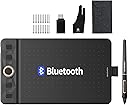
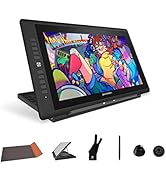
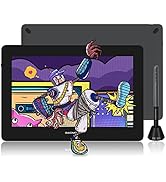
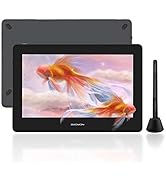
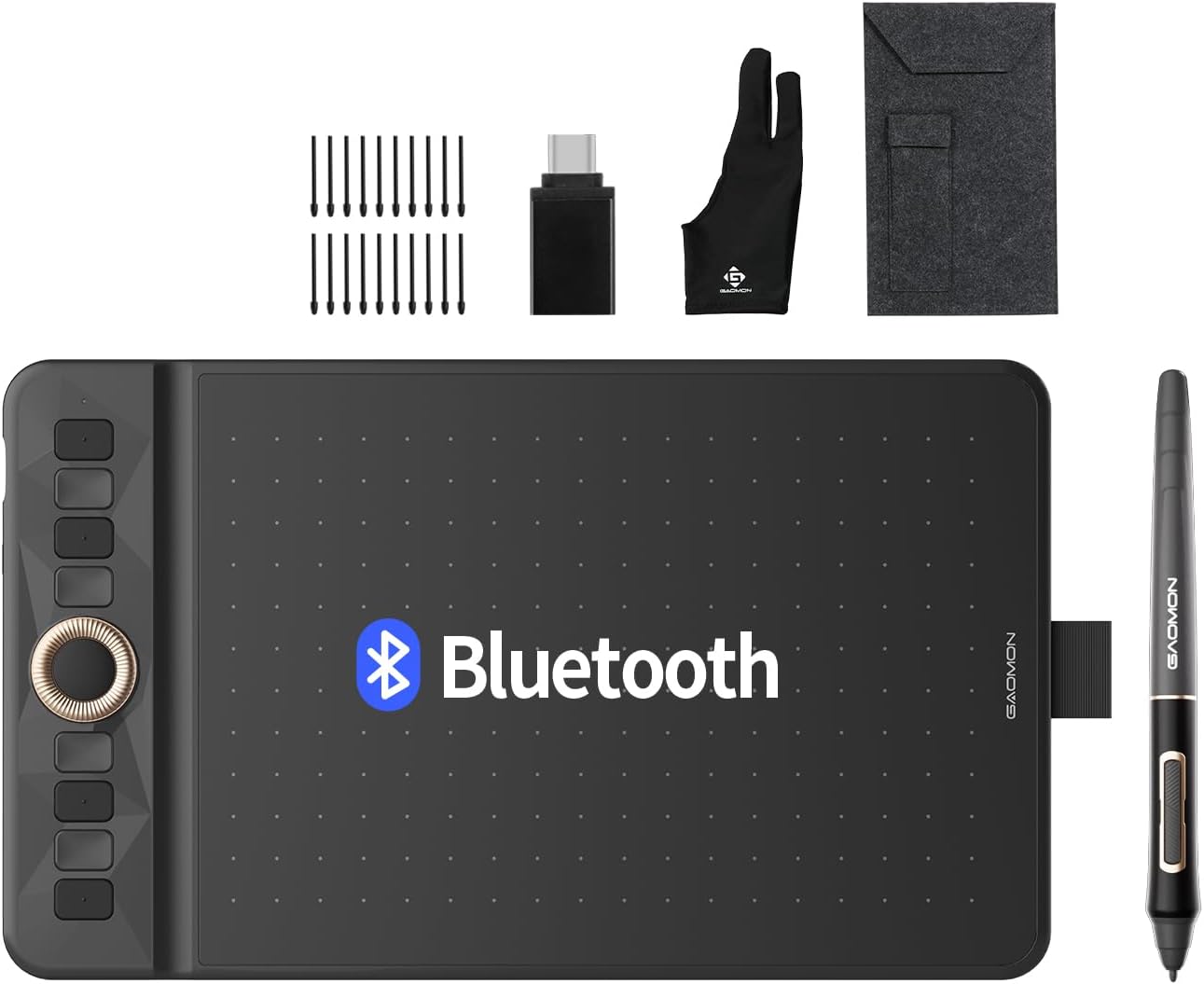
The GAOMON WH851 is a versatile 8x5 inch Bluetooth-enabled drawing tablet featuring 16,384 pressure sensitivity levels and 60ยฐ tilt support. It offers both wireless Bluetooth 5.0 and USB-C wired connectivity, an intuitive dial with 8 customizable shortcut keys, and a smooth pen experience with only 0.45mm pen sinking. Compatible across Windows, Mac, and Android platforms, itโs designed for professionals and students seeking precision, portability, and productivity in digital art and design.


| ASIN | B0CN95RSQ5 |
| Active Surface Area | 8 inches x 5 inches |
| Additional Features | 60ยฐ Tilt Support, Bluetooth Connection, Programmable Press Key |
| Best Sellers Rank | #81 in Computer Graphics Tablets |
| Brand | GAOMON |
| Built-In Media | Cleaning Cloth, Glove, Replacement Nib, Stylus, USB Cable |
| Color | Black |
| Compatible Devices | Desktop, Laptop, Smartphone |
| Connectivity Technology | Bluetooth, USB |
| Customer Reviews | 4.4 4.4 out of 5 stars (153) |
| Display Type | No |
| Item Dimensions L x W | 11.37"L x 6.74"W |
| Item Weight | 397 Grams |
| Manufacturer | GAOMON TECHNOLOGY CORPORATION |
| Mfr Part Number | WH851 Gray |
| Model Name | WH851 Gray |
| Model Number | WH851 Gray |
| Native Resolution | 16,384 Levels |
| Operating System | Windows 7 or later(Wired), macOS 10.12 (Wired) |
| Pressure Sensitivity | 8192 Levels |
| Screen Size | 8 Inches |
| Specific Uses For Product | Designing, Drawing, E-Signature |
| Target Audience | Student, Teacher |
| Unit Count | 1.0 Count |
| Warranty Description | 1 year |
K**T
Works great , Bluetooth connects quickly
This was a birthday gift for my granddaughter. She loves it. She said it works very well and is easy to use. Bluetooth works great , quick and easy to connect.
K**L
Have over 5 years of experience in digital art as a hobby-
-and have been using this one for over a week now through Krita, but I have some pros and cons. Bluetooth / Wired Pro: obviously the Bluetooth is great over wired since you don't have to deal with the USB cable wrapping around stuff, or getting in the way if you sit relaxed (legs up, leaning back, standing, etc), and you can lay it down wherever without yanking a cord from its socket. My previous tablet had a wire issue where it would 'disconnect' if you moved it around too much, so I'd have to wait the 5 seconds or so for it to 'reconnect' itself before using my pen again - but that small headache was remedied with this tablet's Bluetooth. Con: its battery lasts about 2-3 days of heavy use, which isn't a bad thing since you can just charge it as you use it / charge it when you aren't using it, so just a heads up. Build / Use Pro: thin, light, and compact but the quality is great - the aesthetic is really nice, it's the entire reason it caught my eye - it's smaller than my previous one allowing me to maneuver more with it such as I stated previously, allowing me to lean back with it in my lap, or kick my legs up without the size or wires getting in the way. The wheel is a huge boon - I can now rotate the canvas and zoom in/out without fiddling with buttons to do it - as a digital artist, I heavily recommend you get a pen tablet/display that has a wheel for whatever tablet you decide to go with. (Now if we can get a trackball in a pen tablet for moving around the canvas) Con: the texture on its face is definitely wearing on the nib already and the sensitivity had to be adjusted to my taste, which led to me testing pressure and changing settings; that in itself caused the face of the tablet to become marred in the week of using it, whereas my other pen tablet (Huion 1060Plus) didn't have that problem - 5 years and never had to change the nib due to its glossy face texture and more sensitive pen settings - its face didn't start having problems until around this year when the gloss began to peel from use, but the nib still looks almost new. Results: I actually love this thing and my only gripe is the marred surface and nib issue so far, though those could be user problems, but based on the price, if you are just getting into digital art, you might want to try something cheaper first just to make sure this medium is something you can see yourself doing. But for the seasoned digital artists, the tablet is worth it in my opinion if you are looking for something compact and ready at any moment at the press of a button. ETA: art was made with the tablet, inspired by the tablet.
S**N
Love this thing!
My main computer doesn't have a touchscreen, but it's fast and big. Using this tablet with it makes selecting areas in photo editing way easier than using the pointing device on the computer - not quite as easy as touchscreen, but close. Once connected initially, my computer recognizes it almost immediately after powering the tablet on. I like the programmable buttons and wheel, and especially like that you can program different behaviors for different apps. I wasn't sure if I was going to like using a tablet, so I didn't want to spend a lot of money on one. I wasn't expecting to get such a full-featured unit for the price I paid. I'm very happy with my purchase.
J**N
Perfect purchase
This is perfect for what we needed. Works great.
A**R
Decent drawing tablet
I got this to have a way of note taking on my computer. I had tried a Wacom tablet a ways back and found it very difficult to set up in a flexible way. This was plug and play, already mapped to my screen. Setting up the buttons requires downloading their software, but that wasn't a long or complicated step. Overall I am happy.
F**S
Great with a MAJOR flaw
You can't program a mouse button + key action. MANY 3D and sculpting apps use Middle Button + Alt for example to rotate or pan. The hot key app only lets you do key OR mouse. I also tried alt on a key and mouse on another. It would only allow ONE button press at a time.
N**N
Works great!
I think it works very well. I did find some problems with connecting, but it's just Bluetooth being annoying. I love that the pressure sensitivity is adjustable, but that is standard. I did find it interesting that it works with all of my devices. It's also very portable and comes with a case. The tablet is very thin and slick in design.
A**A
Bluetooth not working
I couldn't get the bluetooth to connect except once. Had to return for a Wacom.
G**A
Extremely convenient to write notes on ppt.
A**U
The GAOMON Bluetooth Drawing Tablet WH851 has been a great purchase. It works well and connects easily, which makes it convenient to use without any cables. The writing space is large, so itโs comfortable for taking notes. I mostly use it for school, and itโs helped me stay more organized while studying. The pen feels natural and the pressure sensitivity is good for both writing and drawing. It does lag a little sometimes, but overall the battery life is good and it feels well made. I really like it and would recommend it to anyone who wants a tablet for school or creative work.
A**W
Light and compact, easy to install and use. Came with the right accesories and spare pen nibs. Very useful thank you.
C**Y
Does not work as advertised. Low quality and cheaply made.
R**.
Apart from a bit outdated driver software the tablet is pretty solid. Best in terms of price to productivity in my opinion. Wireless performance is also good, no latency issues. The battery last more than a couple days. The only issue is I'm not sure if they have any service centres in India.
Trustpilot
2 months ago
2 weeks ago