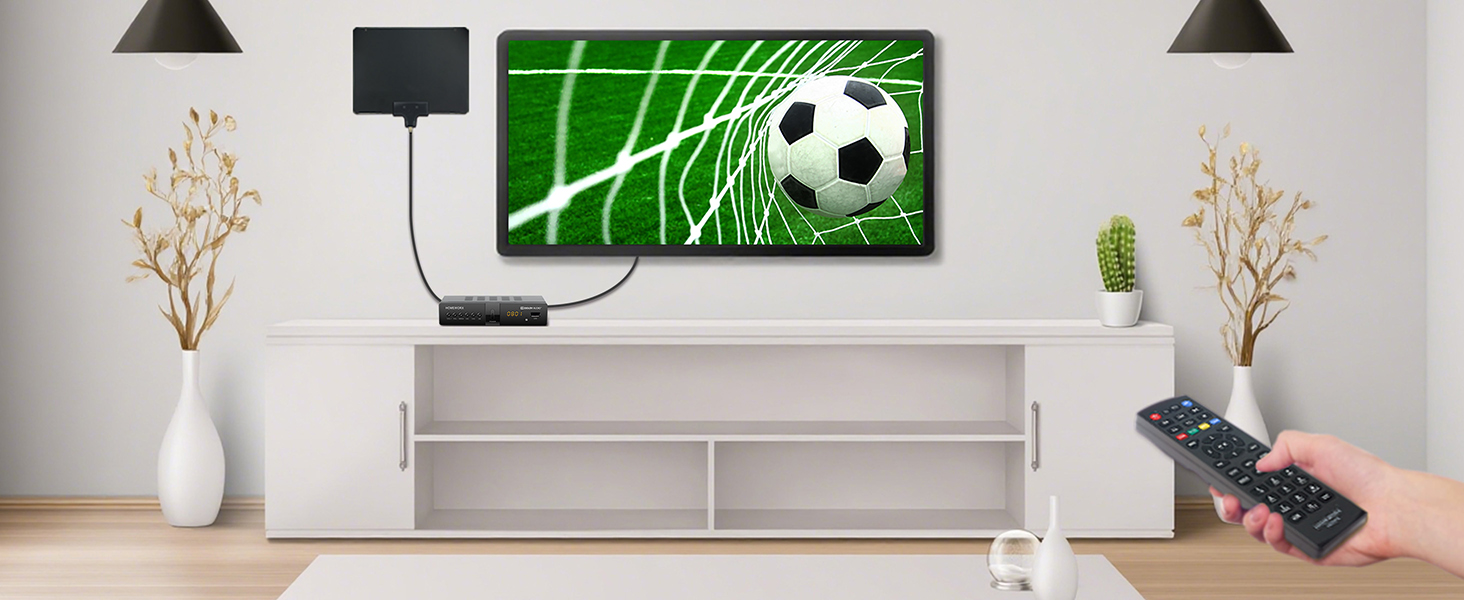
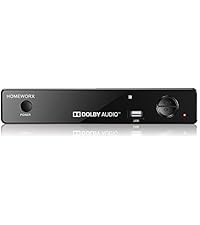
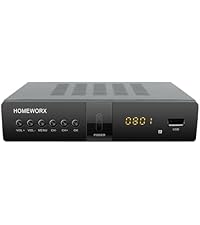
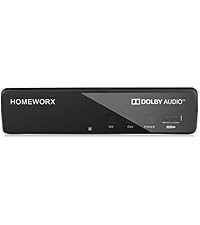
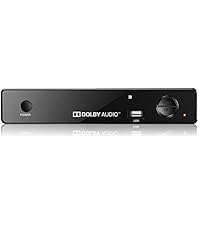
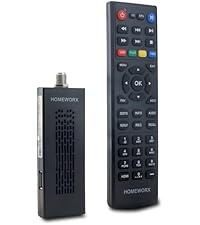
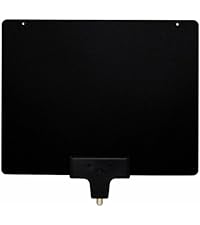
2nd UPDATE ~~~~~~~~~~ 1. I discovered from a Google search that the time to REC is influenced heavily on the size of the USB drive you use... So I replaced the current USB drive with a 500GB hard drive... and the time to REC has now dropped to 7 seconds. That I can definitely live with. I may try a 500GB SSD at some time but I have a few old 500GB hard drives laying around doing nothing so this is a good solution for me. I know this may seem upsetting to some BUT... I also discovered you can have multiple drives so for REC I use the smaller drive which will hold about 60 hours of recording and for cataloging of other stuff, I use a larger capacity (4TB for about 512 hours of playback). Regardless, for $25 for a "Like New" box, I'm really impressed. 2. I found a simple solution to the issue of not being able to watch one program while recording another. I used a Coax Splitter. So the OTA Antenna Coax is the Input to the Splitter (btw. its a tiny adapter for a couple of dollars). There are 2 outputs each for Coax cable. One goes to the Homeworx box "Antenna In" and the second goes to the TV "Antenna In" (In my case I'm using a modern TV which already handles ATSC already. Won't work if you have a NTSC only TV). You also still need the HDMI from the Homeworx to the TV. Now I can switch the TV to HDMI and setup a recording and let the Homeworx record say channel 45-1, then I can switch the TV to Antenna and watch whatever other channel I want. OK, it's not a perfect solution, but it is a workable and minimally invasive solution as far as I'm concerned. Hope these little tidbits help. I still stress, the recording quality of this Homeworx is excellent. And for $25 for the "Like New" box I received, I could not be more pleased. I don't have to pay for any subscriptions, I can watch and record whatever the Antenna receives, I can pass other video/audio/picture files I want to the Homework via the Windows formatted NTFS drive and watch ATSC recordings on the USB drive from the Homeworx, on my computer. UPDATE: ~~~~~~~ I replaced the Seagate USB drive with a Samsung 1TB SSD in a USB enclosure. Now pressing REC takes about 17 seconds before recording starts. That's considerably better than the 30+ it was taking with a Segate USB spinning drive. It still bother me it takes so long though. The SSD drive was empty, I had just reformatted it so it's not like it was doing a lengthy directory search. I can work with the 17 seconds but it is irritating that if I just hit REC while watching something that catches my eye, by the time the recording starts... I've missed it... I suspect that this delay also occurs when time recording so whatever time I set for recording, I need to start 1 or 2 minutes earlier to ensure I get the start. That being the case, whether I use a SSD or a Hard Disk drive will make little difference so I may just go back to the Seagate drive as it's a 4TB. I tried setting the antenna option as "pass through" but I couldn't get this to work. Basically, "Pass Through" is (used to be) the option that allows you to disable the tuner in the convertor box and simply pass through the antenna signal through the coax cable to the TV. Again, not a huge issue in how I'll be using the box and I'll try and find out what this option really means/how to use it in the Homeworx box. ORIGINAL REVIEW: ~~~~~~~~~~~~~~~ First off, I have to admit to a boo boo... When I reviewed the different convertor boxes and of course the user reviews, I narrowed down my selection to this one and although $40... I scrolled down the screen and bought it. When it arrived I was disappointed because it was a pre-used unit. It was marked as "Like New", had been opened and sea;ed with a white sticker and that sticker had been cut and opened and finally the ragged box was taped closed. There I was about to return it and I checked the price I paid $25... "Huh I thought it was $40"... DUH.. when I purchased, in my haste i clicked the "Like New" buy option. So for $25, I thought I'd open it up and check it out.... Although the box had been opened and reopened several times, the contents were pristine. Remote had no batteries so grabbed a couple of AAA's and slipped them in. So I plugged it in and I'll admit I did not have high expectations. Job 1... configure it for OTA channels. NO... I don't read instructions first.. my view is that most things like this should be intuitive.. Hit the Menu button and it soon became obvious. Set the Time Zone, when to channel search, selected Auto and then waited.... It took a couple of mins but found all the channels the TV I was using previously had found so there was no loss of channels in that aspect. Played with the buttons.... You can enter a channel manually (use the Up/Down buttons) or you can use the Green "TV List" button and then scroll up/down to find the channel you want. EPG will give you the details of current channel and forthcoming programs on that channel. Used the yellow "Aspect" button to set the aspect ratio to Auto. Tried the various manual settings which all worked great. I really LOVE an aspect button on a remote... OTA channels are a mixed bag to say the least and some channels don't correctly display the aspect. So being able to override for you personal preference is a big deal for me. At this point I had played for about 30 minutes and wanted to see how well the DVR feature worked. In fairness, I've never owned a DVR so some readers may find my comments amusing... I found an old 2TB Seagate USB drive (old but powered by the USB port NOT a separate power adapter). I reformatted it on my PC and then plugged it in and went to the Menu option for USB. It has a Format option there!!!. Well of course it does... but I wanted to know if I could record on a standard preformatted Windows NTFS drive. Behold... a message tells you... you can only format up to a 2TB drive. If the drive is a 4TB drive, format it on your computer. So I thought, what the heck, lets see if this box formats the 2TB drive differently and makes reading on a computer problematic. Let the format finish, tried it on the PC, Windows sees it and shows it empty. Plugged it back into the Homeworx Box, found a random channel to watch and just hit the "REC" button. Now there's only one minor quirk here... it throws up a message about "Enter Record. Waiting..." which lasts 30 seconds before the message goes away and then a record timer length count appears on the top left of the screen and it start recording. I let it record for about 10 minutes and then stopped the record using the industry standard [] symbol button (stop), unplugged the drive, rushed it over to my PC, plugged it in, found the directory HBPVR, and found the .mts file. Played it using VLC. No problems whatsoever. At this point I decided to create a few of my own directories and copied, pictures, music and video files (various file types). Plugged back into the Homeworx and pressed the USB button. Found the menu. PVR ~~~ THIS is where your recorded programs are held. They are in .mts format. Just one point. I had a .mts file on my computer which was a copy of a video file from a Canon Digital Camera. It would NOT play. Recorded files no issue but this previously recorded on a different device would not. Media ~~~~~ Does not support .flv nor .asf (no surprise) Did support various others (these are a minimum I expected it would and pleased it does): mp4, mkv, avi, mpeg BTW, Media does NOT see .mts files... You have to be in the PVR menu section to see .mts files Music ~~~~~ It "played' .wma (didn't complain about it) but no audio. I have a few different .wma files but the same issue with all of them. appears to play but no sound produced. It played .mp3 and .wav no problems whatsoever. Almost all my music library is .mp3 so I have no issues with the .wma not working. Small irritation but not worth griping about. Pictures ~~~~~~ Supports .jpg just fine. I know there are others and I have examples of many other image types but I have no concerns... I'm only interested in .jpg and any image file is easily converted to .jpg with free software All the different file testing did encounter one issue. When I was trying to get it to play .flv and it said "Unsupported", which was just fine, I hit OK again and the box locked up. I had no choice but to Power Cycle (pull the plug out the wall) to get it to clear. I will admit I could have left it a few minutes and maybe it would have cleared it self but I wasn't interested in waiting to see. Problems. ~~~~~~~~ I set up a timer record for CBS Channel 5.1 to start at 4am until 4:10am (test). I watched it... at 4am the box cycled and went into a reboot (like it thought it had to wake itself up).. came back up and gave me a 5 sec timeout about wanting to record, then went to the "Enter Record. Waiting..." and 30 seconds later it started recording (all without touching the box). However... this took over a minute in total so my recording missed the first minute. I changed drives and used a USB3 4TB Seagate drive (uses power from USB not external PSU). It already had a load of stuff on it. When I tried to record "on the fly", every time it took 65 seconds before the recording actually started. That is a real concern. You can't simply perform a manual immediate recording. Also, the disk already contained numerous movies/TV shows. There was a .avi and a .mp4 file that I found at random it would NOT play. The .avi didn't even show up in the directory list but it was there. It does have a weird file name so I think that may be the problem. However the .mp4 file was a standard movie file formatted H.264 and should have played but the Homeworx kept reporting "File Type not supported" even though it showed the file size details etc on the right window. Still need to figure out why.... But to be clear... This is NOT a box intended to play all/any media files... It's a box designed to record shows you want and play them back WHICH IT DOES. Plus you can move those files to a PC and they play equally correct there too. So obscure files I've created or downloaded that it couldn't handle is more my issue not Homeworx!! CONCLUSIONS ~~~~~~~~~~~~ I still have some experimenting to do to see if some of the quirks are me or the system and for $25, it definitely fulfills my needs. A lot of the testing I did was purely to see what it could do and not relevant to how I expect to use the box in general. BOTTOM LINE. The quality of recordings was excellent. OTA channels in 1080p recorded in 1080p. There were no glitches or interruptions or any issues with the recorded program. Those recordings replayed on the Homeworx perfectly and they played perfect on my PC too. Now it's time to read the manual and see if any of the problems I did encounter are due to me or the unit. None the less, I would definitely recommend this box (especially the $25 "like new" version). I'll update the review if I find any useful features or solutions I uncover.