Buy anything from 5,000+ international stores. One checkout price. No surprise fees. Join 2M+ shoppers on Desertcart.
Desertcart purchases this item on your behalf and handles shipping, customs, and support to Vanuatu.
🚀 Elevate your home network to WiFi 7 speed and security — don’t get left buffering!
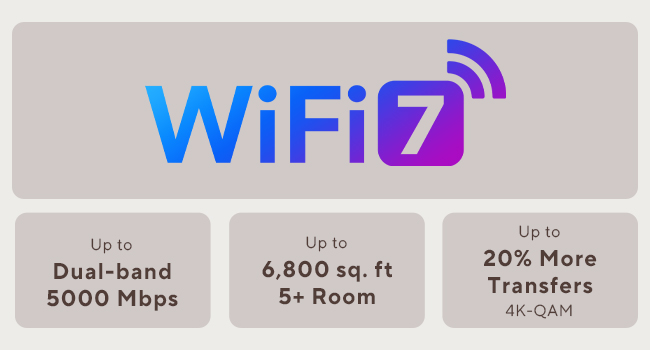
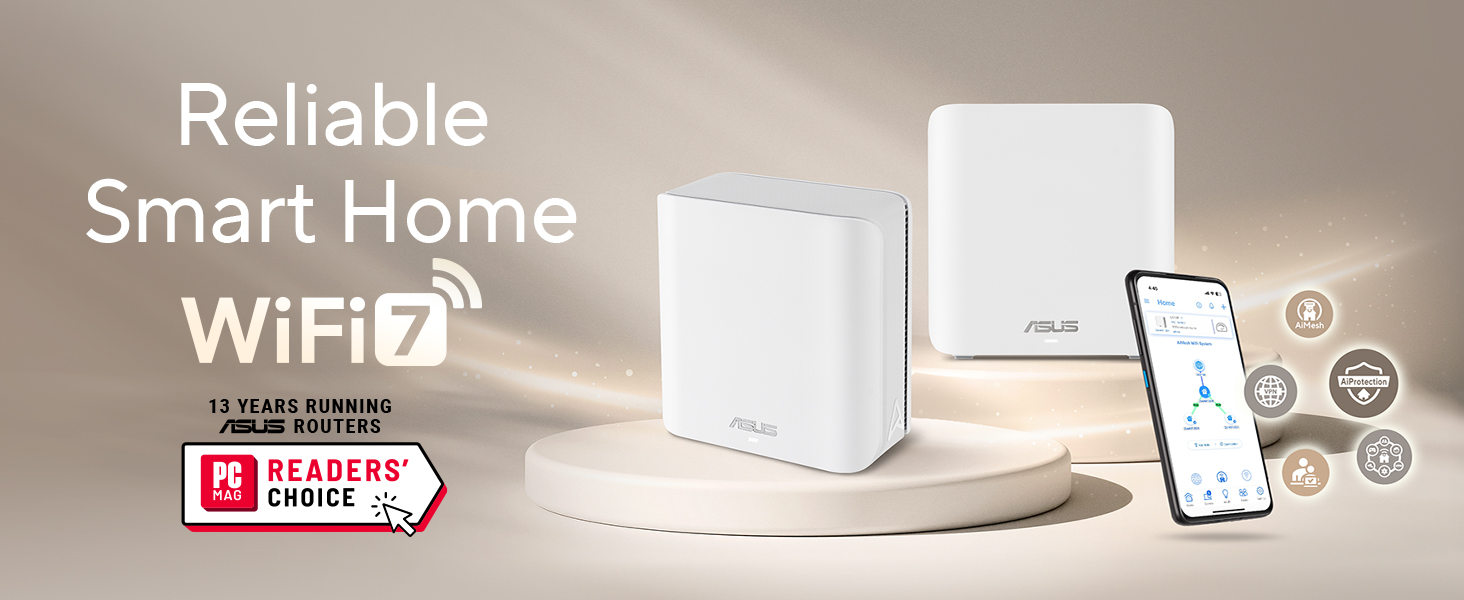
The ASUS ZenWiFi BD5 is a dual-band WiFi 7 mesh system delivering up to 5000 Mbps speeds and coverage for 5000 sq.ft (2-pack). Featuring ASUS AiMesh technology, it ensures seamless whole-home WiFi with four internal antennas and dual 2.5G Ethernet ports. It includes advanced security with AiProtection Pro, VPN support, and parental controls, plus Smart Home Master SSIDs for easy IoT device management. Ideal for professionals seeking ultra-fast, secure, and reliable home networking with future-proof tech.


| ASIN | B0DHW9Q7GL |
| Antenna Location | Business, Gaming, Home |
| Antenna Type | Internal |
| Best Sellers Rank | #13,823 in Electronics ( See Top 100 in Electronics ) #69 in Whole Home & Mesh Wi-Fi Systems |
| Brand | ASUS |
| Built-In Media | BD5 2 pack Router, Power adapter, Quick start guide, RJ45 cable, Warranty card |
| Color | WHITE |
| Compatible Devices | Personal Computer, Smart Television, Smart Thermostat, Smartphone, Tablet |
| Connectivity Protocol | Wi-Fi |
| Connectivity Range | 5000 Square Feet |
| Connectivity Technology | Power adapter, RJ45 Cable, Wi-Fi |
| Control Method | App, Touch |
| Controller Type | App Control, Push Button |
| Coverage | 5000 Square Feet |
| Customer Reviews | 3.6 3.6 out of 5 stars (98) |
| Data Transfer Rate | 2882 Megabits Per Second |
| Frequency | 5 GHz |
| Frequency Band Class | Dual-Band |
| Has Internet Connectivity | Yes |
| Has Security Updates | Yes |
| Is Modem Compatible | No |
| Item Dimensions L x W x H | 5.5"L x 2.8"W x 5.5"H |
| Item Weight | 1.2 Pounds |
| LAN Port Bandwidth | 2500 Mbps |
| Manufacturer | ASUS |
| Maximum Upstream Data Transfer Rate | 2882 Megabits Per Second |
| Mfr Part Number | BD5 (W-2-PK) |
| Model Name | BD5 (W-2-PK) |
| Model Number | BD5 (W-2-PK) |
| Number of Antennas | 4 |
| Number of Ports | 2 |
| Operating System | Mac, Windows |
| Other Special Features of the Product | AiProtection, VPN, WPS Security, Alexa Compatible, Network standard: WiFi 4 (802.11n), WiFi 5 (802.11ac), WiFi 6 (802.11ax), WiFi 7 (802.11be), IEEE 802.11a, IEEE 802.11b, IEEE 802.11g, IPv4, IPv6, Whole-Home Mesh, Wirelss Router, AiMesh Node, Access Point Mode |
| Router Firewall Security Level | High |
| Router Network Type | Hybrid (Wired & Wireless) |
| Security Protocol | AiProtection, VPN, WPS, Let's Encrypt, DNS-over-TLS, Security Scan, Firewall, WPA/WPA2/WPA3-Personal, WPA/WPA2-Enterprise |
| Smart Home Compatibility | Smart Home Compatible |
| UPC | 197105627802 |
| Warranty Description | 3 year |
| Wi-Fi Generation | WiFi 7 |
| Wireless Compability | 802.11.be, 802.11ac, 802.11ax, 802.11g, 802.11n |
C**R
Last Update 3/17/25
Last Update 3/17/25 - BIG THANKS to the Amazon group helping work thru effort to replace this 2nd Asus router. Had Spectrum help confirm the wireless portion of this one was failing. Initially SEVERAL DAYS to get this functioning almost correctly, (read below) I've replaced it with a TP-Link unit AND IT ONLY TOOK 1 HR TO SET UP THE TP-LINK ROUTER. Update 2/5/25: IF you have older cameras or equip that only used WPA2 - DO NOT allow the router to select WPA3. Select WPA2 at initial setup and the older equip like Blink cameras can connect. (I had Blink on the phone for 1 hr and they couldn't figure it out.) For Windows 11 /10: Click in upper left corner on your profile Pic. Select NEW Profile, sign in. That's it. Use the new web page to go to the ASUS 192.168.50.1 (I had the ASUS rep I had for 30 min and they didn't know this either.) Then go back to your usual profile anytime. __________Earlier frustrated review below__________ Asus rep agreed to return & assigned case #. Had Rep on phone for 30 min. Even after factory HARD reset. Can't get into Admin using Windows 11/10. There's a flash of 'sign in screen' but then cuts off after 1/4 sec. Tried 192.168.50.1, and asusrouter.com and asusrouter.com:8443 and router.asus.com. Can only connect to Admin thru android tablet and phone app. Signal strength seems weaker than old router that died. Need extender in office. New ASUS didn't like my Blink camera module. Blink Rep took 30 min just to get Sync module to connect. Still trying to get outdoor cameras on-line but still won't connect thru this unit.
M**.
Fast, modern mesh with a few caveats
I’ve been using the ASUS ZenWiFi BD5 (1-pack) for a small apartment setup, and overall it delivers strong, modern performance. WiFi 7 support and the dual-band design provide noticeably better stability and lower latency compared to my older WiFi 6 router. Speeds are excellent for streaming, video calls, and gaming, and coverage easily handles around 2,000–2,500 sq.ft as advertised in an open layout. The dual 2.5G ports are a big plus, especially if you have multi-gig internet or a fast NAS. Setup through the ASUS app was straightforward, and I appreciate that security features and parental controls are included without requiring a subscription. The Smart Home Master SSIDs are also a nice touch, making it easier to separate IoT devices from primary devices. On the downside, this is a single-pack unit, so it does not fully showcase the benefits of a true mesh system unless you add additional nodes later. Also, being dual-band, it does not have the extra backhaul flexibility you’d get with tri-band mesh systems, especially in more complex floor plans. Overall, it’s a solid choice if you want an affordable entry into WiFi 7 with strong performance, modern ports, and good software features. Just be aware that larger homes may still benefit from adding more nodes or stepping up to a tri-band model.
V**O
Do not buy the bd5. It’s so much more trouble than it’s worth.
I love love love asus for the xt8. No fuss no muss. It just worked with the occasional update. Then it got hit by lightening. Not asus’s fault. Time to buy a new one. I thought, i’ll upgrade. I bought the asus BD5. The worst idea EVER! It has been a problem ever since i bought it. Box has a slip in it that says STOP! Call us before you return this item. So you call 3 times and the system puts you on hold and it clicks off at the 15 minute mark each time. You email and they say to call. They also say it’s the internet cable company’s fault. You change every cable 10x and still doesn’t work. You go through the setup at least a dozen times. Then it suddenly works and you have no idea why. Your only tools are a reboot, reset, an unwound paperclip and soooooooo much time watching lights. Signal strength says connection Great! with the xt8 Signal strength says connection ok or poor with the bd5 when it works. BTW - both units are in the same exact place they were before. Bd5 says update available. So you update and get the red light. No internet connection. Then you get the white light which means all good. No it does not because when you go to the app you get the orange bar that says “unable to connect to the internet” Value for money - no value at all. I would give ZERO stars if that were an option. These are paperweights that sometimes give you wireless internet. Context Lived with xt8 for 3 years, no issues. Pretty much set it and forget it. Living with bd5 since june 2025 and thoroughly regret the purchase. Now i’m gonna take my paperclip, reset the whole thing again and cross my fingers. Maybe i’ll have wireless internet again one day. The moral of this story is….. Do not buy the bd5. It’s so much more trouble than it’s worth.
Z**D
طلبت المنتج ويعمل بشكل ممتاز جدا ويغطي شبكة الواي فاي الى ثلاث غرف انصح شراءه
J**N
Pésima experiencia con Asus ZenWiFi BD5. Velocidades WiFi muy bajas (peor que versiones anteriores), inestabilidad, problemas con mesh y puertos. Decepcionante tras años con Asus.
Trustpilot
5 days ago
2 days ago