Buy anything from 5,000+ international stores. One checkout price. No surprise fees. Join 2M+ shoppers on Desertcart.
Desertcart purchases this item on your behalf and handles shipping, customs, and support to Vanuatu.
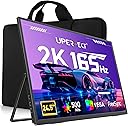
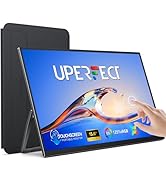
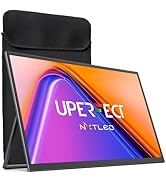
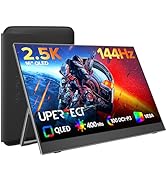
🚀 Elevate Your Productivity & Play Anywhere with UPERFECT Precision!
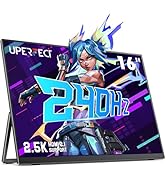
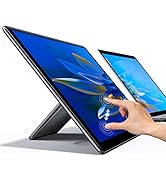
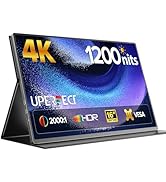
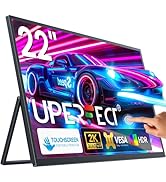
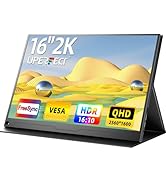
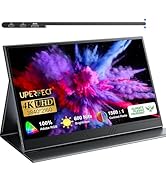
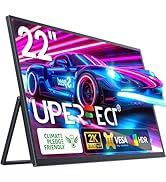
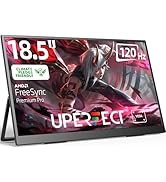
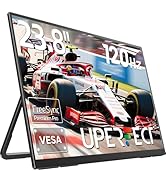
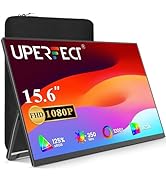
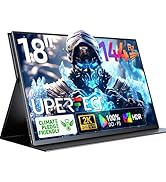
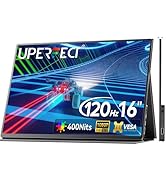
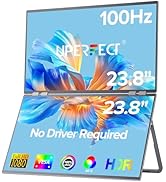
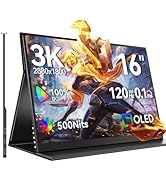
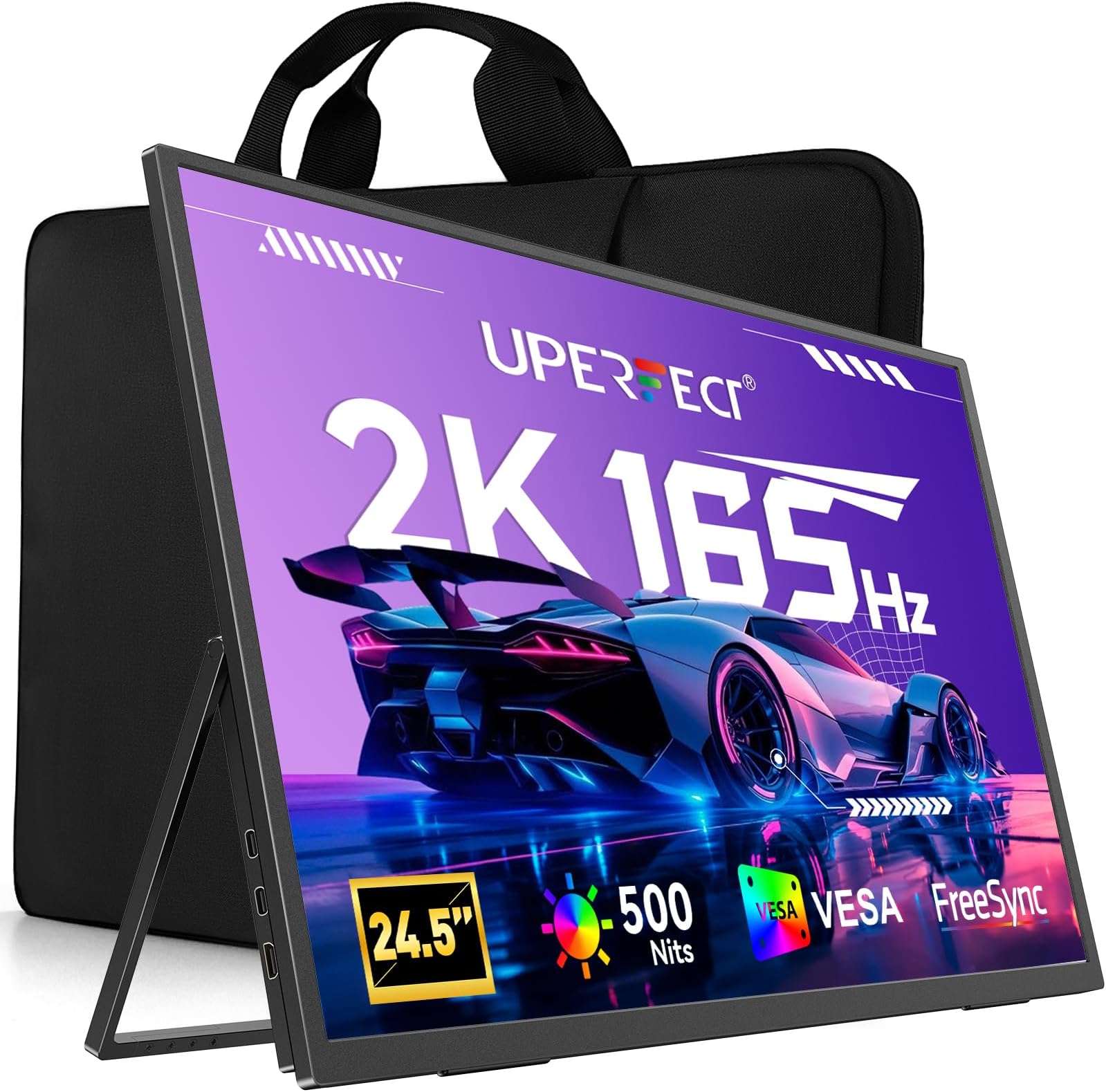
The UPERFECT 24.5" portable monitor features a crisp 2K QHD IPS display with a 165Hz refresh rate and 1ms response time, delivering ultra-smooth visuals and vibrant HDR colors. Designed for professionals and gamers on the go, it offers versatile USB-C and HDMI connectivity, a 180° adjustable stand, and VESA mount compatibility, making it the ultimate second screen for enhanced productivity and immersive entertainment.


| ASIN | B0DP2HD8H8 |
| Adaptive Sync | FreeSync |
| Additional Features | Built-In Speakers, Eye Care, Flicker-Free, Frameless, Ultrawide Screen |
| Aspect Ratio | 16:9 |
| Best Sellers Rank | #96,453 in Computers ( See Top 100 in Computers ) #2,434 in Computer Monitors |
| Brand | UPERFECT |
| Brightness | 500 |
| Built-In Media | 1 * 24.5″ Portable Monitor, 1 * Mini HDMI Cable, 1 * PD 45W Power Charger, 2 * Type C to Type C Cable, 4* VESA screws M4*5MM |
| Color | Black |
| Color Gamut | 100 |
| Compatible Devices | Camera, Desktop, Gaming Console, Laptop, Smartphone |
| Connectivity Technology | HDMI, USB Type C |
| Contrast Ratio | 2000:1 |
| Customer Reviews | 4.4 4.4 out of 5 stars (32) |
| Display Resolution Maximum | 2560 x 1440 Pixels |
| Display Technology | LCD |
| Display Type | LCD |
| Hardware Connectivity | 3.5mm Audio, USB Type C, mini HDMI |
| Has Color Screen | Yes |
| Item Dimensions D x W x H | 563D x 16W x 324H millimeters |
| Item Weight | 5.4 Pounds |
| Manufacturer | UPERFECT |
| Model Number | M245T01 |
| Mounting Type | Desk Mount |
| Native Resolution | 2560x1440 |
| Number of Component Outputs | 3 |
| Picture Quality Enhancement Technology | HDR, 100% sRGB, FreeSync, Low Blue Light, Flicker-Free |
| Refresh Rate | 165 Hz |
| Resolution | 2K 165Hz |
| Response Time | 0.1 Milliseconds |
| Screen Finish | Matte |
| Screen Size | 24.5 Inches |
| Specific Uses For Product | Business, Entertainment, Gaming |
| Total Number of HDMI Ports | 1 |
| Total USB 3.0 Ports | 2 |
| Total Usb Ports | 2 |
| Viewing Angle | 178 Degrees |
V**N
If you think that you can use just one cable to connect to your laptop, then you’ll be disappointed. I have a MacBook Pro 16, and for this “portable” monitor to work properly you need BOTH to be connected to power, laptop AND the monitor. So instead of one cable you now have Three. Do NOT trust anyone in reviews who says otherwise, the monitor itself shows a warning message that it needs to be connected to power to not flicker. The reviews are most probably paid. The whole “portability” of this monitor is in the fact that you can theoretically pack it and move somewhere, plus stand, that’s it. Other than that it is even more hassle to use than a normal USB C monitor which are cheaper. And this is unfortunate, because otherwise it is a fine monitor.
D**L
===PROS=== • Packaging The display arrived undamaged and with excellent packaging to protect it. As a bonus, my cats loved the the foam packaging more than any toy I've ever bought them. They sleep on it, and use it as a scratching post. 😂 • Color reproduction: I don't have a Calman to test with, but anecdotally it seems great. It's very close to my LG34GN850 after only some minor OSD tweaks. The display is sharp, and I've had no issue with any content I put on it. • Kickstand If you are going to use this as a portable display, this kickstand is excellent and isn't something you should take for granted. This will be a really easy display to set up as long as you're fine with it's size. 24.5" is massive for a portable display, but you'll know if you want that or not. • Size I'm using it as a 2nd monitor on my desk. Most will probably need to wall mount, as 24.5" is massive. The images show it on my desk, and with a keyboard for scale, but I'll definitely be wall mounting this one later. For you this may be a con, but 24.5" at the native res of 1440p is perfect for tiling three windows. That's exactly what I wanted. The display I replaced and gave to a family member was 18" at 2560x1600. I prefer the new one despite the slightly lower vertical resolution because I don't have to use DPI scaling to make content readable. If you are in a similar situation to me I can strongly recommend this display, although if you don't need more than two windows displayed at a time then a smaller, cheaper display would work well too. • High frame-rate Even as a secondary monitor I prefer at least 90hz for the added smoothness. 144 is overkill, for my use-case, but I'm not complaining. I've not done any response time analysis at 144hz because I'm not equipped for that. Those seeking to use this as a portable gaming display may want to look into it if response times are important to you. One note is that the display advertised 165hz. Often this is accessed via an overclock in the OSD. If such an OC exists I could not find it, but neither do I care because 144hz is plenty. My main display also OCs to 165, but I leave it at 144 since I can't drive most games I play to that framerate anyway. Take note of this if you care though. ===CONS=== • Touch screen frame-rate (moderate) The touch screen version is only 60hz. I opted to eschew the touch screen for a higher refresh rate, but if the touch screen was at least 90hz I might have gone for it. • OSD (minor) Operated by tiny buttons on the side. A rear navigation nipple would be far better, but after the initial setup I never had to mess with it so not a big deal. • Mini HDMI (minor) I know they're trying to keep the display thin, but full-size HDMI is just more reliable. If you travel with it a lot you might run into issues, or you might not. Get a good cable. ===OSD NOTES=== These are some settings you might want to adjust via the OSD if you purchase this display: • Freesync (off by default) • "GameMode" RTS (better colors in my opinion, subjective) • Brightness. I actually lowered mine to 90, but set to your taste.
A**E
Stopped working 7 months after purchase. Until then I loved it. Product support website says they have a one year warranty but you can only email support and pray they get back to you(they have no yet). The return option says invalid order number when I input it, I assume because I bought through amazon? No idea. All I know is this was expensive and now it is a brick. If I get an actual response to my email I will update this review. EDIT: I have received a response and they say they are sending me a new monitor. As soon as I receive it I will update this review to reflect it. EDIT 2: They have sent me a new monitor
N**K
Perfect match for my ASUS ROG ALLY. The phone mirroring function works wonderfully as well for watching movies and such on a much larger and better quality screen than my phone.
J**B
I needed to consolidate my gaming/work setup into something I could potentially travel with, and something also caught my eye about the industrial/no-frills look of this monitor I was quite happy upon receipt and putting it through it's paces, unfortunately my initial delivery exhibited some intermittent power issues that UPerfect handled with excellent communication and practical diagnosis, and didn't dismiss the steps I already took to fix - which is better than some vendors, who will send you in circles or draw out the conversation past the refund window +Display was picked up by GeForce 5070 (Mobile) as supporting VRR ('FreeSync') after adjusting OSD to FreeSync Type-C, In FreeSync mode even over type-C is limited to 144Hz, Windows reported VRR range as 40-144Hz - I did not do a scientific test - but freesync seemed to help motion clarity despite losing 20Hz - your milage may vary +HDR Mode worked and was supported by Windows 11, This won't give you an OLED HDR experience - but it helped the monitor achieve a very good color profile for games/videos +I found the monitor side buttons very intuitive after a few rounds of adjustments +Good image quality +Stand/Built quality are excellent Slight minuses -Included cables too short, you might be out of luck if if you want to put this monitor on the opposite side of your laptop that doesn't have a USB C port. -Viewing angle slightly weak, this monitor is meant to be front and center - where you are concentrating on your crosshair, off angle viewing or the wrong distance will give perception of weak brightness in the corners
Trustpilot
2 months ago
1 month ago