![WiFi 7 BE12300 Wireless Access Point | Dual-Radio | 2 x 2.5G Ethernet | PoE+ or USB Type C Power Supply (Not Included) | Cloud, App or Direct Management [NWA210BE]](https://m.media-amazon.com/images/I/41vKu7Hy6lL._AC_SL3840_.jpg)

Buy anything from 5,000+ international stores. One checkout price. No surprise fees. Join 2M+ shoppers on Desertcart.
Desertcart purchases this item on your behalf and handles shipping, customs, and support to Vanuatu.
🚀 Elevate your network game with Zyxel WiFi 7 — speed, power, and control in one sleek package!
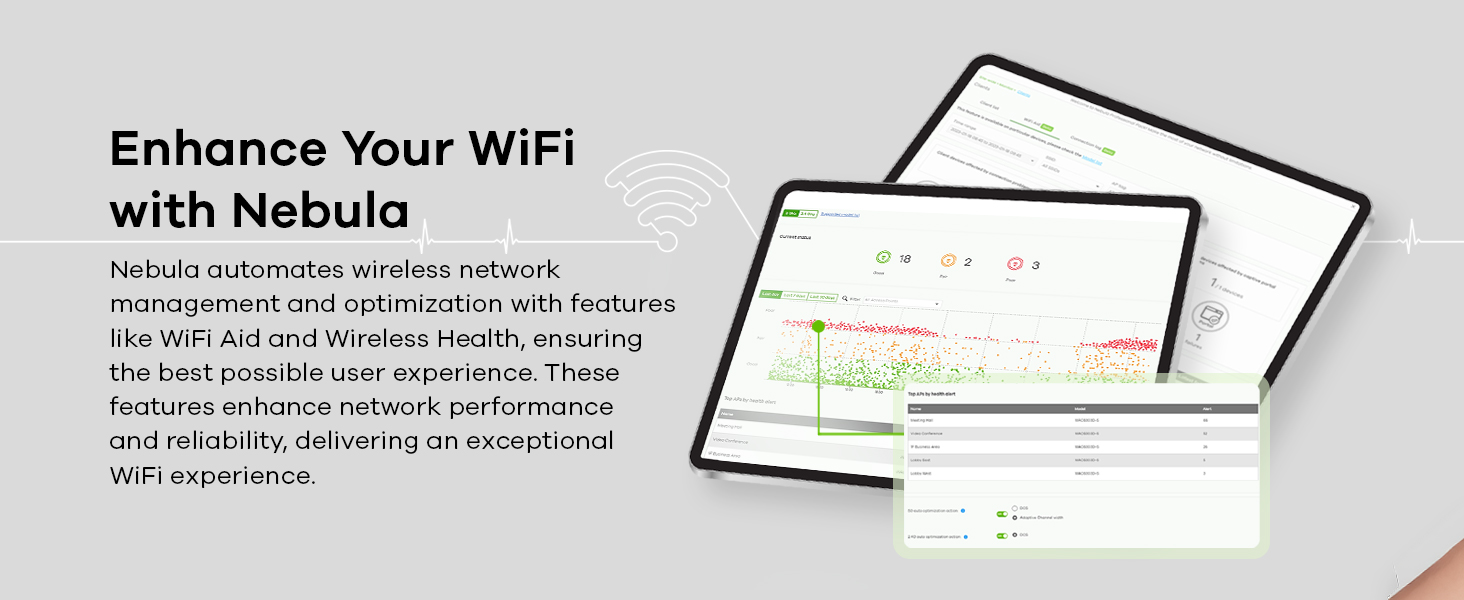
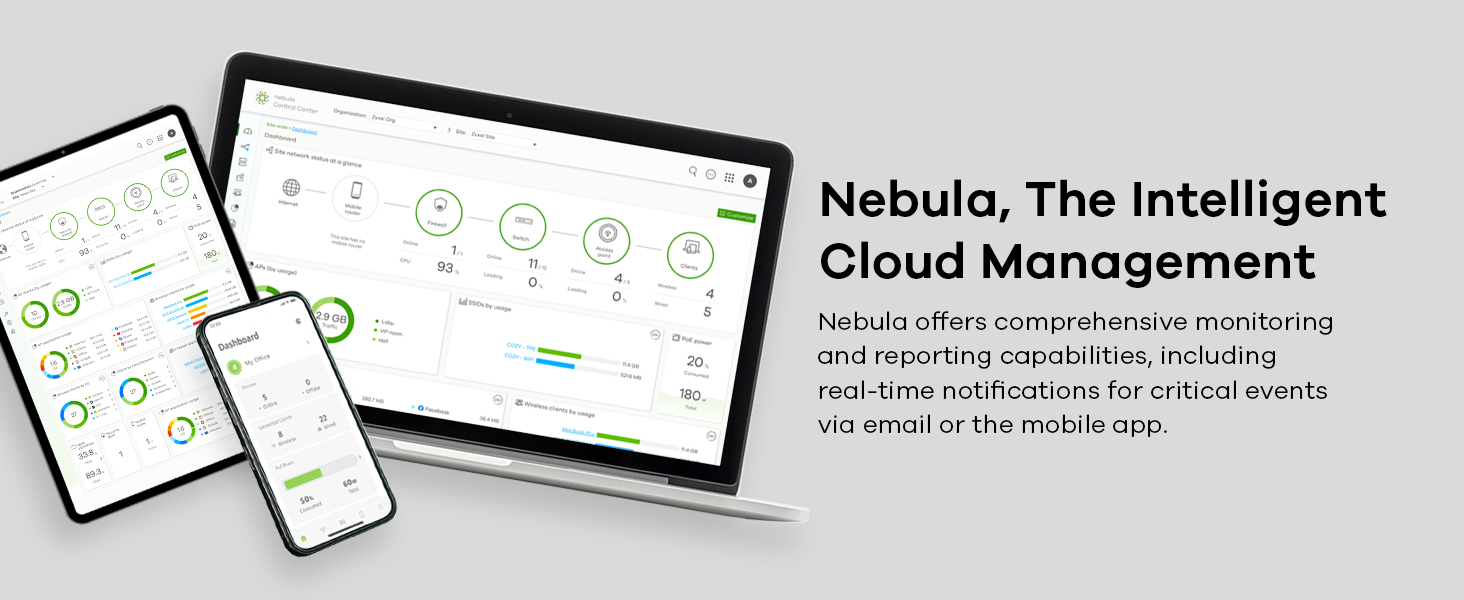
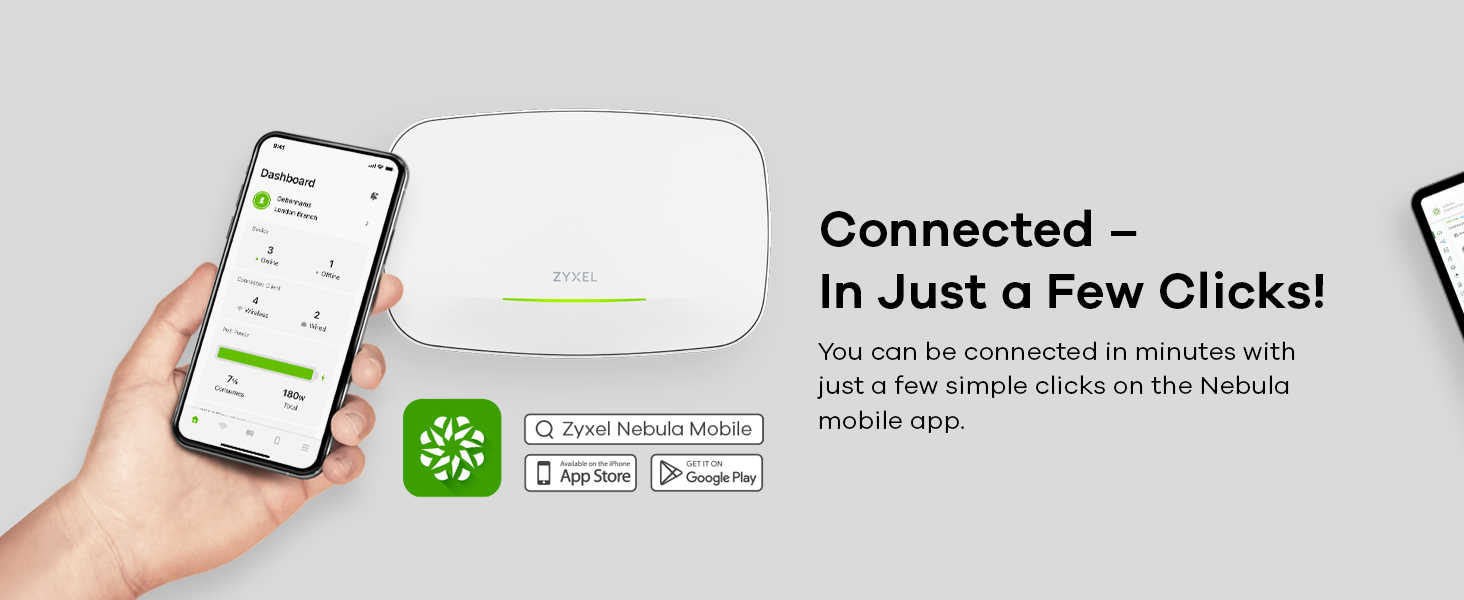
The Zyxel WiFi 7 BE12300 is a cutting-edge dual-radio wireless access point delivering up to 12.3 Gbps speeds with WiFi 7 technology. Featuring BandFlex for dynamic 5GHz/6GHz operation, dual 2.5G Ethernet ports, and versatile PoE+ or USB-C power options, it’s designed for seamless integration and futureproofing. Managed via Zyxel Nebula cloud, app, or locally, it offers professional-grade performance and easy deployment for small offices or advanced home networks.


| ASIN | B0DV91JGN6 |
| Antenna Location | Business |
| Best Sellers Rank | #71,866 in Computers ( See Top 100 in Computers ) #321 in Wireless Access Points |
| Brand | ZyXEL |
| Built-In Media | Zyxel BE12300 WiFi 7 Wireless Dual Radio Access Point |
| Color | White |
| Compatible Devices | Gaming Console, Personal Computer, Printer, Security Camera, Smart Television, Smart Thermostat, Smartphone, Tablet |
| Connectivity Protocol | Wi-Fi |
| Connectivity Technology | Wi-Fi |
| Control Method | Touch |
| Coverage | Standard WiFi size |
| Customer Reviews | 4.1 4.1 out of 5 stars (84) |
| Data Transfer Rate | 12.3 Gigabits Per Second |
| Frequency | 6 GHz |
| Frequency Band Class | Dual-Band |
| Global Trade Identification Number | 04718937638772 |
| Is Modem Compatible | No |
| Item Weight | 1.13 Kilograms |
| LAN Port Bandwidth | 2500 Mbps |
| Manufacturer | Zyxel |
| Maximum Upstream Data Transfer Rate | 6150 Megabits Per Second |
| Mfr Part Number | NWA210BE-EU0101F |
| Model Name | NWA210BE |
| Model Number | NWA210BE |
| Number of Ports | 2 |
| Operating System | ZyNOS |
| Other Special Features of the Product | Internet Security |
| Security Protocol | wpa3, wpa2 |
| UPC | 760559131326 |
| Unit Count | 1 Count |
| Voltage | 48 Volts (DC) |
| Wi-Fi Generation | Wi-Fi 7 |
| Wireless Compability | 802.11.be |
A**H
It is always the question what you need it for, but if you are looking to set up a series of access points on one site, the convenience of Zyxel Nebula (with the caveat that I think the app and web-interface are too old fashioned) is beyond more consumer oriented brands. Adding a device to your existing site is as easy as scanning the barcode on the back of the device and you are set.
K**N
We're using it in a small home, and it reaches where we need it. The handful of Wi-Fi 7 devices we have seem to like it; the older devices also perform well. It works great with VLANs, allowing you to segment your network appropriately if your router supports that. The passthrough port does not support Jumbo Frames, I learned that the hard way, but both ports, uplink and the extra, are 2.5 gbe, and with a POE switch or injector, it makes for a clean installation. If you use the Nebula cloud, it offers a quick setup, and it also supports local administration. The range was better than expected, there's one small corner at the opposite side of the house where some devices can't decide if they want to try high speed or just a solid connection and they sometimes drop a few times while they figure it out, but that seems to be device-side programming because if you pick an SSID that only has 2.4 Ghz it pops right on. Compatibility, this has been great on this AP, but a massive issue for us in the past, from cars and other IoT to laptops, tablets, and phones we'd often get a complaint from a device, none have done that yet after I figured out the downstream port doesn't do jumbo frames (blocking a resource many of my devices needed) and fixed it. We run fewer than 100 devices, but in that vicinity on it in our house, and I'd feel comfortable deploying this in a small office, probably in a 3-pack. I wish they had these when I worked at a small-town MSP.
N**R
really brilliant product, but expensive, without power adapter and requires License on Nebula for advance management. what i love the most about it, is easy manageable by Nebula. full control WLANs, captive Portal, and a-lot more.
E**.
This seems to be a good AP, essentially a highly flexible, enterprise grade AP at a home price. I had no problem setting them up in Nebula. It took longer to setup my account and org than to setup the first SSID and AP. Nebula is a bit clumsy about how it logs in - it doesn't adjust well to small screens - I have to use my tablet (10.3") to see the button to add the AP. I know that a lot of people complain about no power supply - read the description - you have no reason to complain. For the record, an enterprise AP doesn't come with a power supply either. You can use any 12v 2a power supply from the hundreds that are all over Amazon or get a power injector. My next steps are to add an SSID just for IoT devices, VLANs to isolate my IoT network, and LAG to use both LAN ports. From there, I will just play, especially in the local web and command line interfaces. To hit the tags: Signal Strength is good (please note that 6GHz penetration of walls is worse than 5GHz - not Zyxel's problem at all), reliability is good so far, and the speed is certainly good (my ISP is the bottle neck, but I can get speeds FAR better than my old Wi-Fi 5 Orbi. Maybe I will set up iPerf and see what I get internal to my network). Overall... it's an easy decision... buy it. UPDATE: Works great with the POE+ injector from Zyxel.
T**4
**update 9/19/25 Does not seem to support wifi-7 even though it is advertised as supporting. Multiple clients are also connected to the access points and they do not show as clients in the software as connected. Wi-Fi speeds will drop off if you’re not in the same room. Same room speeds are great; however, you will have random disconnects even when in the same room. Looking at the log reports, the reasons will vary. Some occur every day at the same time and the reason given is simply Netconf connection is disconnected. Luckily, the reporting aspect is great on this, it really can be useful to see what’s going on with your network and devices. A lot of information can be obtained from the free tier of access. While that can be expected for devices like this, certain things like exporting a report require a paid license. Which is silly IMO. The iphone app is dismal and very limited in what you can do with it. I rarely use the app as a result. You will need to go to the website to really do anything of value for settings aside from obtaining basic information. The website can be a little difficult to figure out as figuring out at first. Once you get the general understanding it’s very informative. It will tell you everything you need to know about the network, devices. If you do not know much about Wi-Fi or networking, I would suggest you research what terms mean before you go change random settings here. The site does a good job of offering help as to what things mean or do as well. I would never consider this brand a professional setting; it struggles in a home environment with around 20 devices. If I wasn’t past my return window I would ship it back.
Trustpilot
2 months ago
3 weeks ago