


🎨 Elevate your digital canvas—where precision meets portability!
The Wacom One 13 Touch Drawing Tablet features a 13.3-inch full HD laminated touchscreen with anti-glare technology, delivering a natural pen-on-paper feel. Equipped with a battery-free pen offering 4096 levels of pressure sensitivity and tilt recognition, it ensures precise, lag-free input. Compatible with Windows, Mac, Chromebook, and select Android devices via USB-C, it supports customizable shortcut keys for enhanced workflow. Lightweight and portable, it’s perfect for students, educators, and creative professionals seeking a versatile digital art solution.
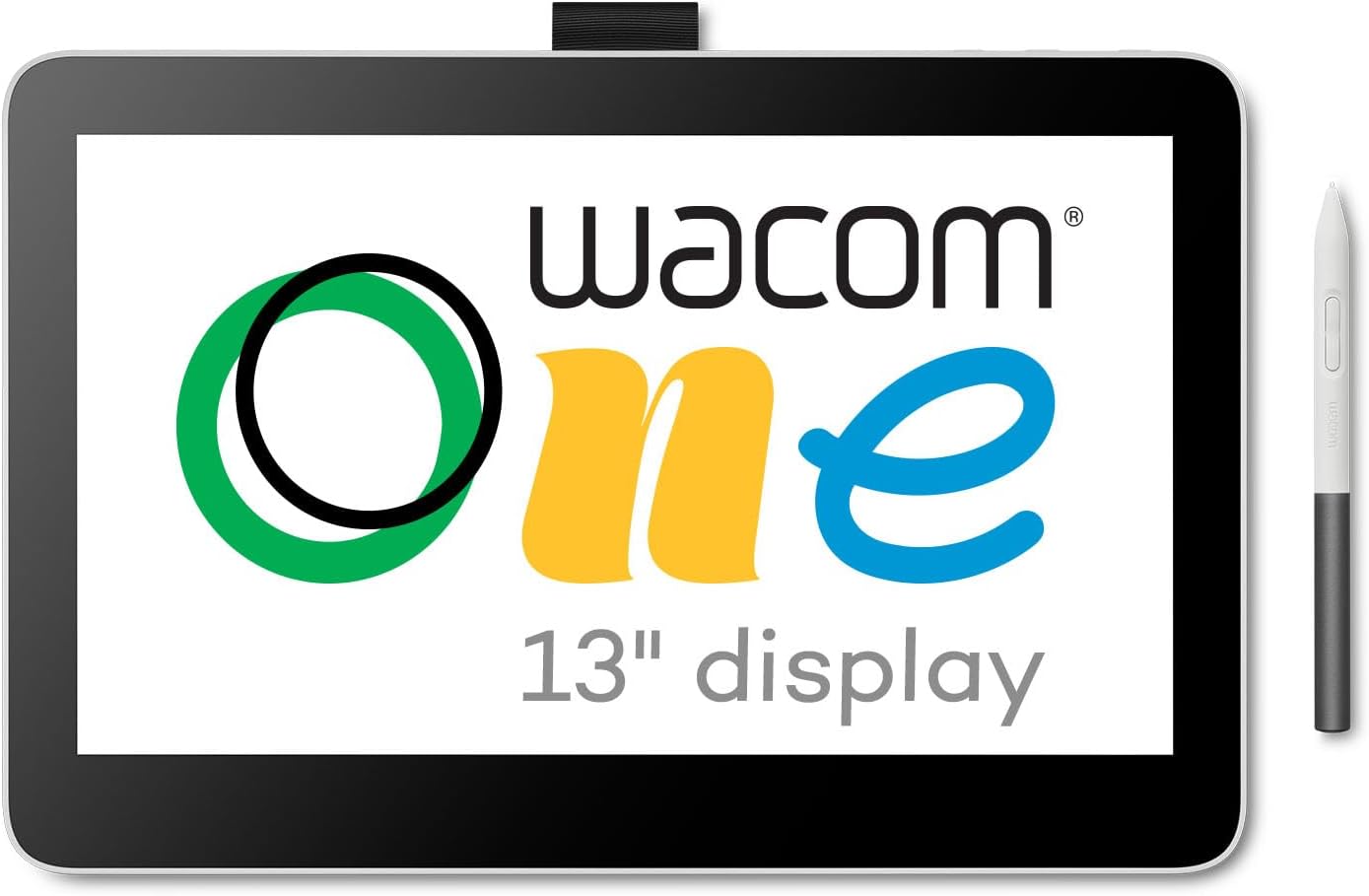




| ASIN | B0B4VRV99F |
| Active Surface Area | 11.6 x 6.5 |
| Box Contents | AC Adapter, Digital Pen, USB Cable |
| Brand Name | Wacom |
| Colour | white( ) |
| Compatible Devices | Desktop, Laptop, Smartphone |
| Customer Reviews | 3.7 3.7 out of 5 stars (21) |
| Display Type | LCD |
| Item Dimensions L x W | 33.5L x 22.1W centimetres |
| Item Type Name | Notebooks |
| Item Weight | 1.9 Pounds |
| Manufacturer | Wacom Technology Corporation |
| Model Name | Wacom One 13 Display (2023) |
| Model Number | DTH134W0A |
| Native Resolution | 1920x1080 |
| Network Connectivity Technology | USB |
| Operating System | Windows |
| Pressure Sensitivity | 4096 Levels |
| Product Features | Full Lamination |
| Screen Size | 13.3 Inches |
| Specific Uses For Product | Drawing, Online Education, Remote Work |
| Target Audience | Student, Teacher |
| UPC | 753218984814 |
R**Y
Turned out to be the perfect solution for lecturing while annotating slides. The quality of the digitizer is excellent, much better than digitizers I've had on recent laptop screens. Being able to turn touch sensitivity on and off with a switch is extremely useful when you want to avoid unwanted effects when annotating with the stylus.
B**N
Love it! Just the right size. Easy to use and writes exactly as I needed it to. I use it for remote training classes where I need a whiteboard to draw on. Fits nicely in laptop bag and weighs very little.
B**.
Summary: Everything is fine until I see some problem with the buffering video issues I have to shutdown Wacom Driver with my MacOS using ChatGpt and Youtube, it is good thing I'm an IT student and know how to troubleshooting Set up problem: It take me 1 day to know how to set up the Wacom with Krita by mirror Mac, no problem with this Troubleshooting buffering video issues: but the buffering video issues piss me off due to downloading the Wacom Driver, btw this also take me 2 day as well to Troubleshooting. the issue is bluetooth with other devices conflict with Wacom Driver so I have other turn off both Wacom and bluetooth in my MacOS in order to not have buffering video issues anymore What if 2 Star: if I'm only an artist and don't have chatgpt then I would have not been able to troubleshooting and would have give this a 2 Star for everything is good but the buffering video issue What if 5 Star: it is wasn't for the Wacom Driver that have a problem with the buffering video issue then 5 Star FYI: buffering video issue does not mean internal video like already downloading videos, but the online one such as YouTube and other online Video Platform using the internet.
J**R
It works overall all very well. Sometimes it’s buggy and I have to reboot the Wacom or the software.
R**R
i dont have much positive to say about this other then its a touch screen... however the touch screen i a bit clunky... now for the bad BAD: the screen resolution on this thing is horrible, i could barely see it and i have perfect vision, i had to look at my computer for any form of color accuracey or to read words, screen brightness id compare to if you have your phone on 15% brightness and it wont go any higher. this may be good for kids to doodle on but... just buy them a tablet if thats all they are going to do.
Trustpilot
1 week ago
1 month ago