We remain fully operational. Our teams are working around the clock to ensure your deliveries continue safely.

DOWNLOAD THE APP


Customer Services
Copyright © 2025 Desertcart Holdings Limited
DOWNLOAD THE APP


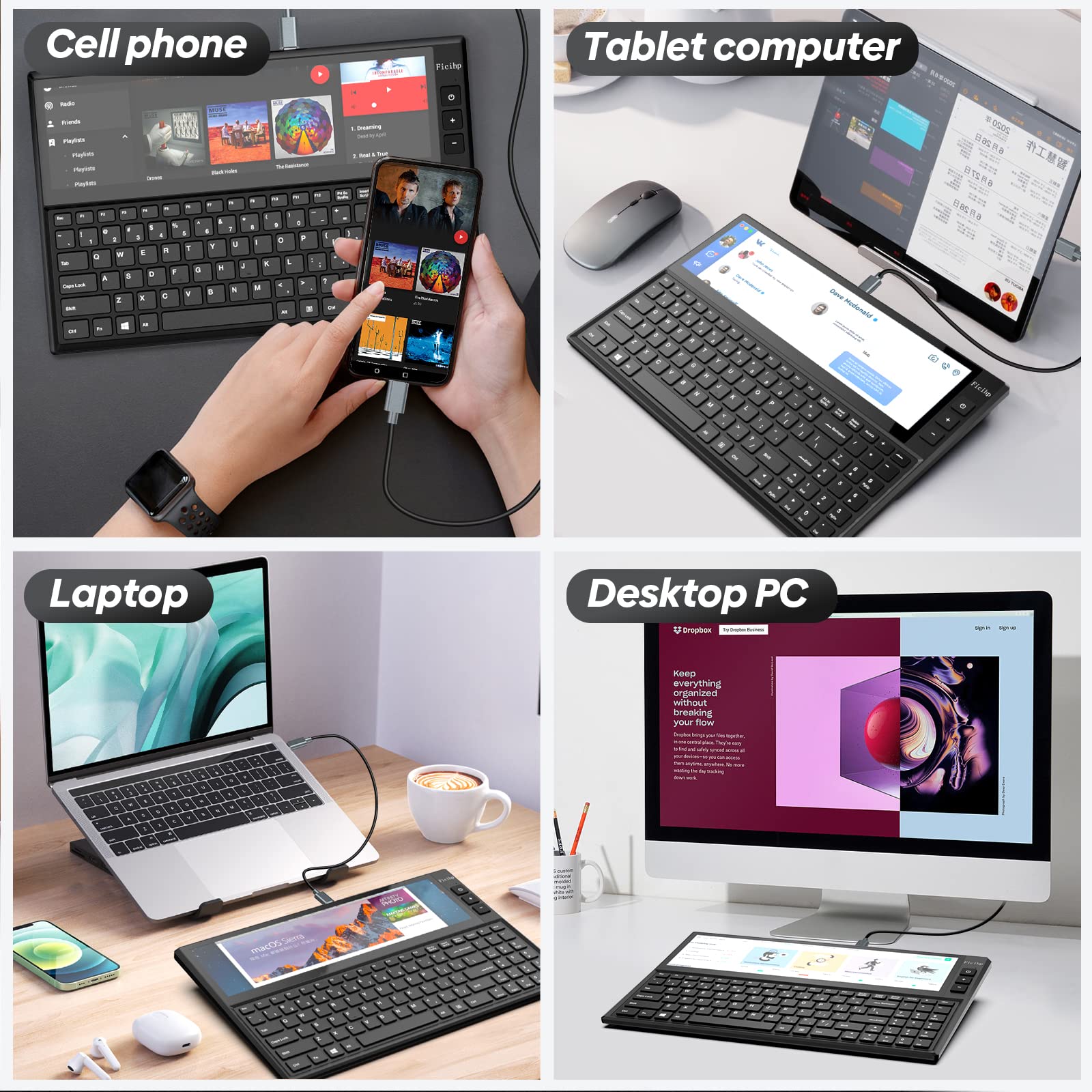

🚀 Elevate your desk game with the FICIHP K1 — where productivity meets futuristic style!
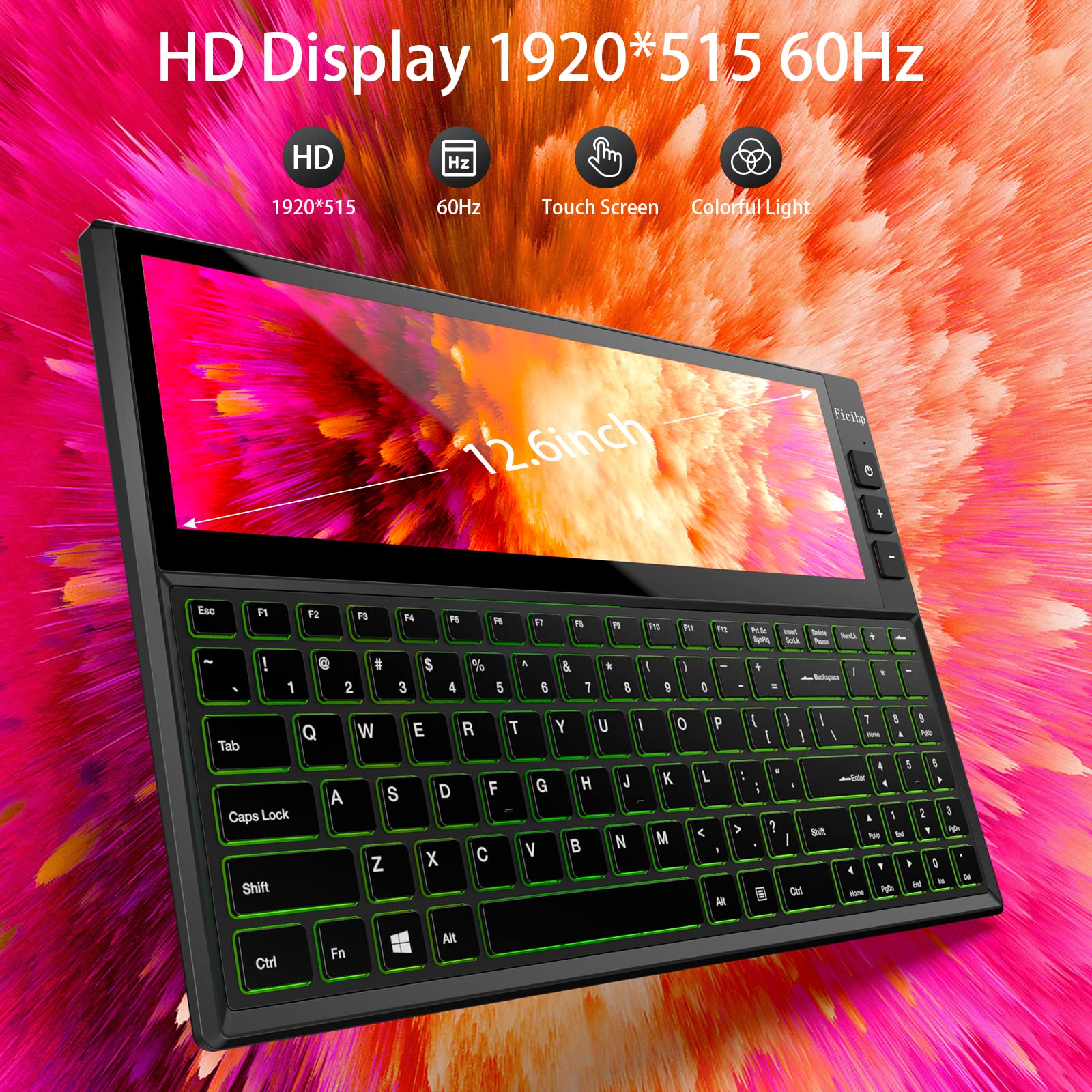
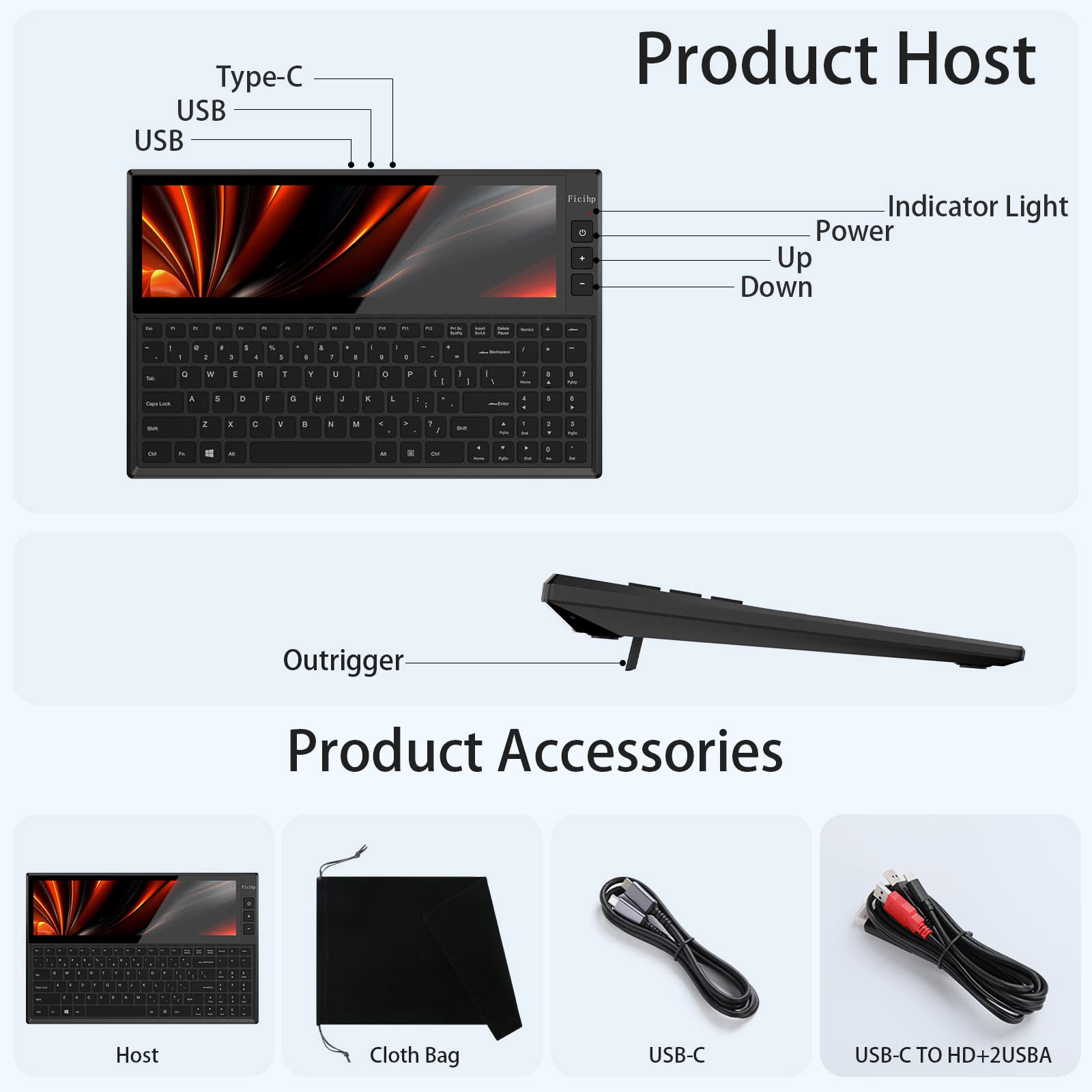
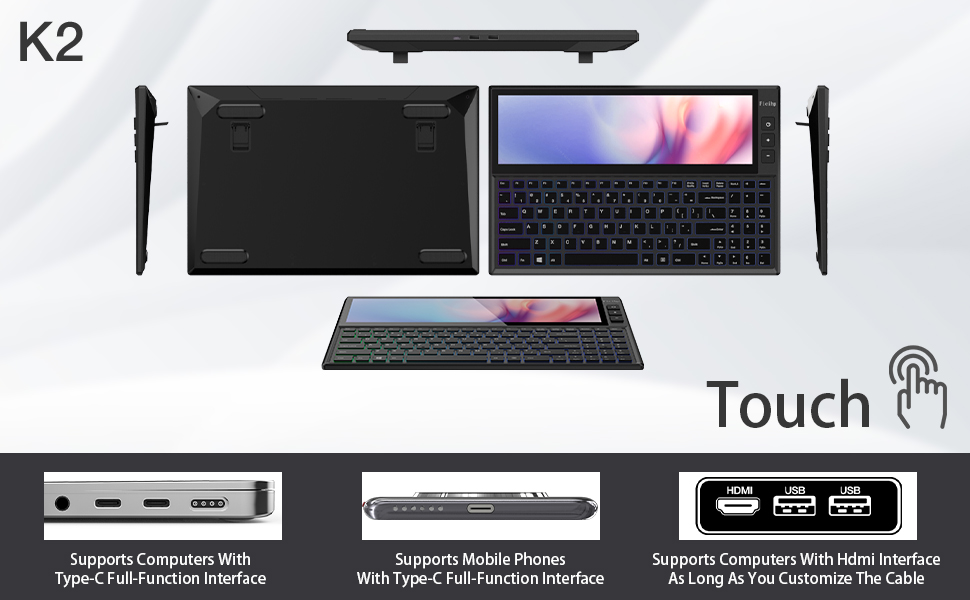
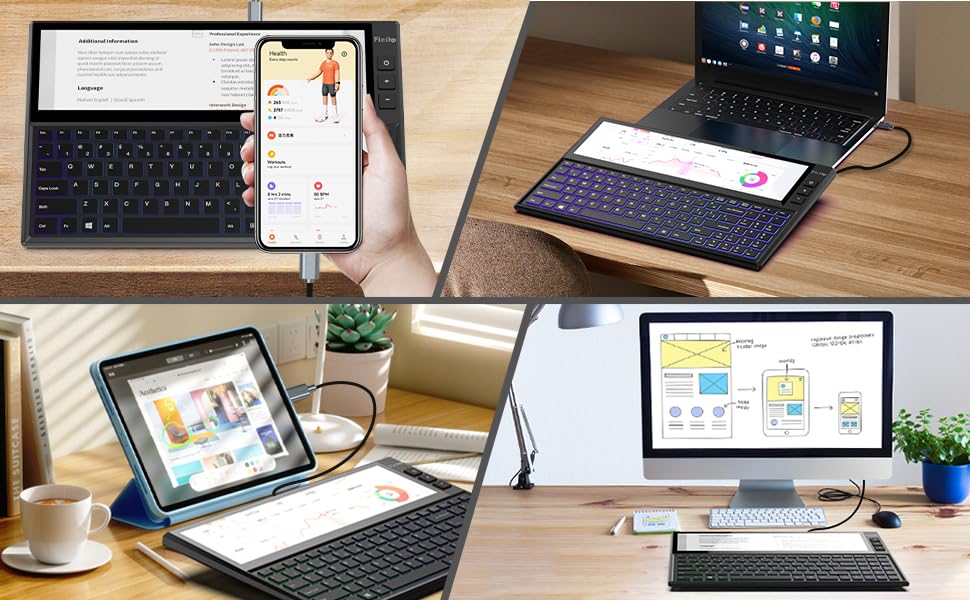
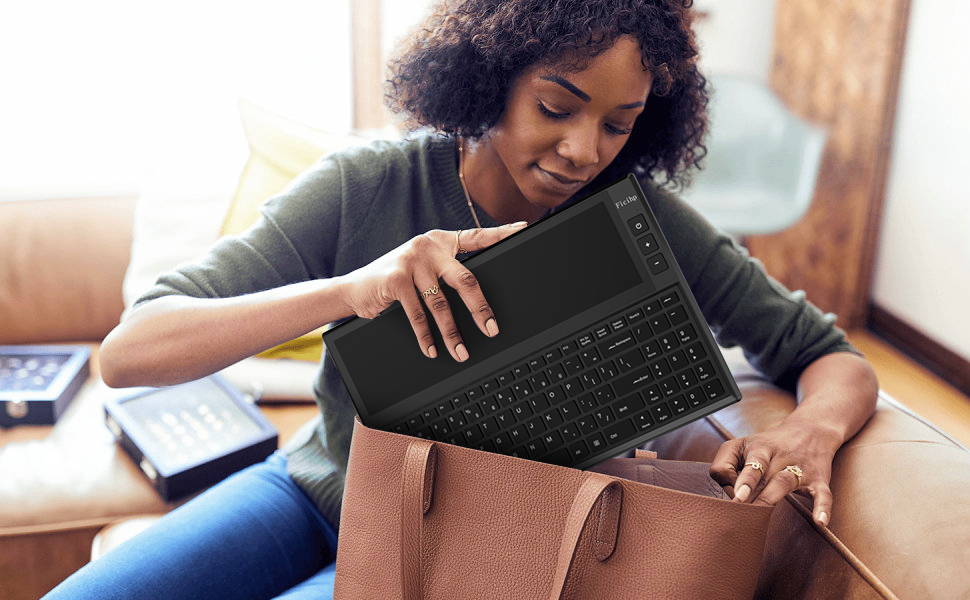
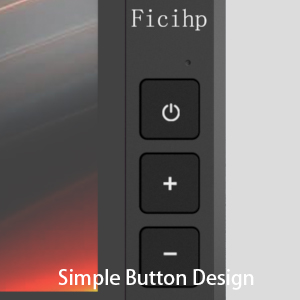
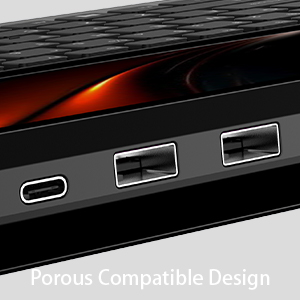
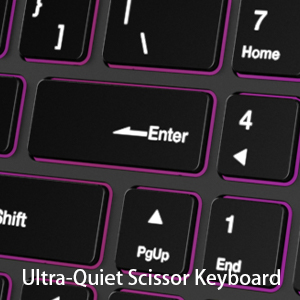
The FICIHP K1 is a 12.6-inch portable touchscreen keyboard featuring a 1920x515 IPS display with 10-point touch, 98 quiet scissor-switch keys, and USB-C plug & play compatibility. Designed for professionals on the go, it supports multi-screen setups across laptops, tablets, and smartphones, enhancing workflow efficiency with built-in USB 2.0 ports for peripheral expansion. Its sleek RGB backlit design and ambidextrous layout make it a standout tool for multitasking millennials seeking both style and substance.

| ASIN | B09PMGZ55D |
| Are Batteries Included | No |
| Brand | Fagomfer |
| Color | K1-1 |
| Customer Reviews | 3.6 3.6 out of 5 stars (84) |
| Date First Available | 22 July 2022 |
| Hardware Platform | Laptop, Tablet |
| Item Weight | 2.54 Kilograms |
| Item model number | f42272ab-85d3-4011-a27f-25a09f751549 |
| Manufacturer | Fagomfer |
| Number of USB 2.0 Ports | 2 |
| Operating System | linux, linux Android Mac Windows |
| Package Dimensions | 38.99 x 27.71 x 8.2 cm; 2.54 kg |
| Power Source | USB power |
M**S
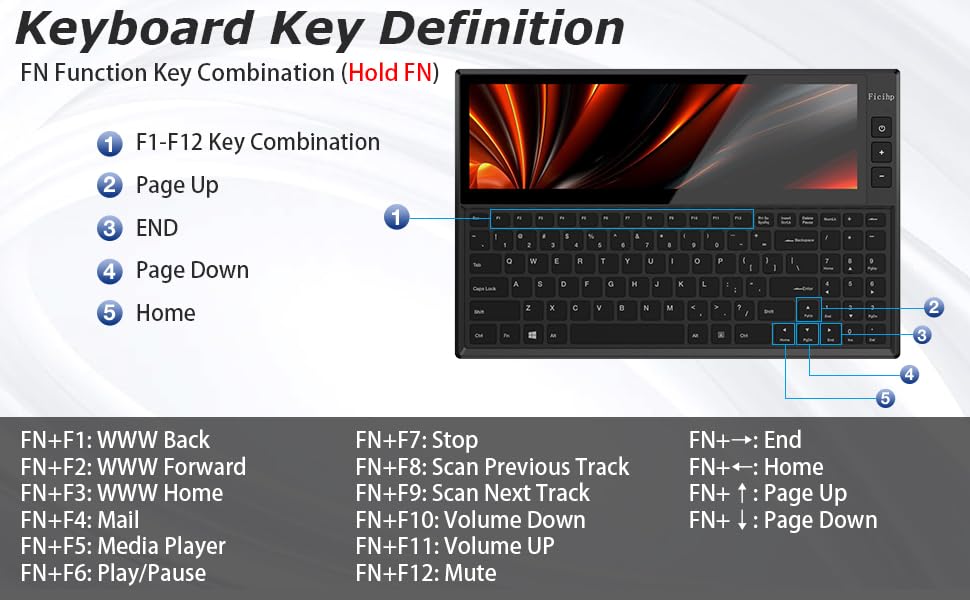
I didn’t have a reason to buy this keyboard, but the additional screen and functions were intriguing. Right now, I'm using it on my Mac but intend to use it on my windows laptop. It's straightforward to connect to either Mac or Windows. The drivers install seamlessly, and the screen sets up quickly. Touch works well. For Mac, you have to move the mouse to the screen before touch works as intended. Not too bad. The keys are Gateron blue as have a tactile click. They're hot-swappable, so you can switch to something quieter like a brown if you want. Function-wise, you have to use a combination of the Fn key and other keys. It may take time to remember which combination does what. Overall, I like the build and novelty of the keyboard. I use it to put music controls down or the photo catalog when I am editing in lightroom. It's neat!
P**R
UPDATE: After having written the review I unexpectedly received contact from the manufacturer, I will be adding other details here after the process has completed. My unit was apparently, a QA anomaly which did come as a relief and we will see shortly, where this review will reflect the appropriate QA/QC quality. For now and due to their customer service response that genuinely wanted to know how to improve I have adjusted the review score. Still leaving the other descriptions below for customers, but stay tuned. ---Pre-Customer Service Contact: First of all, it really does pain me to gives this only 2 stars, because if it weren't for the quality and fit and finish this keyboard would be absolute dynamite. Bad news first: - The keyboard enclosure seems rushed through manufacturing/assembly and as a result there are several components that do not quite fit in the case, such as the LCD, keys and switch reliability (key caps were just of center in some cases) , dodgy LED lights. - The USB cable is a huge problem and it is unpredictable. *NOTE* This has an HDMI connector with a Y connection for the USB on your machine that terminates on USB-C at the keyboard. This cable is far too short if you do not have your machine directly next to you. - Included key puller immediately deteriorated out of the box, not even worth attempting to rescue it, toss it if you do purchase one of these. The Good news: If the above issues were no longer a problem this would undoubtedly be one of the most useful/tacticool/aesthetic keyboards I have ever had or built and is at the very least unique. Useful: The multi-touch (if it reliably doesn't rock back and forth in the chassis) is a serious productivity enhancement. It has some getting used to after setting it up, but once you have your workflow established it's instantly useful. Tacticool: You will look like either a pro, super spy, or time traveler from the future as seen in the 1980's it is edgy and bright with clear color and having the breathing LED pattern running with music is a lot of fun. Aesthetic*: Look past the misalignments and everything else and it is a beautifully designed look, it can be as brightly overt as you want with bright color backlit keys, or the more old school look and it really does look spectacular. I sincerely hope that the next batch or run improves upon these fit and finish issues, because for the price I think it is fair to expect a little more. If they fix those challenges (maybe add some Function Key's) it would be clear winner. Sadly, try the unit at your own risk and hope mine was a fluke
T**S
Not sure if my review made it from mobile but I purchased this keyboard and was awesome when it arrived. I connected everything according to instructions and it worked great. I have a 3 monitor setup and this supplied a fourth screen for any chat room happenings, slack and discord. On day 2 of use, I turned on my computer, the keyboard cycled as normal, the screen turned on as normal but then Windows 10 prompt came up that the drivers for the keyboard were corrupt and not usable. I reached out to the company with no response, went to their website and googled if drivers were downloadable to no avail. No sense in keeping just for the touch screen and no keyboard. I RMA'd the item back to Amazon for a full refund. Final thoughts: I would have replaced this keyboard for another or not have shipped it back if there were separate drivers to download. If this item is upgraded or improved version, I will then reconsider my purchase as it is a very nice keyboard.
A**D
I would like to say this is a very interesting keyboard. I wanted it for live and studio presentations. The screen is okay, but the main issue is not tilt ability. This causes the screen to look washed out. I think for some people that is not an issue if the keyboard is set lower and not on top of the desk. The keyboard itself is a Blue-Clicky (one of my favorite) mech keys. The RGB is fine, but I cannot change it to display only WHITE or a solid color. Only important when I am presenting in a dark room.
C**F
I really liked the idea of a keyboard with an extra touch screen; I have multiple monitors on my desktop windows machine and same for my mac laptop, so the need for a smaller monitor is not really in my user case. Although I bought this for 2 usage scenario: the first is using a DEX based samsung phone; so I can have a proper keyboard when roaming around and also have extra real estate for my different tasks. Sadly this didn't work because this device is unable to stretch the content of the DEX screen, and just use the center part. Basically the screen on this device is smaller than my actual phone screen, as such there is no value in using it in these conditions (tried both with HDMI and USB-C, same thing...) My second case scenario was usage with a raspberry pi; which didn't work either since this device has only USB-C and no battery whatsoever, and it also does not show the RPI screen fully, but does the same as for the phone, showing only the center part and with text so small that is impossible to be used. If you consider that to use a RPI you need that huge HDMI cable, and on top of that you need a battery to power the screen (the power requested by the screen is 2A; which is too high for the RPI USB port to power it via battery) and end up with the image only on the center of the screen; you can imagine that it is not usable nor practical, compared to just carrying with you a battery powered LCD and a keyboard. Very disappointed overall, since the idea was great but sadly the way in which this has been implemented is useful only if you use this device as extra screen for your desktop or laptop computer. At this price (~$380) what offer is very limited to specific user cases, and even in those cases the performances are quite disappointing. The screen brightness is very low; even at max settings, so if your work area is bright, can't really do much. The keyboard itself feel like a 50 dollars Amazon generic mechanical keyboard; and while you can replace the switches, at that point you can get a much better keyboard to start with, and end up with the same price ballpark you end, after you buy new switches and keycaps for this device. Touch screen is not very responsive using Windows; tried it with Premiere and Photoshop and it felt comparable to use a cheap tablet; so if you plan to use this as secondary monitor for touch screen, it may work as touchpad but that's it. Also there is no way to turn off the screen; pressing the power button call the OSD menu for the monitor (which is very limited), so unless your device has a screen management timeout, the screen on this device stay on without any way to turn it off unless you physically unplug it. So in the end this product is lacking in almost every single area; I hoped it would be a good travel companion for being used with a phone or a Raspberry pi, but sadly that didn't work at all. Maybe if this device was priced at 150 or so, the shortcomings would be affecting the final evaluation less, but when you ask 400 dollars, the expectations are adjusted to the price asked. If you need a small standalone bar LCD, there are plenty for sale with similar specs as the one on this device, for less than 150
Trustpilot
2 weeks ago
1 month ago