
DOWNLOAD THE APP


Customer Services
Copyright © 2025 Desertcart Holdings Limited
DOWNLOAD THE APP
🔥 Keep Your Cool, Wherever You Go!
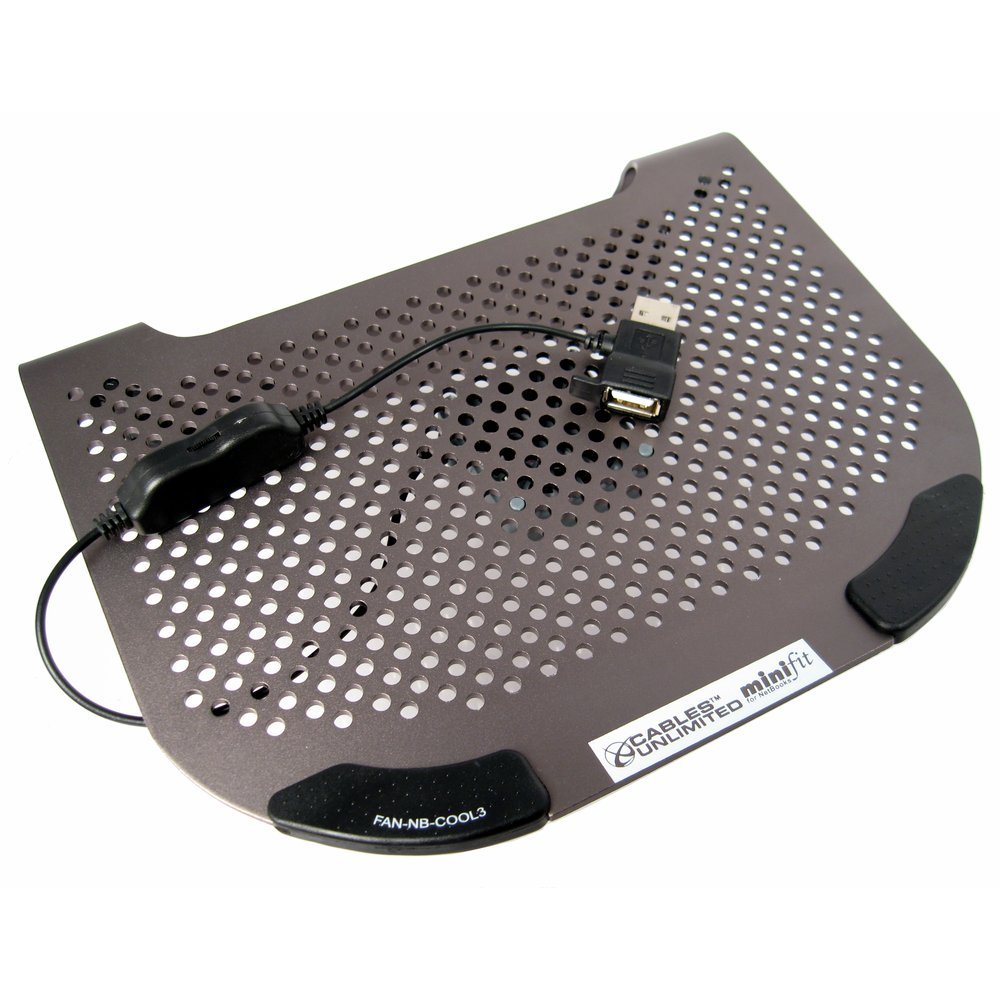
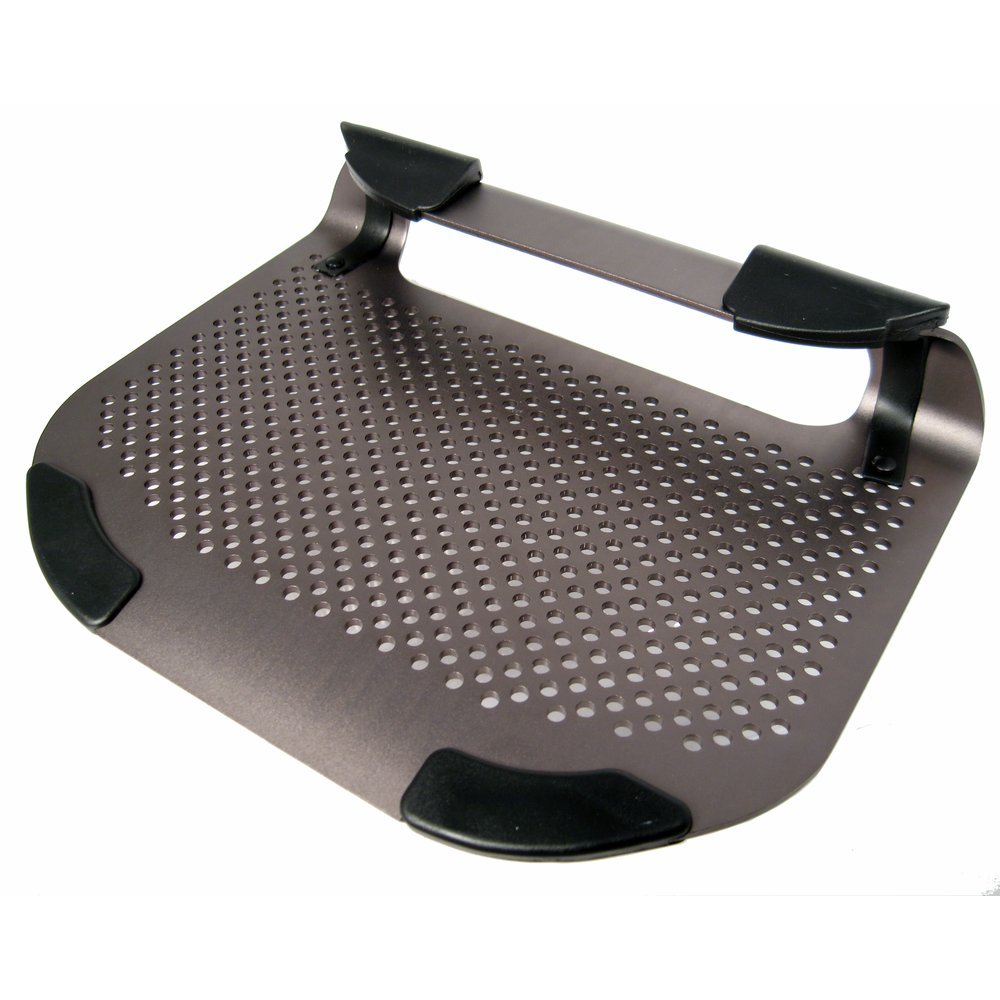
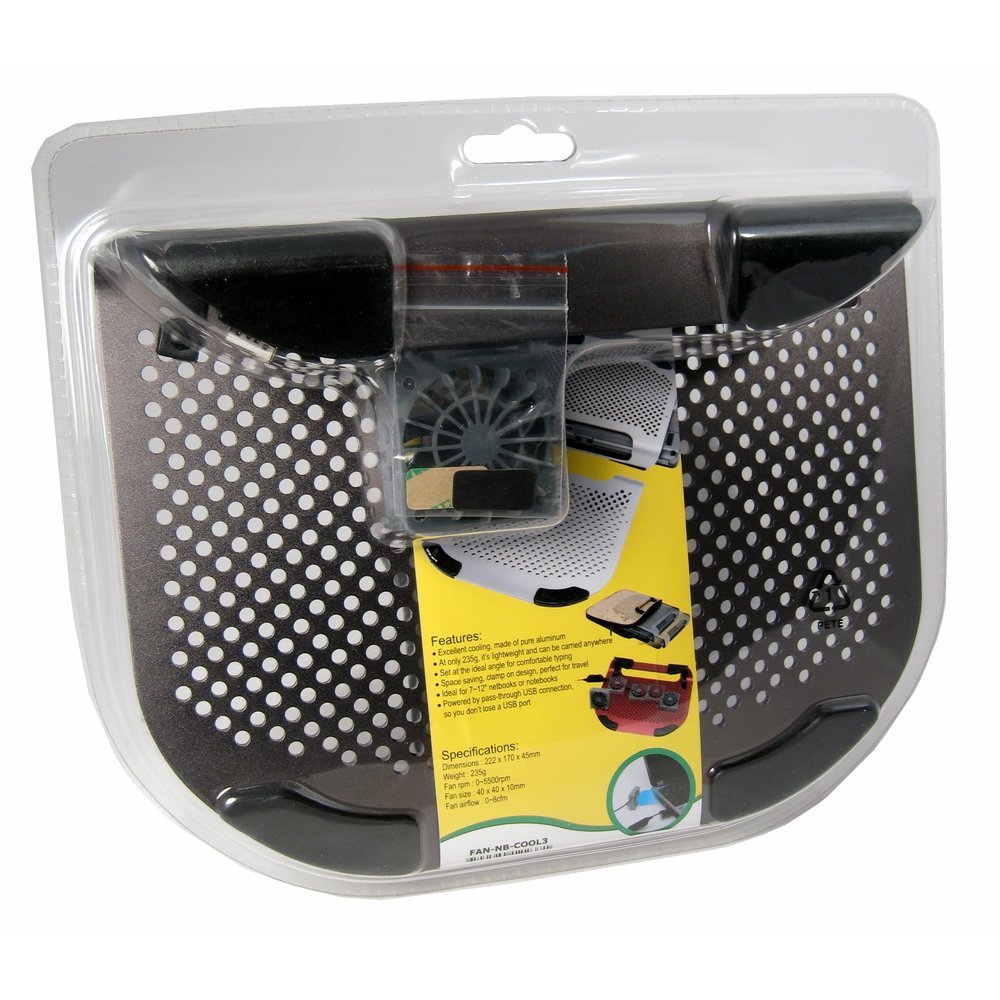
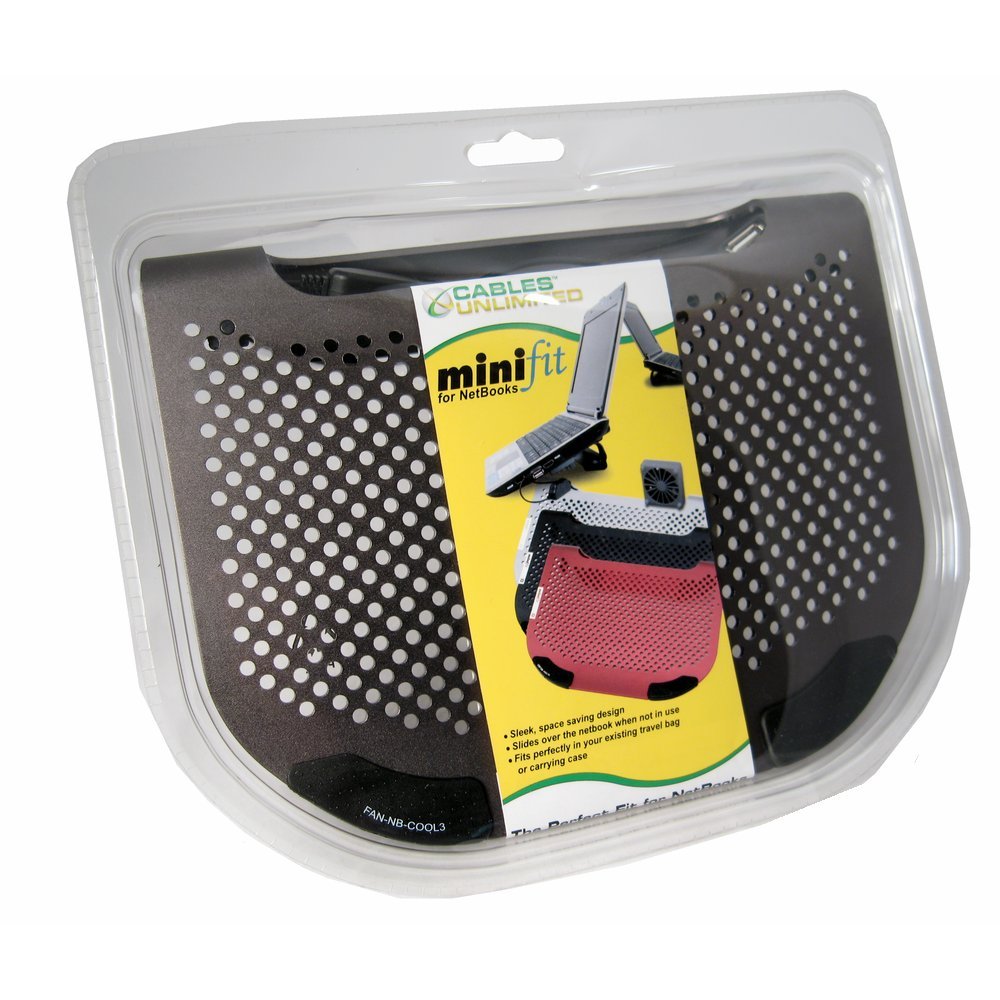
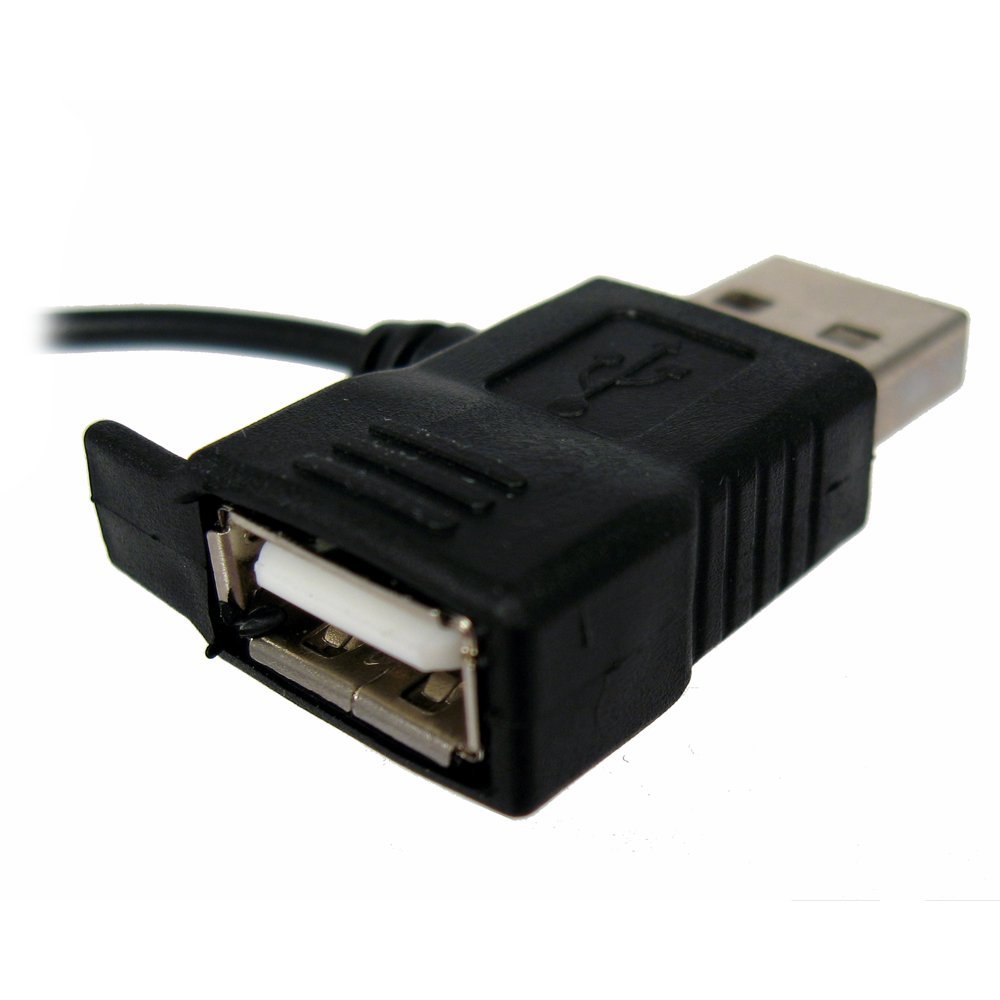
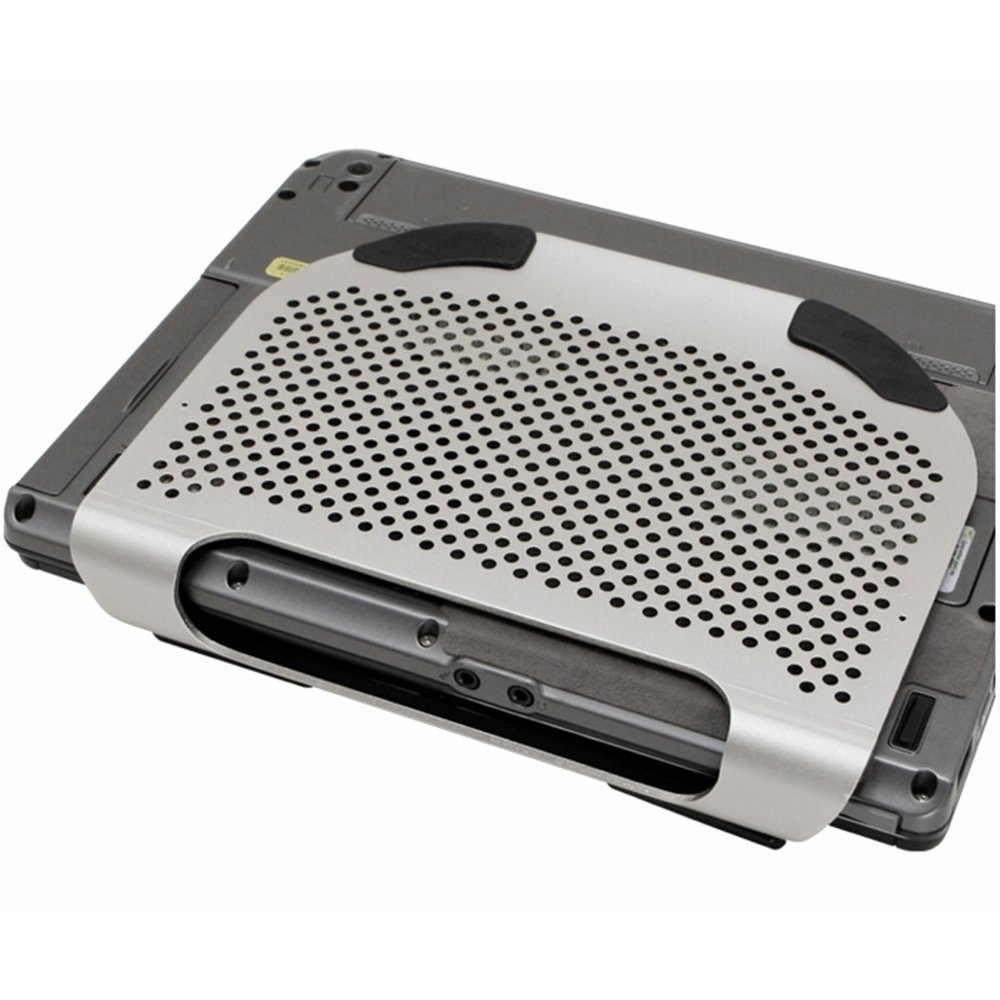
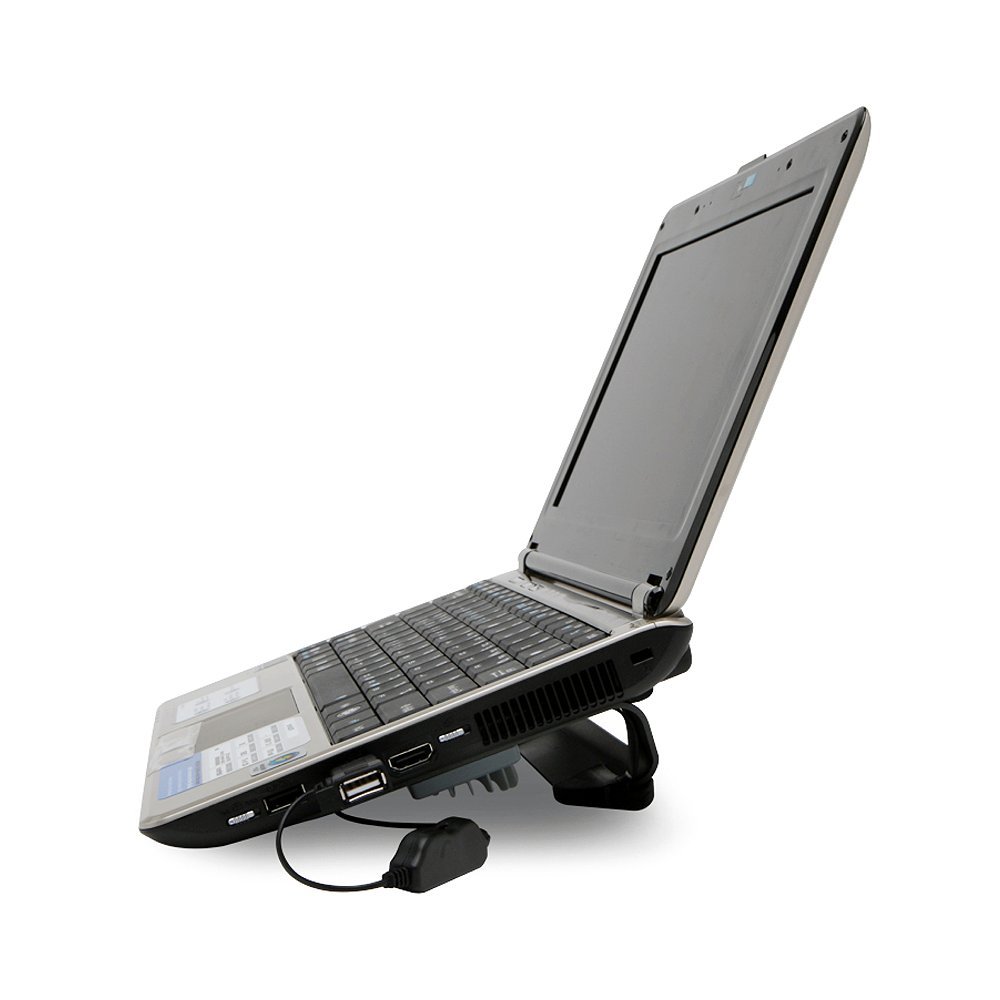
The Cables Unlimited FANNBCOOL3 MiniFit Slate Grey Metal Netbook Cooler is crafted from pure aluminum for optimal cooling performance. Its ergonomic design enhances typing comfort, while the space-saving clamp-on feature makes it ideal for travel. Powered by USB with a convenient pass-through connection, this cooler is specifically designed for 8.9" netbooks, ensuring a snug fit and efficient cooling.
S**L
Minimalistic, but it works
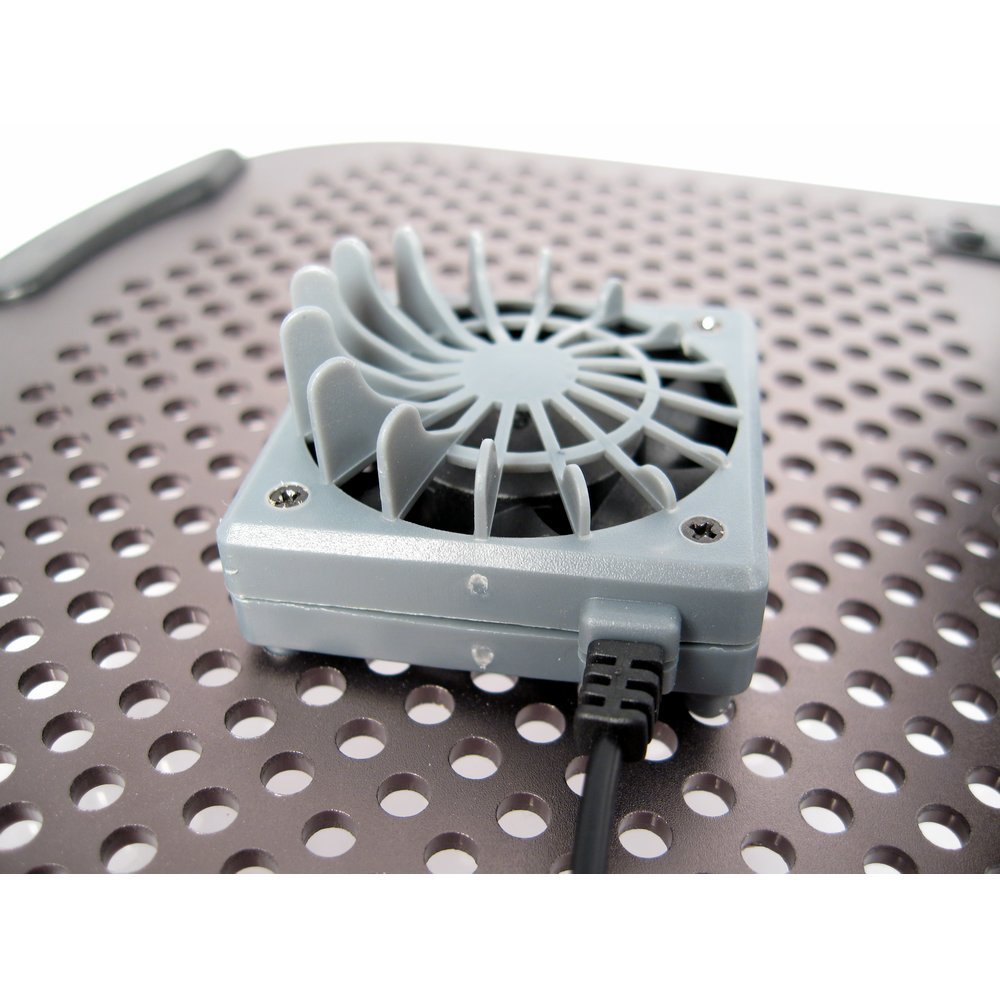
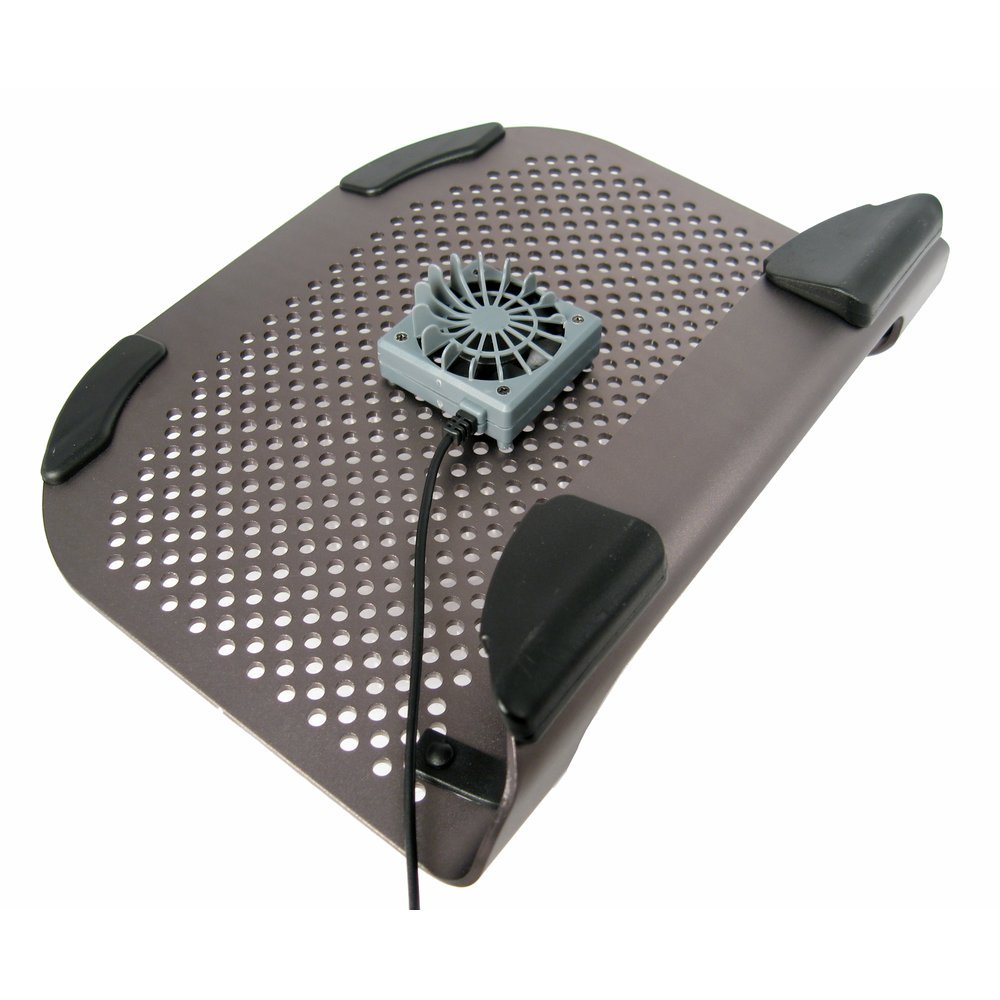
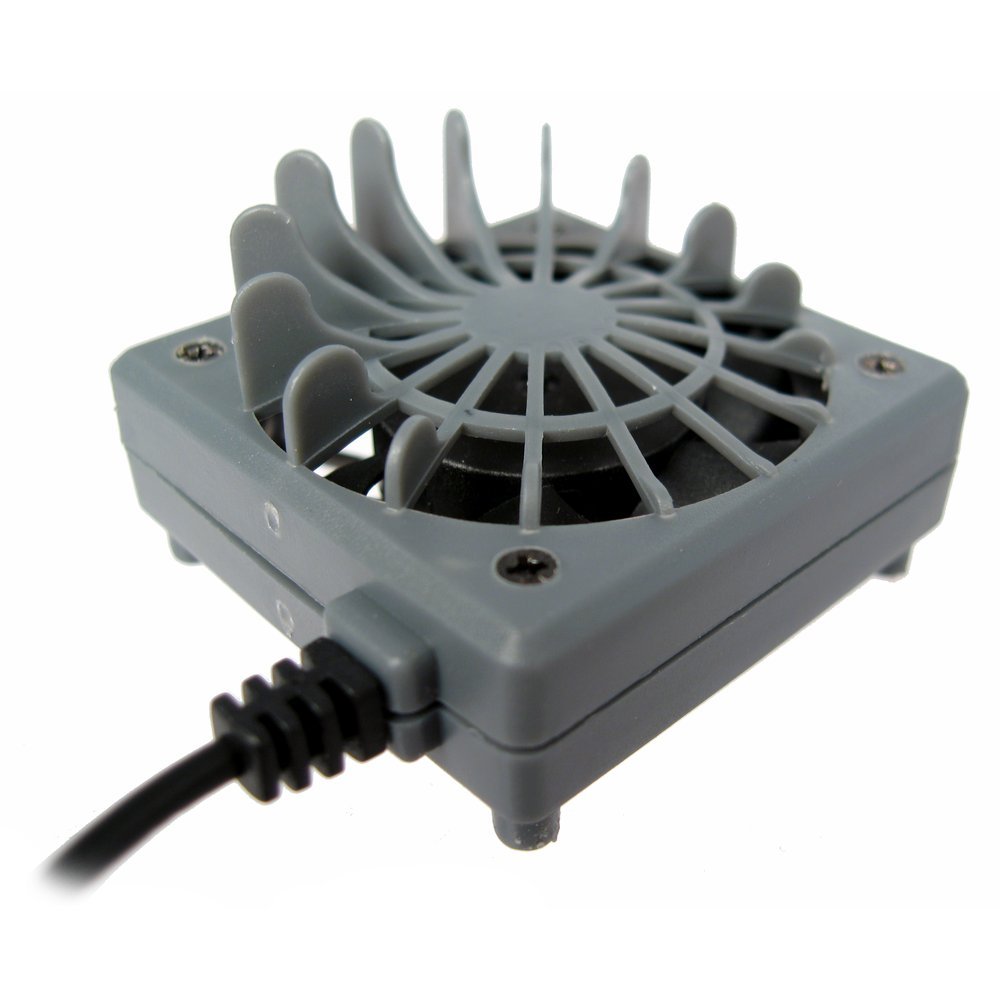
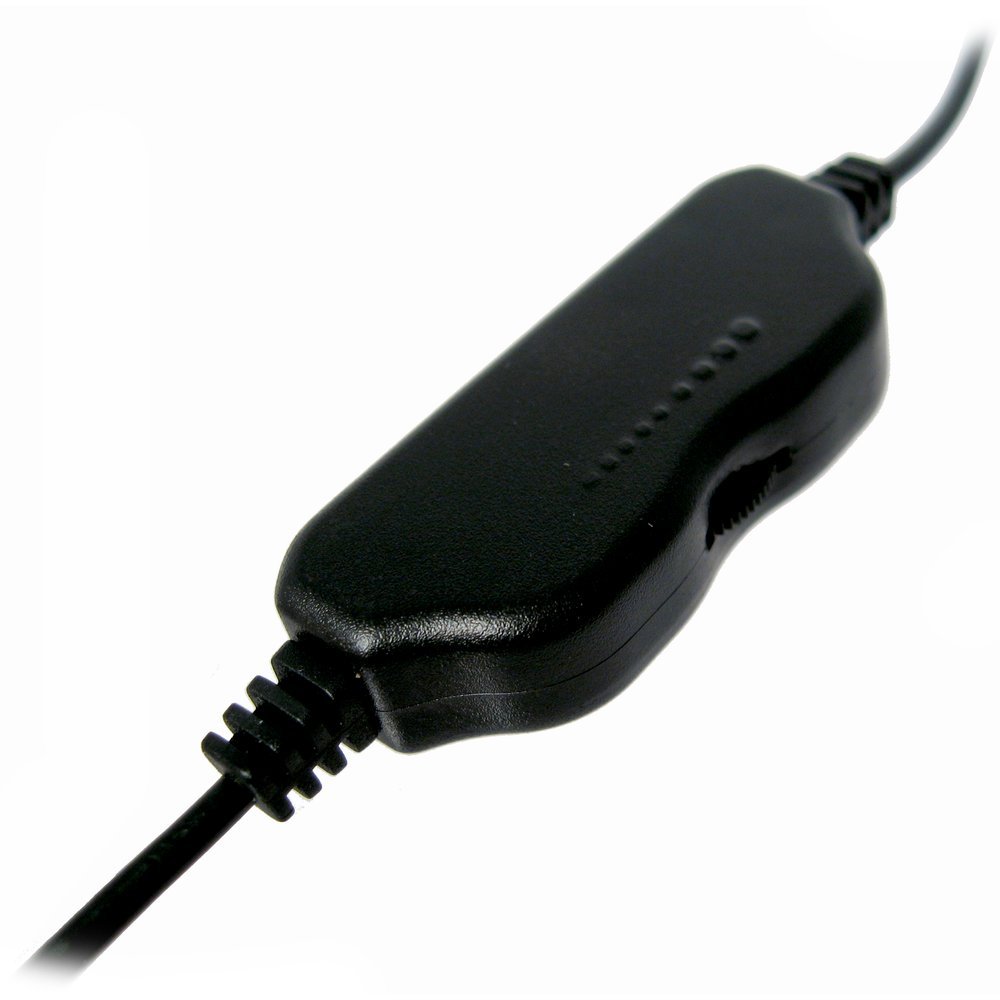
I purchased the Cables Unlimited FANNBCOOL3 for my Dell Mini 9. The Mini 9 is fanless and it can get warm, depending on what it is doing. I had tried a couple of different "coolers" including one with a heat-absorbing material, but none of them worked particularly well. (The absorbing mat, in particular, worked great for about 10 minutes until it could no longer absorb more heat.)The FANNBCOOL3 consists of the gray-painted aluminum stand with rubberized pads, a separate USB-powered fan, and a pack of two small stick-on rubber pads, whose purpose is left to the imagination. The paperboard wrap around the stand has no instructions. The fan's plastic housing has four pegs that fit into the stand's holes from the underside - you can position the fan where it makes the most sense for your netbook, assuming your netbook has vents on the bottom. I found the spacing of the pegs just slightly off so that I could not fully insert two of the four pegs. However, it held on well with just two. The fan's power connector has a pass-through for USB so you don't lose a port. There is also a speed control on the fan cable. The cable isn't very long, which is good in that it won't tangle in things. It is long enough to reach a USB port on most any netbook.The Mini 9 fit perfectly and reasonably securely on the stand. The angle of the stand is such, though, that the display lid of the Mini 9 ends up nearly vertical, since it has a restricted rake. It wasn't as bad as some stands I had seen. A larger netbook might or might not fit well, depending on where its feet were. Note that the manufacturer says it is specifically designed for 8.9" netbooks (which the Mini 9 is.)In use, the stand on its own noticeably lowered the CPU temperature of the Mini 9 - at least 10C, I'd say. The fan made very little difference no matter where I placed it so I just leave it off. Your situation may vary. In use, the fan was quiet except on its fastest setting where it made an audible, but not annoying whir.The product description for the FANNBCOOL3 says that it "clamps on" to the netbook for carrying. Well, maybe some it does, but not the Mini 9. The opening is too small for the back edge and too big for the front edge. It does fit around the front edge, though, so you can carry it that way without adding much bulk. Of course, if you're going to use this feature, you must remove the fan first!I have uploaded three photos showing the FANNBCOOL in use with the Mini 9.I think the FANNBCOOL3 works well just on its own and is just the right size for me.
A**.
Good product for low price but beware what you plug into the fan's USB pass through outlet
It's a really good little platform to keep my Acer Aspire One from overheating. The little fan does help but I've had trouble with the 'pass through' USB cable that powers it. I can consistently get a mouse to work when I'm plugged in through the fan's cord but I have a whole lot of trouble getting thumb drives to consistently read. So, I'd be careful what you decide to plug in through it. Also, the metal platform itself is a tad bit small for my Acer thus the computer slides around a bit when shifting sometimes (like if you have it on your lap or in a bed.) Its really no biggie though (especially considering how my screen was overheating and malfunctioning before I got it.) It's totally worth the 10 bucks or so that i spent on it. Also of note is that the platform (and it's little fan) are holding up quite well. I've had them for several months and I take the computer and platform/fan combo around with me frequently. The fan wire is thin but it hasn't shorted out from being bent around in a computer bag several days a week. Overall, a good quality product for a low price.
C**R
Cables Unlimted FANNBCOOL3 MiniFit Slate Grey Metal Netbook Cooler with Fan
I decided on this laptop cooler for a few reasons: it's metal with holes, so I thought it would help keep the laptop cool with or without having the fan turned on. It has a simple, sturdy design. You can place the fan yourself, so you can set it next to where the laptop gets the hottest. It's made specifically for smaller computers, so my Acer Aspire One netbook fits perfectly. And, of course, it's cheap.I've only had it a day, but so far I think it will meet my needs. The fan isn't terribly strong, but I believe it will be strong enough to cool the little heat my netbook puts off. The fan is very quiet; I had to put my hand beside it to make sure it was on because I couldn't really hear it over the TV in the other room. It was easy to put the fan into it's place... Other reviewers mentioned having to shave the plastic pegs a bit to get them to fit, but I didn't have that problem.Because the top of the cooler is a little smooth, one of the corners of my laptop would slip slightly when I shifted the cooler around on the table. I just cut a couple squares of kitchen drawer lining and used double-stick tape to keep it on (just in case I wanted to remove it), and that keeps the laptop from sliding. I believe that the only reason my laptop slipped at all is because it is missing one of the little gripping feet, so most people probably wouldn't have to add anything extra to keep their computer in place.I love the angle it puts the keyboard at; it's only slightly inclined but it feels like it will be better on my wrists. I also like the angle because I can set up a small fan behind the computer to blow more air underneath the laptop if I'm in a warmer-than-average room. Because of the design, however, I think it may be uncomfortable to use in your lap without a lap desk.The USB cord is pretty short. While it has more than enough slack to comfortably plug directly into the laptop, you'll probably have to get an extender to plug it into a wall adapter. I chose to use a wall adapter (I personally chose to use Belkin Mini Surge Protector Dual USB Charger ) so the fan wouldn't eat away at the battery life/put extra strain on the computer, regardless of how gentle it may be.Overall, I think this is an excellent laptop cooler for the price. With the cooler itself and the wall adapter I paid just under twenty-five dollars, which is a good five to ten dollars cheaper than some of the other coolers I was considering buying.UPDATE:It has been five months since I received this laptop cooler. I have used it quite a bit, and the fan is significantly louder than it was the first few weeks I used it. I have noticed that sometimes the fan stays on even when I turn it off, which may be contributing to its wear (sometimes I don't notice that it is still on and will hear it on a few hours later). Sometimes I have to completely unplug it for several seconds to make sure the fan won't just turn back on when I plug it back in again. Even so, it is still cooling my netbook, and as I hoped it isn't necessary to keep the fan on at all times due to the metal frame with holes.
C**T
great for a netbook! not a great fan
nicely made, nice finish and nice gauge of aluminum. It fits my Asus 1015 netbook nicely. Its higher in the back than I imagined but now that I've used it for a few days I really prefer this angle now.UPDATE: after several hours of use (maybe 3 but less than 4) the fan got extremely noisy. It produces more vibration than the vibrate on my iPhone 6s. The fan speeds up and slows to a halt and slowly whirs up to a howl again and drowns out the TV. Obviously the bearings are crap. I don't want to waste the environment or my money shipping this back just for the fan. So far I haven't found a contact for the manufacturer or supplier to see if they might replace this obviously defective component.
Trustpilot
1 week ago
1 month ago