
DOWNLOAD THE APP


Customer Services
Copyright © 2025 Desertcart Holdings Limited
DOWNLOAD THE APP

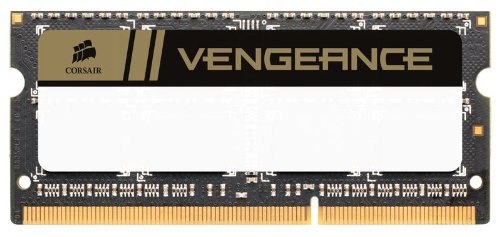
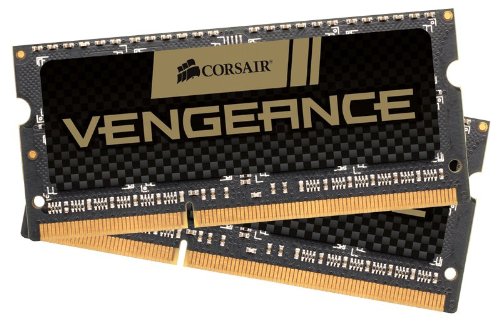
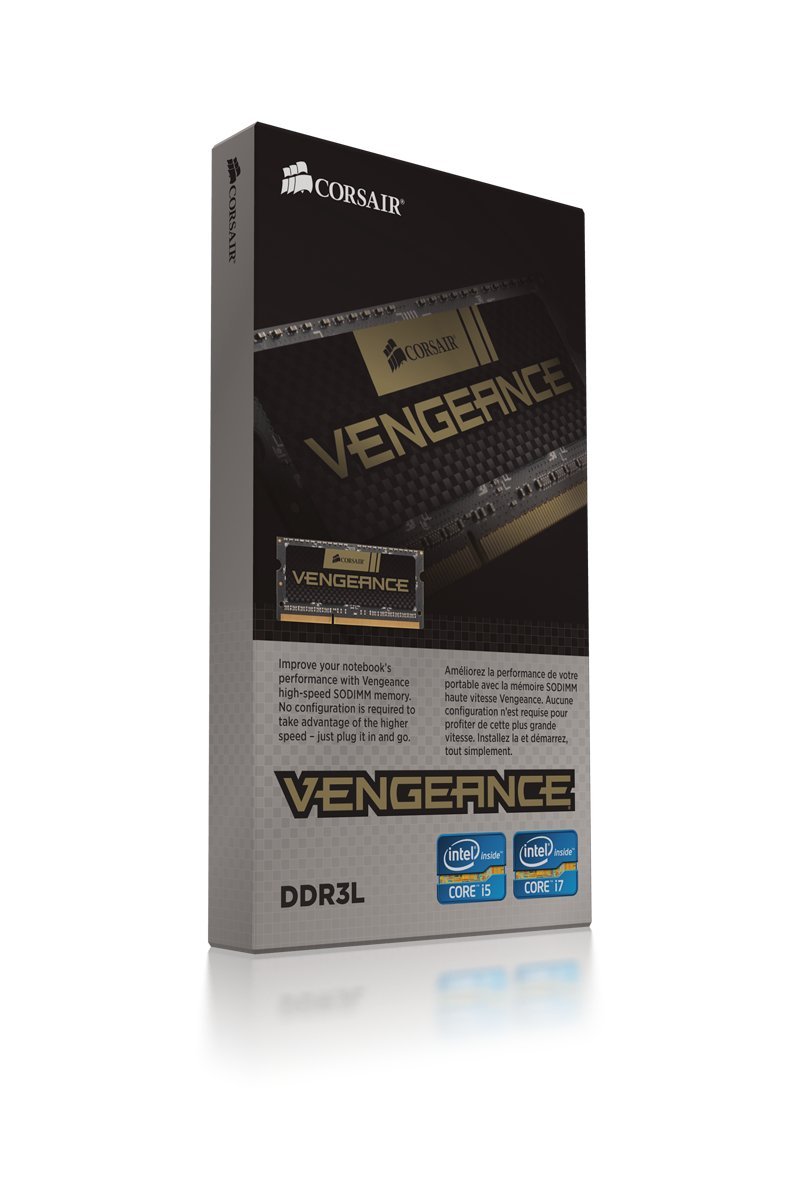

🚀 Upgrade Your Game with Corsair Vengeance!
The Corsair Vengeance Performance 16GB DDR3L Memory Kit (2x8GB) is engineered for high-performance laptops, offering 1600MHz speed and compatibility with Intel Core i5 and i7 processors. With a low voltage of 1.35V/1.5V, it ensures efficient power consumption while delivering exceptional performance for gaming and multitasking.
M**R
Corsair Vengeance Performance ddr3L 16gb (2x8gb) 12800, 1.35v for laptops
I just installed this memory in my Acer Aspire v5 64 bit with windows 8.1,standard 6gb ram, Intel i5 processer. After 2 failed attempts to install PNY memory from Best Buy 16gb and 8 gb. Thank God they let me return the memory for a full refund. Afterwards I had the courage to ask a member of the Geek Squad why my computer wouldn't boot up with the 16 or 8gb of PNY memory I purchased from them and, he said that they "Best Buy" didn't sell the kind of memory my computer needed. That said, I asked him what I needed and he wrote it down for me when he examined my computer. he wrote down that my computer needed ddr3L laptop memory, 12800, tested at 1.35 volts. maximum 16gb. So, after spending about 30 minutes or so, searching on-line I found this Corsair Vengeance Performance ddr3L 16gb (2x8gb) 12800, 1.35v for laptops. It was easy to install. 1 screw and the back panel pops right off. I stalled the new RAM , put the cover back on and it booted right up on the first try. I checked my system specs and, it recognized that had 16gb of RAM installed. I could also, see a great over all improvement when I started "World of Warcraft" which is why I wanted to install more memory in the first place because, of system lag with the standard 6gb of RAM that came with my computer. I would highly recommend this product to anyone. Great over all system improvement. 5 star rating in my book.
N**N
Wonderful, Absolutely wonderful, 13", Mid 2012 Intel i5 Macbook Pro
I'm loving this upgrade!!! I have a 13", Mid 2012 Intel i5 Macbook Pro 500 GB Toshiba HDD (Soon to be Samsung 850 Pro 256 GB SSD). Apple says this laptop can only handle a maximum of 8GB of ram (or memory), mine is currently recognizing and running smoothly with 16GB at the full 1600 MHz.I was a little iffy when purchasing this where it's above apple's rated max, but I think it's just apple trying to get you to buy an equipped (and more expensive) macbook pro, even though mine is 2 years old. I also am in the process of upgrading to a Samsung 850 Pro SSD (Solid State Drive, Flash memory for whom don't know). This model Macbook pro does run on DDR3 ram, however DDR3L is a lower voltage ram, meaning less heat, and saves energy (every bit counts when it comes to saving as your mac is about to die). I don't know if my mac can run it at the lower voltage, but this ram and other DDR3L ram is backwards compatible.I've heard stories of this ram not working for some after a couple days, so play it save and don't throw out, sell, or give away your original ram (at least right away) incase it does fry. I will update this review after 1 month, 6 month, and 1 year's use to keep you updated even though most likely few people will be buying this ram this time next year (or maybe everyone will be)I highly recommend upgrading your ram and HDD to a SSD to give your aging computer some or maybe even more then of the it once had.
B**D
I installed the Corsair Vengence DDR3L DRAM and booted the ...
I installed the Corsair Vengence DDR3L DRAM and booted the computer. I opened set-up and saved and exited set-up. The computer completed booting and ran normally. Since I was doubling the memory from 8 GB to 16 GB of DDR3L, I did not see a huge performance boost, but I no longer get notices that memory is low. This computer received a huge performance boost earlier when I swapped the original hard drive for a V-NAND solid state drive.With the Vengence DDR3L DRAM and the SSD, this laptop has had all the hardware upgrades that are practical. The results are impressive. Before the upgrades, this 2014 vintage laptop running 64 bit Win7-Pro was taking 5 1/2 minutes to cold boot. I would start the boot and wait almost one minute to sign in, then go get a cup of coffee and it would still not be finished by the time I returned. After the SSD upgrade, it cold booted in under one minute, however I would get warnings that memory was low after all the SSD tweaks were completed. That is why I decided to purchase the Corsair memory. After upgrading the DDR3L DRAM, I have not had any low memory dialog boxes appear.One caution on choosing memory. Check what your computer was designed for before ordering. Mine was designed for 1600 MHz DDR3L (the "L" means low voltage) DRAM. The older DDR3 memory needs higher voltage. I removed the original 8GB (2x4GB) 1600 MHz DDR3L DIMMs intending to replace the DDR3 12800MHz memory in my back up computer. This did NOT work. At least in my case, DDR3L memory is not compatible with a computer designed for DDR3 memory.
S**S
Corsair Vengeance 16 gb dual channel - major letdown
Bought the 16 gb (2 × 8gb) combo like-new option through the Warehouse Deals. Noticed random BSOD issues on HP ZBOOK 14 G1 after upgrading from 4gb memory. I wasted time trying updates until the return window closed. Early impression is that the Corsair Vengeance is the causing the trouble. I welcome any suggestion. In the meantime I return to 4gb.After testing each 8gb module I identified the problem. One stick is apparently bad. When I run the other stick by itself there is no issue. Pity the return window is closed and I can't send it back.
M**K
Good stuff, but pay attention to CL spec!
Yes, yes, this will work in the new 27" iMac with 5K Retina, but only if you intend to use this memory by itself. If you bought your iMac with 16GB of RAM Apple already in it, and intended to add this 16GB kit with it, be aware that the speed will drop from 1600MHz to 1333MHz. This memory has a CAS Latency of 9, while the original Apple memory has CAS Latency of 11. This mismatch causes all RAM to drop back to a slower speed (although it still works just fine, albeit slower).So, if you intend to *replace* your Apple RAM with this, it'll work perfectly at the full 1600MHz in all its glory. But if you intend to *add to* existing Apple RAM, make sure you buy CL11 RAM (such as this Crucial 16GB Kit ).
Trustpilot
2 months ago
3 weeks ago