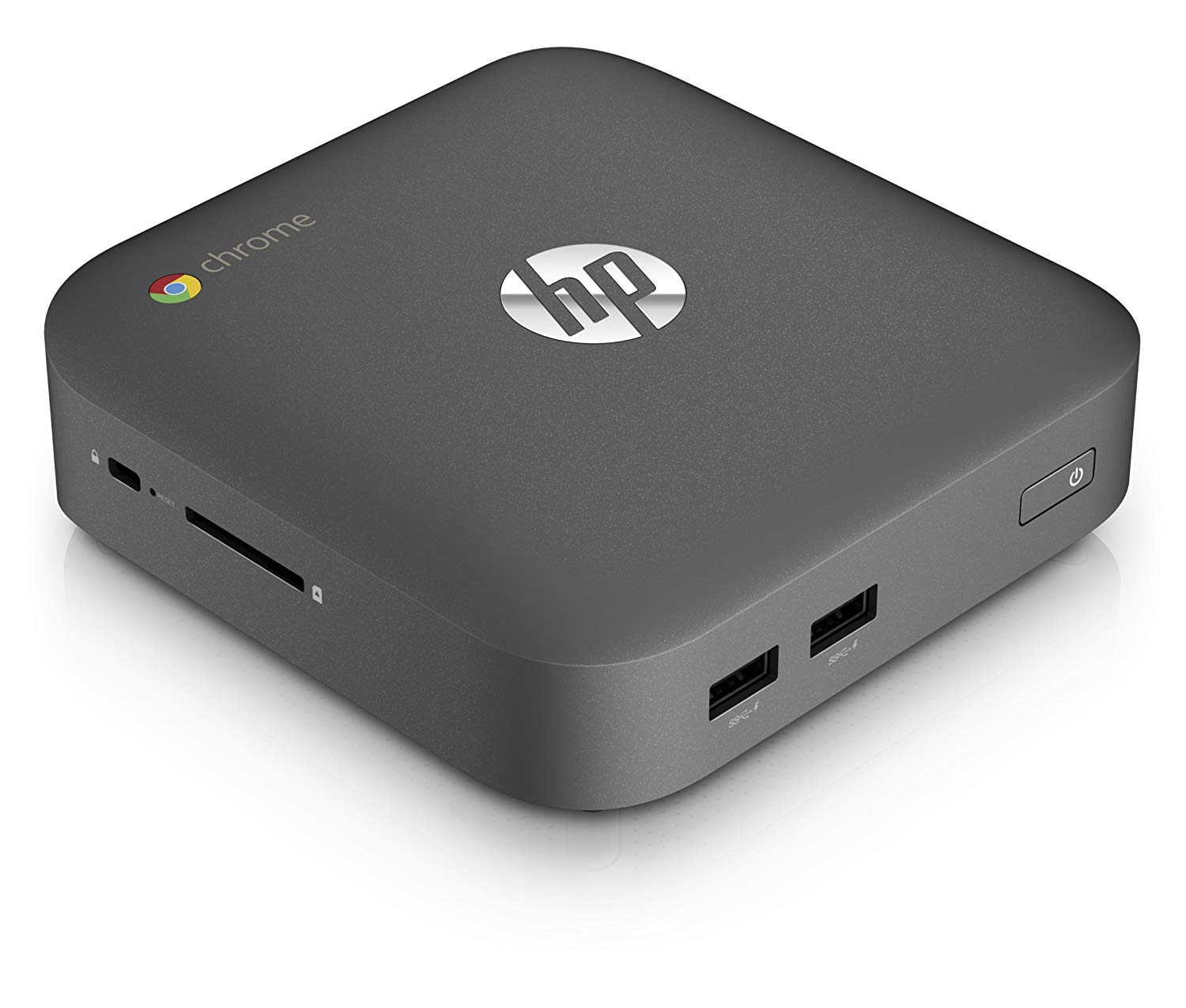
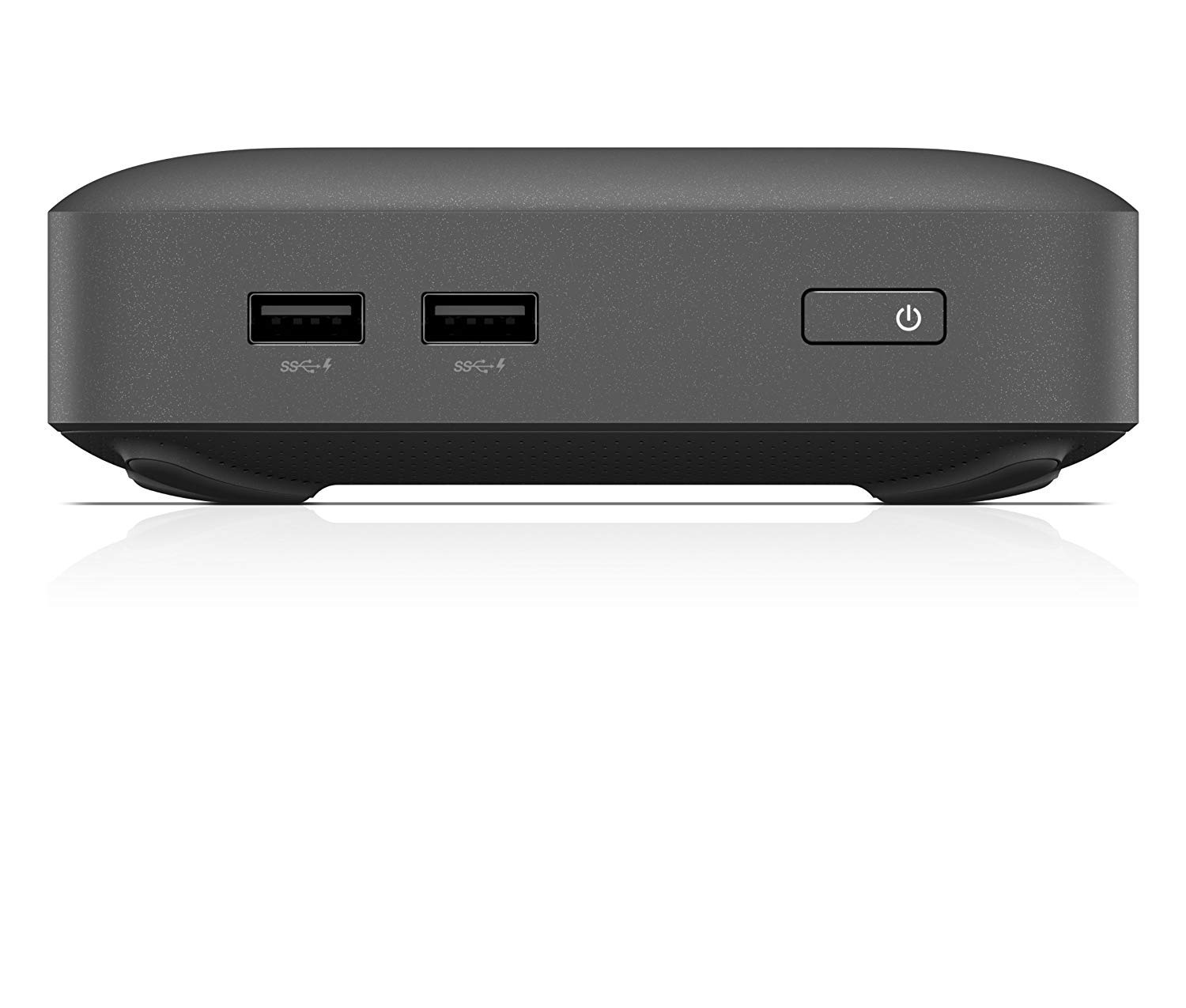
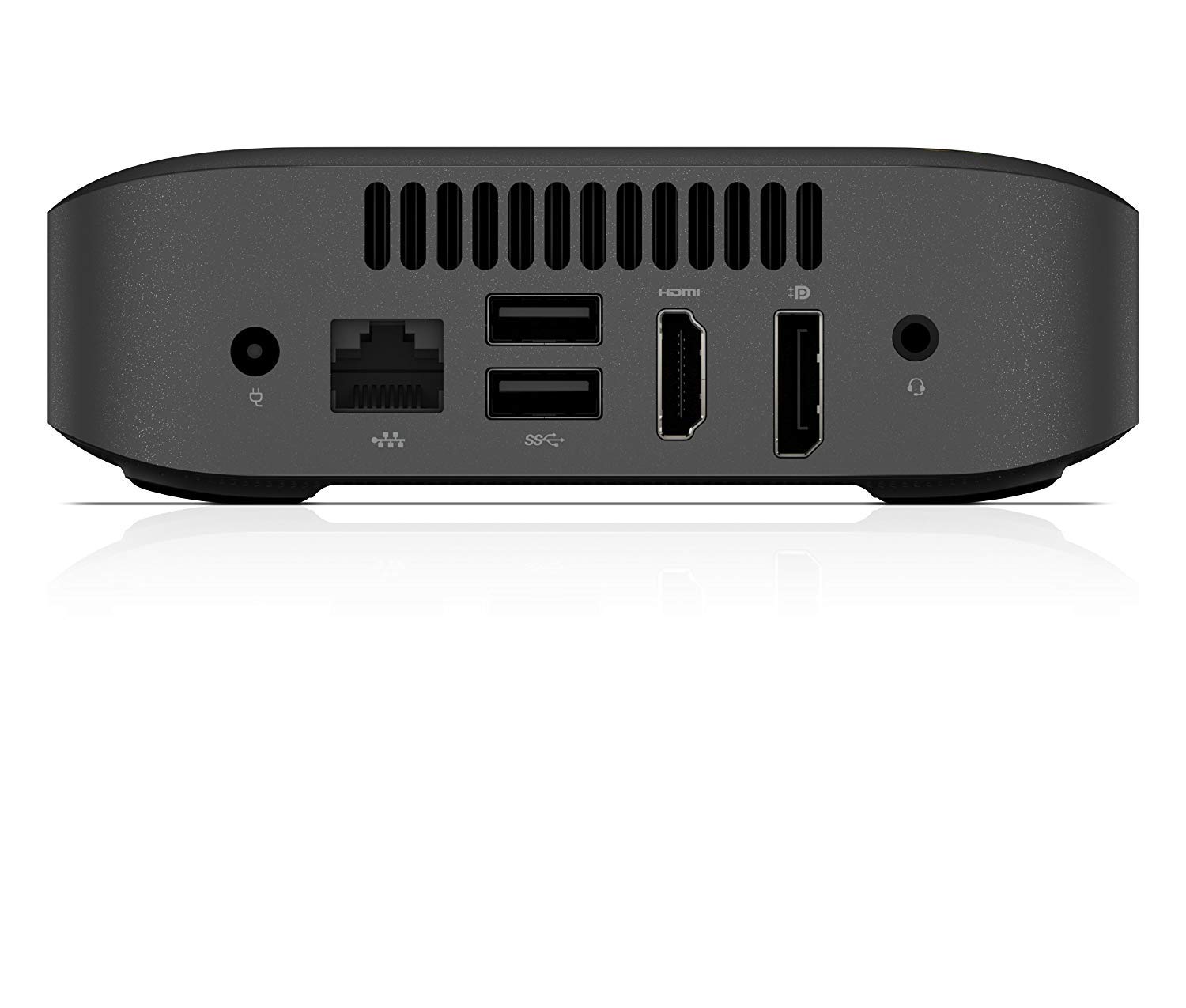
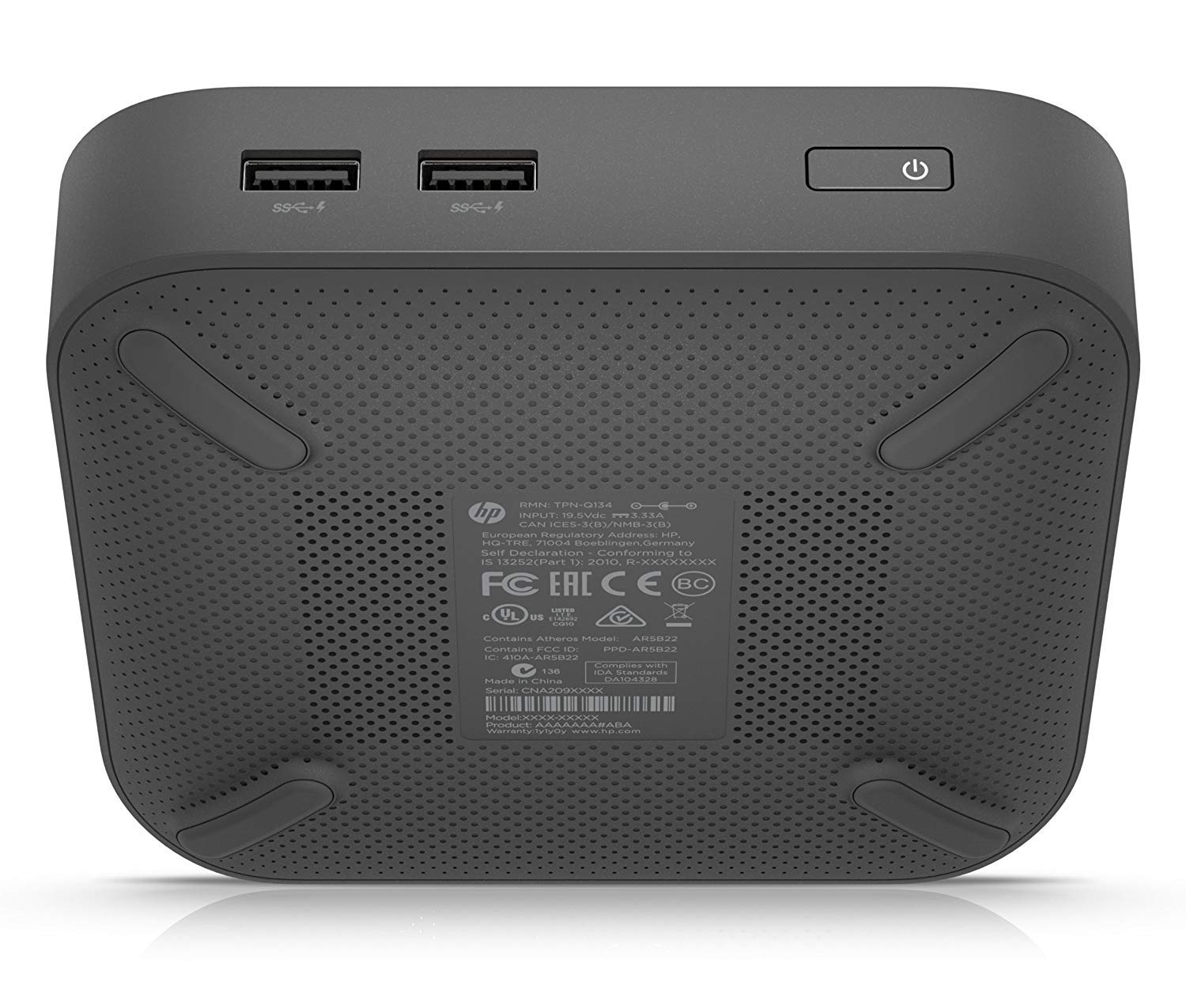
💼 Compact power for the on-the-go professional—work smarter, not harder!
The HP J5N50UT Chromebox is a renewed mini PC featuring an Intel Celeron 2955U 1.4 GHz dual-core processor, 4GB DDR3 RAM, and a 16GB SSD. Designed for efficient everyday computing with Chrome OS, it supports 4K resolution and wireless connectivity, all packed into a sleek, space-saving chassis ideal for professionals seeking reliable performance in a compact form.
| Screen Resolution | 3840 x 2160 |
| Max Screen Resolution | 3840x2160 |
| Processor | 1.4 GHz celeron |
| RAM | 4 GB DDR3 |
| Memory Speed | 1600 MHz |
| Hard Drive | 16 GB SSD |
| Graphics Coprocessor | Intel HD Graphics |
| Chipset Brand | Intel |
| Card Description | Integrated |
| Graphics Card Ram Size | 4 GB |
| Wireless Type | 802.11g/n |
| Brand | HP |
| Series | HP Chromebox CB1-014 Desktop |
| Item model number | J5N50UT#ABA |
| Hardware Platform | PC |
| Operating System | Chrome OS |
| Item Weight | 2.25 pounds |
| Color | Black |
| Processor Brand | Intel |
| Number of Processors | 2 |
| Computer Memory Type | DDR3 SDRAM |
| Flash Memory Size | 16 |
| Hard Drive Interface | Solid State |
| Optical Drive Type | 16 Gb |
M**R
HP Renewed Chromebox
I wanted to try Chrome OS for a while and when I saw this Chromebox for less than $100, I bought one. The refurbished computer looks like brand new and functions flawlessly. While it is past its end of life, I don’t miss automatic security updates; I’m not that worried that my $100 Chromebox will be hacked. It runs fine. I can add apps from Chrome Web Store and Google Play. I’m running the free Microsoft Office.com, which is enough for me. If I were still writing professionally, I might pay for a 365 subscription.Computing in the “cloud” is new to me and I’m learning a lot. You can add services through the file manager. I have a samba (SMB) share on my windows computer. Transferring files is easy. I have also used the SSH and SFTP to connect to Windows and transfer files.This computer is cheap and fast. HP, Google and Amazon all get five stars.
A**H
Doesn’t work
Trash, bad power supply or something wrong with the computer it’s self. Starts up but goes to a screen saying the power isn’t correct and to plug in the correct power supply. Anyways, useless! Shame on the vender selling e trash.
S**Y
Great
This little pc works great!
E**O
Nowhere does it say that this cannot get Google Chrome updates. 6 year cutoff date already past!
When you first turn it on, it will NOT connect to your wifi network."DNS has failed error"So I connected via Ethernet, and then a even bigger surprise..."This device is no longer supported by Google updates."Google AUE is 6.5 years, and this product has passed that date.The minute you turn it on, you see a RED popup on the screen:End of support. This device is no longer supported by Google software updates.Please consider upgrading to a new current device.I know this is a refurb, but it should still clearly indicate that it will no longer get any software updates, such as chrome browser, security, feature updates. Nothing. End of life.In google's eyes, this product is dead.The new modern capabilities of Chromebooks and Chromeboxes. Android apps? Linux support? Forget about it.You get all of that and more with anything 5 or less years old. But not with this 6.5 year old box.This is way too old.Should be 1/4 the price, to be fair to anyone who ends up purchasing this.
R**3
HP J5N50UT Chromebox (Intel Celeron 2955U 1.40 GHz - has been abandoned by the google geeks
HP J5N50UT Chromebox Desktop Computer (Intel Celeron 2955U 1.40 GHz 4GB RAM 16GB SSD)- I have owned this model since 12/2016. It has been excellent.....EXCEPT THAT GOOGLE JUST STOPPED IT FROM GETTING SOFTWARE UPDATES AND SECURITY UPDATES.. effective 8/ 2019...I would recommend that you get a more current unit ...check google site to see when a particular unit goes off support.
N**N
Simplicity is the key to success
I bought this Chromebox for my 96 year old Father in law. It is simple to set up, integrate with current printers, and use Chrome Remote Desktop to hook into an old Win 10 box. Simplicity is the key to success. He was able to plug in his USB devices, use the magnifier to look at the screen, and navigate without problems. With all of the technology that's old there, simplicity is the key to success. For my 96 year old Father in law, he doesn't need a machine with bells, whistles, and options for the average computer geek. He needs something reliable, large font, able to get the Internet, and is simple to use with no viruses. This machine accomplishes this task.
A**R
HP Chromebox
The first chrome box I have ever ordered. I am quite satisfied so far with how it works.
E**R
Power cable didn't work.
I took the computer out of the box and plugged it in, but it said it didn't have enough power to run. The power cord had an adapter, which looked like it wasn't the right one for the device. I had to return it.
Trustpilot
4 days ago
2 weeks ago