
DOWNLOAD THE APP


Customer Services
Copyright © 2025 Desertcart Holdings Limited
DOWNLOAD THE APP
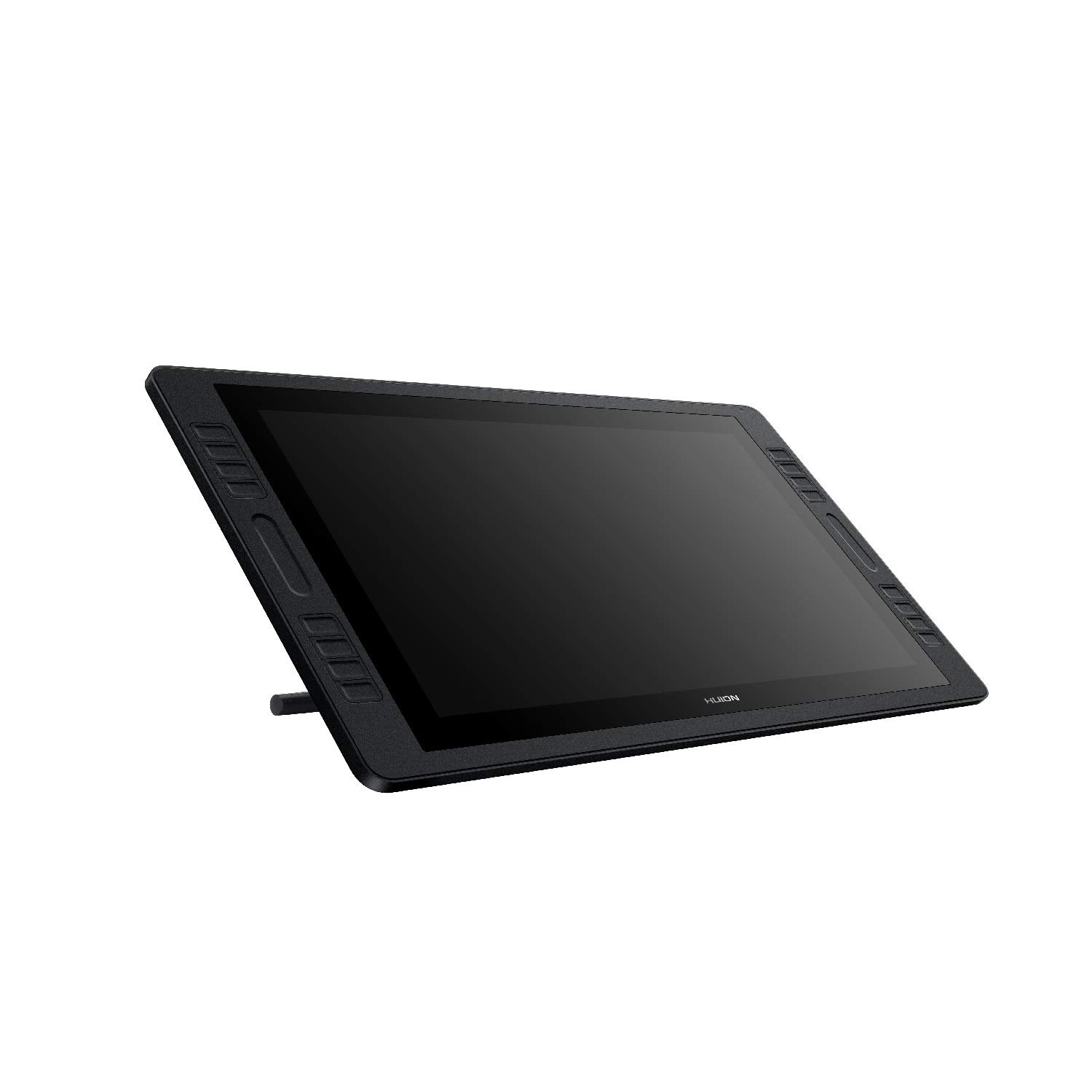
🎨 Elevate Your Artistry with Every Stroke!
The HUION KAMVAS Pro 20 is a cutting-edge drawing monitor featuring a 19.5-inch display, 8192 levels of pen pressure, and a battery-free stylus. With 16 customizable shortcut keys and 2 touch bars, it enhances productivity for both right-handed and left-handed users. The monitor boasts a 120% sRGB color gamut and full-laminated anti-glare glass for an immersive drawing experience. Compatible with major operating systems and software, it's ideal for artists and professionals alike.




S**Y
Great Tablet at a Great Price
The Huion works well with ZBrush, GIMP, and Krita. You have to manually set up and load configurations for the buttons. The display isn't anything you'd want to watch movies on, but it's good for drawing. If you need to do color matching, you'll want a separate color calibrated monitor, the colors on this display are muted and a bit off. Good enough for sculpting and drawing, but again, for your finish work in art you'll want a separate monitor to check your colors and contrast.Compared to the industry-leading Cintiq, it's a fantastic value.If I were to take a do-over, I'd consider the version without buttons then get a gamer hand keyboard. They'll load key configurations automatically, and you're less likely to hit them by mistake. I'd also consider getting the 21" version for a little more display height.This one works well and does what I bought it for, however, which is to sculpt more adeptly in ZBrush than with a mouse or non-display drawing tablet. Things are much faster.The screen calibration program in the standard version of the software when I got mine (Oct 2019) was broken--a selection button covered the center X for the calibration, but the beta software was OK. It's not quite as precise as I'd like, I never get a calibration that's perfect from edge to edge from it. Rather than having the first touch of the pen act as the click to go to the next point, I'd like to get the point positioned on the screen, then press a key to mark it.The parallax on this display is very low, much better than competitive displays I've used, so once I've got a good calibration it's easy to be very precise in sculpting or painting.The surface is very good. I normally work with pencils, felt tip pens, or nylon tip pens in physical media, so I use a bit of pressure and expect a bit of drag. This tablet gives me that, I don't get the "ice rink" feel from this where I can't control my stroke because friction is too low that I've experienced on other tablets.The first nib I had wore down pretty quickly, and it was hard to open the pen holder to get another out, but the second nib is holding up much better now that I had a feel for the tablet. So expect the first nib to not last too long, it's not a problem, later ones will probably last a lot longer for you, and it comes with a package of them.To summarize:Good displayGood drawing surfaceExcellent valueBig enough to have a lot of working spaceExcellent palm rejection, best used with an artist's gloveVery responsive, no lagGood pen with two-way switch and extra nibs, no chargingLots of buttons, though a separate one-hand keyboard may be a better approach with the other HuionTiny parallax, you'll hardly ever notice it, way better than non-laminate displaysWorks with ZBrush like a charmStand is solidWindows and Mac, I use mainly with WindowsCould use better calibration software and procedure, perhaps a "pro" level calibration with more points across the screen and keyboard activated selection for when the nib is on the dot.Should auto-load configurations with softwareBetter instructions both in print (particularly on the new design pen) and information in the softwarePen holder could open more easily--seriously thought I was breaking mine when opening itI'm very happy with what I've got, and look forward to using it for a long time (it's been about a month as I write this.) Even if I get a larger one later, this one, while large, is small enough to pack along in an artist bag with a laptop.
A**E
Amazing product. Amazing price.
I love this tablet so far. It works really well. Better than my intuos pro. Really amazing build quality and easy to set up. I can see this being used anywhere from beginner to studio professional. It's just a really good tablet with an awesome price.I'm hoping to see a higher resolution one to this in the near future. I hope I don't have to wait too long. Fingers crossed. 2020.Keep up the good work Huion. keep advancing.
S**E
Kamvas Pro 20. Is it worth the price jump?
I've had this device for about 2 years now and im finally in the ball park to upgrade, so I thought id leave a review of how the device held up and served me while in use.The kamvas pro 20 was my pick to upgrade after using a kamvas pro 13. I was looking for something that offered me more screenspace and plenty of touch buttons, so I settled on this one.-Screen feel on this tabet is matte and actually gives you a far better feel than glossier screens that pick up sweat and make your hand stick.-The pen requires no batteries or charging and feels wonderful in hand. It also has a cute holder for it that comes with spare pen nibs. However, I find for someone like me who pressed a with medium pressure that the nibs wear down moderately fast.-For cables, the tablet has a usb A cable that you plug into your computer, as well as a dedicated power brick. This can be a bit cluttersome vs the streamlined 3-1 usb c cord for smaller tablets, but necessary for the size and power needs.-2 years ago I would have said the drivers and huion software would have needed work, but today the software and drivers have been updated to look and work incredibly well. I love my touch buttons and found it incredibly easy to rebind them all to what I need.-Now for the screen and its picture quality. This might not effect most of you, but I thought it'd be worth mentioning for the minority that cares. The color and picture quality while working on the tablet is great and exaclty what you'd want for the price point however, every huion tablet ive owned has had a backlighting issues when the screen is mostly black. Theres alot of light bleed on the edges when looking at blacks and can look unsightly on super dark images. The screen also has some moderate ghosting when moving things quickly, but this is only noticable when using the tablet for non drawing purposes like watching videos.Overall though ive found the tablet to extremely satisifying to use frequently and the weight works wonderfully on my ergotron arm so I can stand while working. Huion will continue to be my go-to tablet brand for my work despite any minor issues I have with the backlight. Easily could recommend for the price point
N**K
Excellent product and great price
Entry level UI designer right here and before I came across this I was contemplating purchasing a Wacom, but mannn, this is so good and it's not breaking the wallet. It works with everything - windows ink for OneNote note taking, Adobe illustrator, photoshop, animate, Affinity designer and photo. I strongly recommend it
Trustpilot
2 months ago
5 days ago