

Desert Online General Trading LLC
Dubai, United Arab Emirates
Desert Online General Trading LLC
Dubai, United Arab Emirates
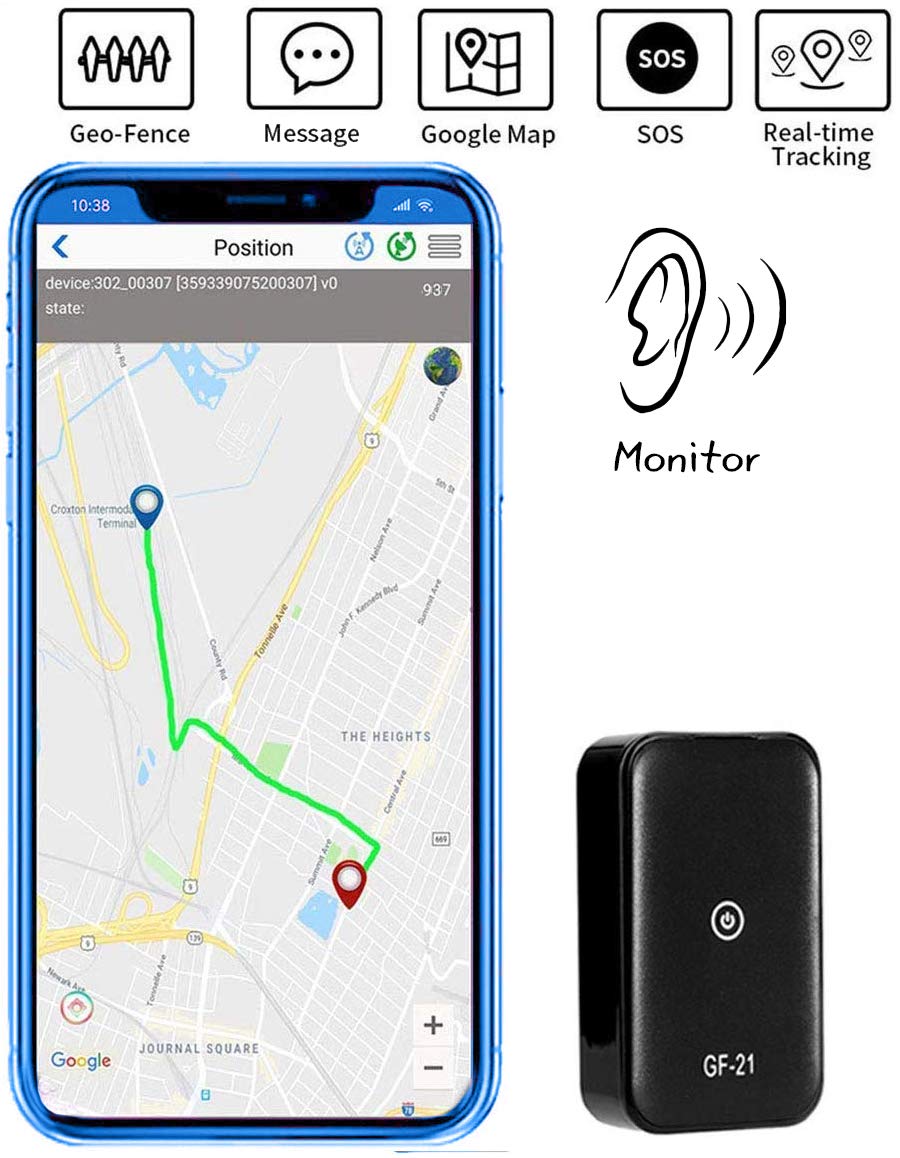
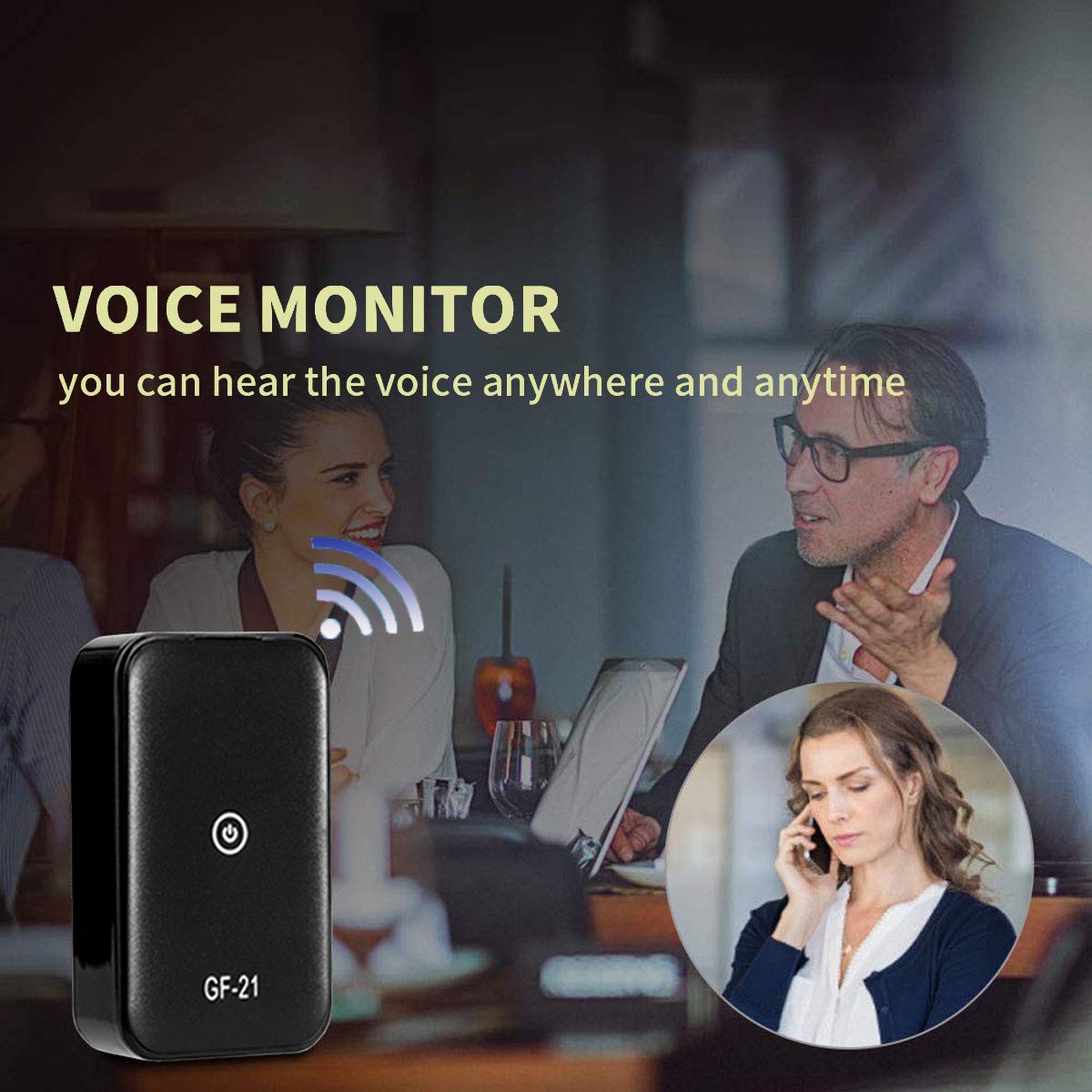
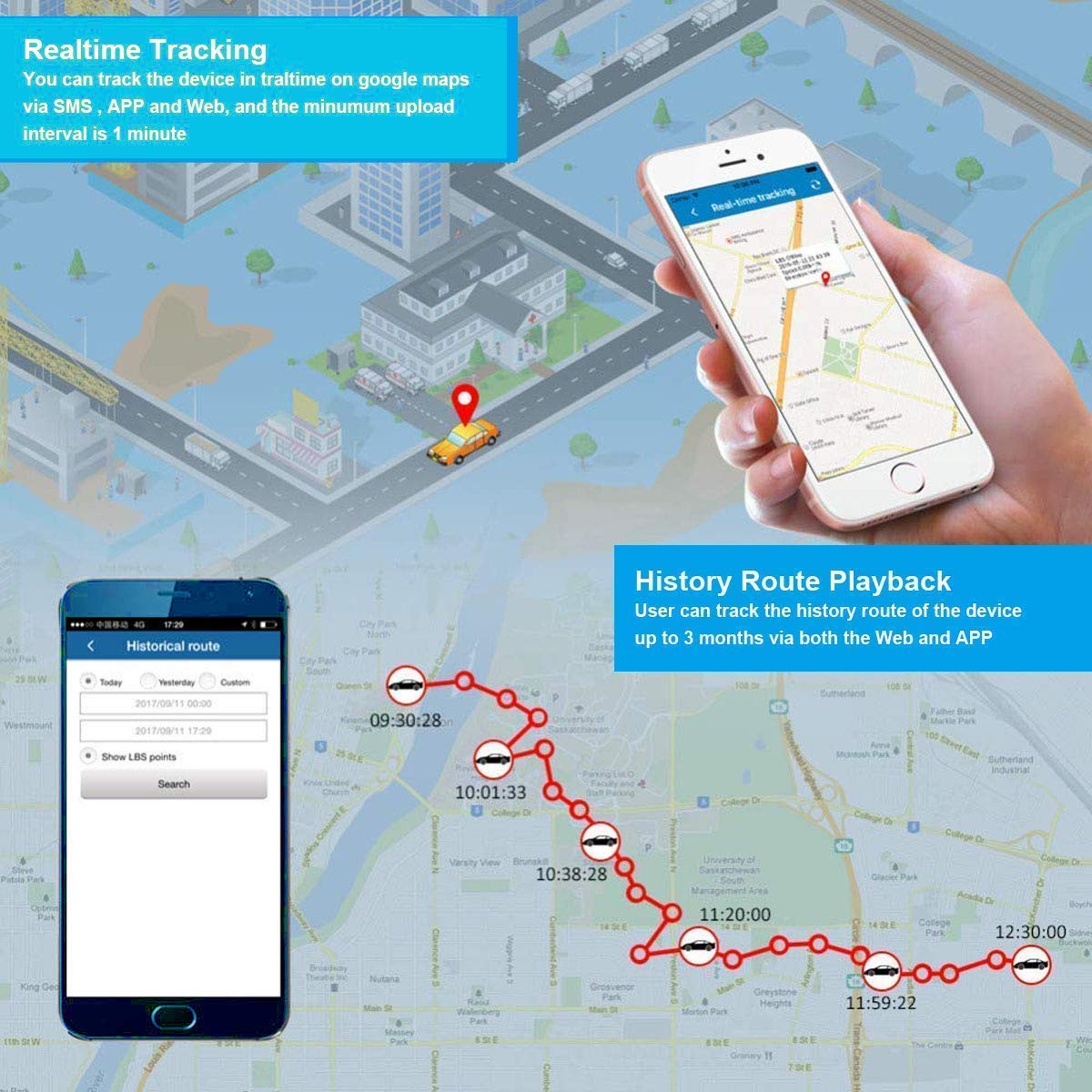
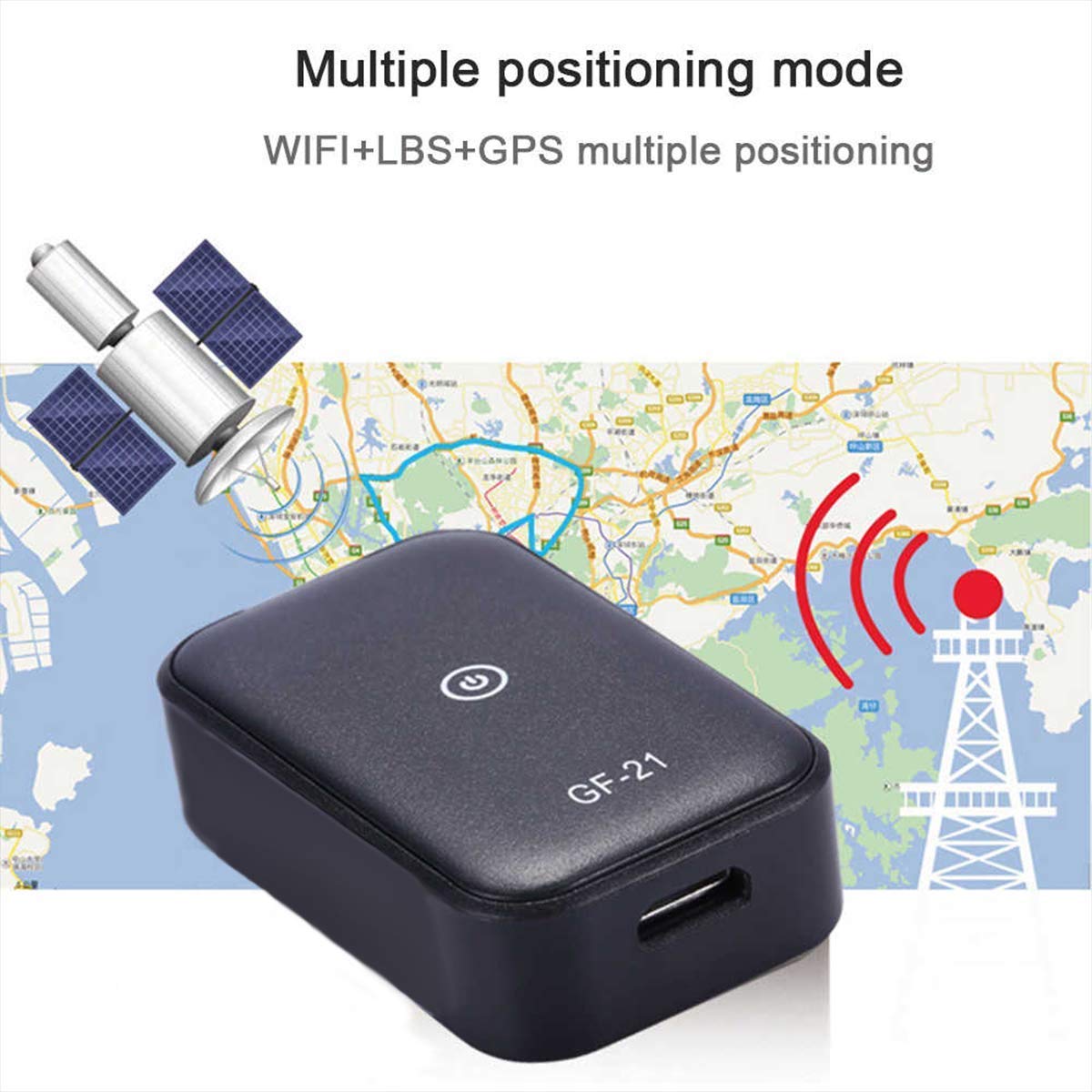
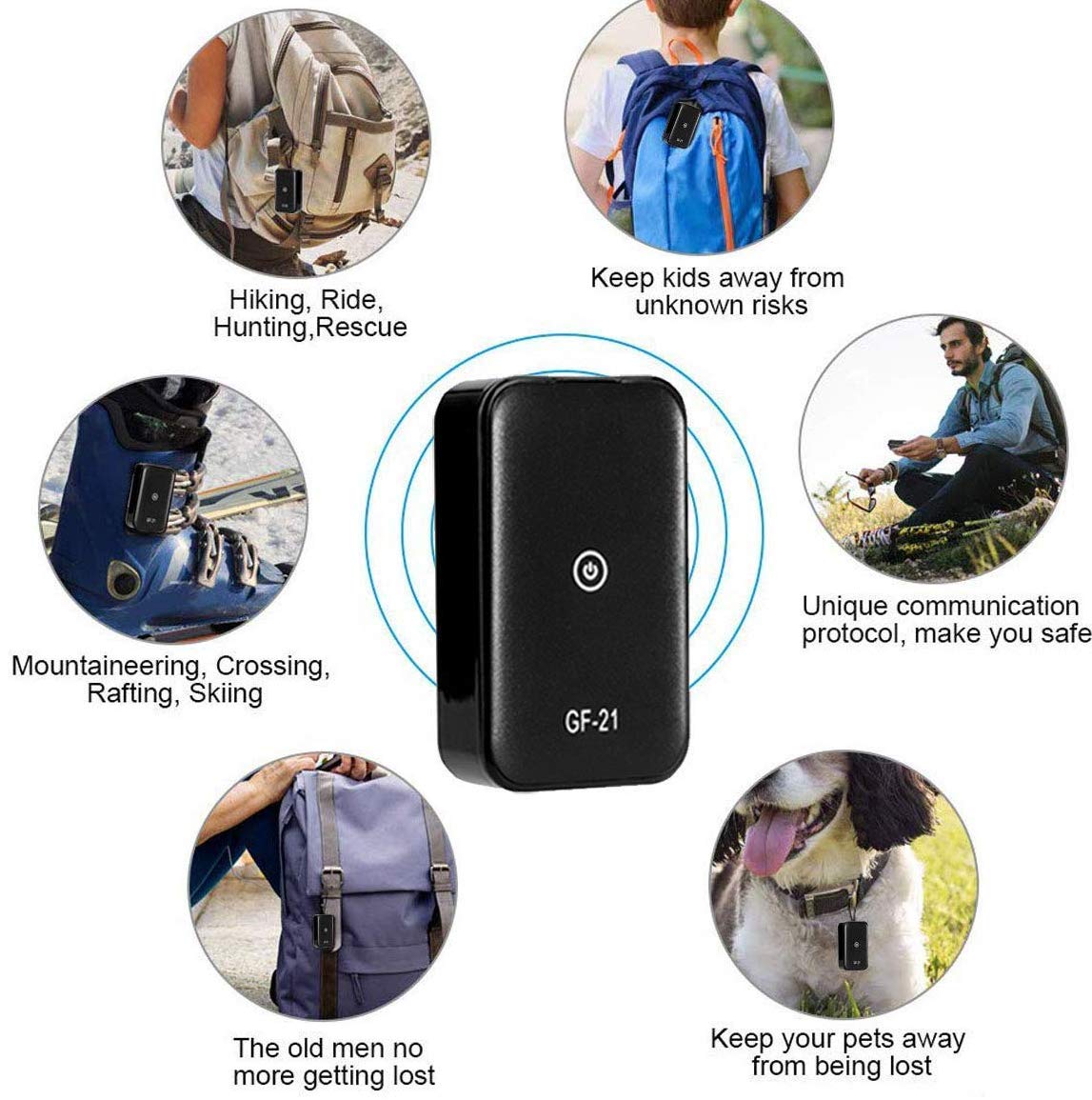

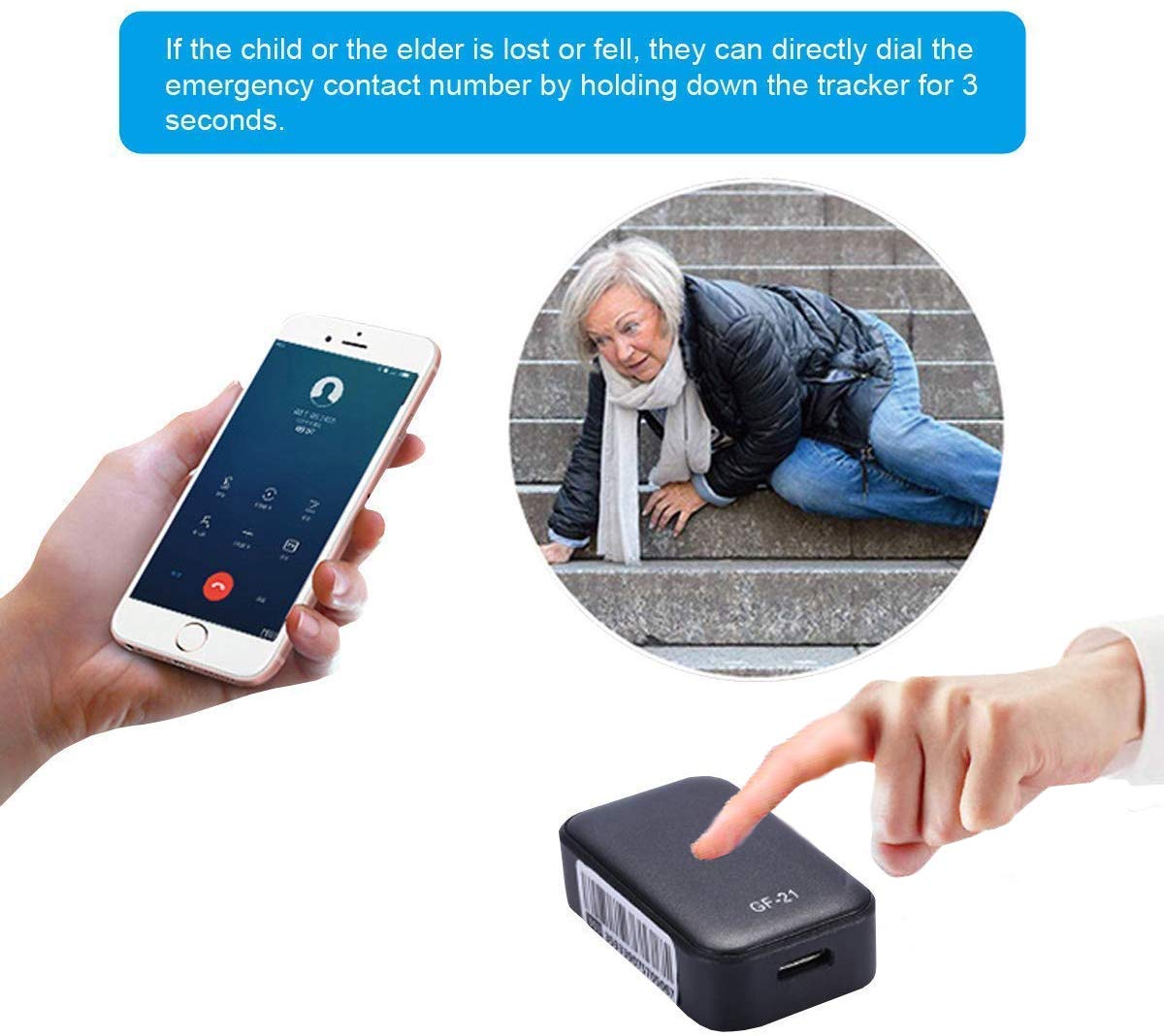
It is recommended to use T-mobile SIM cards because the device requires a 2G network for normal use. (The device does not include a SIM card) important hint:Insert the SIM card, wait for the yellow light of the device to flash normally (flash every 3 seconds), then go to the APP login and use it. Or after the APP logs in, click the location function, then click in the upper right corner to refresh.Here are three solutions to display the map of China when the product is not online.1: Check if the indicator light in the device is flashing. A flashing yellow light indicates that the device is still searching for SIM card signals. The main yellow light flashes slowly and is in a normal state.2: Replace the SIM card or turn off the device and take out the phone card. Placed correctly the card again and open it. Wait one minute, then scans the QR code to log in after the yellow light flashes slowly.3: Bind the mobile phone number of the device on the mobile APP (GPS365). Then the yellow light flashes slowly after starting the product. Next use your mobile phone to dial the device SIM card number to see if it can be connected. If it can be connected, it means the device is normal. Meantime, you can scan the QR code of the device and log in to GPS365APP.It comes in a mini size and long battery life, It can also be worn on a lanyard to give you an incredible portability. Specification: Type: GPS Tracker Material: Plastic Network: GSM / GPRS Frequency band: GSM 850/900/1800 / 1900Mhz Positioning mode: GPS + LBS + WIFI Input: AC 110-220V 50 / 60Hz Battery: Built-in 5V 500mAh rechargeable batteryStandby time: 5 days Card: Nona SIM(not include SIM)Dimensions: 43mm x 26mm x 13mm / 1.7" x 1" x 0.5"Packaging details: 1 *GPS Tracker 1* USB Cable 1 *User Manual
Trustpilot
3 weeks ago
2 months ago