
DOWNLOAD THE APP


Customer Services
Copyright © 2025 Desertcart Holdings Limited
DOWNLOAD THE APP
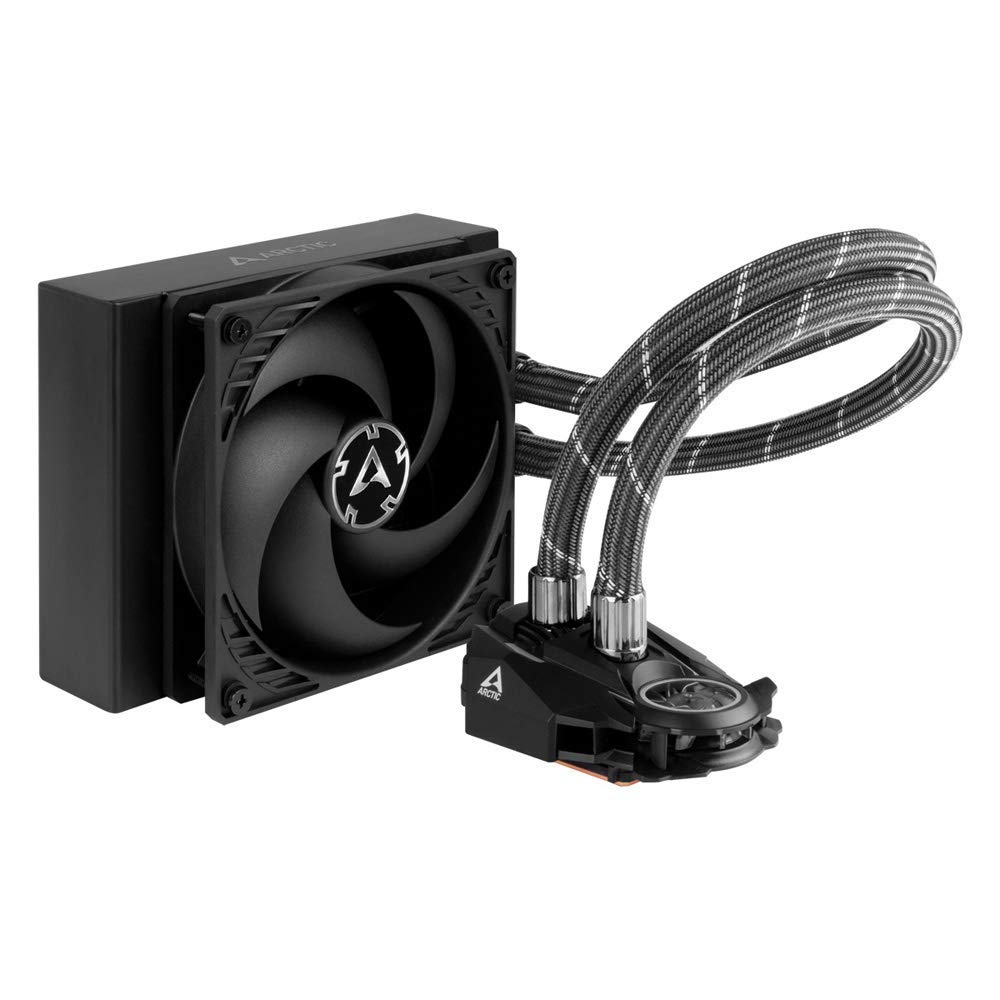
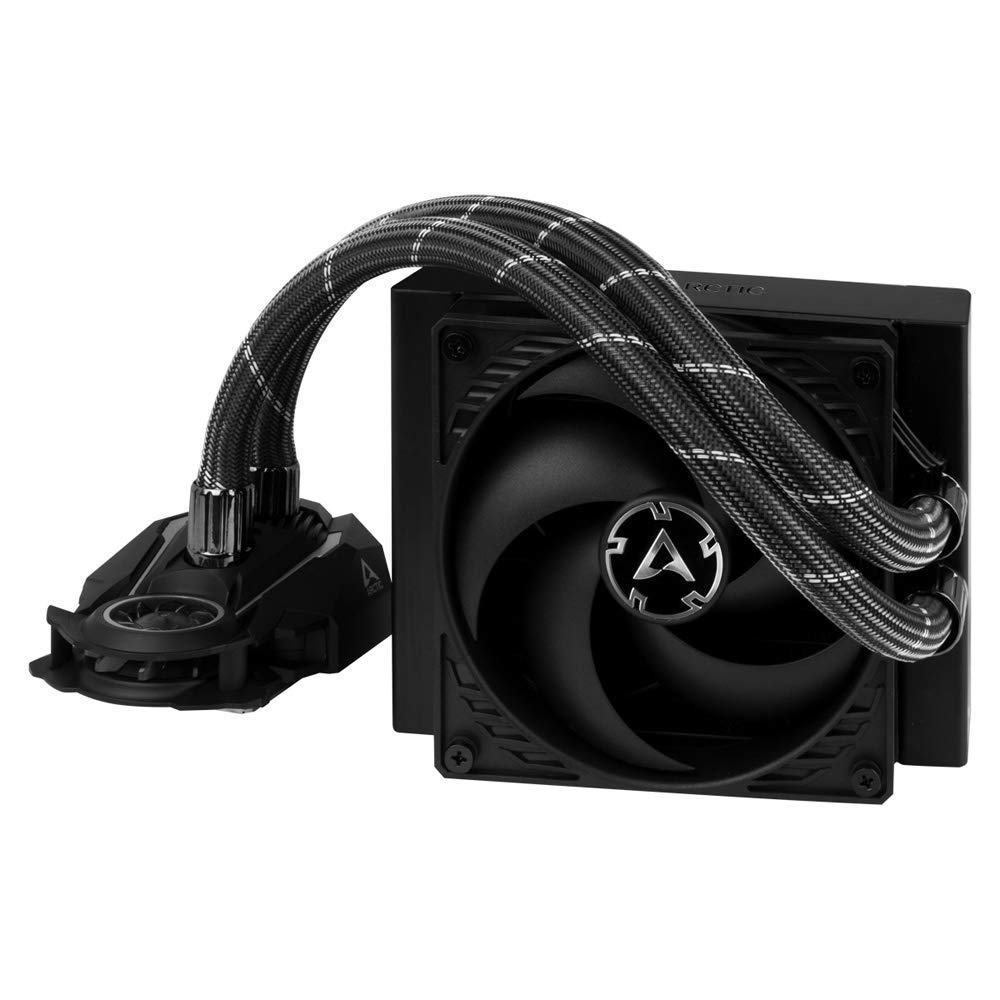
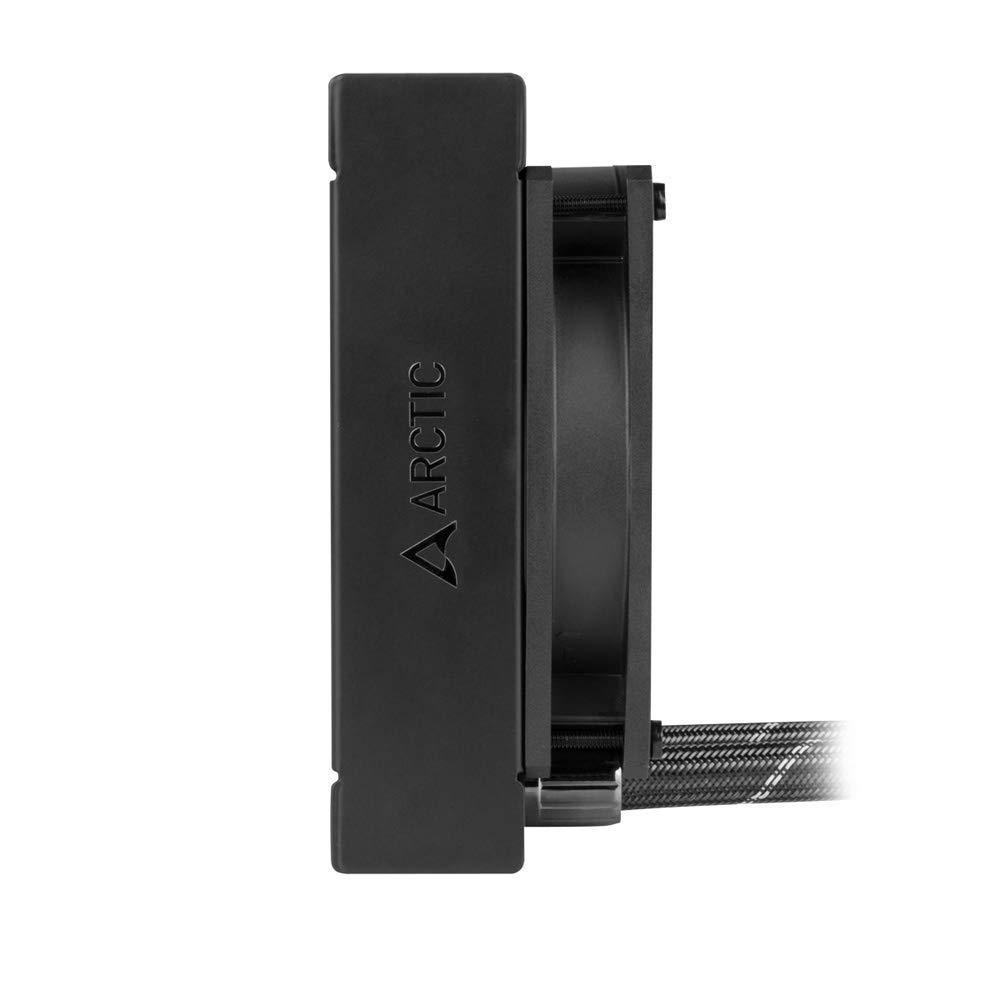

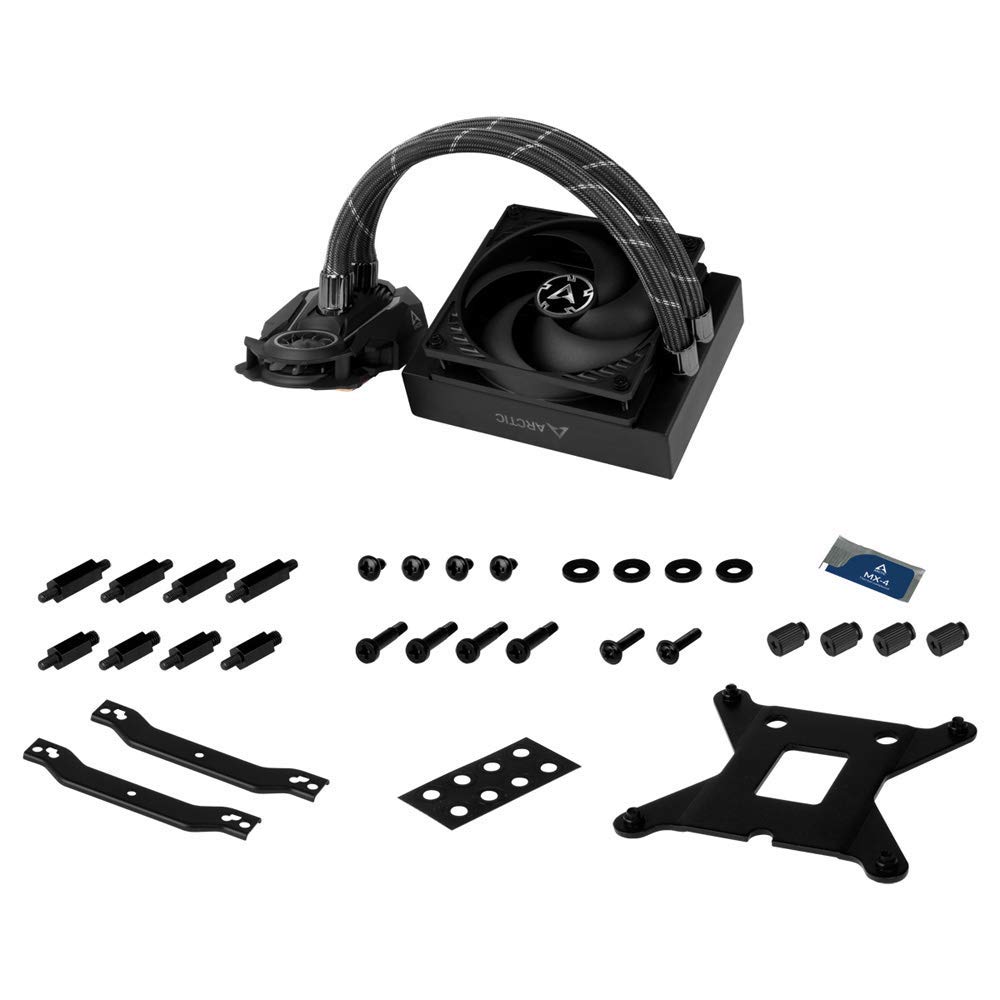


💧 Chill Out with the Best in Class!
The ARCTIC Liquid Freezer II 120 is a multi-compatible all-in-one CPU water cooler designed for both Intel and AMD processors. With a PWM-controlled pump and a maximum fan speed of 1800 RPM, it ensures efficient cooling while maintaining a low noise level. Its integrated cable management system enhances the aesthetics of your setup, making it a perfect choice for gamers and professionals alike.


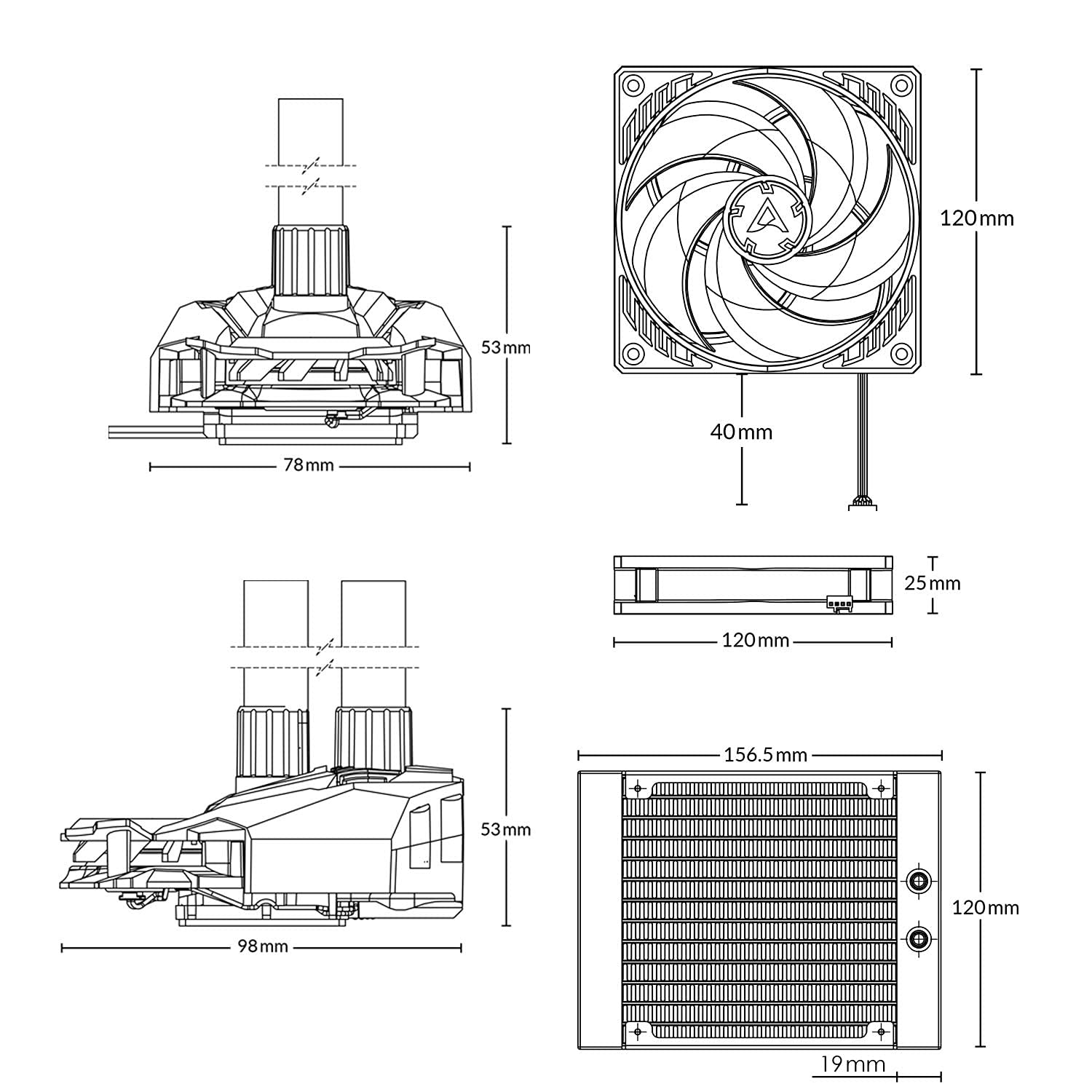
| Product Dimensions | 6.18"L x 4.72"W x 1.5"H |
| Brand | ARCTIC |
| Power Connector Type | 4-Pin |
| Voltage | 12 Volts |
| Wattage | 17.7 watts |
| Cooling Method | Water |
| Compatible Devices | Desktop |
| Noise Level | 0.3 Sones |
| Material | Aluminum |
| Maximum Rotational Speed | 1800 RPM |
| Air Flow Capacity | 55.6 cc/min |
| UPC | 872767009851 |
| Global Trade Identification Number | 00872767009851 |
| Manufacturer | ARCTIC |
| Number of Items | 1 |
| Item model number | ACFRE00067B |
| Item Weight | 2.05 pounds |
| Item Dimensions LxWxH | 6.82 x 5.63 x 5.83 inches |
| Color | liquid Freezer Ii 120 |
| ASIN | B07WRCY747 |
| Date First Available | September 25, 2019 |
K**R
Well designed AIO.
Surprising durable for an AIO. It cools as intended and it comes with a small packet of their own MX thermal paste. I know these still have a fixed duration and it will expire unlike a full air cooling system but this will occupy less space on the chassis and it will look better plus it will keep a low noise profile. Still Air cooling is improving as well so make your research before buying.
C**C
Amazing cooler - cools my AMD 5600X, but there are a few things to know prior
I don't write a ton of reviews; however, I rely on them heavily. It's been a headache trying to find a AIO for my specific application as it seems what I am doing isn't done much, so I wanted to share this.I have a Be Quiet 500DX case, Ryzen 5600X CPU, RTX 3080 FTW with hybrid kit installed.Since I have a hybrid kit, my optimal mounting point, the top, was not available. I front mounted a Corsair 240MM AIO, but the heat it was dumping into my system was killing my GPU temps.To give you an idea of what I am working with, my PC is a gaming PC first and foremost; however, when I am not gaming I use it to mine. I mine with my GPU and CPU so it creates a lot of heat.I've tried air coolers and other AIOs but nothing was fitting the bill. Since I mine while not using the PC, having the PC quiet is huge for me as the computer is in my main bedroom.To get proper air flow and keep temps low, I wanted intake in the front, with top and rear exhaust. As with most cases, and since my top was occupied, this left me with going with either a rear mount AIO or air cooler. I tried many air coolers, Mugen 5, Noctua UHA, Noctua UH-S. Nothing was fitting the bill.I tried Be Quiet's 120MM AIO - temps were high and the pump oddly enough was loud.Too much time that I care to admit was spent researching. I found out Arctic's Freezer II 120MM has a thicker rad. Thicker rad, more heat being able to be expelled I thought. Well it can, with a catch.Since the rad is thicker, yes it can expel more heat but you need either a high pressure fan or two fans in push/pull. I am running all Noctua NF-A12x25 fans in my case (amazing air flow with almost no sound) so I stuck it on the cooler in push. Getting great thermals. No OC'ing and while CPU mining peaking at 55C. Air coolers were in the 61C-65C area. Be Quiet's 120MM AIO was at a tad higher at 67C. After messing around with slim fans, push pull configs, and trying to get the best performance to noise ratio, the sweet spot for me was a pull configuration with a single Noctua NF-A12x25. TO NOTE: I have two of these kits for two pcs I built in my house. Both kits (bought 6/2021) shipped with REV. 2 mounting hardware. You'll want to email Arctic and tell them your processor and ask for the REV. 4 mounting hardware. It dropped my temps 6-8C. Why not get the most for your money?You'll also want to consider swapping the fan that comes with the cooler with a Noctua fan. The P series fans are great, but at certain RPMs they make the weirdest groaning sound. Look up the P12 series fans on amazon stand alone purchased and you'll see what I mean. Noctua's NF-A12x25's are just smooth sailing no matter the speed (within reason).The pump is also PMW controlled so you can dial in the performance/noise ratio as you wish. I use a mother board header and an app called Fan Control V82.Side Note: There is a small VRM cooler on the pump. It's a tiny fan that spins and shoots air up into the VRM heat sink to cool it. If your case has good air flow, you won't need this fan. I would disconnect it. It isn't stupidly loud, but as with most tiny fans it makes noise. You must unplug it PRIOR to installing the pump on the CPU. You'll see the tiny connector that powers it under the pump.Lastly - I used Kryonaut for all my testing. If you want the most out of this cooler, since it's thick, run a push/pull configuration. For the optimal ratio, run a Noctua in pull and all is good.TL:DR - Great cooler. Best 120MM AIO I tried. Thick cooler so it's great. Beats air coolers I tried. You'll need to email Arctic customer service if you didn't get a rev. 4 mounting kit to get the best possible thermals. Consider swapping the fan it came with for a Noctua NF-A12x25. You'll want to do push/pull to get best thermals since it's thick. Disconnect tiny fan prior to installing to keep noise down.Value for money is great.Mounting system is 3 stars since I had to email Arctic CS, wait a week for them to reply, then wait 3-4 days for the package.Noise level minus 1 star for having to disconnect the tiny fan. It's pretty annoying and kind of useless.
D**S
FIXED: Miserable to mount on AM4
I've read so many glowing reviews of Arctic's Liquid Freezer II line, I was really looking forward to using this on my R5-3600. The radiator, the rad fan, the tubing, all seems very good. BUT, the design of the pump mounting system for a AM4 socket is just flat out miserable. It's practically impossible for one person with only two hands to get a mount of the pump onto the CPU that inspires any confidence it's making decent thermal contact. I've mounted and re-mounted it at least 3 times now and still not getting cooling performance much better than the boxed AMD cooler, which is very disappointing.I've >heard< in other places that Arctic KNOWS it's bad and is releasing a much improved mounting for their pump to an AM4 CPU, but I have no idea if or how I'd be able to get such. If I DO, I'll revise my review.EDIT: I contacted Arctic Support. I was sent a new mount bracket set and it is a TREMENDOUS improvement. The pump is now dead simple to install on AM4, standoffs secure the backer plate to the board, then two plates with threaded posts are screwed onto the standoffs, then 4 thumbnuts secure the pump to those posts. Simple, secure, and inspires confidence in a good mount. I'm getting a max of ~45C over ambient (so mid-60s) on 10 minute cinebench r20 multicore runs (full heat soak) and the fan only gets to ~70% so pump/fan are pretty much inaudible. There's a "v3" mounting video on Arctic's youtube page showing how the new mount works. I am told this new bracket is included with all new production Liquid Freezer II AIOs. I'm raising review to 5 stars.
J**B
Almost perfect
The tubing has two issues: it is ridiculously stiff, and one of the two--due to the wiring twisted in the sleeve--is lumpy. For the unaware, this feels exactly like kinked, damaged tubing, but this is apparently normal. It would be less worrisome if they didn't allow the fan wire to twist in the sleeve during manufacturing creating a false impression of unreliability, and that's why a star was deducted.Otherwise, the 120mm size cools equivalent to most other 240s. The radiator is a beast (very thick and sturdy), but that in combination with the stiff tubing makes installation in compact cases challenging. If you can get past installation, this is the best 120mm unit money can buy.A tip for installing the water bock to an AM4: put a wad of paper towels between the back mounting plate and your case wall to hold it in place or you're going to have a bad time. You don't have enough hands to wrestle both the block and plate into place on opposite sides of the motherboard while simultaneously driving in the screws. Just remember to remove the wad before firing up your rig.I was able to successfully install this into a Core G3 with an ATX X570, but it was dicey and required a push/pull mounting.
Trustpilot
2 weeks ago
4 days ago