
🎞️ Relive the Past, Capture the Future!
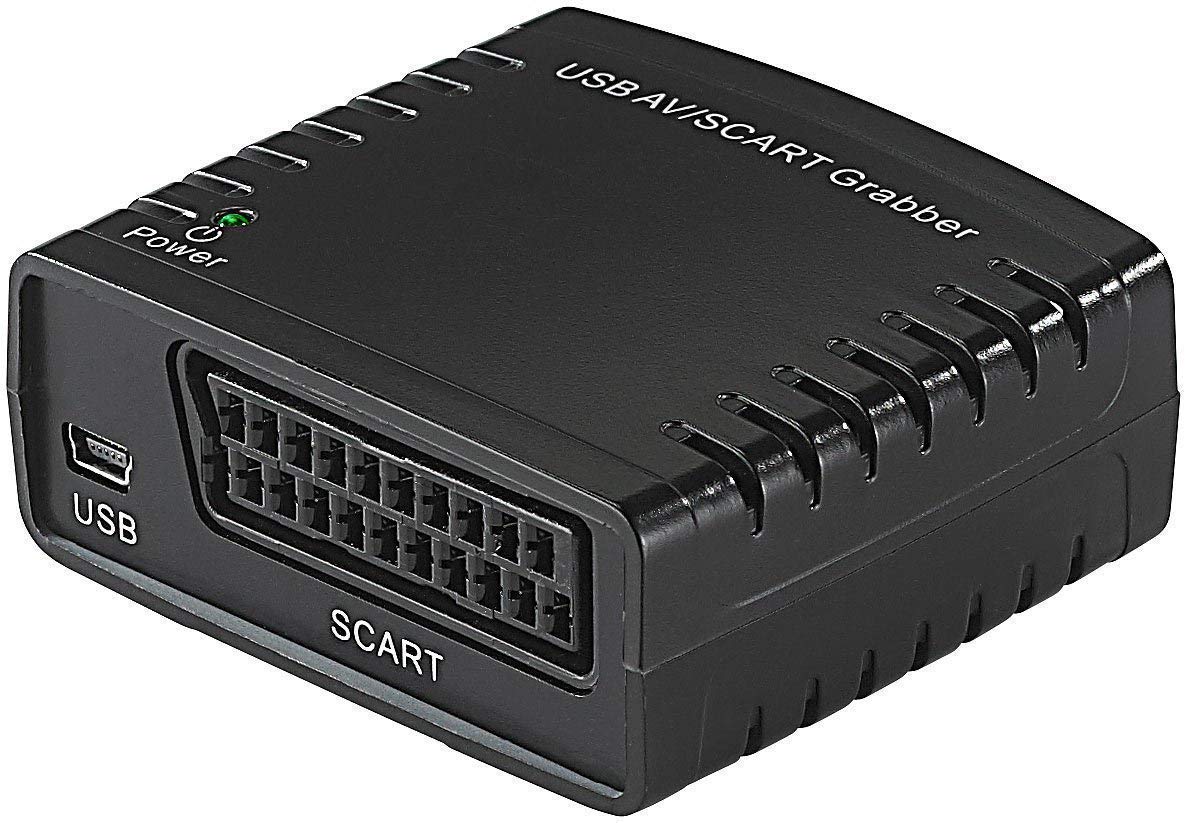
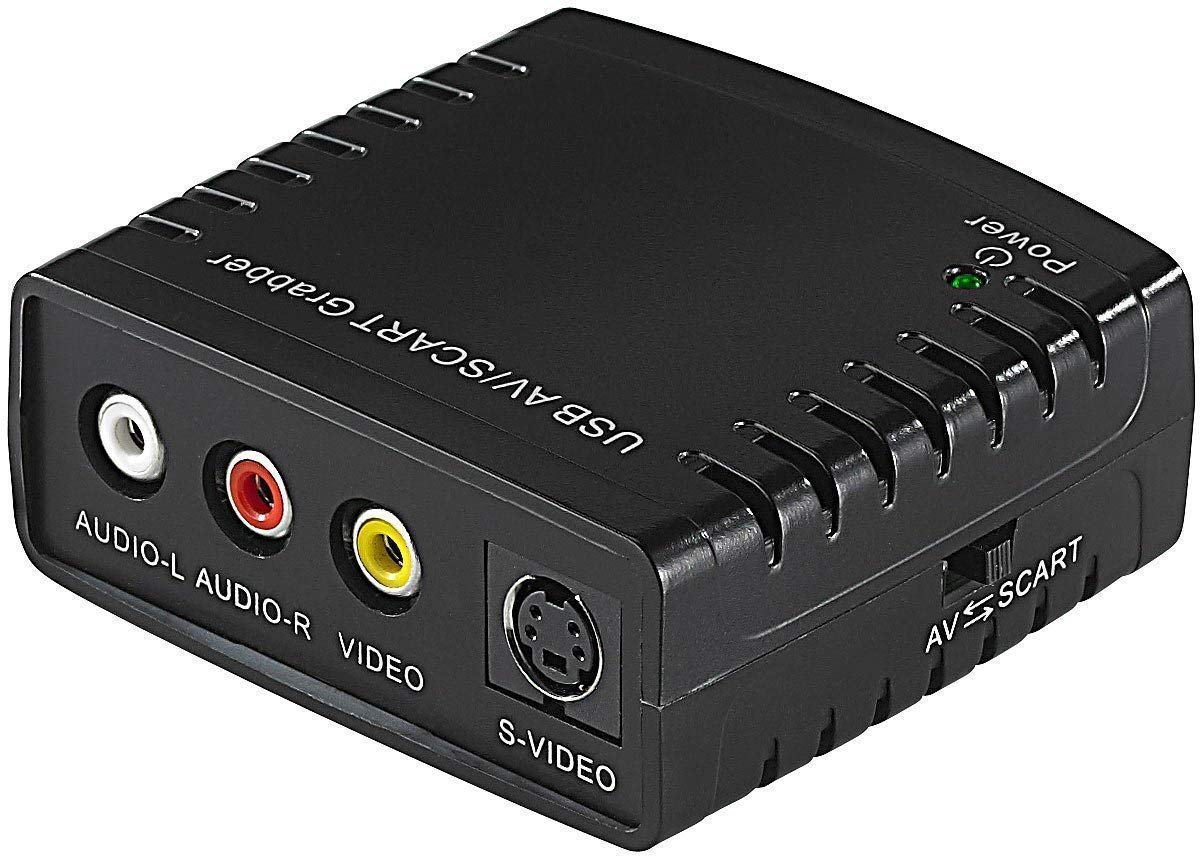
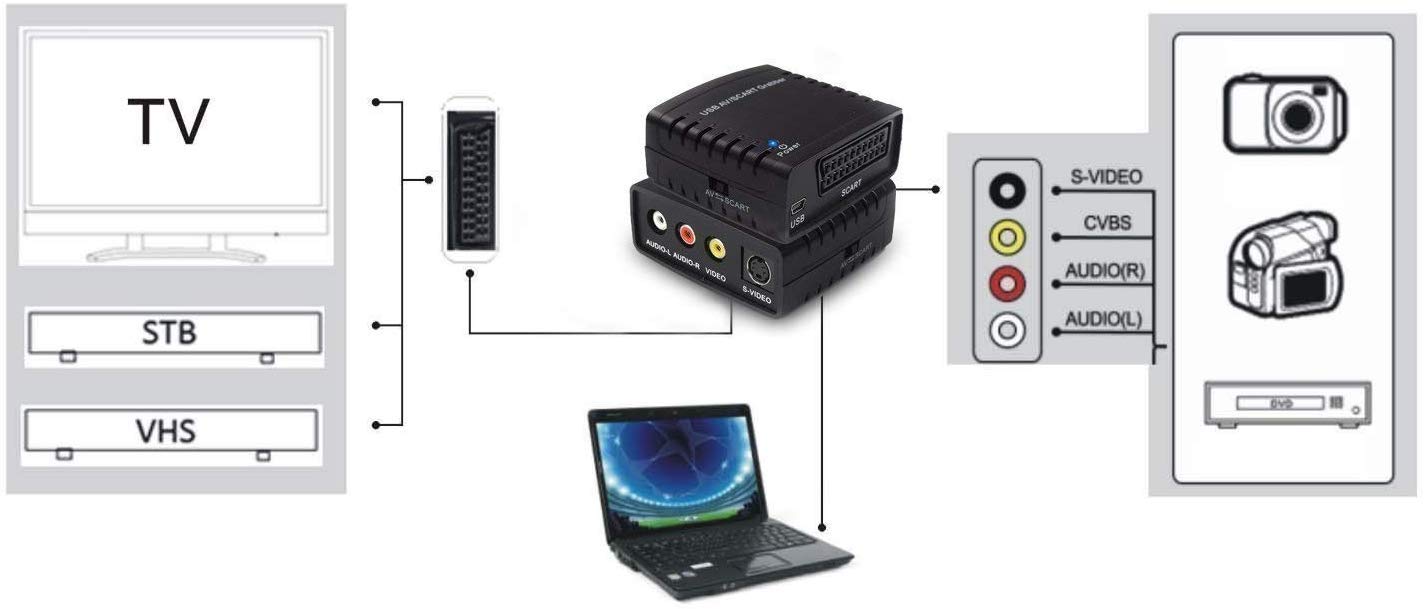
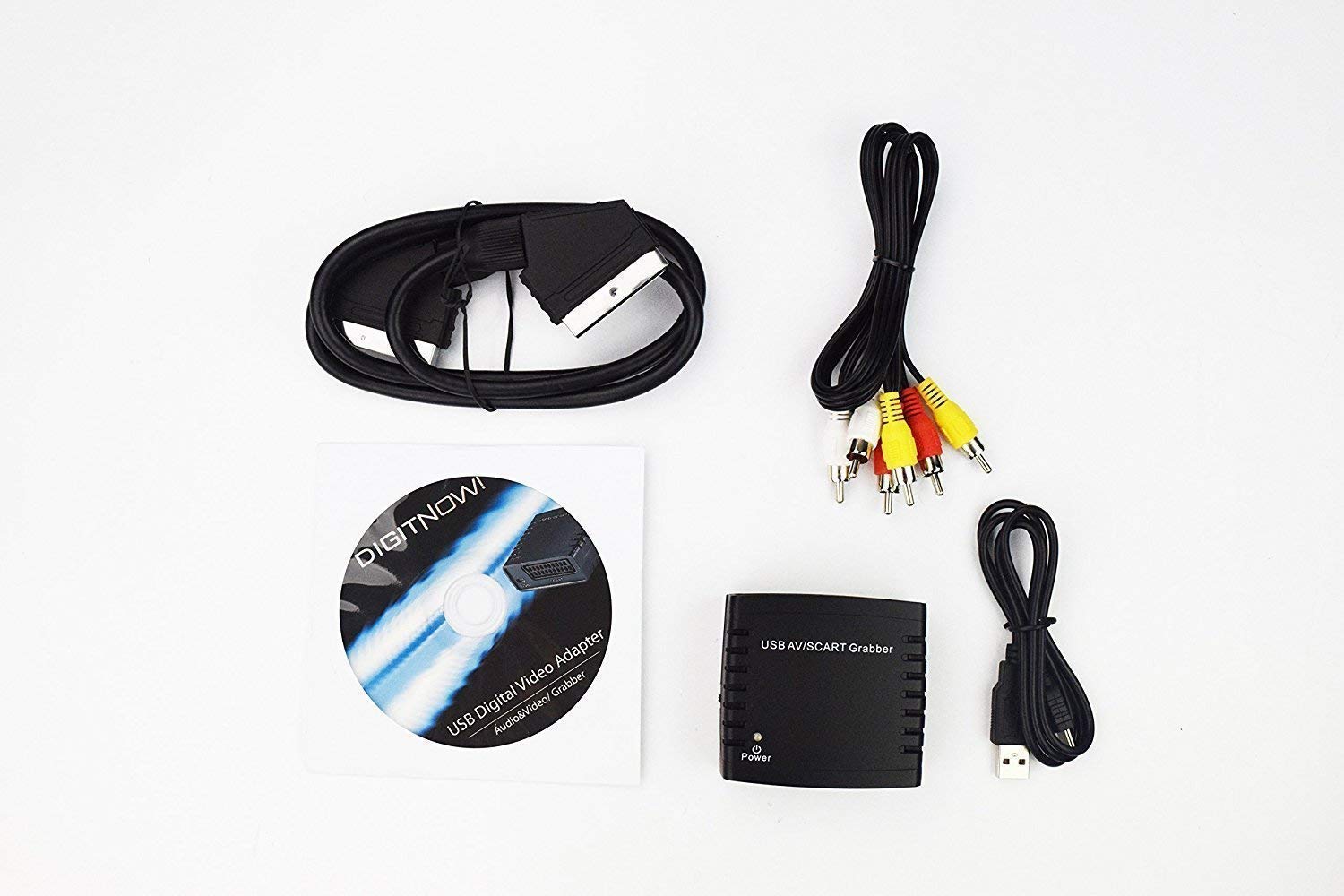
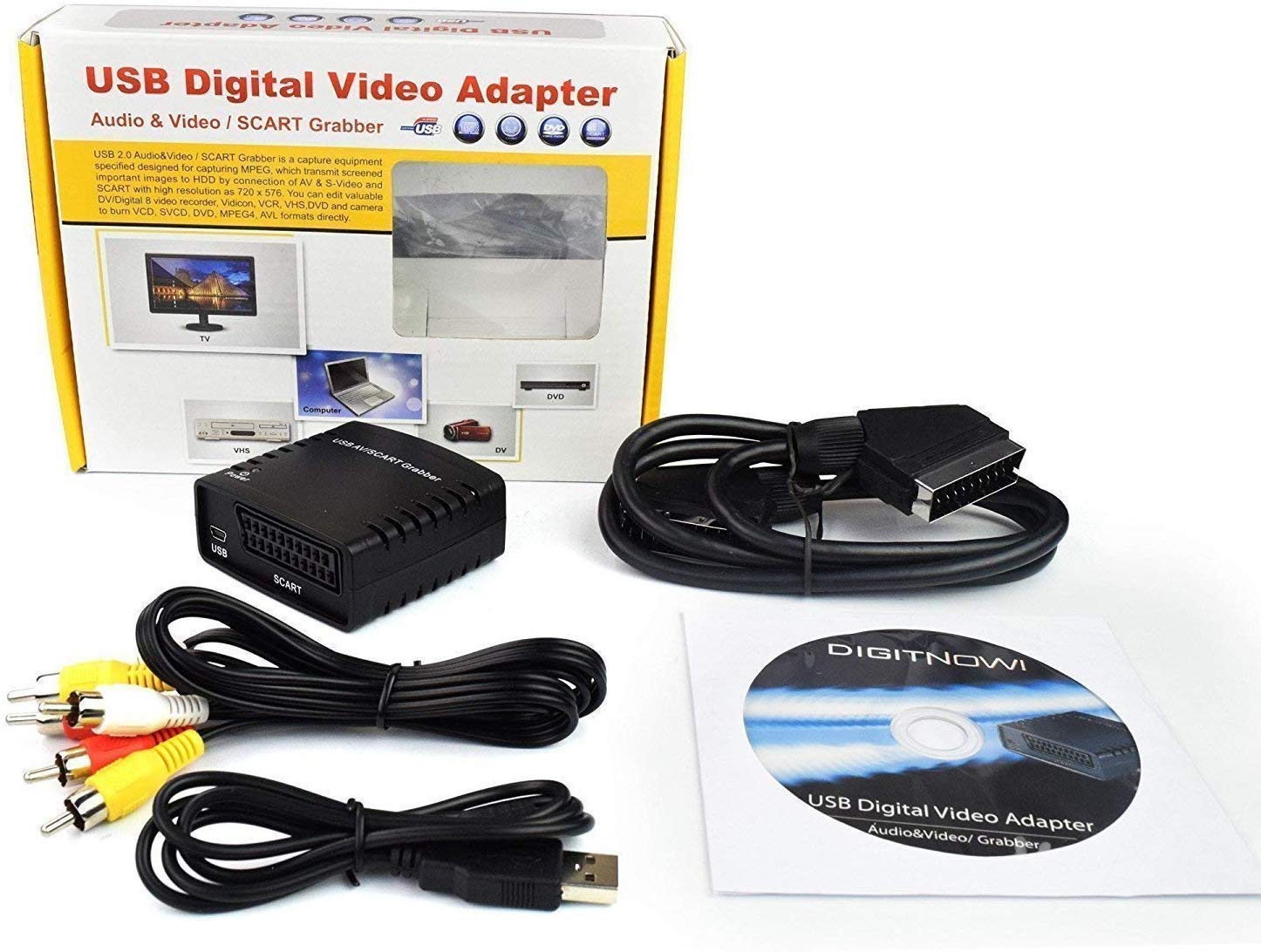
The DIGITNOW! Video Grabber Capture Card is a versatile device that allows you to convert analog video sources like VHS, Hi8, and camcorders into digital formats. With plug-and-play functionality, it supports various operating systems and video formats, making it easy to create a digital library of your cherished memories. The product comes with a 90-day money-back guarantee and 24-hour technical support.


| Package Dimensions L x W x H | 28.4 x 23.7 x 6.4 centimetres |
| Package Weight | 0.38 Kilograms |
| Product Dimensions L x W x H | 6.8 x 4.7 x 2.9 centimetres |
| Item Weight | 65 Grams |
| Brand | DIGITNOW |
| Colour | black |
| Part number | BR150 |
| Guaranteed software updates until | unknown |
K**4
easy to set up and work.
was a bit sceptical about this but I must say it works very well, I managed to download 12 vhs videos in good quality format using a MacBook Pro and a vhs player, well worth the money and can now watch videos from years ago, would recommend this item, brilliant.
S**E
Excellent
Really good piece of kit! Once I’d got my head around the software (which I downloaded) the recording process worked a treat. Was so lovely of watch our old wedding video again ;on my laptop) after so many years. Great value for money!
H**L
Does not work on Windows 11
Not compatible with Windows 11
S**K
Use the suggested software for simplicity
Works as specified. It took a bit of fiddling with software menus to get the frame size and sound right but works well once configured. Use the software suggested in the User Manual for best results.
Y**N
Easy to use with the useful software.
Initially had an issue with no key code given for the cd software install. After communication with the help email it was promptly sorted with a code provided. I couldn't get any usable results using third party software but this wasn't the case once I had the provided program installed. Easy to set up and use with excellent results.
C**T
It works, but not perfect.
I have been trying for years to copy my old family VHS tapes to digital format using an Easycap device, and have never managed to get it to work despite trying different VHS players and different computers. So when I saw this device, and the mostly positive reviews, I decided to give it a try. It arrived after only a couple of days so that was a good start. The instructions aren't great, having obviously been translated from a foreign language, and assume you understand tech speak. The software is very basic, and is only really good enough to get the videos transferred to the computer, but it looks like you would be better off using better video software when it comes to editing and enhancing your footage. I have had to use the scart connections to copy my tapes as the VHS player I am currently using doesn't have the red white and yellow output sockets. It was necessary to play around with the settings via the options button to get anything to happen, but eventually I found a setting that worked, and I was able to start the copying process. The image quality is disappointing and the sound transfer is intermittent, but at least something is happening. I don't know if the quality issues are down to my VHS player, my computer, the device itself, or the fact that I am having to use scart. So far I am pleased to be making some progress, and for the price I suppose you can't really complain, but don't expect perfection, or anything close to it, if you decide to buy one these things. Much better than the Easycap gadget though.
M**0
WAY BETTER THAN THE PRICE SUGGESTS.
What a cracking little device. It was quick and easy to set up, and even runs perfectly on my 11 year-old laptop.The picture quality is far better using the scart than the AV inputs, but even transferring my Betamax 'Video Nasties' from the early 80s via the AV inputs provides a very watchable copy.This device operates far better than its price point suggests. Very happy.
C**C
Great with an Apple Mac
Was simplicity itself with a Mac. Ignore the handbook and the cd, plug it in , open QuickTime and copy the vhs tape . QuickTime created a . Mov file which is easily converted to mp4 if required.
Trustpilot
2 weeks ago
2 months ago