
DOWNLOAD THE APP


Customer Services
Copyright © 2025 Desertcart Holdings Limited
DOWNLOAD THE APP
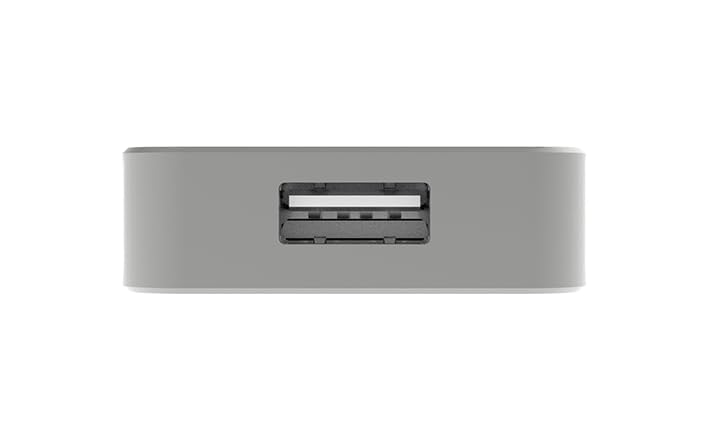
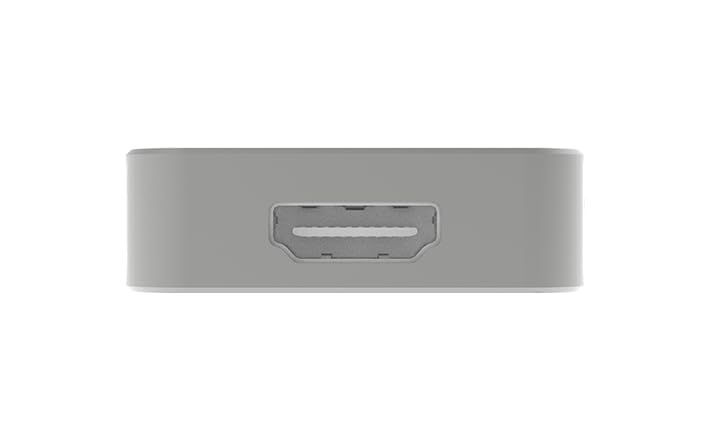

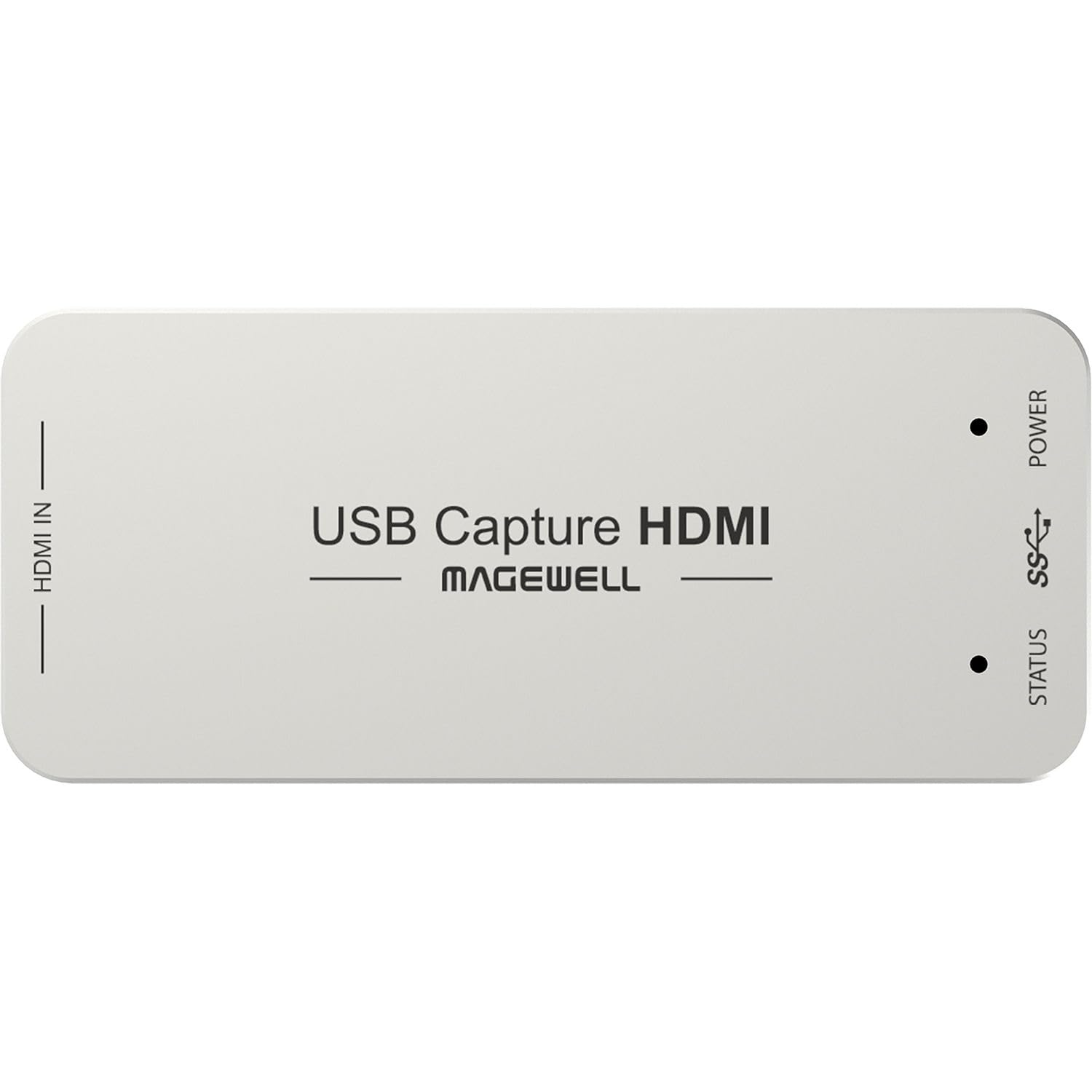
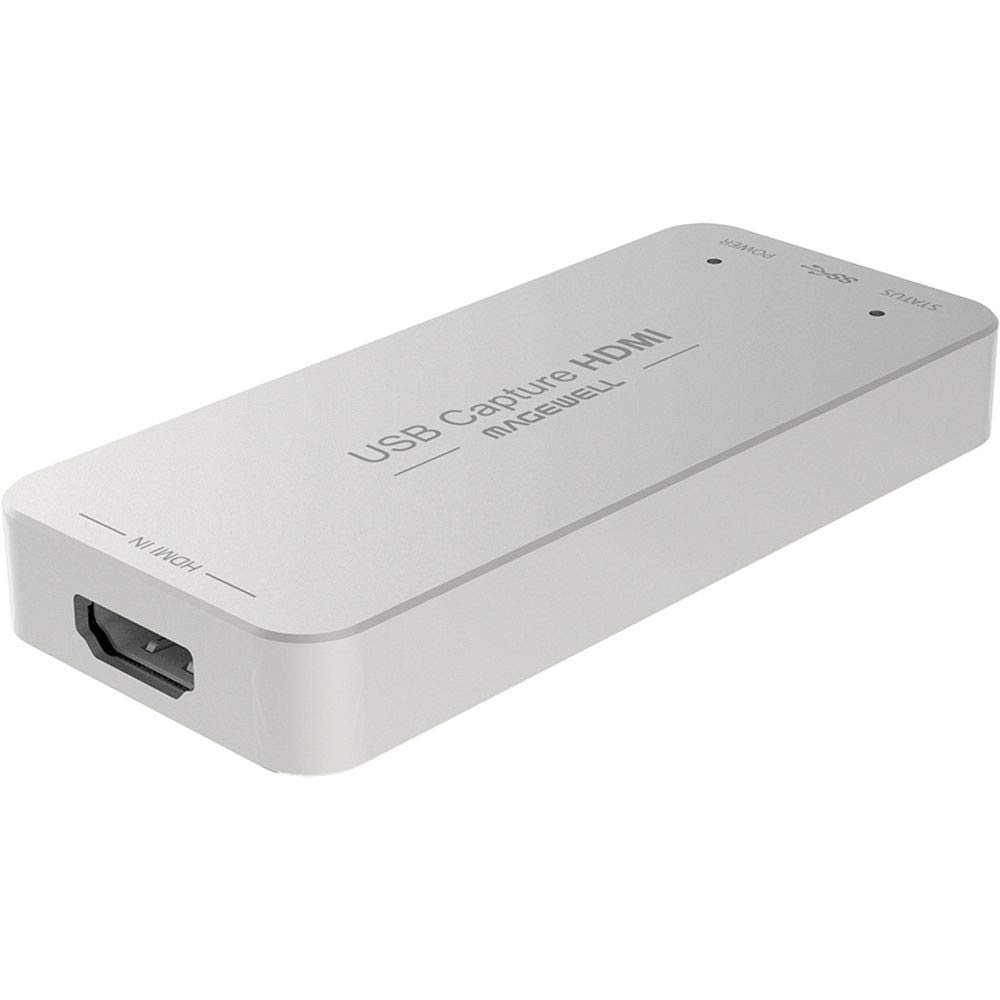
🎥 Capture Every Moment in Stunning Full HD—No Fuss, Just Flow!
The Magewell USB3.0 HDMI Full HD Video Capture Device delivers plug-and-play, driver-free video capture across Windows, Mac, Linux, and Chrome OS. Supporting up to 1920x1200p60 resolution with onboard 64MB DDR2 RAM for smooth streaming, it effortlessly converts input video and audio formats while ensuring zero dropped frames. Ideal for professionals seeking reliable, high-quality video capture with seamless compatibility and future-ready USB 3.0 performance.


| ASIN | B00I16VQOY |
| Are Batteries Included | No |
| Best Sellers Rank | #63,055 in Electronics ( See Top 100 in Electronics ) #232 in Video Converters |
| Brand | Magewell |
| Color | USB 3.0 Capture Dongle |
| Computer Memory Type | DRAM |
| Customer Reviews | 4.5 4.5 out of 5 stars (593) |
| Date First Available | 5 September 2014 |
| Hard Drive Interface | USB 3.0 |
| Item Weight | 90.7 g |
| Item model number | 32060 |
| Manufacturer | Magewell |
| Operating System | Windows, Mac OS, Linux |
| Product Dimensions | 8.42 x 4.28 x 1.26 cm; 90.72 g |
| Series | XI100DUSB-HDMI |
Y**G
One of the good capture cards out there
Nice as described
G**Z
Funcionó como debería de ser.
P**5
今まで数ヶ月使用して、なんのストレスも感じたことがない。値段の価値ありです。
J**S
So far, seems to be an awesome little capture device. It's pretty pricey compared to other options, but I also think it is worth it, considering the high quality and adjustment capabilities of the device. I only wish that I had a free PCI-E slot to use the PCI-E Pro Capture version instead (which also includes analog inputs, for the same price) -- might be a better option if you have the space for a PCI-E 1x device, and also need to capture analog signals: Magewell Pro Capture HDMI Video Capture Card Magewell's website has the full specs for this device, and also a link to download the accompanying utility for Windows/Mac/Linux to adjust all of the various device parameters, audio levels, etc: http://www.magewell.com/usb-capture-hdmi (click the 'Utility' link at the top of the page to download for your platform) - Uses the USB UVC protocol-- this means the device is plug-and-play, and acts like a webcam under most software; on Windows, it can be used a DirectShow source, and shows up as a /dev/videoX V4L2 device on Linux. Brightness, contrast, and resolution can also be adjusted via the UVC protocol without using the accompanying Magewell utility - Supports up/down-scaling, aspect ratio, crop, deinterlacing, desaturation, and color space conversion (RGB, YUV BT 601/709/2020) in hardware - Will capture in YUY2 (default), UYVY, RGB24, or RGB32 formats - Supports a max resolution of 2048x2160 for capture (max input of 2048x2228) up to 60 fps (up to 75 fps w/ YUY2 format at 1080p, up to 120 fps at lower resolutions) - Supports custom and arbitrary video resolutions and framerates - Captures PCM audio, and the input level can be adjusted (from +6 dB to -80 dB or muted) - Can load/save custom EDID profiles to emulate certain devices. EDID information is used to tell the source device what formats are supported by the sink (in this case, the capture device) - Can use multiple devices on a single machine. To do this, you'll need to open up the Magewell utility, click the Advanced tab, then set Device Name to "Serial number" - By default, the device will show a test pattern with "NO SIGNAL" text. This might not be desirable. In this case, use the Magewell utility to change the "Status image" from 'Default' to 'Black' (under the Advanced tab) I have included a couple screenshots from the Magewell utility (under Linux, but the capabilities are the same under Mac/Windows)
R**N
Expensive or what? More than my video camera but it does the trick of turning Full HD HDMI signals into 1080p USB3.0 webcam signals that can then be used with, say, OBS. Unfortunately I discovered that ManyCam could not handle the data volume so thank goodness OBS can. No frames are lost and it handles audio too but I use a separate USB mic so that aspect is not important to me. It does get HOT in use so do NOT leave it plugged in except when using it - see my Amazon review of the USB ON/OFF SWITCH FOR USB 3.0 & 2.0 // HmbG - 1401 for an easy way of switching it off without constantly unplugging it from the USB socket. As this is the ONLY device guaranteed to make an HDMI signal look as though it's coming from a webcam (and can therefore be used in Skype, for example) I guess they can name their own price. And they did. But it is THE answer for me so I just swallow hard at the price tag and now use it several times a week.
B**Y
Works as intended & have had no issues since purchasing this for live streaming from my Canon video camera. very happy with this purchase.
Trustpilot
4 days ago
2 months ago