
🎯 Dominate your game with MSI’s Quantum Dot precision and lightning-fast clarity!
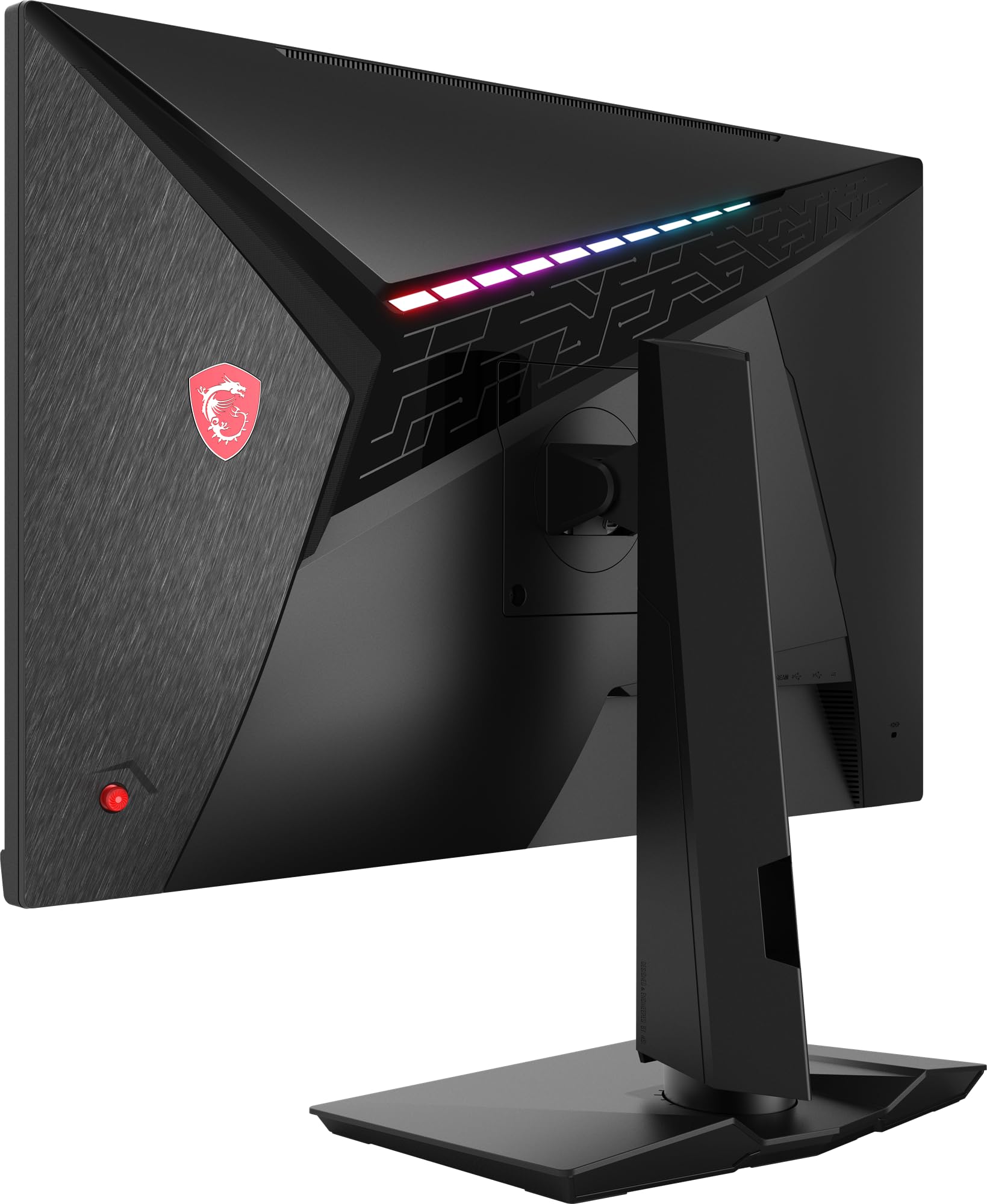
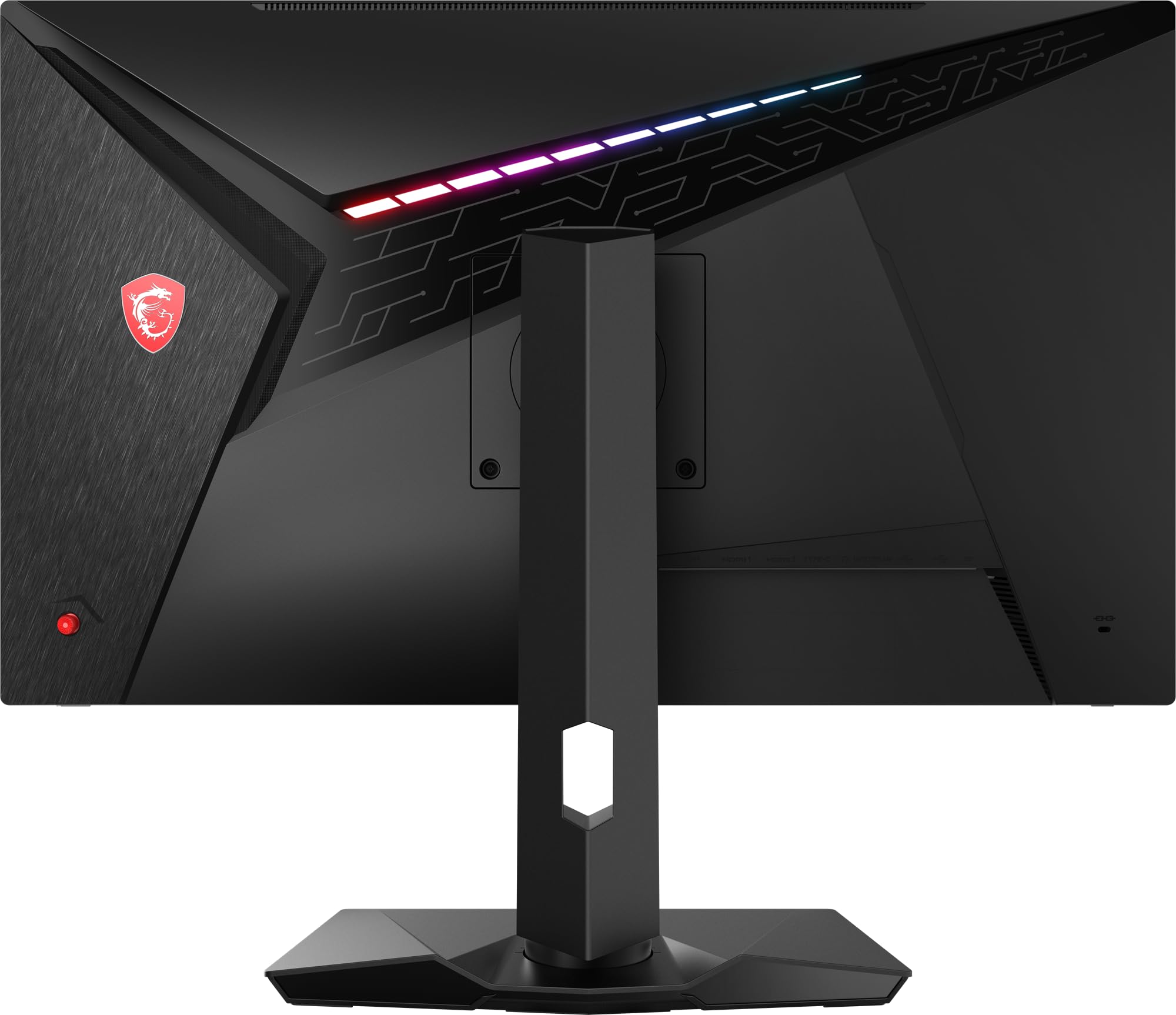
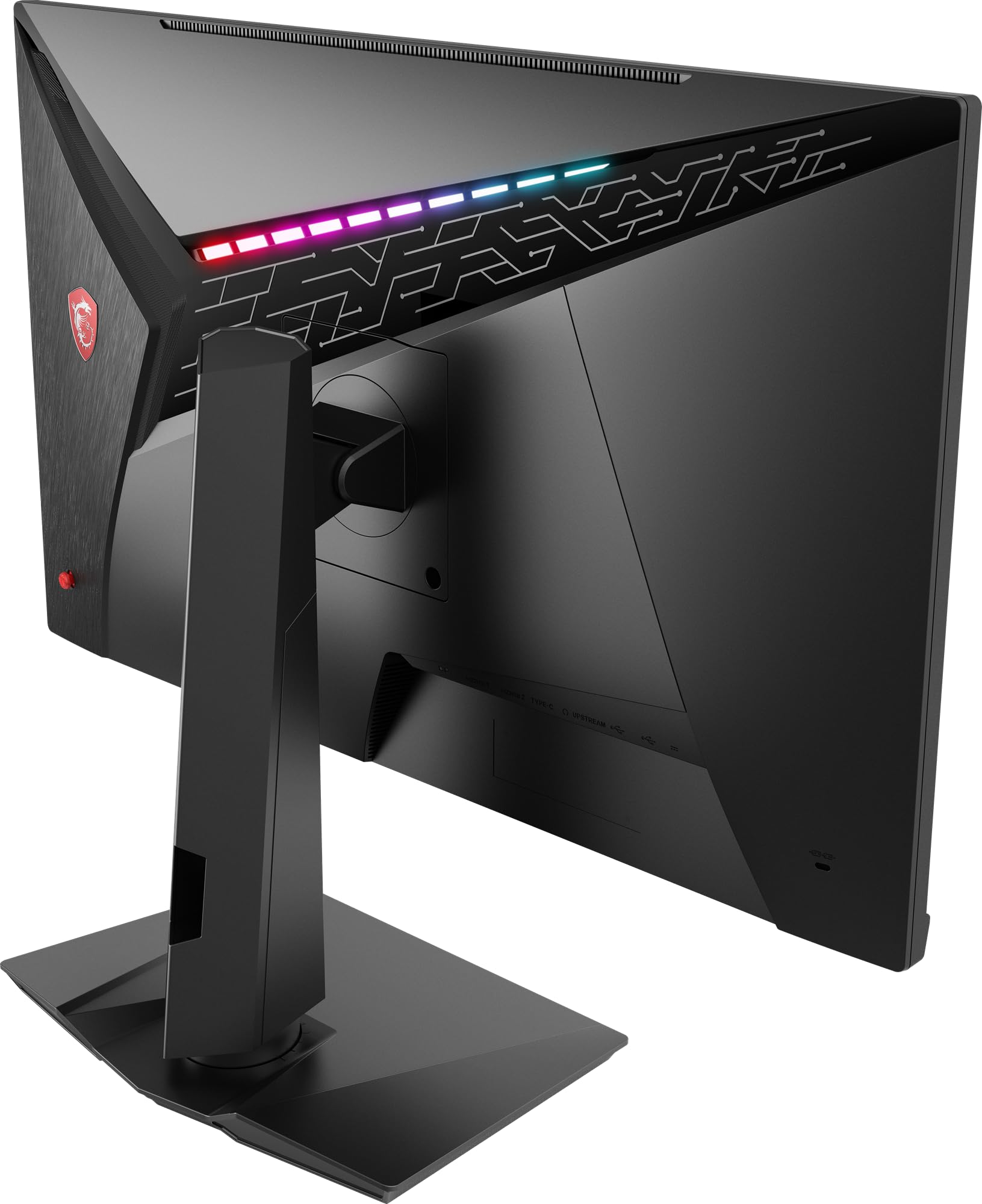
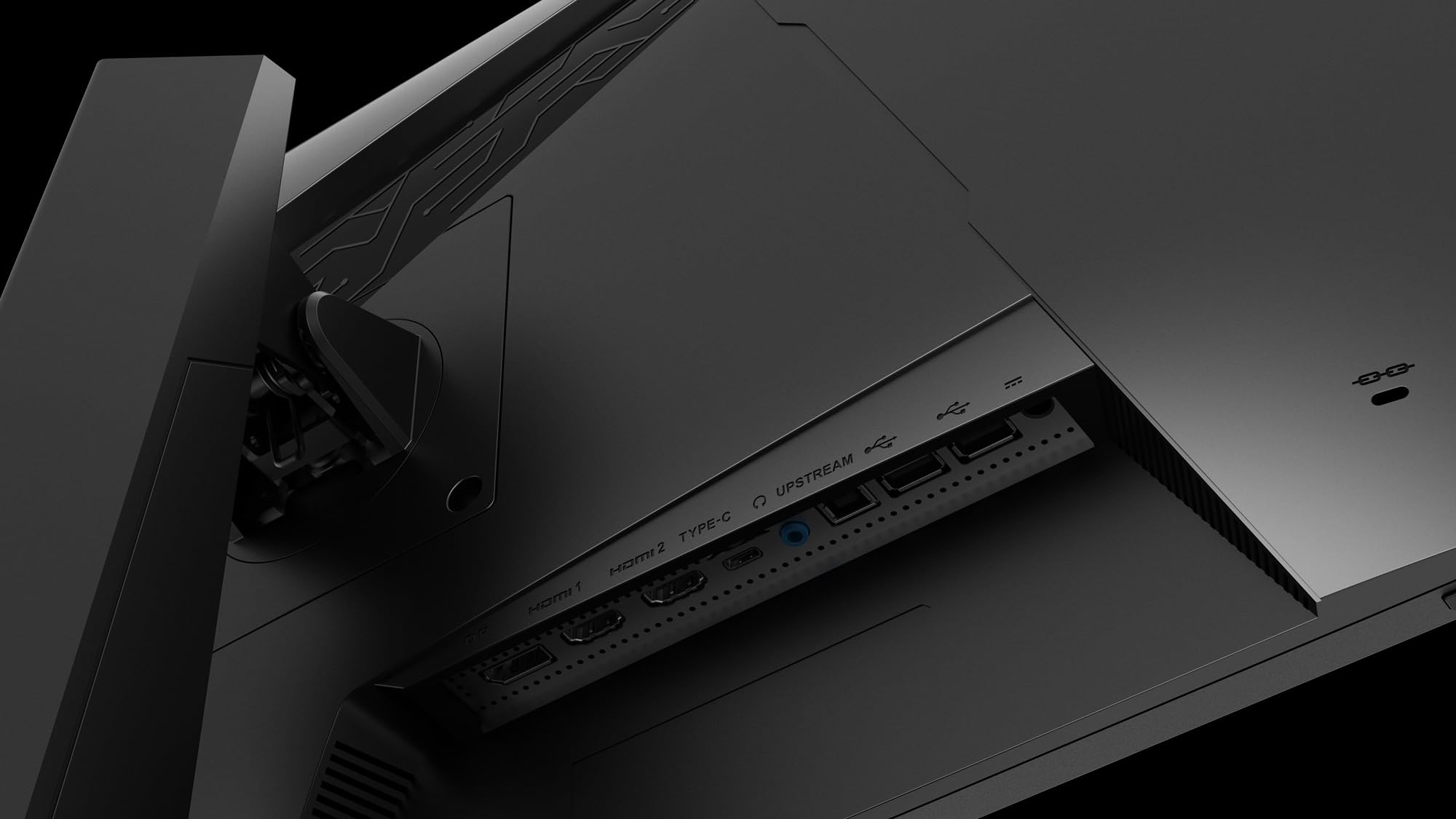
The MSI Optix MAG274QRF-QD is a 27-inch WQHD gaming monitor featuring a Rapid IPS Quantum Dot panel with 147% sRGB color gamut, 165Hz refresh rate, and 1ms response time. It supports NVIDIA G-SYNC for tear-free gameplay, offers HDR-ready visuals, and includes versatile connectivity options like DisplayPort 1.2a, USB Type-C, and HDMI 2.0b. Designed with a narrow bezel, RGB ambient lighting, and ergonomic adjustability, it’s built for competitive gamers seeking vivid colors and ultra-smooth performance.





| Brand | MSI |
| Product Dimensions | 8.14 x 24.21 x 20.97 cm; 6.05 kg |
| Batteries | 1 A batteries required. |
| Item model number | 9S6-3CA8DA-039 |
| Manufacturer | MSI |
| Series | Optix MAG274QRF-QD |
| Colour | 165 Hz / Rapid IPS |
| Standing screen display size | 27 Inches |
| Screen Resolution | 2560x1440 |
| Resolution | 2560 x 1440 Pixels |
| Processor Count | 4 |
| Number of USB 2.0 Ports | 3 |
| Number of USB 3.0 Ports | 2 |
| Number of HDMI Ports | 2 |
| Voltage | 230 |
| Are Batteries Included | No |
| Lithium Battery Energy Content | 2.6 British Thermal Units (BTUs) |
| Lithium Battery Packaging | Batteries contained in equipment |
| Lithium Battery Weight | 0.5 milligrams |
| Number Of Lithium Ion Cells | 7 |
| Number of Lithium Metal Cells | 7 |
| Item Weight | 6.05 kg |
| Guaranteed software updates until | unknown |
R**N
Excellent monitor
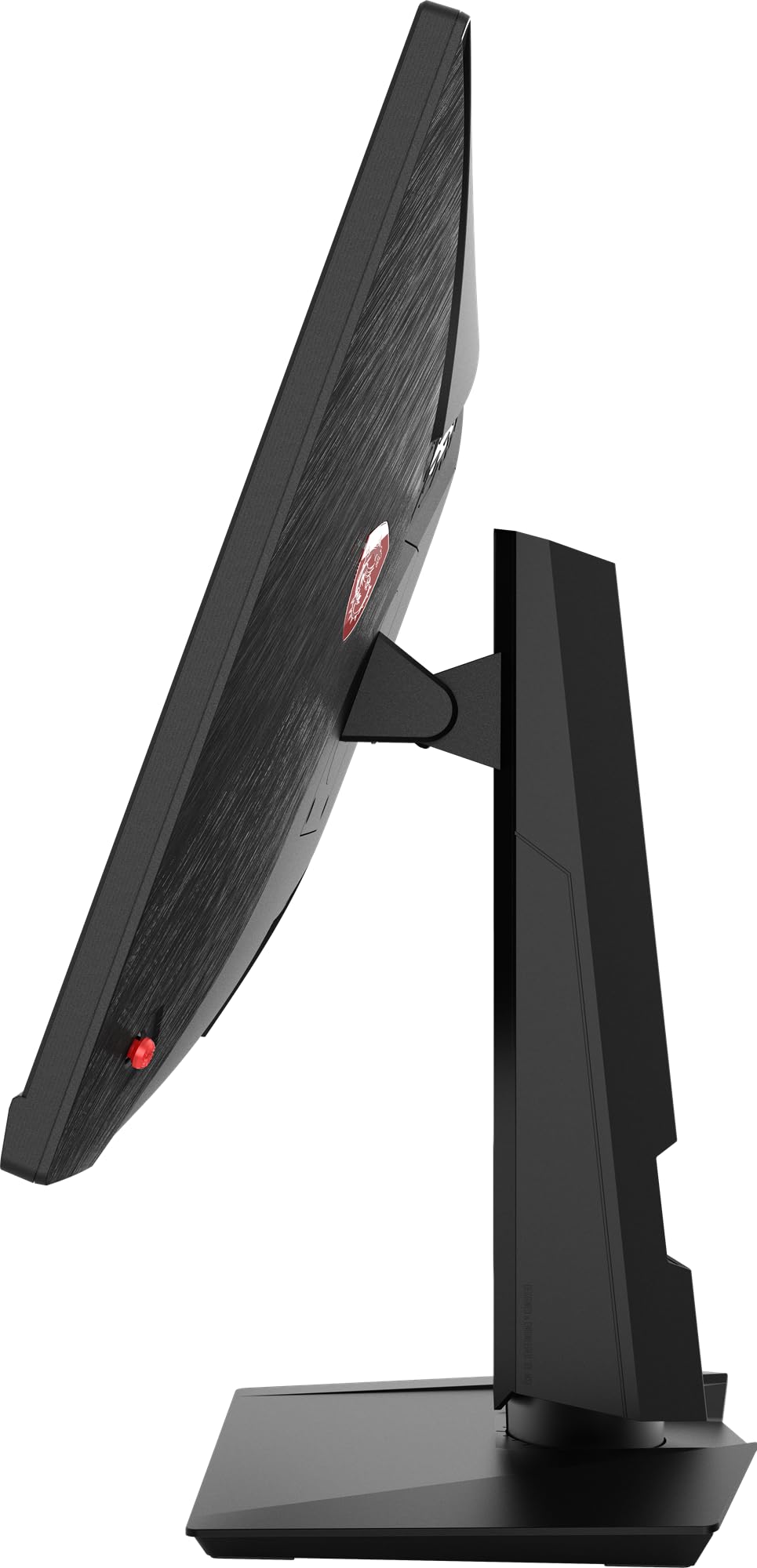
I’ve had this monitor for a few months now and it has provided a much-needed improvement in my gaming experience. The high refresh rate feels very smooth and runs beautifully in tandem with FreeSync. So far I have not encountered any dead pixels or any other screen-related issues.Upon first using the monitor, to me the red hues especially were noticeably saturated. After some calibration though the picture now looks fantastic. The Gaming Intelligence software provided can alternatively help with this as it offers a way to switch to or create a different colour profile. This software can also be used to customise (or turn off) the RGB on the back of the monitor, or program the macro key on the underside of the monitor to switch to a specific input source, change profile etc.The stand for the monitor itself is nice and sturdy – there is very little shaking apparent even when the monitor is at its highest point on the slider. There’s also a range of inputs should you wish to use various devices with this monitor.
D**Y
Marginally overpriced but about as good as a monitor can be
Coming off the back of a PG42UQ, which I realised was just too big and had massive problems with OLED, the MPG321UR-QD was not an awful lot cheaper (£900) than the one it was replacing (£1400) but while the MSI feels fractionally overpriced, it is a very, very good monitor and you do get what you pay for.The obvious features you want, 144Hz , HDR and g-sync compatible are indeed working in abundance, and for gaming it's probably about the best 32" model on the consumer market.Some chap presented a review saying the default colours were diabolical and that it didn't wake up right - this may have been fixed in firmware because the default image was excellent and there are no issues waking it up.The wealth of image options you have here are huge, and the HDR is probably the best I've seen on any screen aside my OLED TV - a massive issue with OLED is the maximising of windows with regards brightness - they dim, in short. Not a problem with this IPS screen and while the pure brightness is obviously never as strong as OLED, you can maximise those windows to your heart's content without losing any vibrancy.In terms of gaming and general picture, it's top class - it might not rewrite the rules of screens but it sure refines existing ones and gives everything you'd need in a monitor for all purposes.Like I say, maybe a little overpriced, but generally there's nothing I can fault it on and it's the best monitor I've ever used.
H**D
Amazing Response and Colours
Not sure about all these issues with colours but used an ICC profile and it worked nice. The contrast is amazing and it's great for gaming. Had issues with viewing the monitor over long sessions at first with eye fatigue but it went away with time. Nice punchy colours and great blacks. Slightly dark around the edges when looking at a white screen though but you get used to it. Response times were as good as my TN monitor from before which looked grey and had dull colours. All in all a great purchase and improvement from old monitor.Worth the money but it you want something better value, get the MSI G273QF has slightly less vibrant colours, same performance for games but a non adjustable stand.
R**N
Excellent - luckily avoided any of those models with dead pixels.
I was worried about the volume of reviews mentioning poor quality control from MSI.I think these issues will be overrepresented in the reviews, because people with a bad experience are more likely to leave a review.Thankfully mine has no issues with dead pixels.Looks smart, well made. very solid up-down slider and stand with nice adjustability.The settings are all controlled by 1 little nub that you can click down, and up, down, left and right. its very very intuitive and easy to use and go through all settings. you can even set shortcuts for what each direction does, without entering the settings (by clicking it in). This can be a shortcut for night mode/reduced blue light, input, mode, brightness, etc. (including a few things i dont know).on a deadpixel and light bleeding website (i just googled one)... you can see some light bleed in the bottom corners when doing the test (at the highest setting to highlight the light bleed); but you cant see any light bleed when using the monitor normally.Picture is really good as expected for the specs.the power cord comes with a small transformer block- just in case that matters to anyone (like the size of the box with on a small laptop charger).ill update this review if I have any issues in the
M**S
Amazing but one thing it needs!
So I love the screen works well can see everything very sharp. The only problem I have is that it does not have a way to save pre-sets. or at least an obvious way that I could find. Sor for example I play tarkov and its very hard to see in tarkov so I have to adjust brightness, contrast, night vision and image enchantment every time I start and finish playing tarkov... which is a bummer considering the price of the monitor its quite and oversite. But other than that its a very nice monitor! And I love it :)
Trustpilot
2 weeks ago
2 months ago