
DOWNLOAD THE APP


Customer Services
Copyright © 2025 Desertcart Holdings Limited
DOWNLOAD THE APP

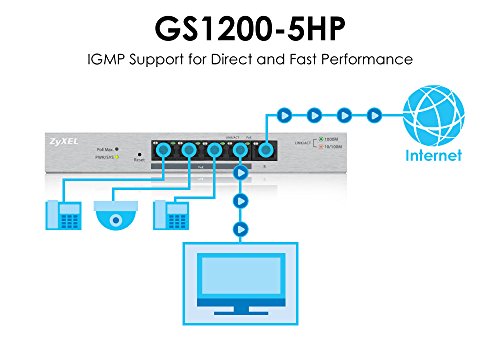
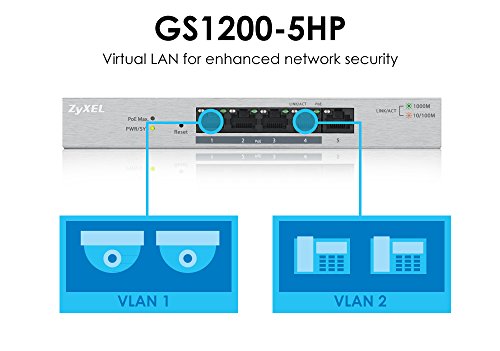

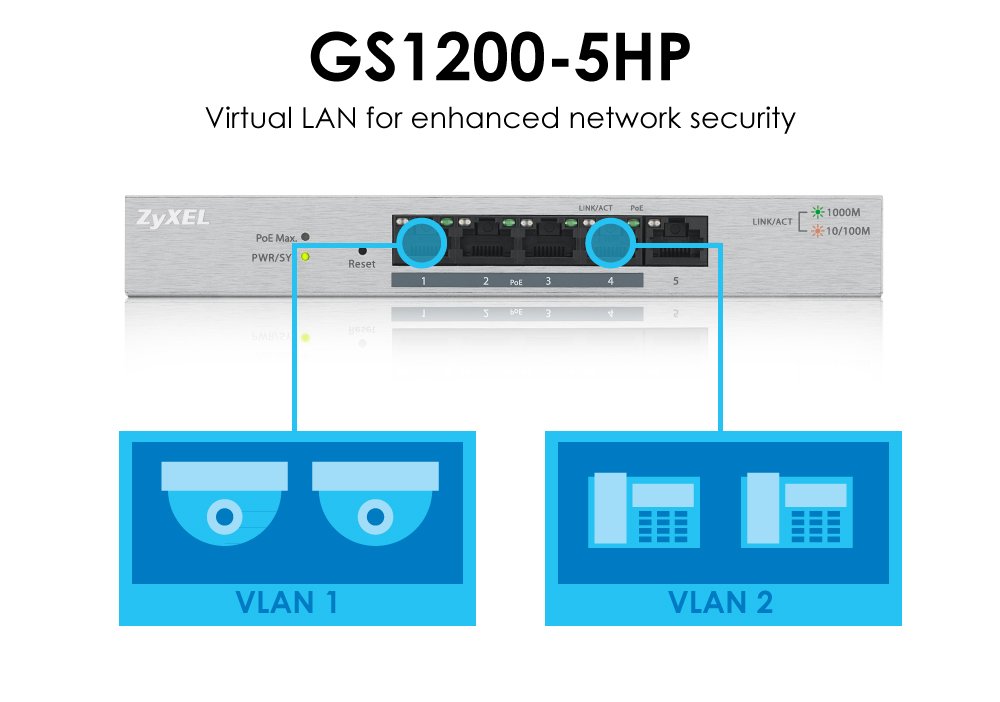
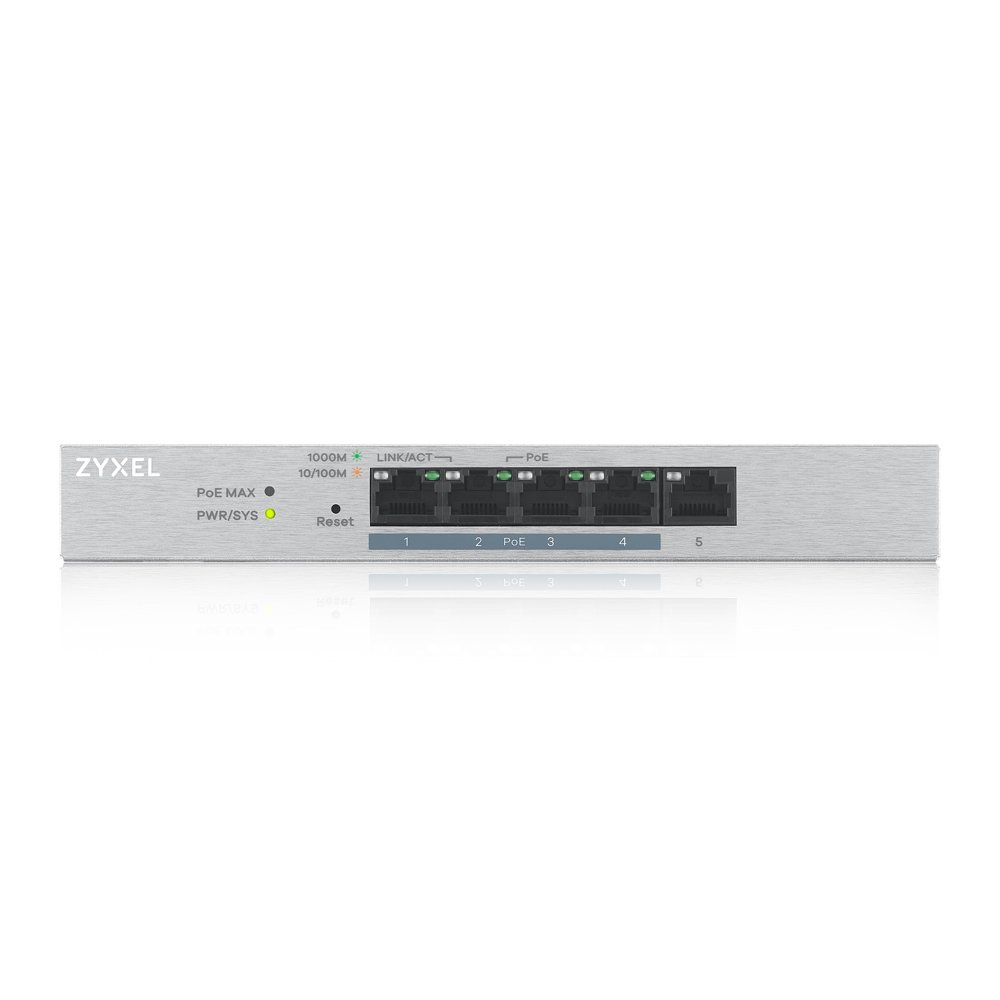


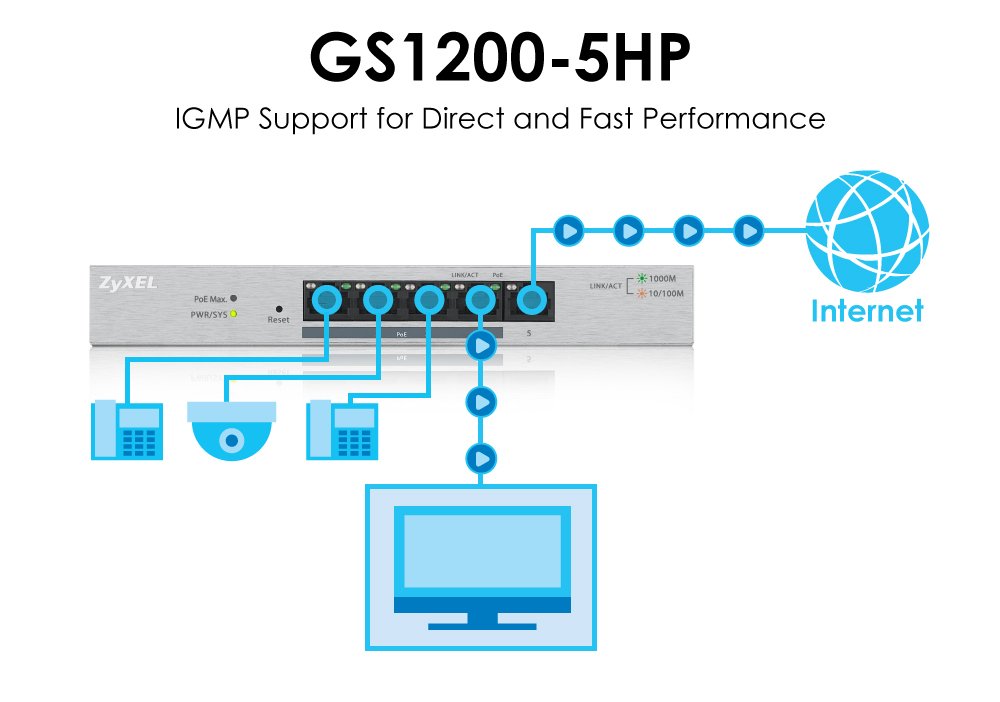
🔌 Power Up Your Network with Style!
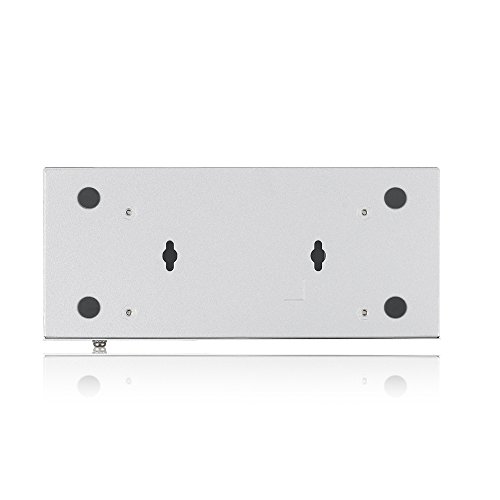
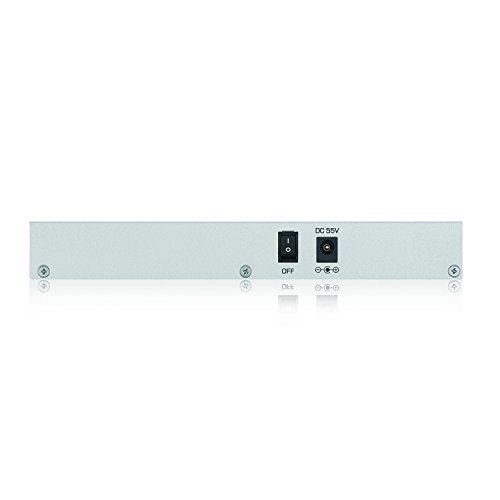
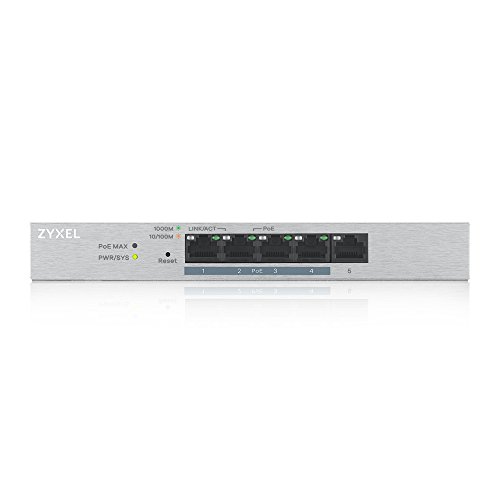
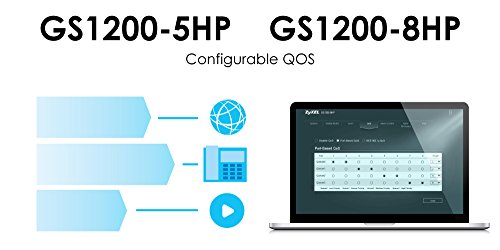
The ZyXEL GS1200-5HP is a fanless 5-port GbE PoE L2 web-managed switch, delivering 60W of power across its ports. Ideal for modern office environments, it combines high performance with silent operation and smart management capabilities.


| ASIN | B01INVLPU6 |
| Are Batteries Included | No |
| Customer Reviews | 4.1 4.1 out of 5 stars (34) |
| Date First Available | 12 July 2016 |
| Item Dimensions LxWxH | 8.4 x 2.6 x 19.3 Centimeters |
| Item Height | 7.6 Inches |
| Item Weight | 399 g |
| Item Width | 1.02 Inches |
| Item model number | GS1200-5HP |
| Product Dimensions | 8.38 x 2.59 x 19.3 cm; 399.16 g |
| UPC | 760559125974 |
| Wattage | 60 |
A**X
Zyxel me tiene recientemente fascinado, la calidad de construcción de sus equipos es excelente, su software y desempeño cumplen perfectamente y no solo eso si no sus precios en amazon son increíbles, ni hablar de comprar cisco o otras marcas, este equipo fue ocupado para 4 cámaras ip poe y esta funcionando a la perfección
B**P
This is a very basic 5 port switch with PoE and VLAN capabilities. I am using it in a media cabinet to tie in a Roku, IP control for a TV and AVR, a relay for a TV lift, and wireless AP that handles several VLANs on a trunk link. This does the job. The power budget is decent enough to handle most things (unlike other small switches that use PoE pass through and top out at like 15 watts). I am running the wireless AP and a relay to control a TV lift via the PoE. VLANing is dead simple. QoS exists in a basic form which probably matters more for folks running VoIP. It can create a mirror port. You can disable/enable PoE via the interface to reboot things remotely. It allows a basic 2 port LAG on port 3 and 4 (no LACP). It's a solid little switch for a tiny 5 port deal. Observations: * No HTTPS or SSH management * Monitoring is basic. It shows per port counters. There is no SNMP * You can't choose what ports to run the LAG. I'd rather use the unpowered port for one link personally. * It's hard set to jumbo frames. You can't not have jumbo frames if you care to limit your MTU. * Loop detection/prevention is NOT spanning tree based - which might be a good thing for those in an office. I've had small switches like this show up under folk's desks with a loop (people in a panic plugging and unplugging) and blow out a whole floor's switch stack (pre-802.1x). Spanning tree can be dangerous similarly. Dumb loop prevention such as this is probably best. I'm impressed. I really wish it has HTTPS, but for the money, it's solid.
E**Y
Good quality PoE switch. Driving 2 WiFi AC access points and another switch via PoE. Like the "smart" functionality so could setup VLANs and see stats including power draw, for not much more cost than many unmanaged switches. Very satisfied.
G**K
I take the time to rate a product when either it is exceptional or it is so deficient in its performance or value that I wouldn't even give to my Brother-In-Law. The Zyxel GS1200-5 falls into the later category. I am a big fan of Zyxel and have many of its products. Not so much of fan now. The Good: Reasonably priced and competitive at $29.95 Has all the bells and whistles;Managed, VLAN, IGMP snooping, Q801, etc The Bad: The configuration is not intuitive. The VLAN implantation is horrid, the Q801 is very limited in scope. The Ugly: The Firmware needed to be updated. Simple right? Wrong! D/L'd the new Firmware, read the procedure and warnings. Ok, simple enough. Connected via the LAN, uploaded to the GS1200-5, waited for a reboot. "Update failed", frick what when wrong? This uses Uboot which is a very reliable firmware updater. Tried again same results. Researched the problem and someone had said that it reboots and checks for a DHCP server first and uses that instead of the fixed IP of 192.168.1.3. No mention of that in the Zyxel Rev, Notes. Checked my DHCP Server and found no IP assignments for the MAC address of the switch. Tried to update again, only this time it "Bricked" Attempts to boot, lights flash, start new boot. Just loops. Decision time. I knew if I opened the case it would void the warranty. What the heck, it's only $30 bucks. Inside it uses a WinBond chip for its Flash: Uboot at Hex0-20000 Kernal at Hex20000-13C73C root at Hex13C73C-750000 This is not proprietary to Zyxel but instead standard boundaries for Uboot. Ok, if I can look at root I can probably find what's damaged and possibly patch it. Dug out my FTDI serial cable, verified the serial pins on the board after soldering them. Used PUTTY, serial@115200,8N1. Nod-da, Nothing. Tossed it. Made a lovely sound ricocheting off the sides of the trash can. Bottom line: Rated don't buy. Recommended TP-Link 8-Port, TL-SG108, unmanaged or TL-SG108E, Easy managed. ....Geezer70
F**D
I bought this mainly for the security cams I also bought in Amazon. In the beginning, the cam did not works with this PoE switch. I know the cams works because I also bought a single power PoE adapter and the same cam works with my PoE switch at work. After searching online and I found I am not the only one. For some strange reason, other people who had the same camera also experienced with the same problem I had. After contacting Zyxel support via the forum, the support team send me a new firmware and that took care of the problem. My cams are not works GREAT with this PoE switch. To sum up, this product works great and the manufacturer support team were great to work with.
Trustpilot
3 weeks ago
2 weeks ago