

Desert Online General Trading LLC
Dubai, United Arab Emirates
Desert Online General Trading LLC
Dubai, United Arab Emirates


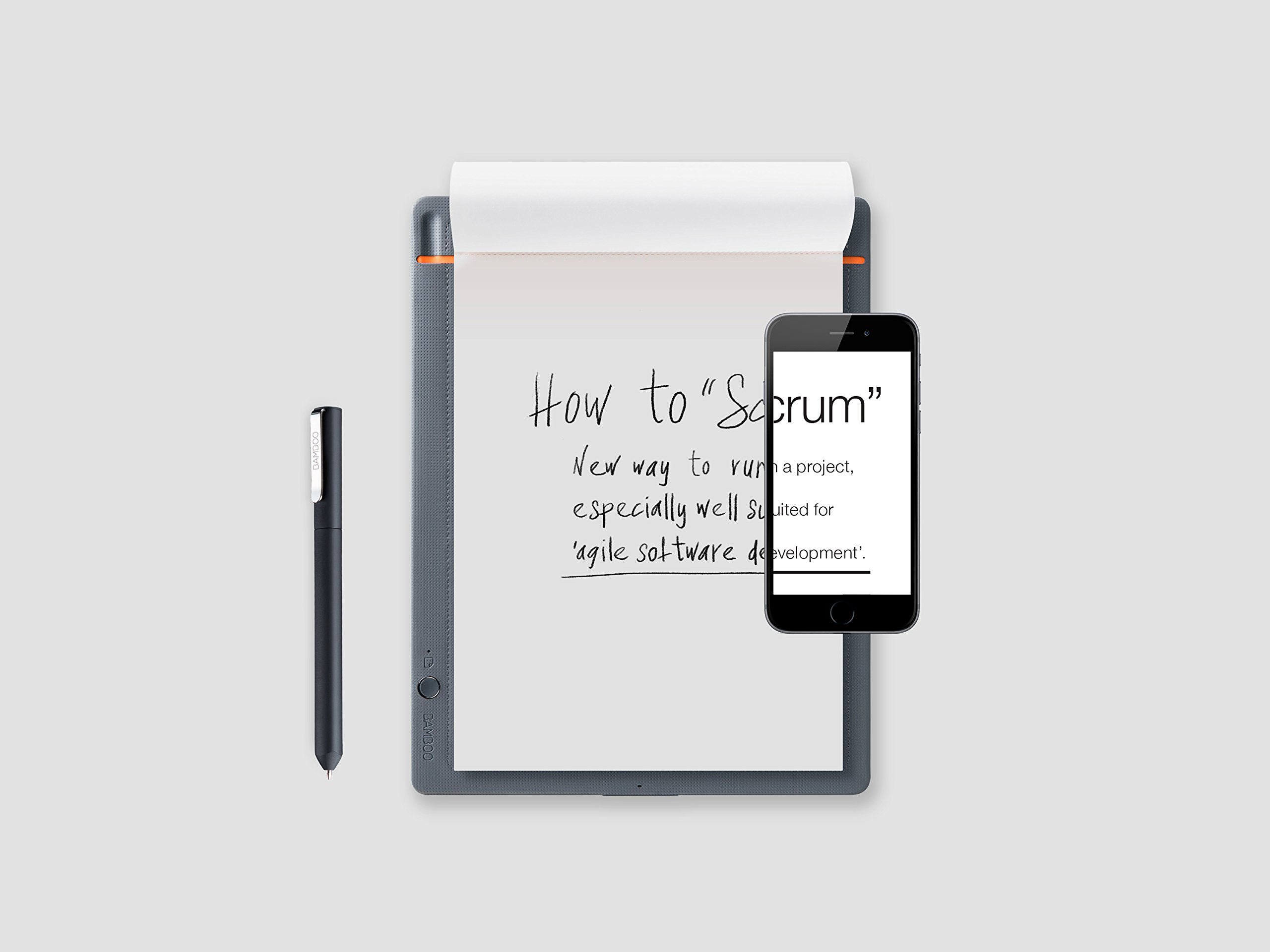


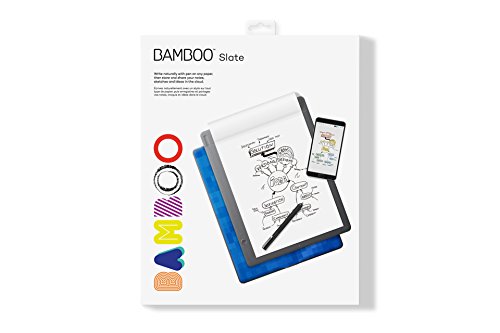
Write naturally with pen on any paper, then store and share your notes and ideas in the cloud. Bamboo Slate is a smartpad that allows you to write naturally with pen on any paper, and with the push of a button convert your handwritten notes into "living" digital files. With the Wacom Inkspace app you can organize, edit, and share your notes and sketches on your iOS or Android Bluetooth enabled smart phone or tablet. Don't worry if you're not near your mobile device – you can store up to 100 pages on your Bamboo Slate and sync later. Do more with your notes and ideas using the Wacom Inkspace app: enhance notes and sketches by adding strokes, color or highlights with editable digital ink export notes as JPG, PNG, PDF or WILL file formats sync notes with existing cloud services: Inkspace Dropbox, Evernote, and OneNote Inkspace Basic/Plus Get the essentials with a free Inkspace Basic* subscription: 5 GB storage (6000+ pages of notes) Sync content across smart devices, plus gain access to your content on the Inkspace web portal Unlock more features with a 3-month free subscription to Inkspace Plus*: convert handwriting to rich text search your handwritten notes export in scalable vector file format (SVG) 50 GB storage (60,000+ pages of notes) After the 3-month free subscription to Inkspace Plus, Bamboo Slate owners gain access to the service and enhanced feature set at a 50% discount (2.95/month). * Access to Inkspace Basic and Inkspace Plus features requires creation of a Wacom ID.
D**W
Not as East to Use
Not What I thought and not as use to use as video
A**Y
Not used
unfortunately, I can’t comment because I was robbed before using the product.
A**F
One Star
It's garbage. Run away!
F**E
No Windows support unless you pair with a mobile device. Location data required.
I was excited to get the Bamboo Slate to transfer my notes and drawings to a Windows 10 computer to share with my work mates.I installed InkSpace (both executable and Windows Store versions) but was unable to get Windows to recognize the device. I was told by a support person the device WILL not directly interface with Windows 10, that I need to install a mobile version of InkSpace on my phone or tablet. Painful, but I can live with this, I told my self. I signed up for the free inkspace service and tried it. It worked! Next step for me is to nail down permissions and opt out of sharing personal data.Wacom sends the name of every app you use to google-analytics, so I stopped this by adding a few lines to the hosts file. (see Robert Heaton, /2020/02/05/wacom-drawing-tablets-track-name-of-every-application-you-open/). Next I stopped access to location data by the mobile InkSpace app.InkSpace WILL NOT work. That's right. Wacom REQUIRES location data from you and your phone or tablet for it's InkSpace app to work. Why?Never mind. The device was returned.
G**N
no vienen en plastico sellado
era un tegalo, pero lo abri para ver qur noe stuciers dañado aunque no lo fuera a prob
Trustpilot
2 weeks ago
1 month ago