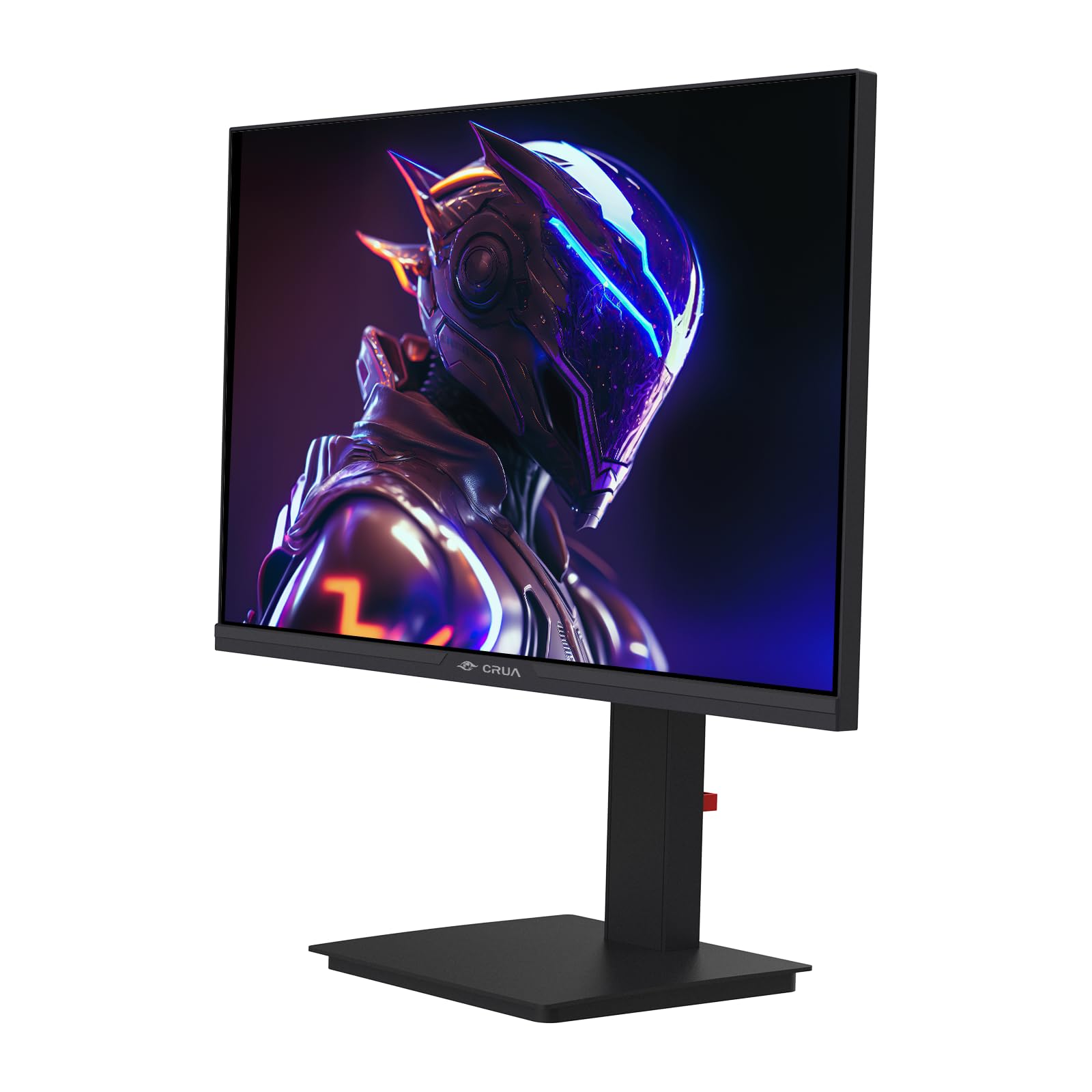
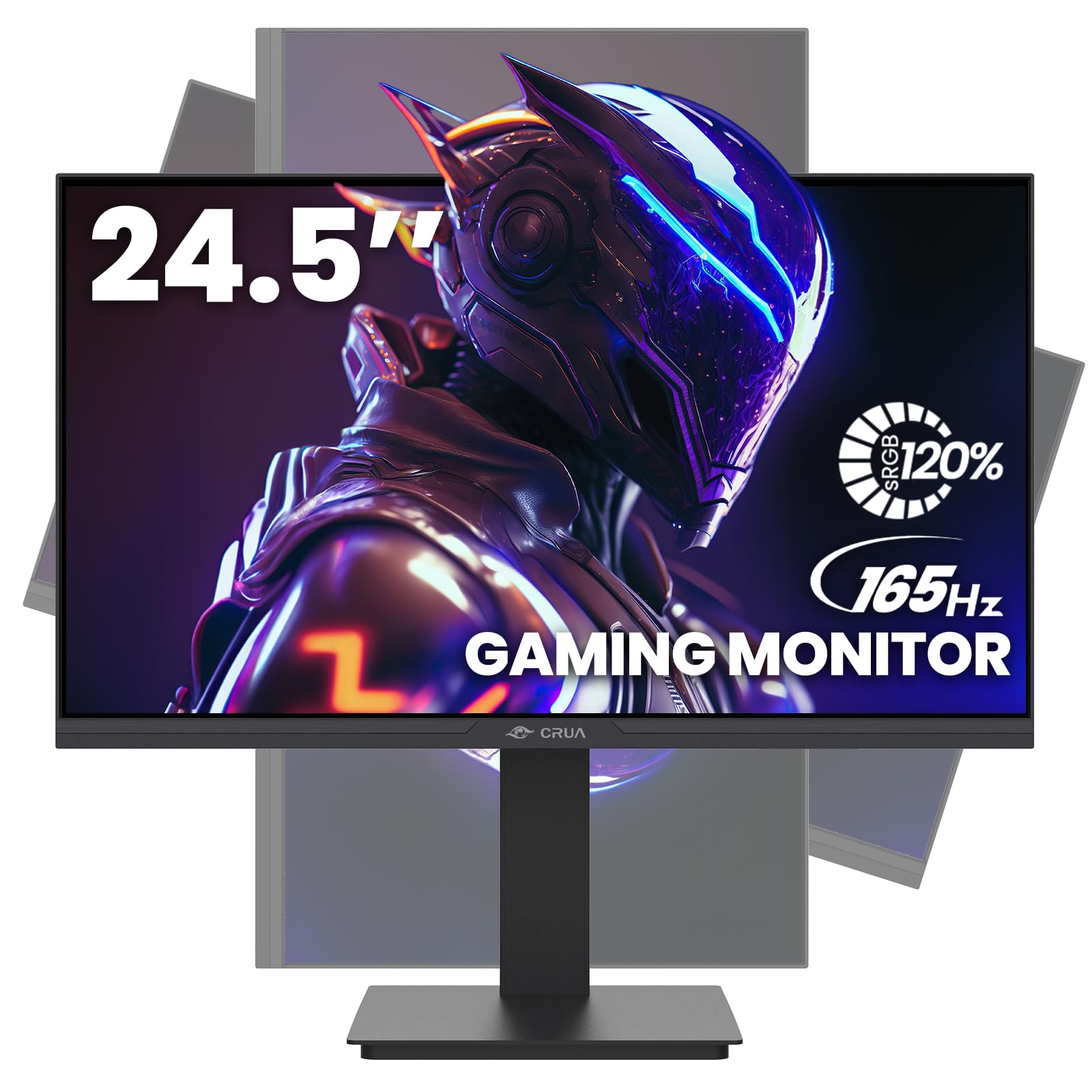
🎮 Elevate your game and workspace with CRUA’s ultra-smooth, vibrant, and ergonomic 24.5" monitor!
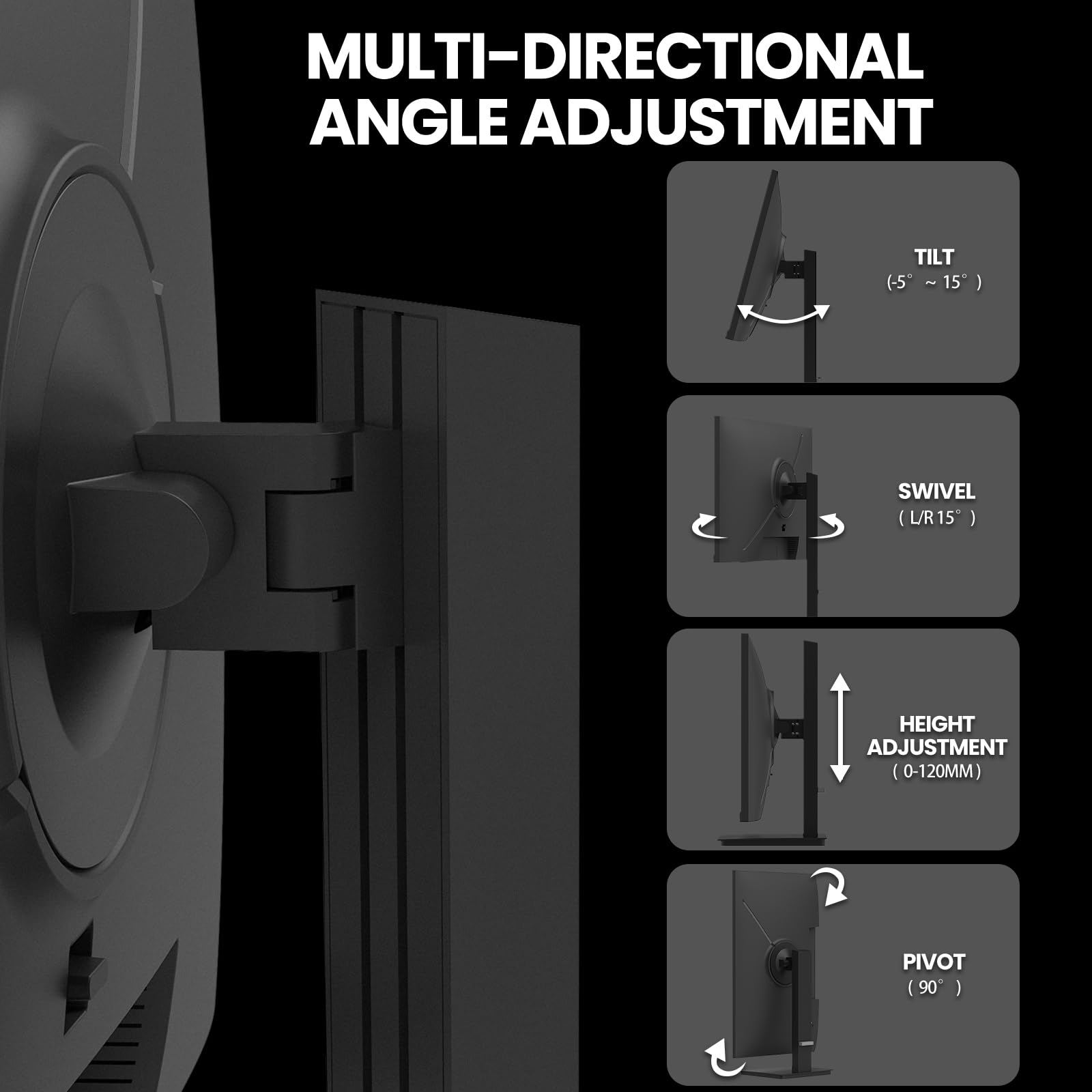
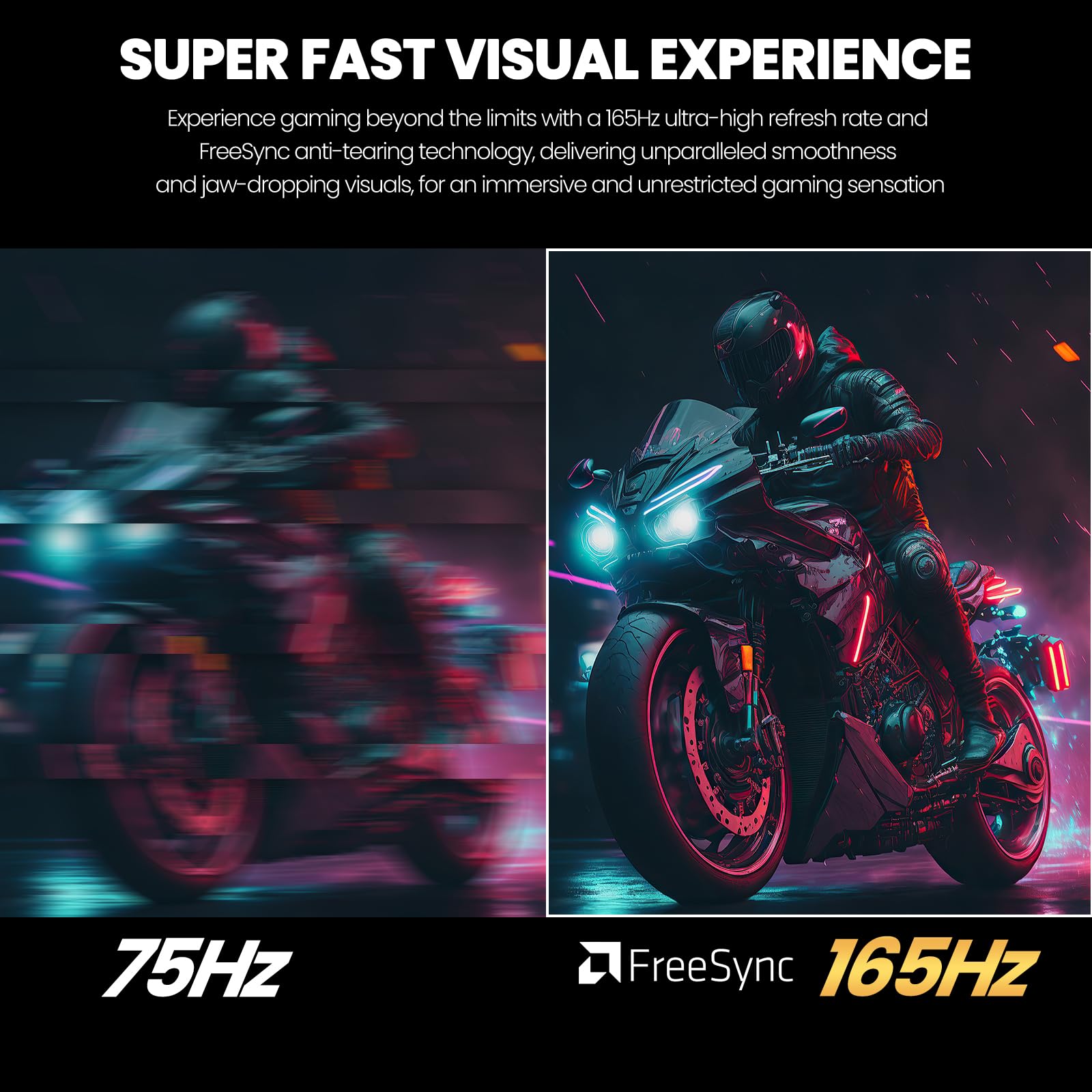
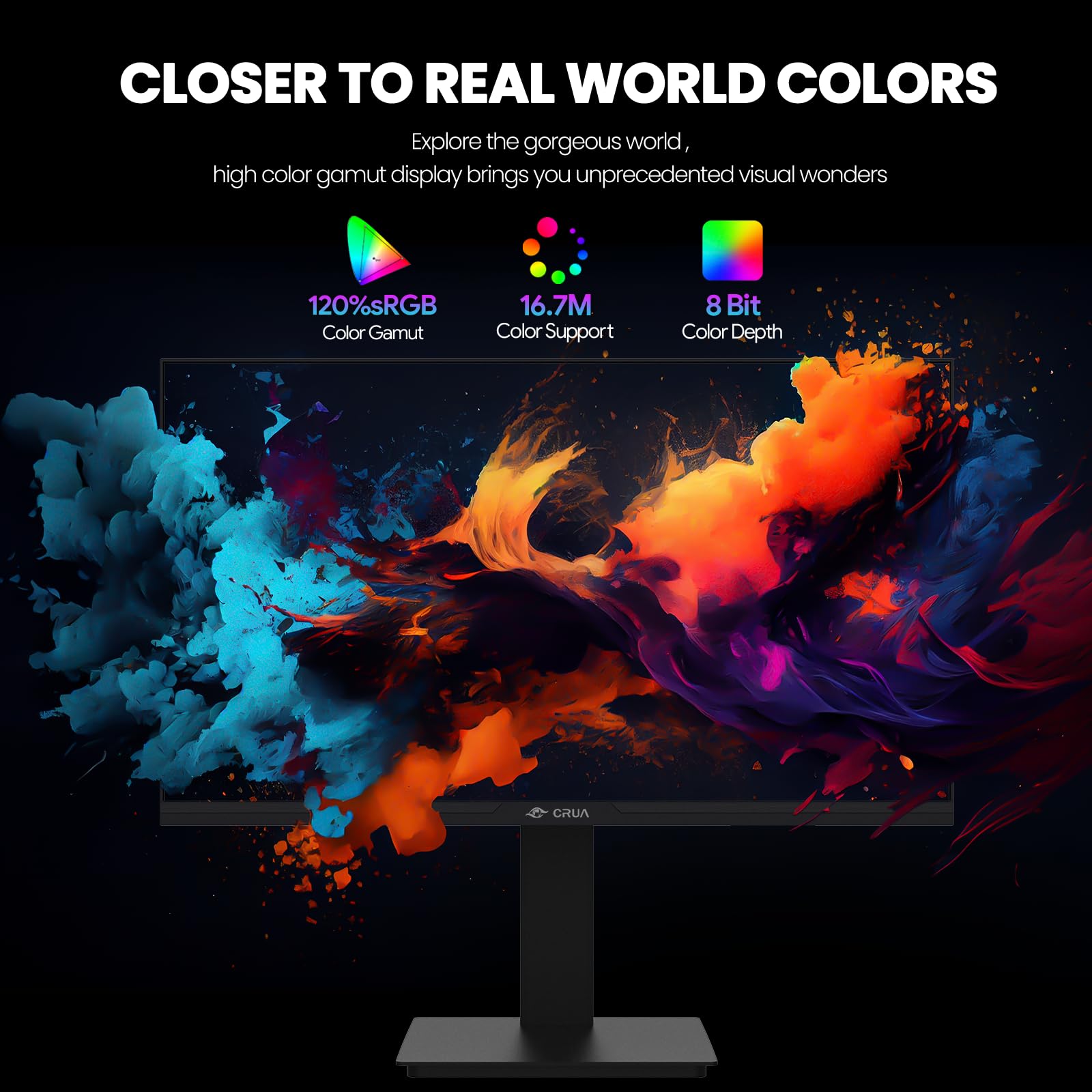
The CRUA 24.5-inch gaming monitor features a blazing 165Hz refresh rate and 3ms response time with FreeSync for tear-free gaming. Its FHD 1920x1080 resolution combined with 120% sRGB color gamut ensures vivid, true-to-life visuals. Designed for professionals and gamers alike, it offers full ergonomic adjustments including height, pivot, swivel, and tilt, plus versatile connectivity with HDMI, DisplayPort, and USB charging. The sleek, narrow bezel design and cable management hub create a clean, distraction-free workspace.


| ASIN | B0CMXK5QDD |
| Adaptive Sync | FreeSync |
| Additional Features | Height Adjustment, Pivot Adjustment, Swivel Adjustment, Tilt Adjustment, Wall Mountable |
| Aspect Ratio | 16:9 |
| Best Sellers Rank | #1,965 in Electronics ( See Top 100 in Electronics ) #84 in Computer Monitors |
| Brand | CRUA |
| Brightness | 300 Candela |
| Built-In Media | 24.5 inch gaming monitor, Base and Support, DP cable, Monitor wall mount screws, User manual |
| Color | Black |
| Color Gamut | 120 |
| Connectivity Technology | DP, HDMI |
| Contrast Ratio | 1000:1 |
| Customer Reviews | 4.1 out of 5 stars 398 Reviews |
| Display Resolution Maximum | 1920 x 1080 Pixels |
| Display Technology | LCD |
| Display Type | LCD(LED-back light) |
| Hardware Connectivity | HDMI |
| Has Color Screen | Yes |
| Image Contrast Ratio | 1000:1 |
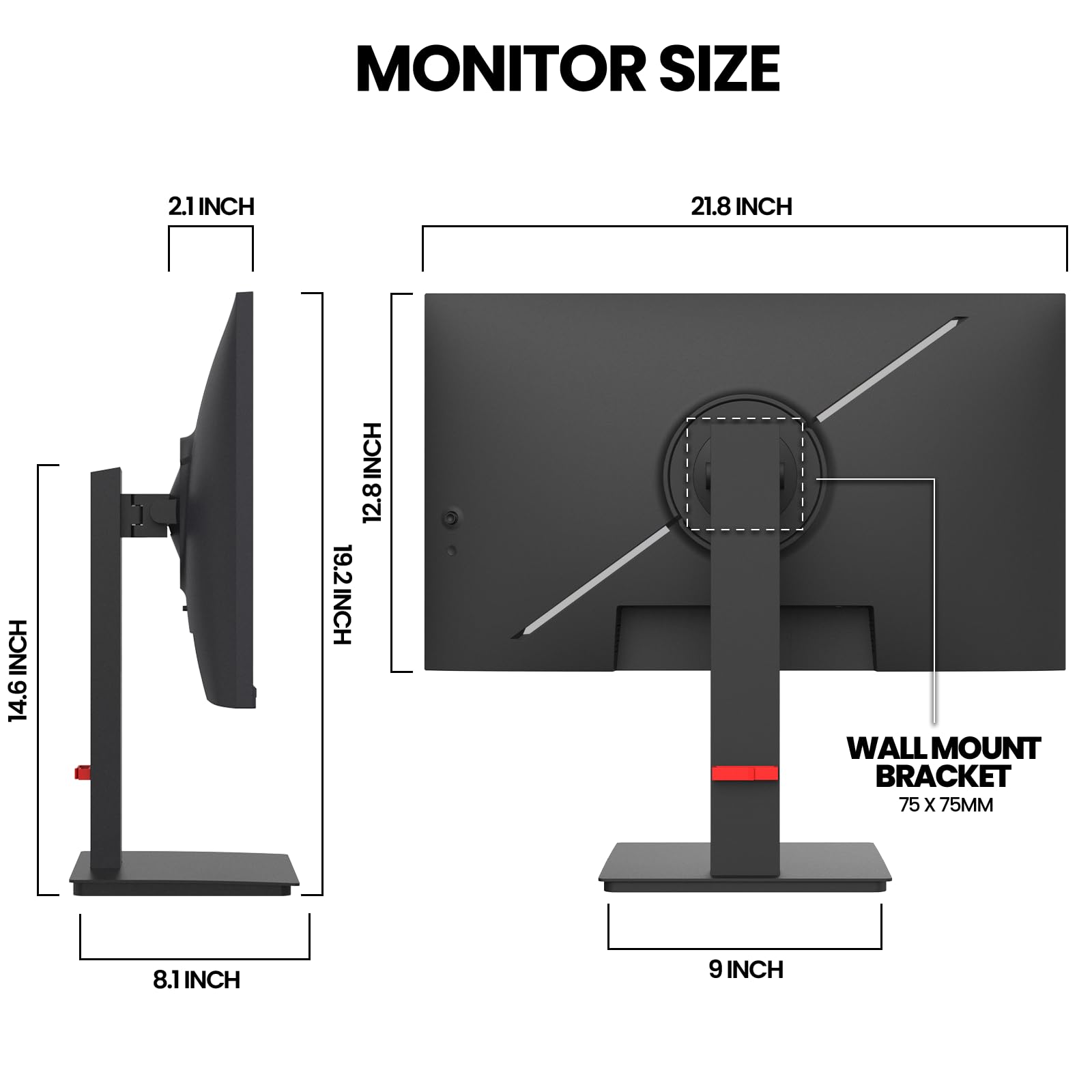
| Item Dimensions D x W x H | 5.11"D x 21.89"W x 19.29"H |
| Item Height | 19.29 inches |
| Manufacturer | CRUA |
| Model Name | CR245ZB |
| Model Number | CR245ZB |
| Mounting Type | Desk Mount |
| Native Resolution | 1920x1080 |
| Number of Component Outputs | 2 |
| Picture Quality Enhancement Technology | Low blue light mode, FreeSync |
| Power Consumption | 36 Watts |
| Processor Count | 1 |
| Refresh Rate | 165 Hz |
| Resolution | FHD 1080p |
| Response Time | 3 Milliseconds |
| Screen Finish | Matte |
| Screen Size | 24.5 Inches |
| Screen Surface Description | Matte |
| Shape | Flat |
| Specific Uses For Product | Business, Desktop, Gaming,office |
| Total Number of HDMI Ports | 1 |
| Total USB 2.0 Ports | 1 |
| Total Usb Ports | 1 |
| Viewing Angle | 178 Degrees |
| Voltage | 12 Volts |
| Warranty Description | 1 year free warranty (30 days free returns and exchanges) |
C**N
Inexpensive doesn't mean cheap.
Great monitor, especially for the price. The illustrations in the documentation are a bit challenging to get perspective, but one can figure it out fairly easily. Be careful not to put pressure on the screen (it warns you of this, but I didn't read it until I had completely removed the packaging, which it says to leave on until the base is attached).
R**S
The Crua CR340D: A Work of Art for Design, Gaming, and Programming.
The 34-inch white Crua monitor is a work of art; it's beautiful. I really like that it's flat because it's fantastic for designing, creating logos, browsing, watching videos, and playing games. I also recommend it for programming. I customized the contrast, color, and brightness. I've already tried two games, Titanfall 2 and Rocket League, and oh my god, they're so beautiful and fluid! The only downside I found is that the DisplayPort cable is very short, even though they include it in the box. I also found that it has very little mobility and the monitor is quite low. Ideally, you should buy a 75x75 monitor arm to use it at the desired height. In every other aspect, I give it 9-10 stars. I highly recommend the seller; the box arrived in perfect condition, and of course, I'll include photos. I love this monitor, and the best part is that I bought it after Black Friday for $152, and I have to say this monitor should cost around $330. The monitor weighs practically nothing. The base is much heavier. If you can buy it, I wholeheartedly recommend it. The monitor model is CR340D. If you have any questions, feel free to contact me, and I'll gladly help you. I use it at 165Hz. I forgot to mention that the monitor has two HDMI ports and two DisplayPort ports, which is a very welcome feature.
A**Y
decent ultra wide monitor
monitor have very good picture, this monitor is used for work, great for display spreadsheet file, for 2 application windows side by side, 34" 21:9 flat screen does take a few weeks to get used to it, this is applicable to curve screen as well, built in speakers are weak, have 3.5mm jack to connect to external speakers, enable freesync to have more screen refresh rate options, hdr feature is not tested, multi-windows feature is not tested, considering price $200 , this is 5 stars, at this time, have no information on its longevity. below is related off topic cable connectors are downward facing, while i prefer back facing cable connectors, highly recommend any monitor to include better speakers, e.g. 8Wx2 speakers, instead of typical 1Wx2 speakers, in my opinion, 32" 16:9 screen is better for home/video screen usage, as most videos are 16:9 or 4:3 ratio format
A**O
Started flickering after some hours
It was “working great” till one day out of nowhere started flicking. Updated drivers, updated everything and nothing was fixing the issue. I suspect it’s the power cord that’s defective. I contacted support and they were not very welcoming people. On the other hand: the days that worked flawlessly; it was a good monitor and I enjoyed it. Just be careful before buying this. Customer service is a 2/10 experience and not everyone possesses patience these days.
S**H
3 dead pixels, but still a great deal.
4 stars only because it has 3 dead pixels on arrival. Which is odd because the monitor was wrapped well. I’m too lazy to send it out and return it, and the 2k resolution makes the dead pixels so small that I barely notice it anyway despite being in the center of the screen. I had to actually look for them to even notice. Otherwise, the refresh rate is high, the picture looks great (smooth yet detailed at the same time) and I’m very satisfied with the product. There are a lot of image settings and color ranges to choose from. If you’re not in the know, higher resolutions require stronger systems. You may sacrifice high frame rates if you’re not prepared. If you are streaming video, the video quality must match the monitor’s high resolution to enjoy the full potential of the monitor’s high resolution. Also keep in mind that many games play at fixed frame rates like 60 fps, despite what your monitor’s refresh rate is. Personally, I think 4k is pointless because it requires so much system power. 2k is perfect for mid to high level gaming systems since it bridges the gap between quality and performance. I always wanted a monitor like this and I’m happy with the price. I would vote 5 stars if it weren’t for the 3 dead pixels.
T**E
Manually adjust the image settings and this monitor might really surprise you ( in a good way).
This is my first time trying out a budget monitor and I am VERY impressed. I bought the 34 inch 3440 x1440 version. AS A WORKING MONITOR: I bought this primarily for my job after one of my work monitors gave out. Instead of using two 27s I just use this one now. I read a lot of documents and have to have a lot of windows open and much prefer this. (I haven't figured out the PiP mode yet so not sure about that part). There are image presets that works nicely for reading white documents all day without hurting your eyes. I checked with my phone camera and it also appears to truly be a flicker free monitor. This was an absolute must for me. AS A GAMING MONITOR: Just for kicks I connected this to my gaming pc with pretty low expectations but after manually adjusting the settings this looks really, REALLY good, (currently playing Horizon Zero Dawn) . The monitor allows to manually adjust a lot of individual settings. I darkened the blacks, increased the contrast, and increased the brightness in standard mode. After doing this, the image looks better than my older, and much more expensive, 1440p 27 IPS gaming monitor. The image is sharp, runs smoothly and the immersion of the wider screen is so much fun. The input seems a bit slow so I wouldn't use for fps/competitive games but for everything else 10/10. POSSIBLE CONS: This is a flat panel. A small curve would be nice since the farthest part of the screen can look a little dim for reading documents but that is being really picky for only spending a couple hundred dollars. Also, there is no height adjustment on the stand but I use a monitor arm anyhow, so this doesn't bother me. I have no regrets on this purchase.
A**O
Really nice white monitor.
I got the white 34 inch ultra wide for my Mac and it works really well. The color profile it comes with looks really good and if viewing from like two feet back or more, you can’t see pixels. The only complaint is that like a few others, I received it fresh out of the box with one stuck pixel. I’m currently trying pixel repair software and hope it works.
T**N
Outstanding value
I admit I was a bit apprehensive when I ordered this monitor. The price for a 34” IPS panel was astonishingly low and there were an uncomfortable number of negative reviews. However, it’s for a vacation home used only a few weeks of the year so a small investment was worth risk. I was pleasantly surprised. The video quality is excellent and required only minor tweaks. I couldn’t be happier with that. I couldn’t find any dead pixels and the response rate seems ok, but I’m not using it for gaming. The colors are saturated and the black levels seem ok. The negatives: the speakers are completely junk so best use headphones or other alternate audio output. Also, one of the 4 very short screws to hold the mounting plate to the stand was missing, but it’s still sturdy with only three. The manual is also not very good, but there aren’t a lot of ways to go wrong assembling the stand. I’ll give it five stars for value, despite the minor negatives.
Trustpilot
4 days ago
1 month ago