
DOWNLOAD THE APP


Customer Support

Desert Online General Trading LLC
Warehouse # 7, 4th Street, Umm Ramool, Dubai, 30183, Dubai
DOWNLOAD THE APP
Customer Support
Desert Online General Trading LLC
Warehouse # 7, 4th Street, Umm Ramool, Dubai, 30183, Dubai
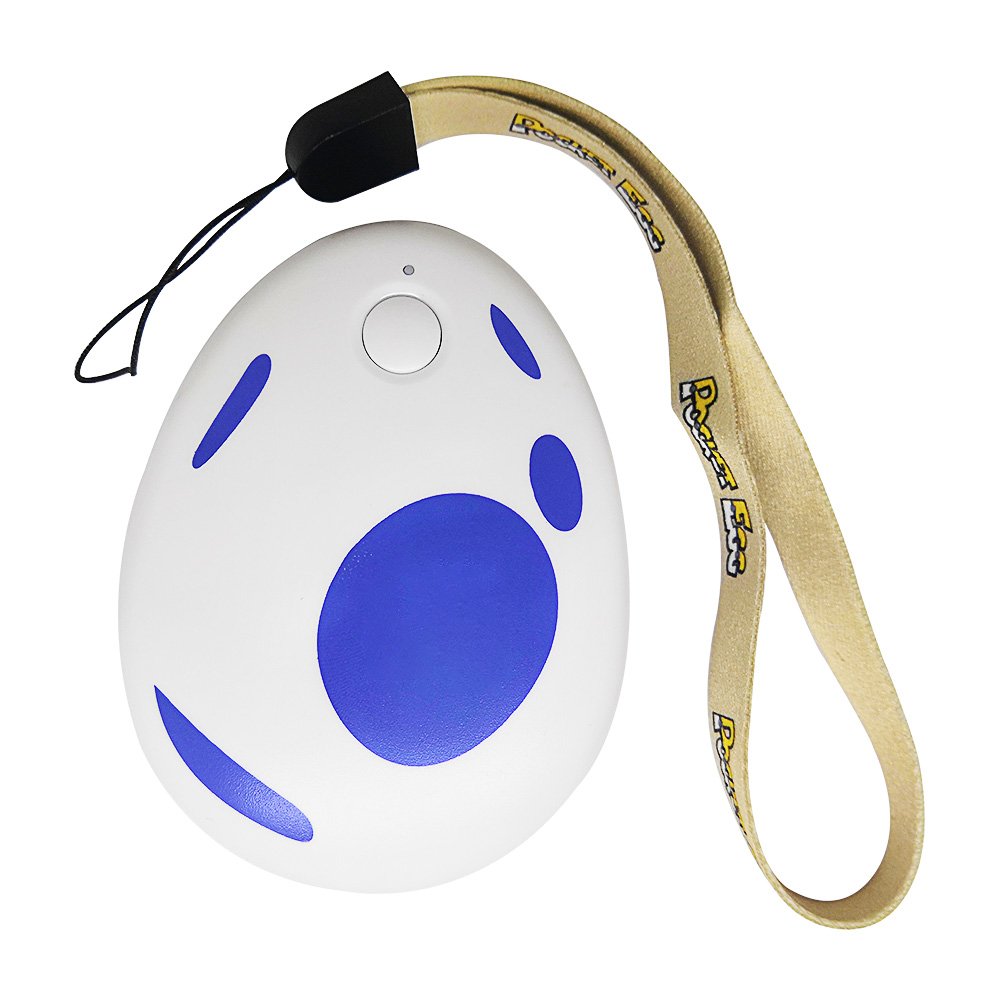
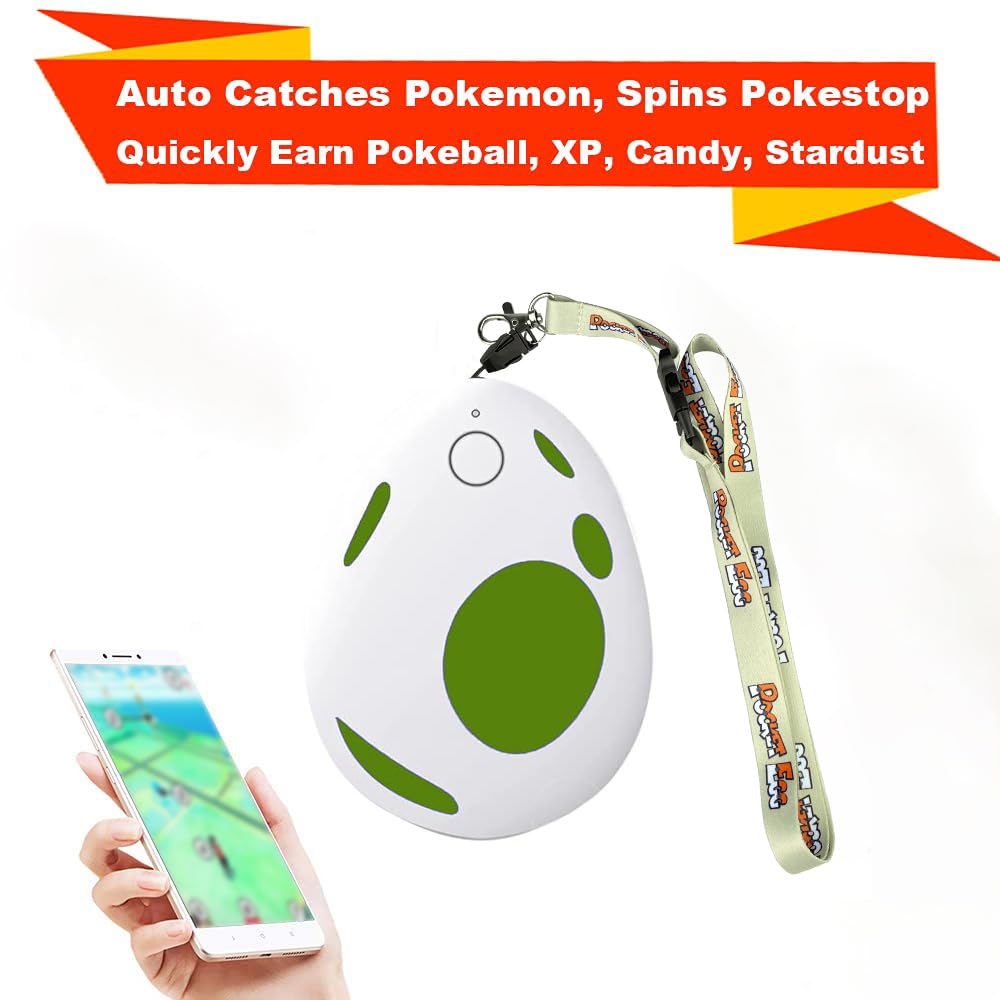
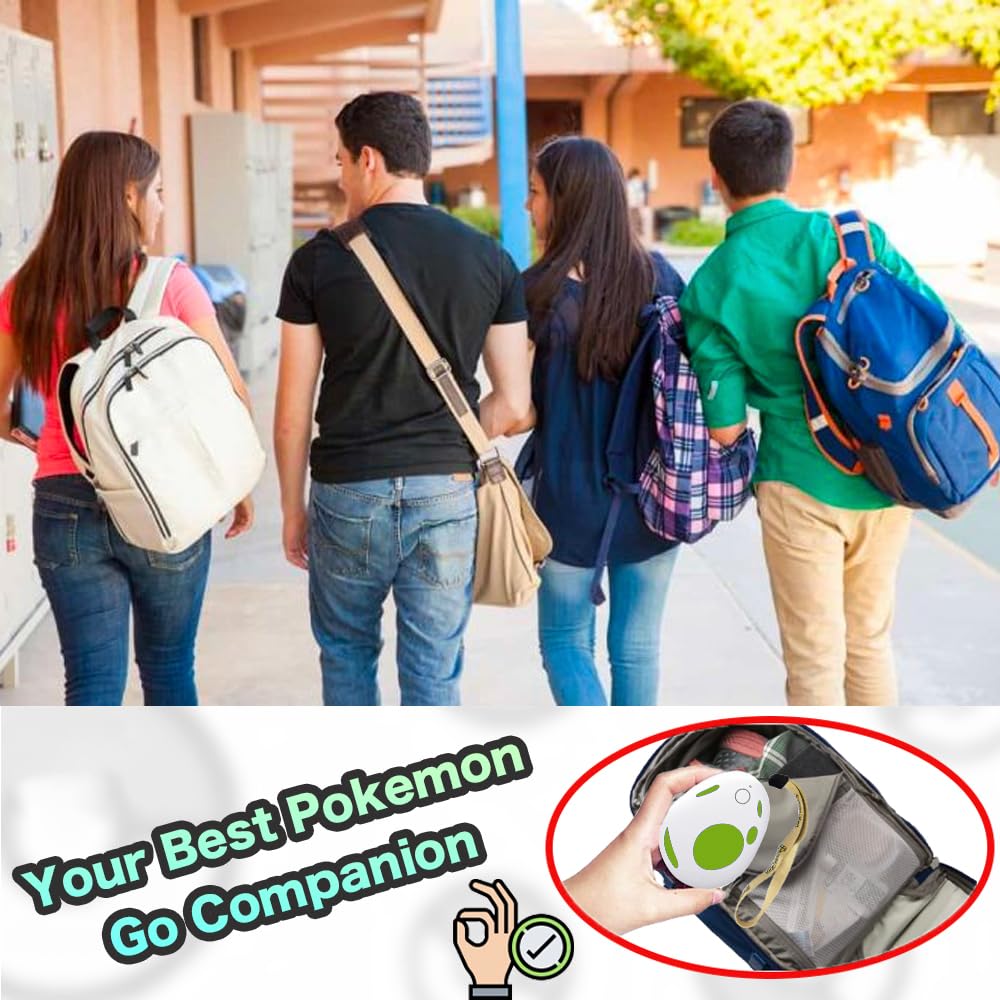

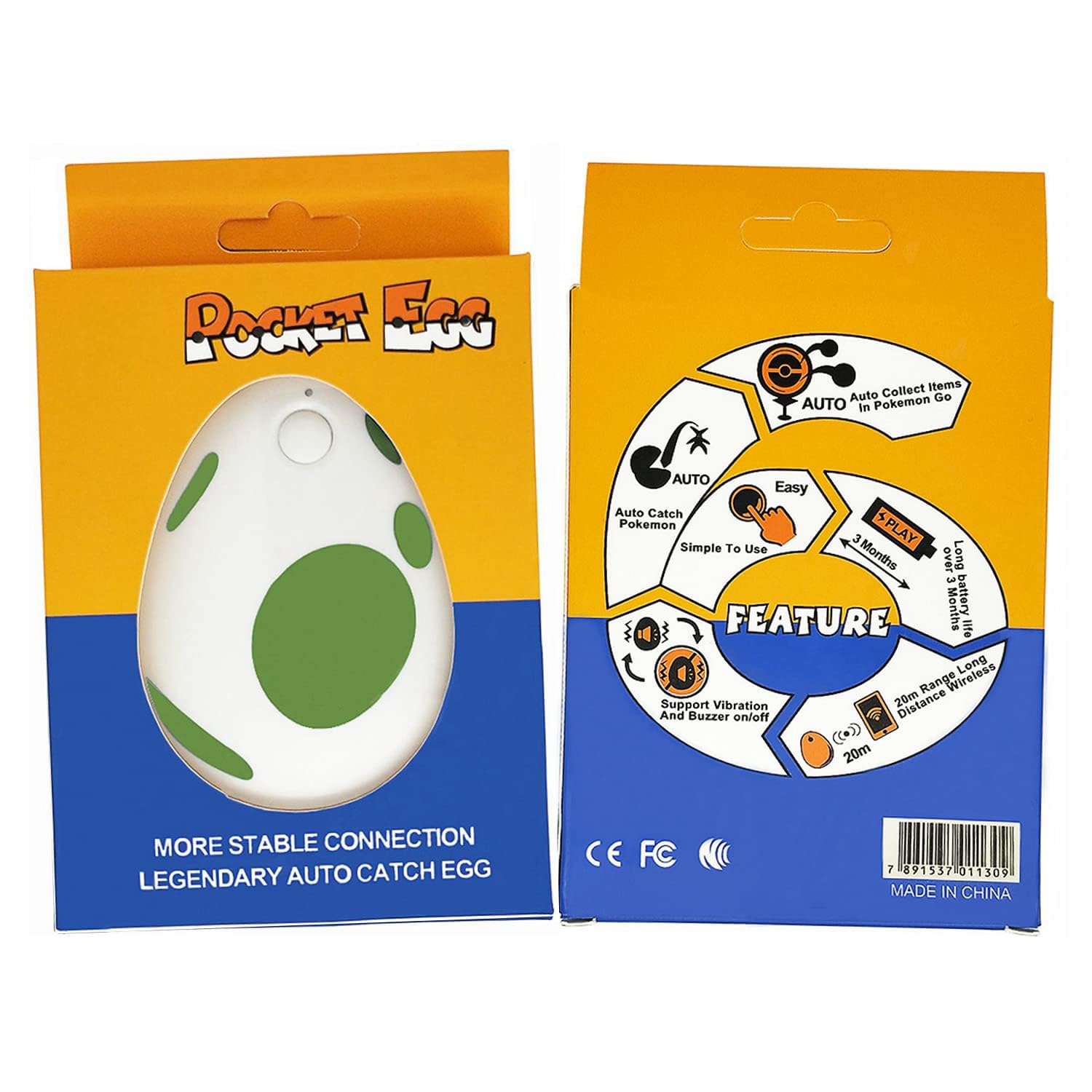
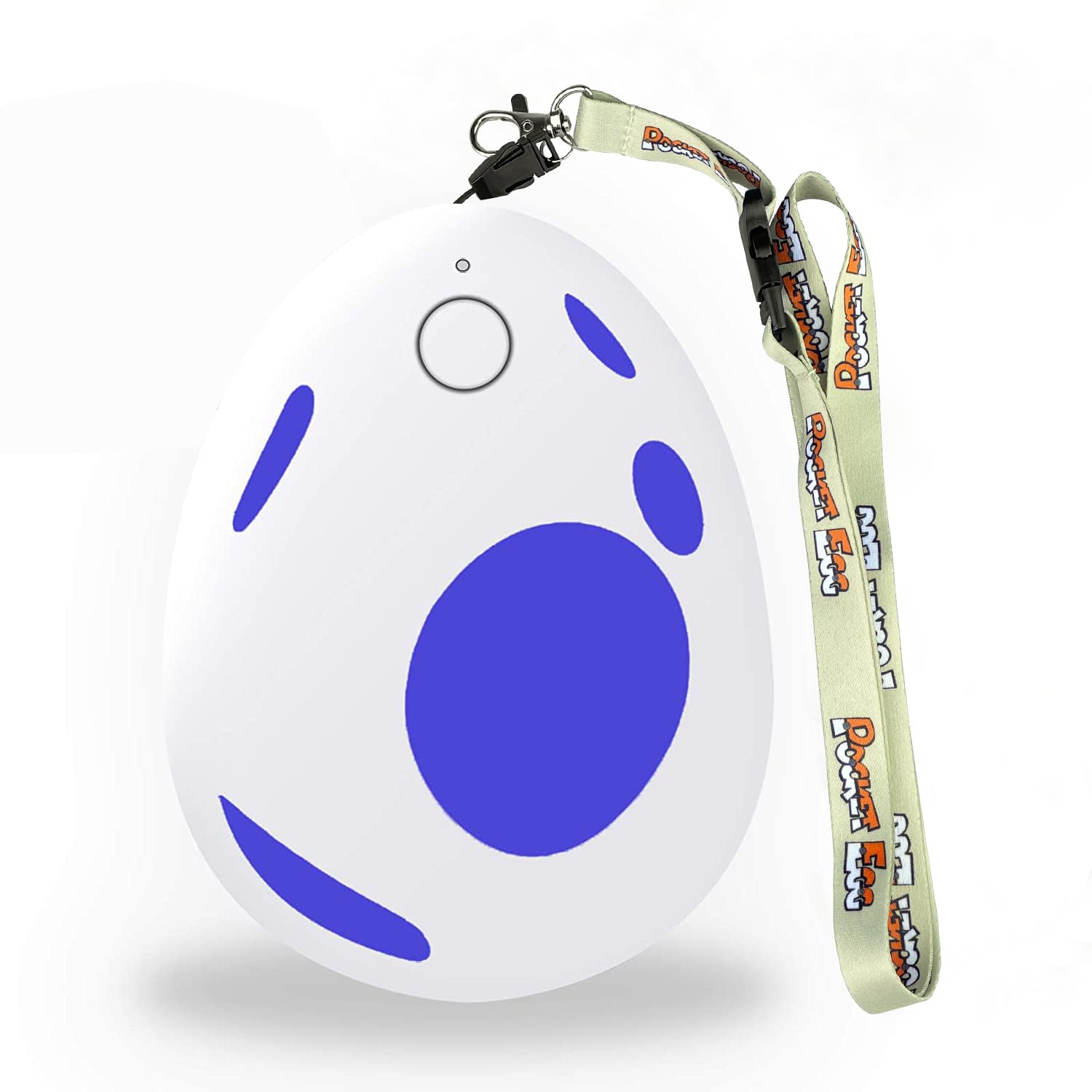
🎮 Level Up Your Game with Pocket Egg!
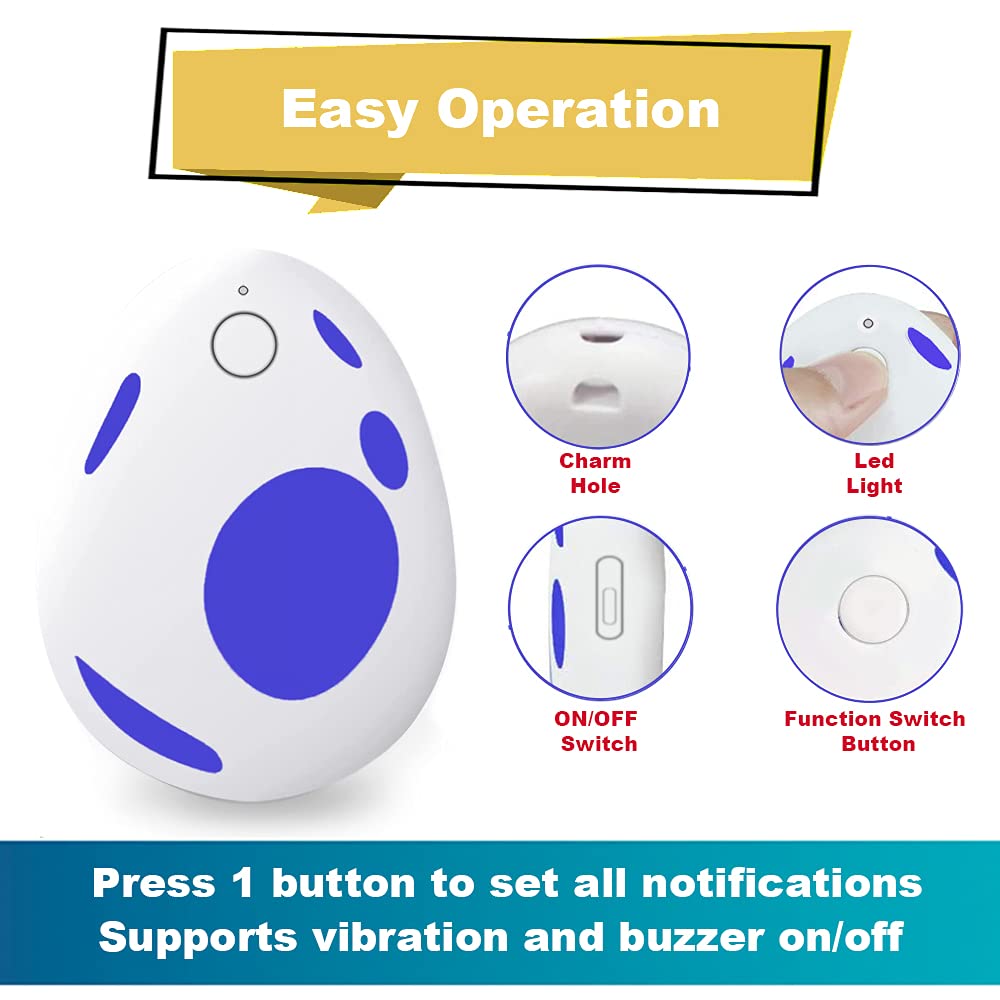
The Pocket Egg Auto Catch for Go Plus is a cutting-edge accessory designed for Pokémon Go enthusiasts. It automatically catches monsters and spins PokéStops without the need for manual input, boasting a robust Bluetooth range of 20 meters and an impressive battery life of up to 3 months. Compatible with various iOS and Android devices, it ensures you never miss a moment in your gaming adventure.


M**T
a must for avid PoGo players
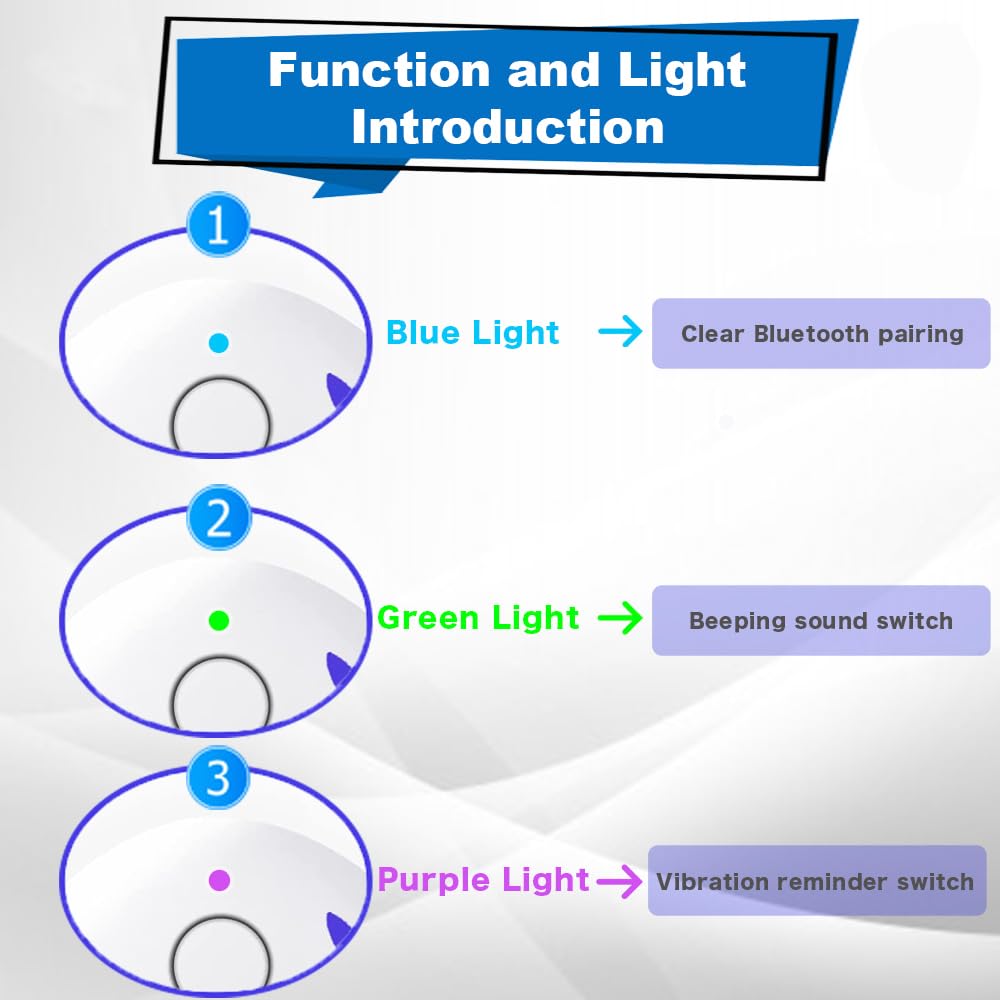
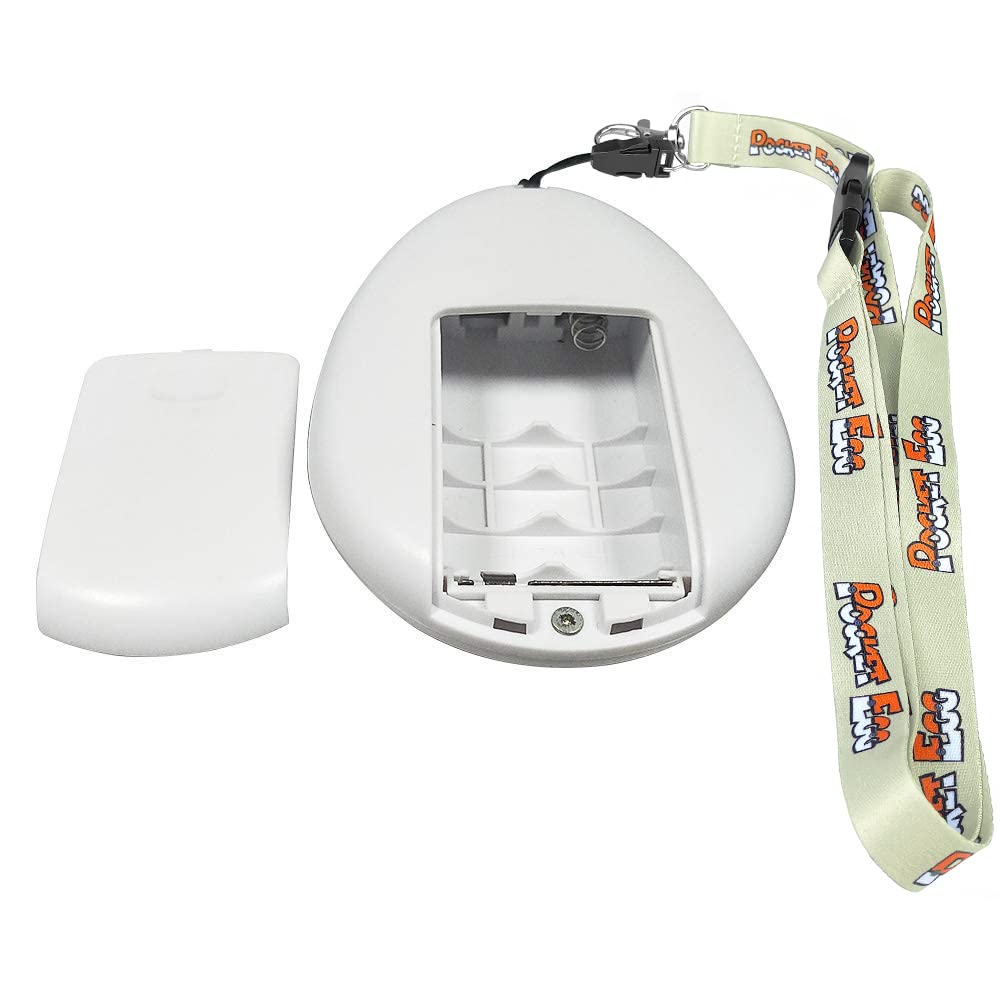
First things first: the Pocket Egg is pricey for a device that is an off brand alternative to the Pokemon Go Plus which retails for about half the price.That said, having made it through Pokemon Go Fest with this thing, I am definitely a fan.The Pocket Egg is ready to go out of the box with minimal instructions. It also doesn't have batteries, so plan ahead (I got rechargeable AA batteries and it's been going strong for a week with no signs of wearing down).When you turn on the egg, the default setting involves a lot of beeping and buzzing. You can turn these settings off individually by rotating through the function options (press and hold on the green light until the light flashes red three times to turn off beeps, repeat on purple light to turn off vibration), alternately you can press and hold the button when turning it on to start with the sound and vibration off.Once it's on and the blue light shows, it's ready to pair with your game. Be sure to have Bluetooth enabled in your Pokemon Go settings and then navigate to the app settings for Pokemon Go Plus to pair the device. After that it works like a Pokemon Go Plus with options to spin nearby stops and also catch pokemon (there are push notifications for both as well--I turned those off).Any auto catcher will use regular Pokeballs and no berries, so be sure to stock up. The catch rate is about 50% (you can see some of what is caught and runs away in your journal if your so inclined) so there is the chance you'll miss something you would have caught yourself with berries or special throws.It does need to reconnect periodically (app settings means any device like this will disconnect after an hour) which you can do by pressing the Pokemon Go Plus icon in the app. I had the connection drop a couple of times with beeps restarting but most recently it has stayed blissfully silent even when it needs to reconnect.This device really shines when you are walking around and can't have your face glued to your phone (I was developing a bad habit of checking my phone during my entire commute) and during event days. During Pokemon Go Fest I had my Pocket Egg on and connected to the app during the entire time I was playing (almost all day). The nice thing about this one is that it spins and catches automatically--no need to press extra buttons to trigger actions. This means that it works well in the background in the game even if you are catching other things, raiding, or battling a Go Rocket Grunt or a gym rival.During the event the Pocket Egg caught 5 shinies for me across two days that I wouldn't have seen otherwise on top of keeping me well stocked with items thanks to the auto spins.I have an iPhone 11 and it connected well and works well. Sometimes I need to try to connect a few times when I first turn it on and it drops off during the day but it always reconnects. The battery life is great so far. The device itself comes with a lanyard (perfect to keep on your wrist or hooked to a belt or bag) and is sturdy although a bit bulky (about half the size of my iPhone). The battery compartment is very secure and the power button seems very secure--an issue with other device brands.2024 update: this thing is still going strong. I’ve only changed the batteries three times and two of them were more precautionary than anything else. I prefer that to having to worry about cable charging.After switching to a new phone I had some problems getting set up again but I followed the listed instructions and was ready to go again. In case you need them: If there is a connection issue, please remove the Pocket Egg in the Go app in the settings. Then go to Bluetooth settings of your phone and forget the device. Next, try to clear Bluetooth pairing ID. Then reset your phone. Finally, turn on Bluetooth and Go app to connect it again.See less
I**Y
Barely works after 5 months of use
My brother gave this to me for Christmas and I LOVED it! Easy to connect to my phone and easy to use, although there are times when connectivity is an issue and it just stops working for no apparent reason. But not a big deal, as I appreciate how much it helps me play when I'm out walking or driving. It's exciting to look at my caught Pokemon, only to discover that this thing caught me a shiny - fun surprise! I also like that it spins the pokestops for me while traveling (although it doesn't really work at all when you're out of town and driving fast).That said, lately it hasn't been working. The on/off switch has gotten really hard to turn on (it seems pretty cheaply made), and even after changing batteries, it just shuts off constantly now and I have to struggle getting the switch to turn on - it's turned on all the way, and won't light up or connect. So I have to do it several times, and then a minute later, it shuts off again. This has been happening frequently the past 2 weeks even though I put in new batteries twice now just to make sure that wasn't the problem. It's annoying to even try to use it as much as I was, just because it's so hard to get it to work. I have used it a lot (daily for an hour or two typically), but it's only been 5 months - should last longer than that!It was fun while it lasted, but now I'm going to look into a different product that does the same thing and hope that it lasts longer than this one did.
J**Y
Keeps disconnecting
I got this for Father's Day and was excited to try it out. I watched a YouTube video on it, paired it with my phone and was out catching Pokemon in minutes. It was so easy to use. I silenced the beeping (honestly what were the designers thinking) and the vibration to save battery life. It was great. I had it on driving through town and it was picking up Pokemon automatically. It would still beep while driving through town because the Pokestop was out of range, a series of beeps that repeats 3 times. (I wish it did not do that). But it worked automatically and let me focus on the driving, that was what I wanted it for and I was pleased. It spun gyms and stops after catching the Pokemon around that area. That was day 1 and day 2. For that time I was very happy and ready to give it a 5 star rating. Until Day 3. I was getting my car worked on and it was catching Pokemon in the area for nearly an hour. I shut it off and switched to a different app. When I went back to Pokemon and turned it on again, it disconnected 2 minutes later, while I was walking around. I could not get it to stay connected for the next hour. I brought it home, replaced the batteries, went out again for a drive with my boy. It disconnected in seconds again and would disconnect in seconds after each re-connection. I cleared the Bluetooth connection on the device, re-paired it and it continued to disconnect in seconds. Today, day 4, I watched some more YouTube videos, put in freshly recharged batteries, and read all the Amazon comments. I decided to go into Bluetooth settings, "forget this device", and reinstall it. I also cleared the Bluetooth on the device. I re-paired it to my iPhone 7 and went for a walk. It disconnected. I returned home, re-watched videos, re-read the instructions, unpaired and cleared the Bluetooth on both the phone and the device again, re-paired and it stayed connected for 30 minutes straight. I went on a walk and it disconnected before I reached the end of the driveway. I returned home, reconnected, and it remained connected for 5 minutes. I walked to the end of the driveway and it disconnected. I then noticed I was out of WiFi range, not a problem for my phone because I have unlimited data. I reconnected outside of WiFi range and it disconnected within seconds. I tapped the Pokemon go plus icon on the game to re-connect and it was grey within seconds again. Now it will not even stay connected while I am at home on WiFi. I don't know what happened with the device that made it continually drop connection with my phone. I am so disappointed because I really wanted it to work out. There is so little helpful information on the web for troubleshooting these dropping issues that I must have purchased a lemon device. It was $65 and intend to return the device. I have talked with my Pokemon community group, none of them have one and many had never seen one. I intend to select a different kind of device that they highly recommend.
Trustpilot
1 month ago
2 months ago