
DOWNLOAD THE APP


Customer Support

Desert Online General Trading LLC
Warehouse # 7, 4th Street, Umm Ramool, Dubai, 30183, Dubai
DOWNLOAD THE APP
Customer Support
Desert Online General Trading LLC
Warehouse # 7, 4th Street, Umm Ramool, Dubai, 30183, Dubai
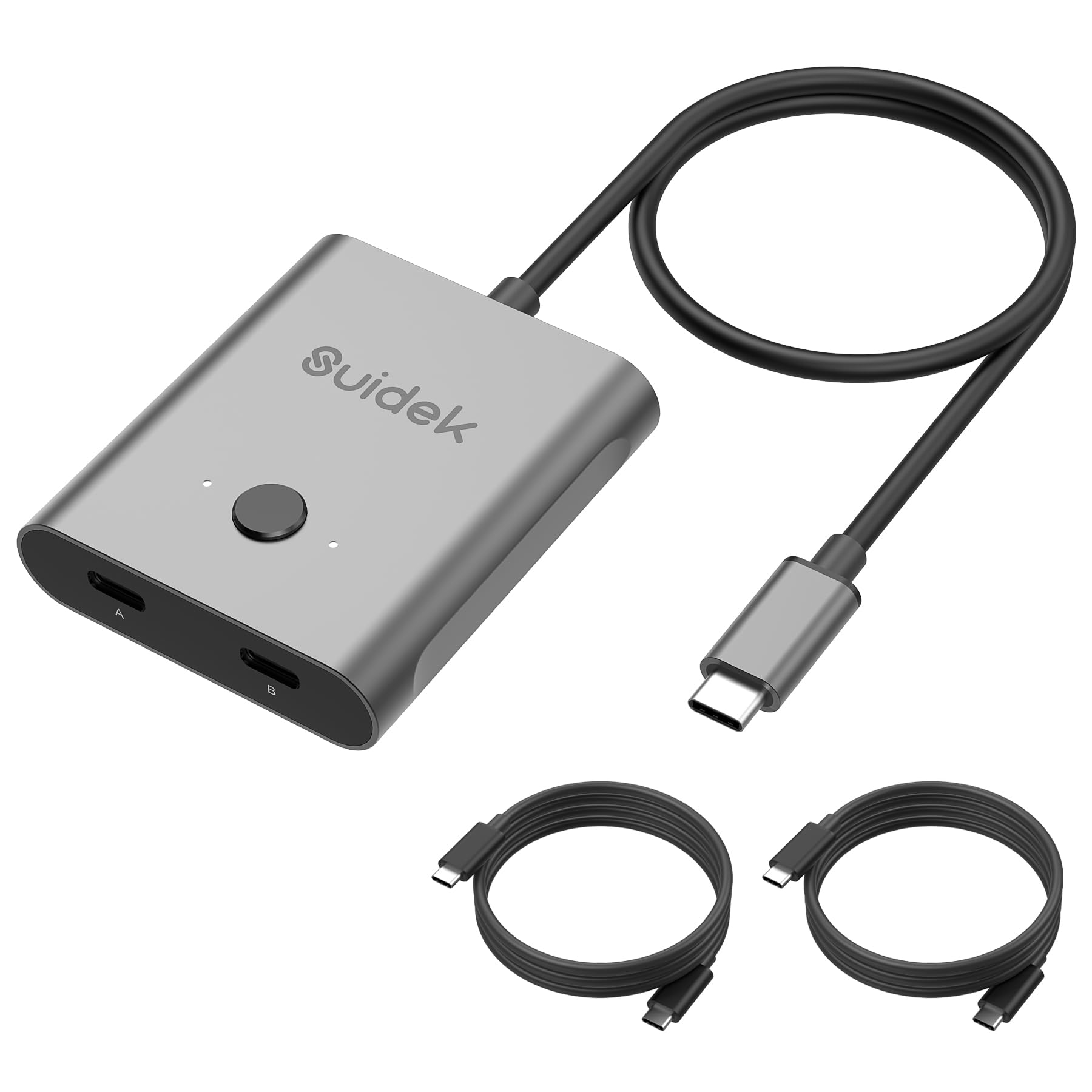
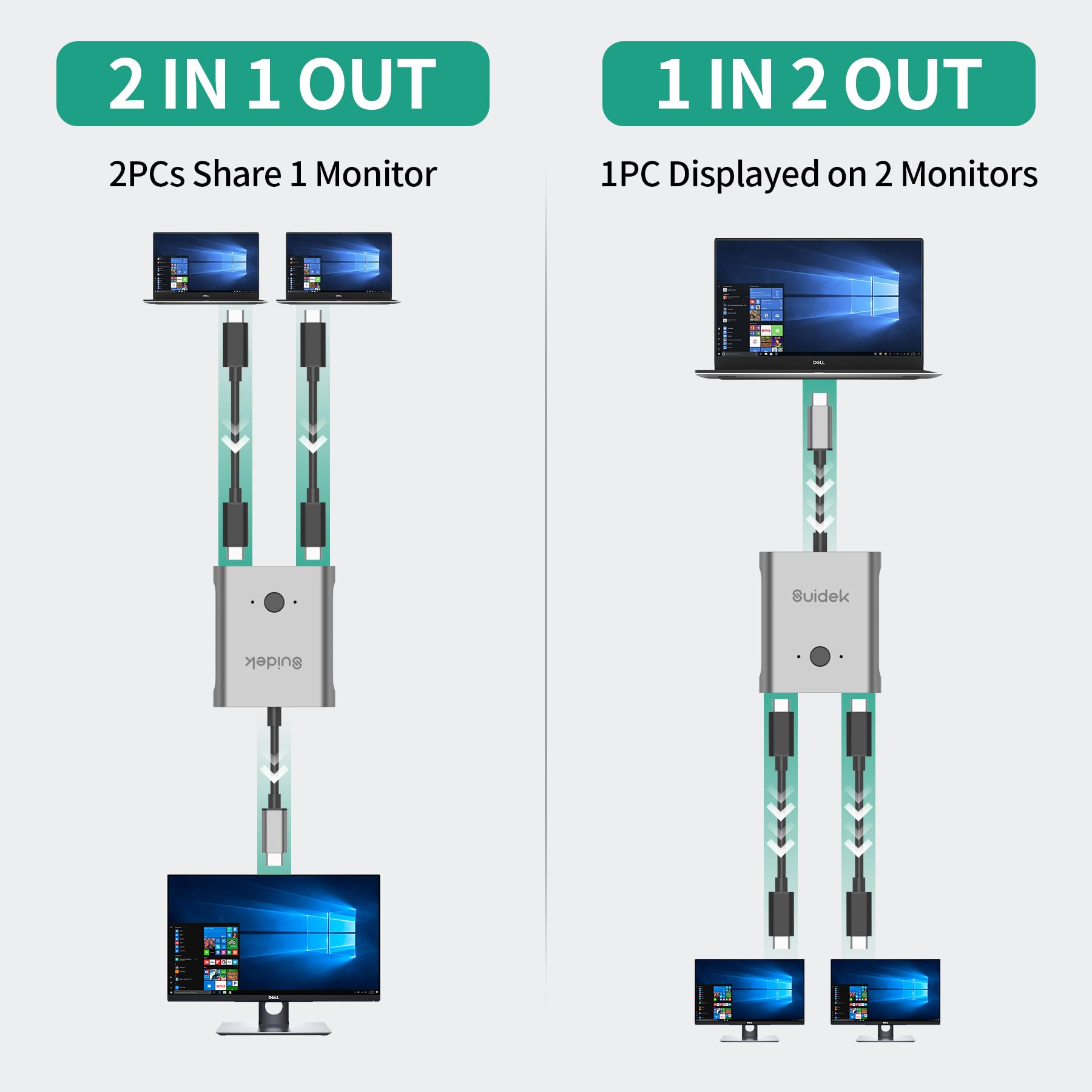
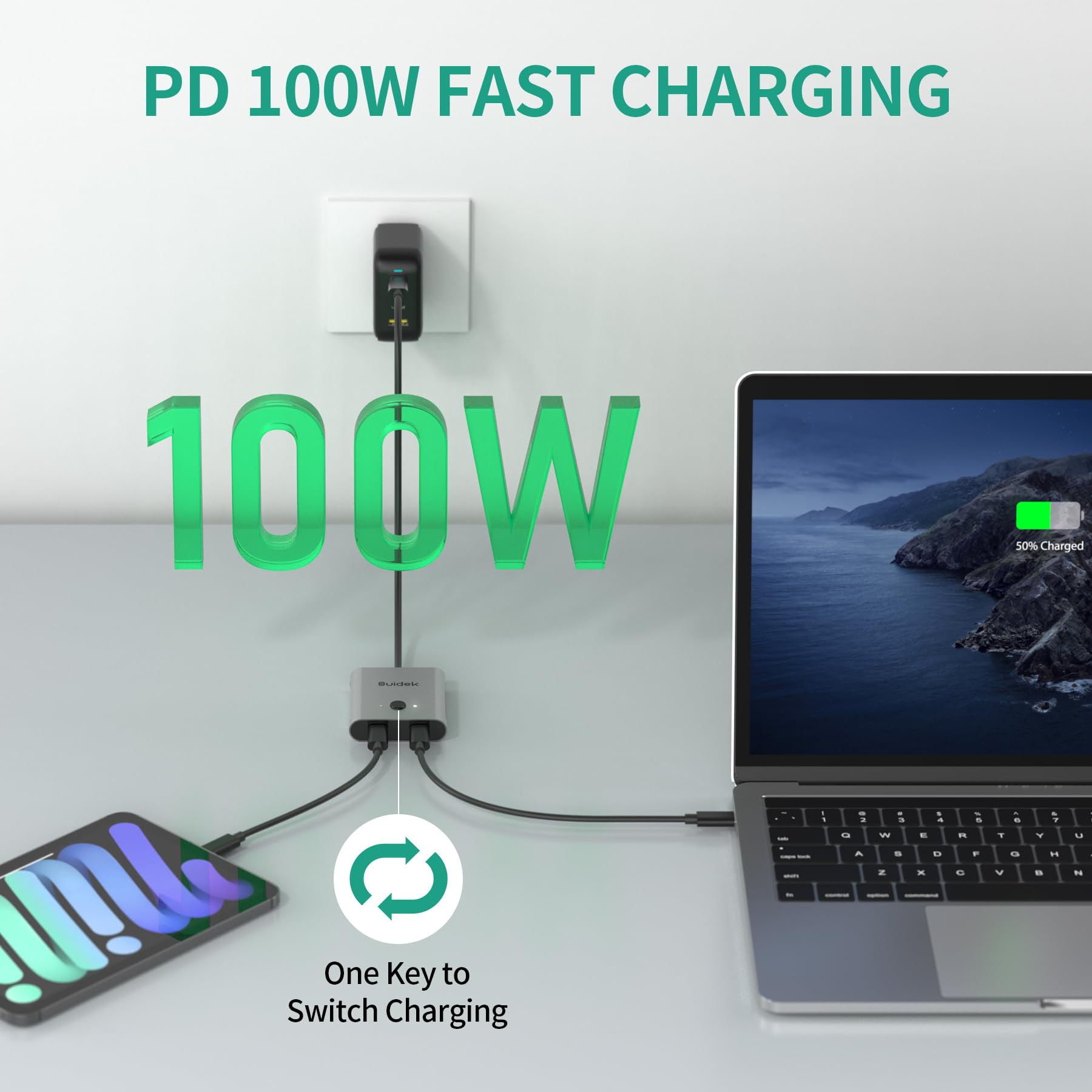
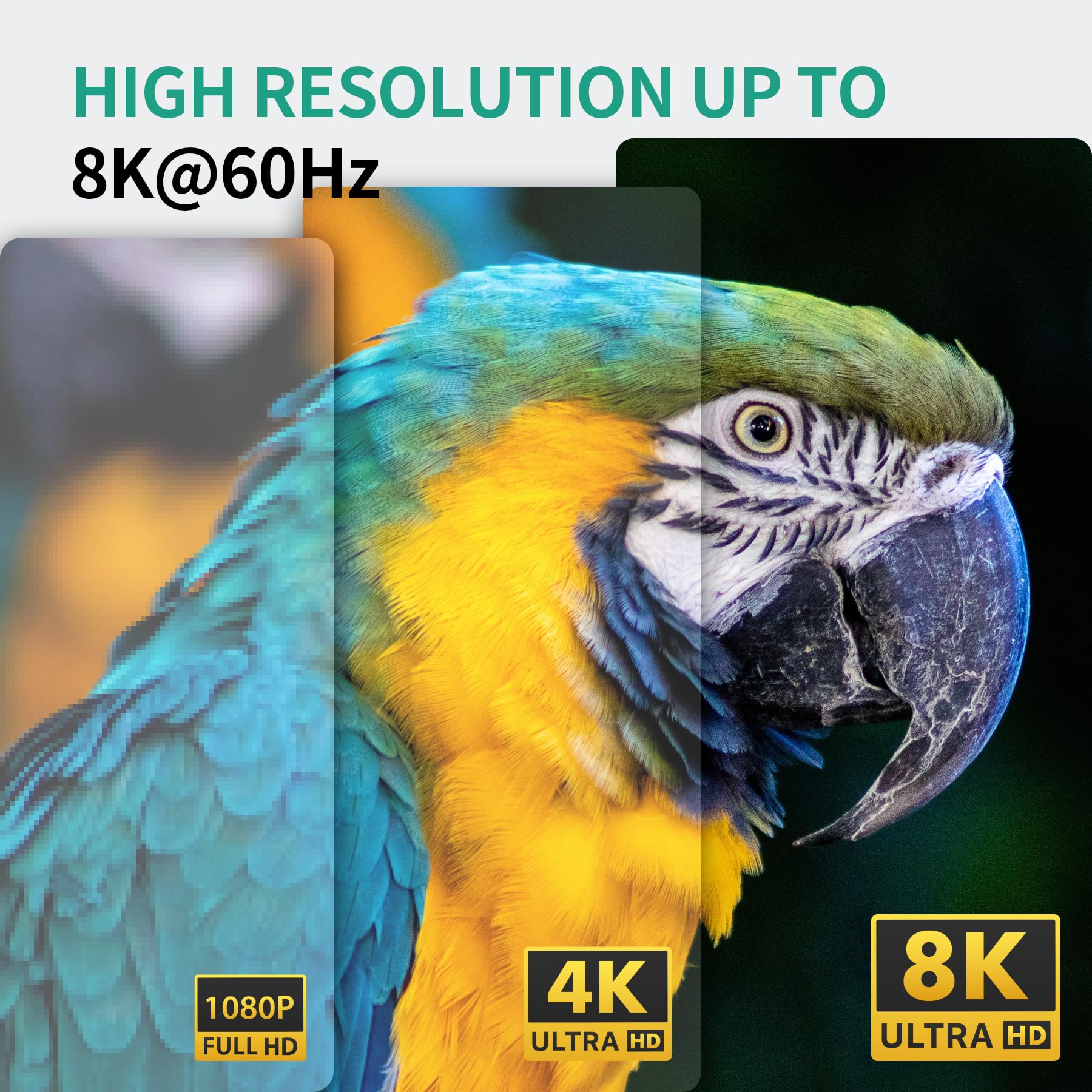
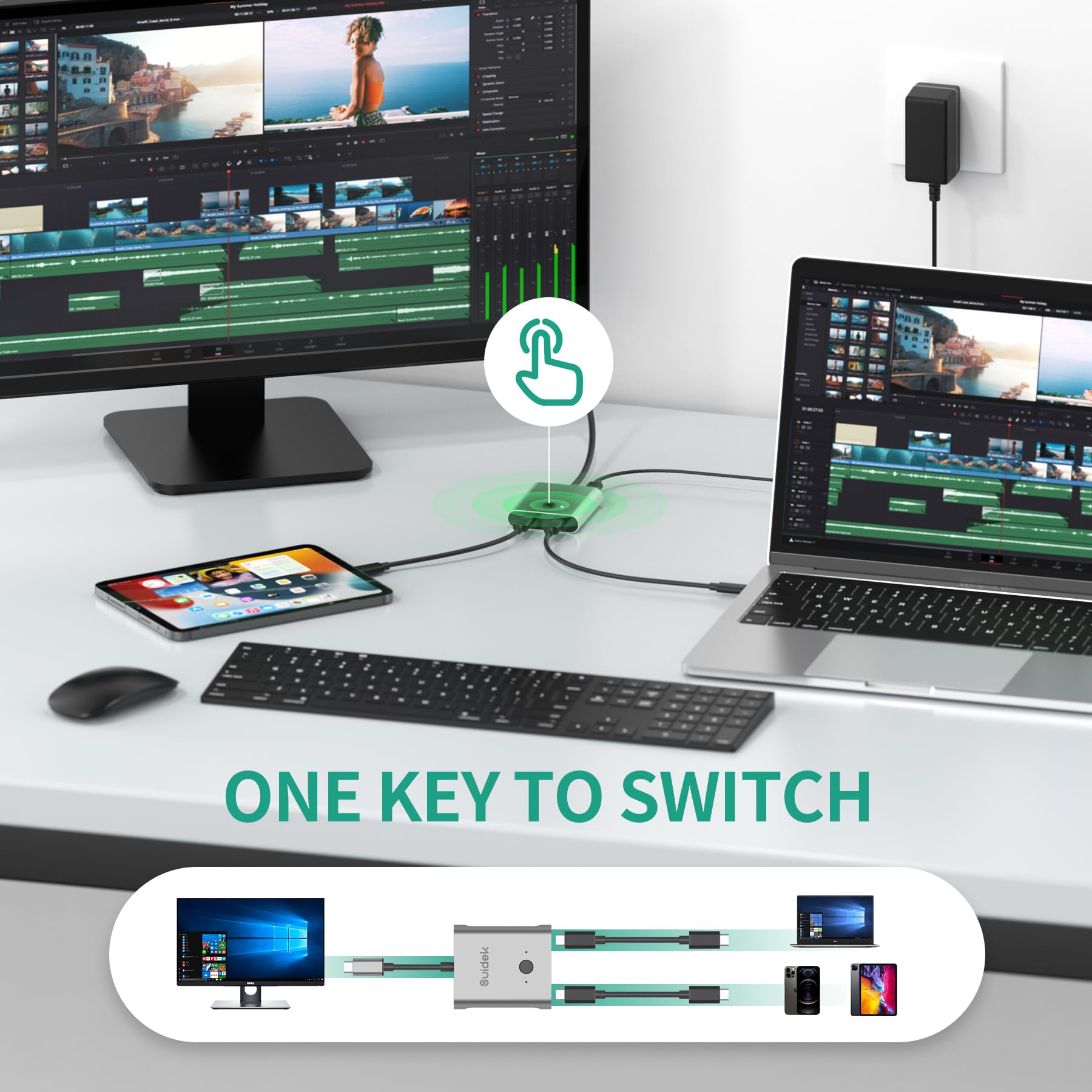
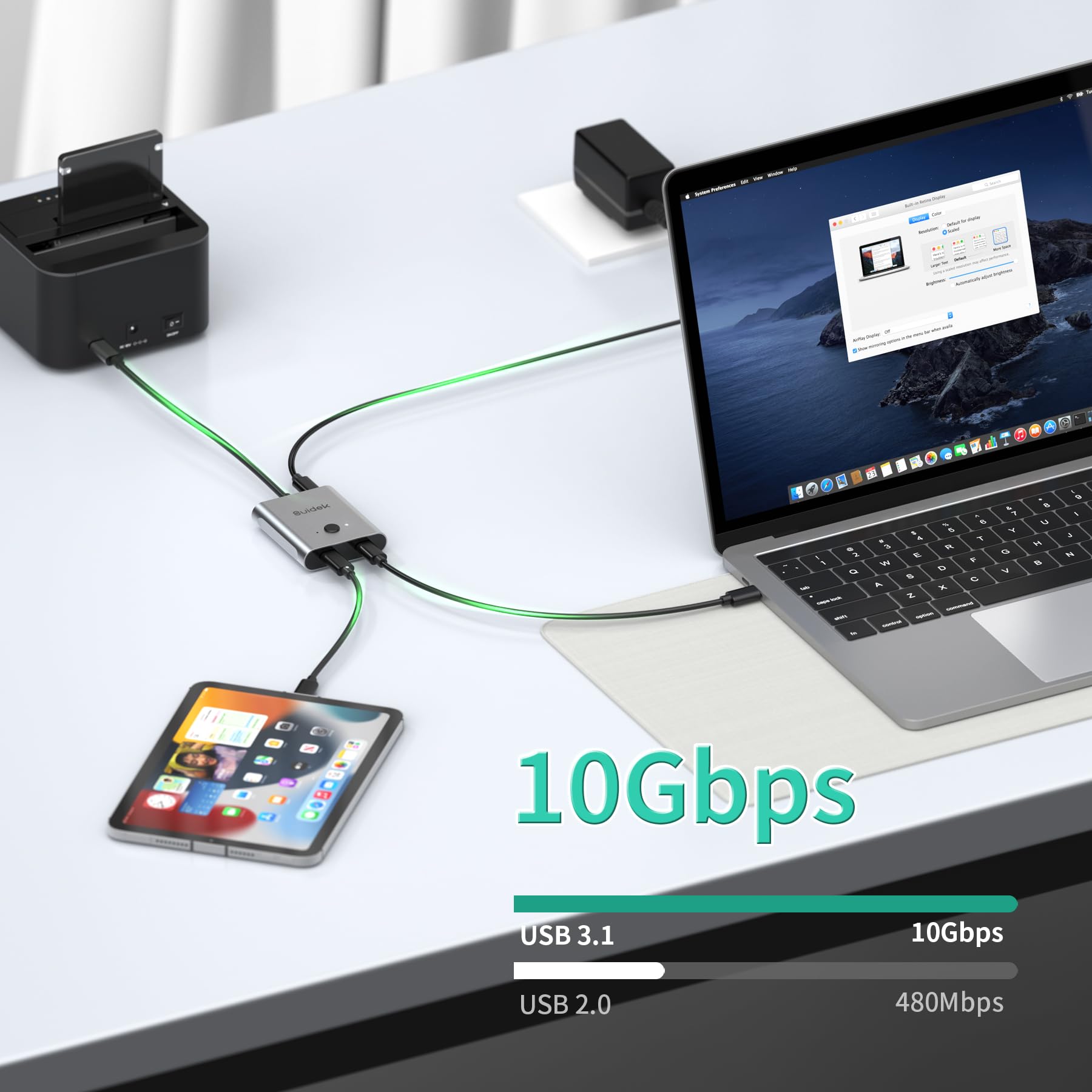
⚡ Power Your Productivity with 8K Clarity and Lightning Speed!
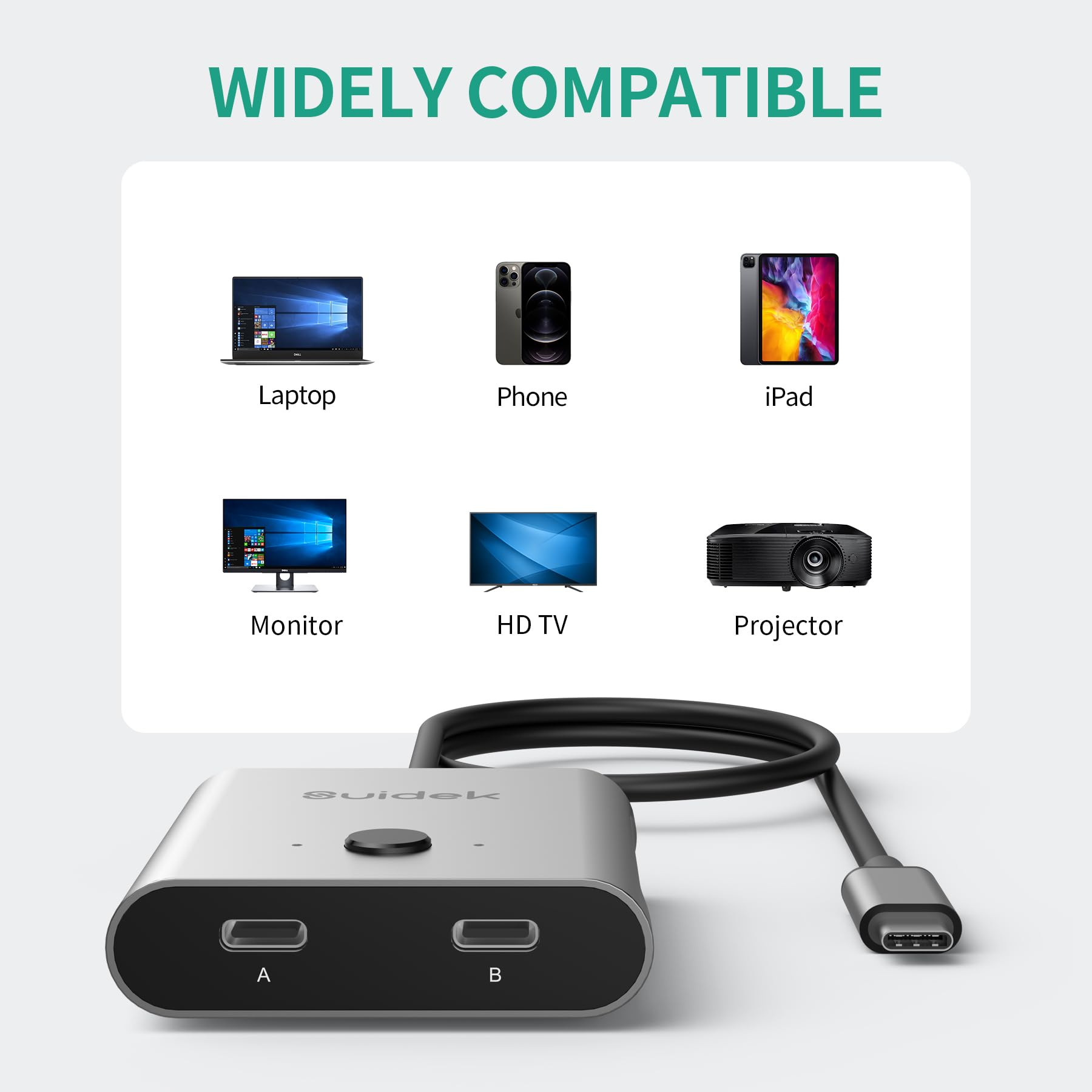
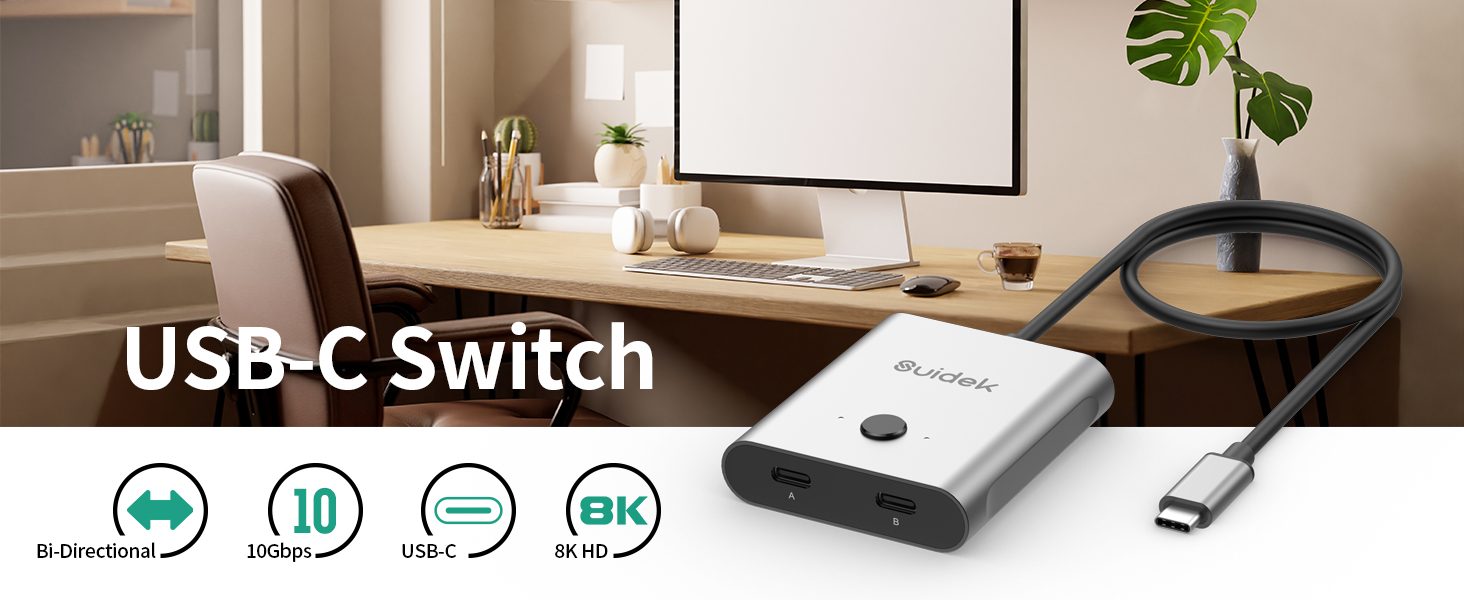
This USB-C bi-directional switcher enables seamless sharing of one monitor between two PCs or switching between two monitors on one PC. Supporting ultra-high-definition 8K@60Hz video, 100W fast charging, and 10Gbps data transfer, it’s a versatile, plug-and-play solution compatible with major operating systems—ideal for professionals demanding speed, clarity, and convenience.


B**N
Works great
I am using this to switch between two computers that share the same monitors and keyboard. It works great.
C**.
solo pasa carga a uno de los dos dispositivos a la vez
el dispositivo funciona bien haciendo swich entre los dos laptop que lo conecto para alternar una pantalla grande, sin embargo, solo el laptop que está activado a la pantalla grande recibe carga de bateria, mientras el que no se esté usando se estará descargando, no es un problema mayor si lo mantienes cargando con su adaptador.
F**Y
Finally a way to simplify connecting my work computer
I got this after trying a few different options for KVM-like tools. My set up is pretty straight forward - I have a work PC/Tower (primary, most used at home), a work laptop (second most often used at home), and then a personal laptop (occasionally used at home). I switch between these three on a single pair of monitors, one of which is oddly sized (35in ultrawide, 3440 x 1440 resolution). The problem I often run into is that devices that split signals often have hard to understand limitations on total resolution, or the types of resolutions that they support.With this device, because it supports display port pass-through/alt-mode, I haven't experienced any limitations on resolution and the native, maximum resolution supported by each of my monitors was the first thing to show up, to my relief.My current set up has two of my computer connected to the switcher, then the single cable from the switcher going to a dock with dual HDMI outputs. I haven't moved my USB devices (webcam/mic, drawing tablet) over to the dock, but I suspect that once I do, those will switch over as seamlessly as my monitors do when I press the button on the top of the switcher.Very impressed and very happy with this device! My only wish is that it had a third input so I could toggle between all three of my laptops. as is, I just swap out the single usb-c between my personal and work laptops (I never use them both at the same time), and it's a simple, quick operation that doesn't require adding additional cables to my setup - so, not much heartburn there.
D**N
Only functions fully on 1 port
On one of the ports my 2 monitors, keyboard, etc all work perfectly. On the second port, only the keyboard and mouse work, displays get no signal at all. Functionally useless with only full functionality on 1 port
S**H
I think I got a defective unit
I purchased two of these at about the same time. One works great! I have never been able to successfully use the second unit. It just won’t connect and show the device connected to the computers.
B**N
the 1 In/Out is hardwired
I haven't been able to test this yet, but wanted to at least get the message out to pay close attention to the pictures, unlike me. The 1 in/out side is hard wired. This means you can't plug any peripheral into it without buying a coupler. I've got one on the way so I'll update this when it comes.
S**.
Works for home office
Currently this is set up with two monitors. It's pretty easy to use and connect. I've had no problems so far. It comes with USB c cables and it seems to work great so far.
W**N
Works with USB-C dock to switch computers
I got this SUIDEK USB-C Switcher hoping that it would work in my setup. I have a USB-C Universal ThinkPad Dock with a monitor, mouse and keyboard, webcam, and other peripherals connected into. I wanted to be able to use my work laptop and my home laptop and be able to click the button to switch devices. That way I could keep both devices neatly away and seamlessly switch between them.This switcher worked perfectly for this. I connected the switcher to the main input of the dock, and then each cord went to each laptop. With the click of a button, the dock connects to the other computer and everything switches over. This also provides power to the selected computer (assuming the computer supports it) and everything worked flawlessly through the switcher with no observable differences over plugging right into the dock.There are only a couple of things that I would say are downsides and they're relatively minor:- One of the included USB-C to USB-C cords was really unreliable and kept dropping the connection. Once I swapped it with another cord, the issue went away, so I think that one was just bad.- The LEDs on the switch are extremely bright and one is always on, so I need to put something over it because it actually lights up the whole are of the room at night.- I wish all the ports were on one side of the device because it's awkward to place something with two cords on the back and two cords on the front. This is clear from the photos so what you see is what you get, but it is a challenge now that I am using it.- It doesn't supply any power to the unselected computer, which makes sense, but something I didn't consider. So over the weekend, I do have to remember to switch it back to my work computer occasionally to make sure it still has enough battery on Monday morning.Overall I am happy with the device and it works great in my application. I can work around the couple of small downsides, so they aren't a big deal and it has helped me improve my desk setup. If you're looking for a good value for a USB-C switcher that supports high-speed data and power, this does the job!
Trustpilot
2 months ago
2 days ago