
DOWNLOAD THE APP


Customer Services
Copyright © 2025 Desertcart Holdings Limited
DOWNLOAD THE APP

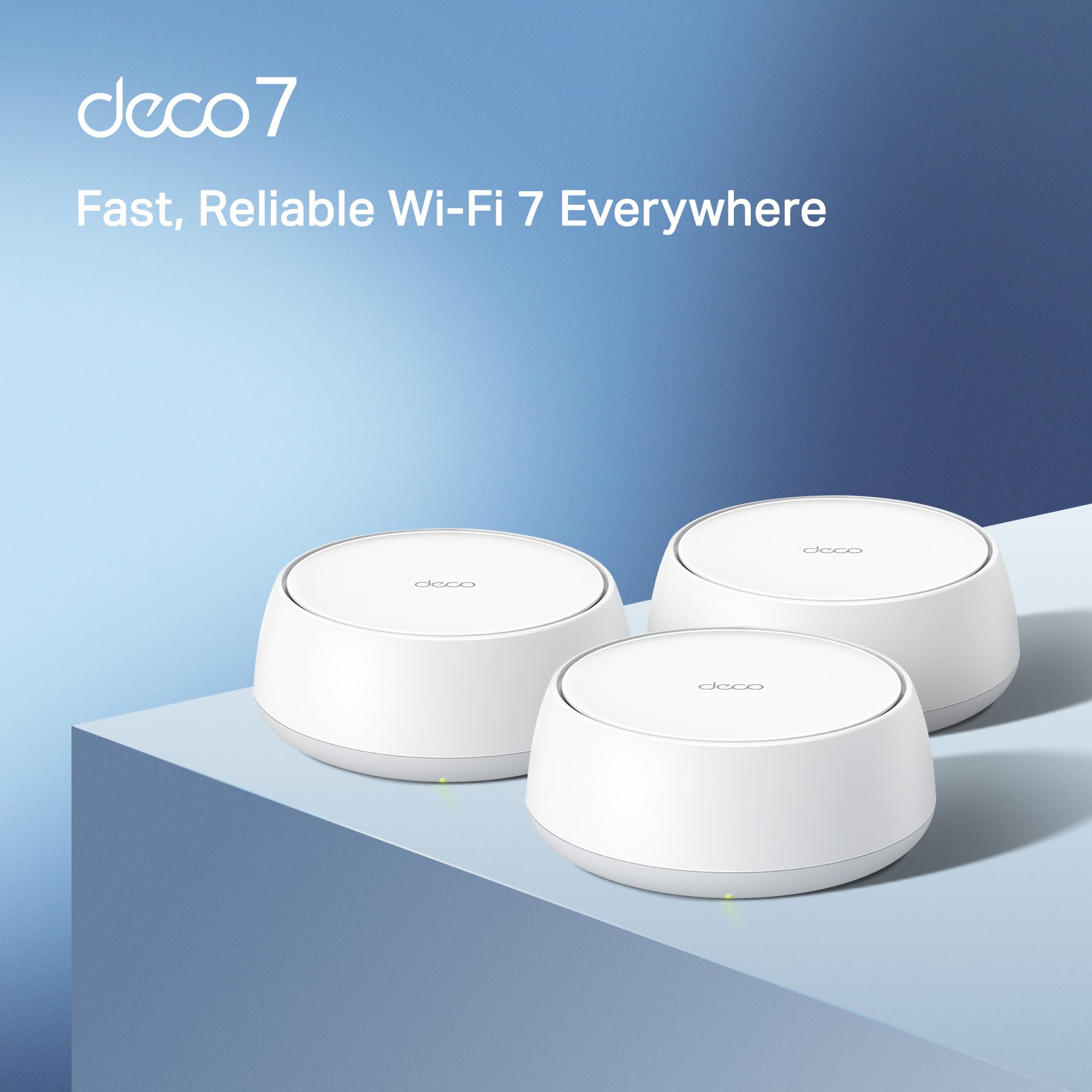


🌐 Future-Proof Your Home Network with WiFi 7 Power & Coverage
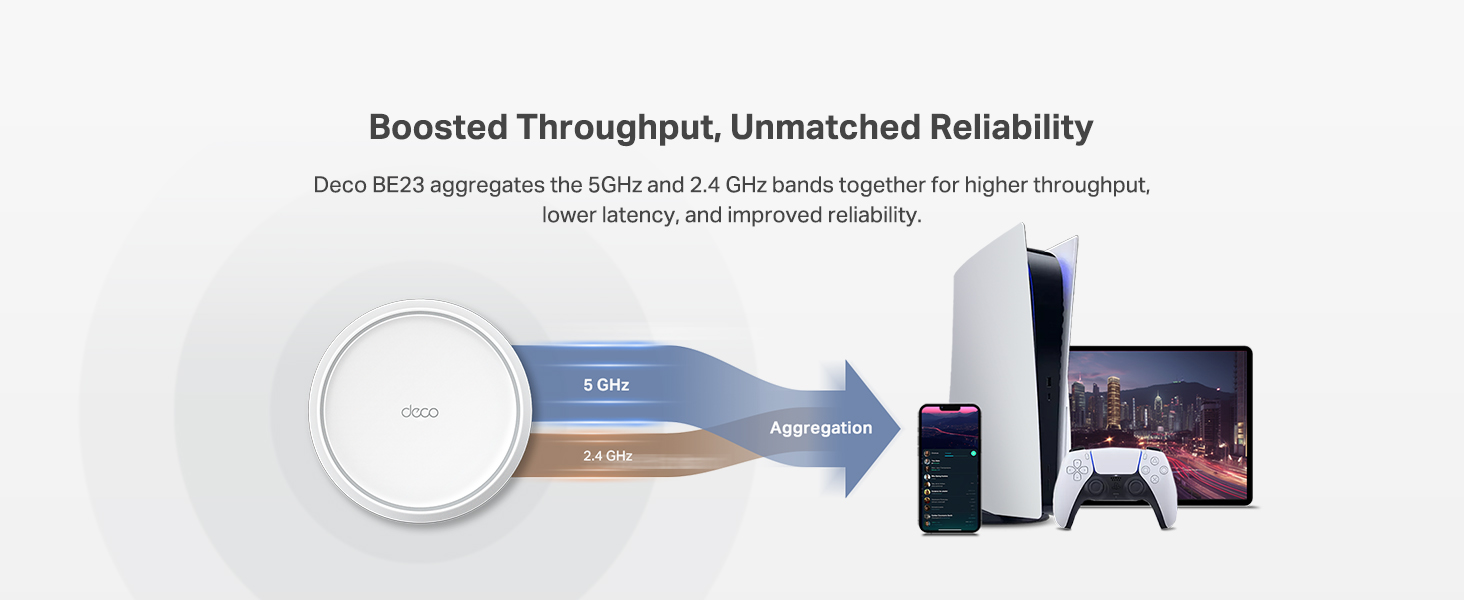
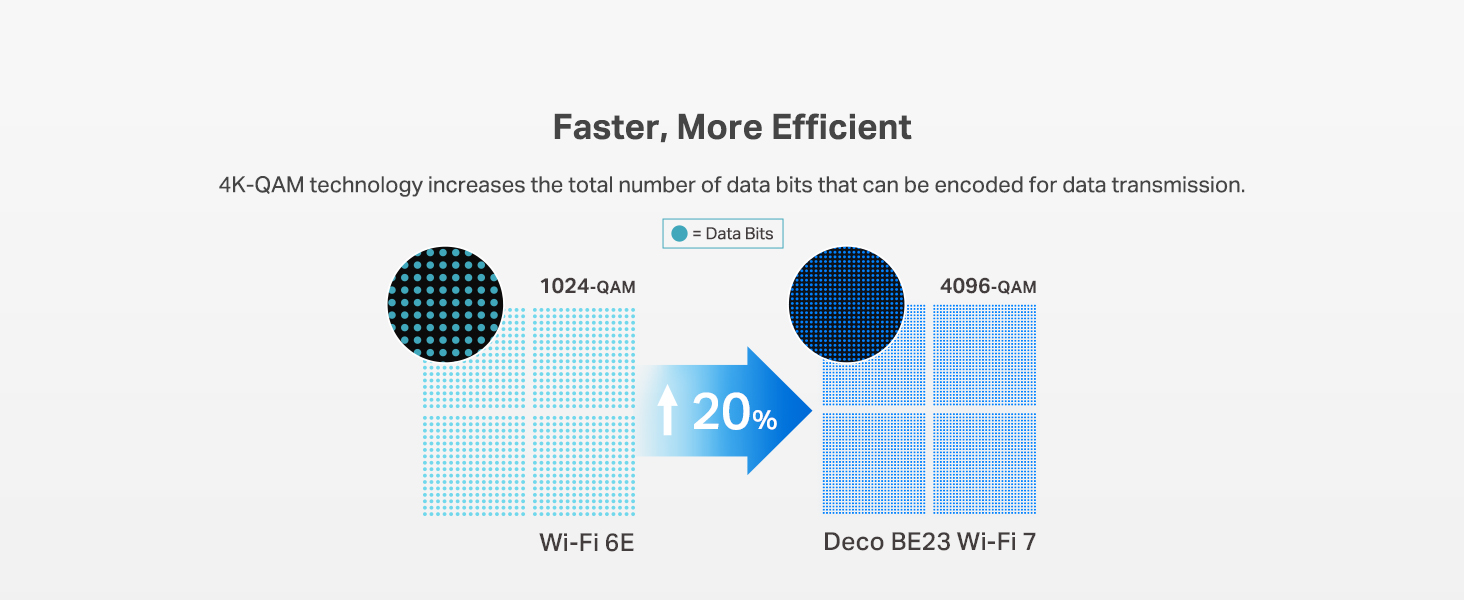
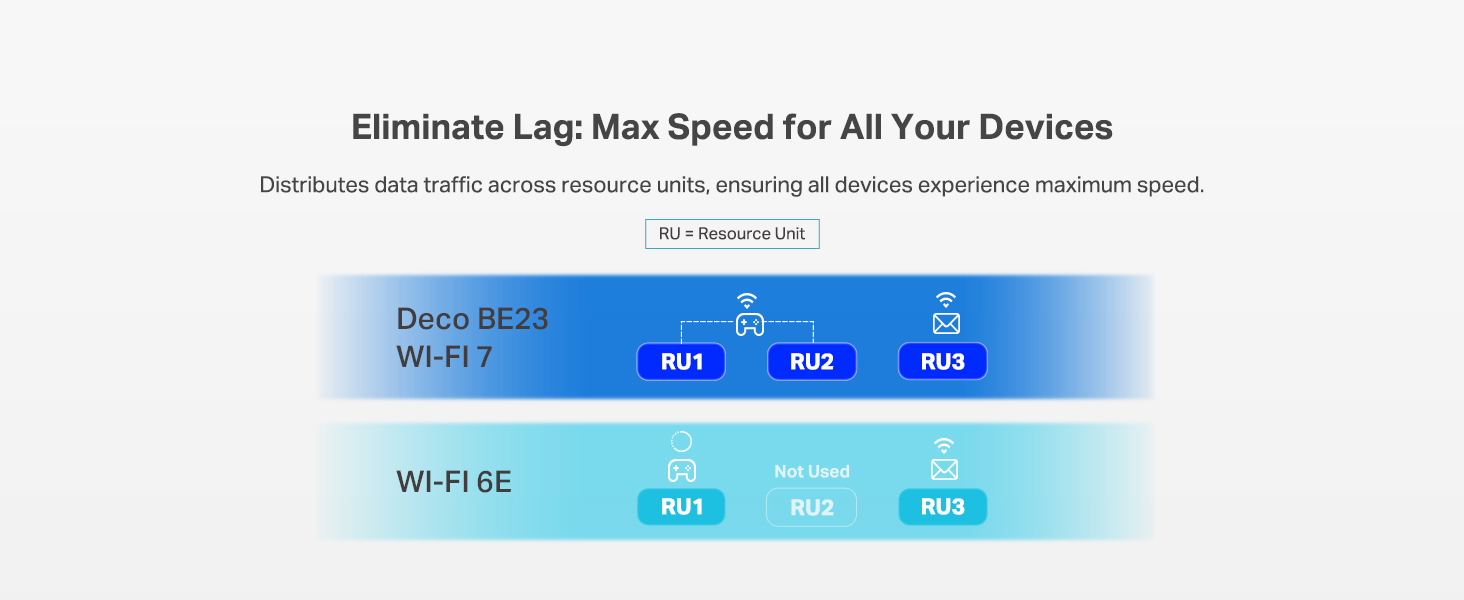
The TP-Link Deco BE23 Mesh Wi-Fi 7 system delivers cutting-edge 4-stream dual-band speeds up to 3.6 Gbps, covering up to 6,500 sq.ft with reliable connectivity for over 150 devices. Featuring dual 2.5G wired ports, AI-driven seamless roaming, and robust security with HomeShield and VPN support, it’s designed for professionals and tech-savvy households demanding ultra-fast, stable, and secure internet everywhere.







| ASIN | B0DQP4DNNJ |
| Batteries Included | No |
| Batteries Required | No |
| Brand | TP-Link |
| Compatible Devices | Gaming Console, Personal Computer, Smart Television, Smartphone, Tablet |
| Connector Type | Ethernet, Wi-Fi |
| Customer Reviews | 4.2 4.2 out of 5 stars (404) |
| Data Transfer Rate | 3600 Megabits Per Second |
| Date First Available | 14 June 2025 |
| GSM frequencies | 5 GHz |
| Item Weight | 2 kg 550 g |
| Item model number | Deco BE23(3-Pack) |
| Manufacturer | TP-Link |
| Model | Deco BE23(3-Pack) |
| Model Name | BE23 |
| Mounting Hardware | 1 RJ45 Ethernet cable, 3 Deco BE23 units, 3 Power adapters, Quick Installation Guide, WPA3-Personal |
| Number of Ports | 2 |
| Number of items | 1 |
| Operating System | Omada |
| Package Dimensions | 22.91 x 21.49 x 16.1 cm; 2.55 kg |
| Special Features | Alexa Compatible, Guest Mode, Internet Security, Parental Control, Remote Access |
| Voltage | 12 Volts (DC) |
| Wireless Type | 802.11.be, 802.11ac, 802.11ax, 802.11g, 802.11n |
S**S
Product shipped super fast. Easy to set up. The app walked you through step by step. Set up took about 10 minutes. Very sleek design. Easily able to customize room locations, new internet name and password. Extended the range of our WiFi all the way across the drive way to the shop for our home office. Very reliable and fast. Dave to run multiple devices with no interruption. since I work from home in healthcare I need a wired connection so the Ethernet connections are a must have. Pro tip: if you give your new internet connection the same name and password as your original one it will automatically connect most of your existing devices.
S**N
The signal in the far bedrooms were weak, and the connection on the back patio was practically non-existent. After struggling with extenders and a supposedly single router, I decided to upgrade to this Deco mesh system with an Archer BE230 router, and the difference is absolutely incredible. The set-up was easy using the Deco app and it walks you through everything step-by-step. I had the entire system up and running in less than 30 minutes. That is with an IoT Network, an MLO Network, and a VPN Setup. The performance is where this system truly shines. The Wi-Fi 7 speed is phenomenal. We are Streaming 4K video, online gaming, and working from home simultaneously, and there's no lag or buffering whatsoever. Downloads are amazingly fast, and every single one of our smart devices, from cameras, lights, vacuum, security doors, etc. is more responsive and safe. If you're tired of fighting with your Wi-Fi, this is the solution. It's a fantastic investment that provides a powerful, reliable, and safe network that covers every square inch of your home. I can't recommend it enough!
V**A
So far , 24h of use, it works perfect, no issue , better signal than the comcast router only , worst spot went up from 150 to 500Mbps on cellphone, pc computers near the main mesh , even better than comcast router (they are on same place). Connected main mesh to the comcast router on the 2.5gb port using a switch with 2.5gb ports, main mesh is on a second floor, the others on first floor. Edited: First issue, as i need Deco 6 configured as wifi router, i can't have a pc wired to the router and the quest 3 on same network as it works creating its own network for wifi, to solve this it requires a lot of changes that can affect other devices, or probably, i didn't try yet, to reconfigure the dhcp configuration on router and deco to avoid ips duplicate, meaning i'll need to reconfigure NAT configuration, port fw, etc... a hell... so 4 starts
S**M
Absolutely beautiful physical design, finally a router that is powerful, future proof, user friendly, and NOT black. Happy to finally retire my old tp-link that had served over 10yrs. App setup is the only instructions but very easy and you can delete it after if you want. Happy with the peaceful bright design that blends in my workspace and i’m not trying to hide it, appreciate that LEDs aren’t lighting up my whole room at night - tasteful & effective.
R**H
I'm a software engineer with networking expertise and can say after a month of use, this router is great. I use a lot of the advanced features and they all work as expected. Here is the topology I use: I use two of these devices in mesh mode. One of them acts as the wifi access point with WAN, and the other acts as a bridge and is connected to an ethernet switch that has a rack of servers. The servers are connected to the net by domains that point to a reverse proxy VPS that points to a port on a dynamic dns domain that this device manages, and that port is NAT forwarded to my proxmox vps servers which each have their own IPs. The servers, as I mentioned, are connected via the ethernet that is bridged with the wifi mesh. Whew that was a mouth full, but the point is that these things left me desiring nothing in terms of features even from the deep end of being a power user. For an average user they will be more than adequate. The super easy to set up mesh is a great feature. I mentioned I use it as a bridge to a wired network. That means I don't have to buy wifi devices for the servers, and also don't have to run cable in the walls. I configured it all using the app, and it was all painless. I did have one issue which was the QoS feature doesn't work well. When I have it enabled, games that send a lot of packets cause massive latency spikes. I hope this is addressed in future firmware updates, but for now I just turn it off and everything seems to be running well.
Trustpilot
2 weeks ago
3 weeks ago