
DOWNLOAD THE APP


Customer Services
Copyright © 2025 Desertcart Holdings Limited
DOWNLOAD THE APP

🚀 Elevate your home Wi-Fi game with Nest Wifi Pro — speed, coverage, and smarts that keep you ahead!
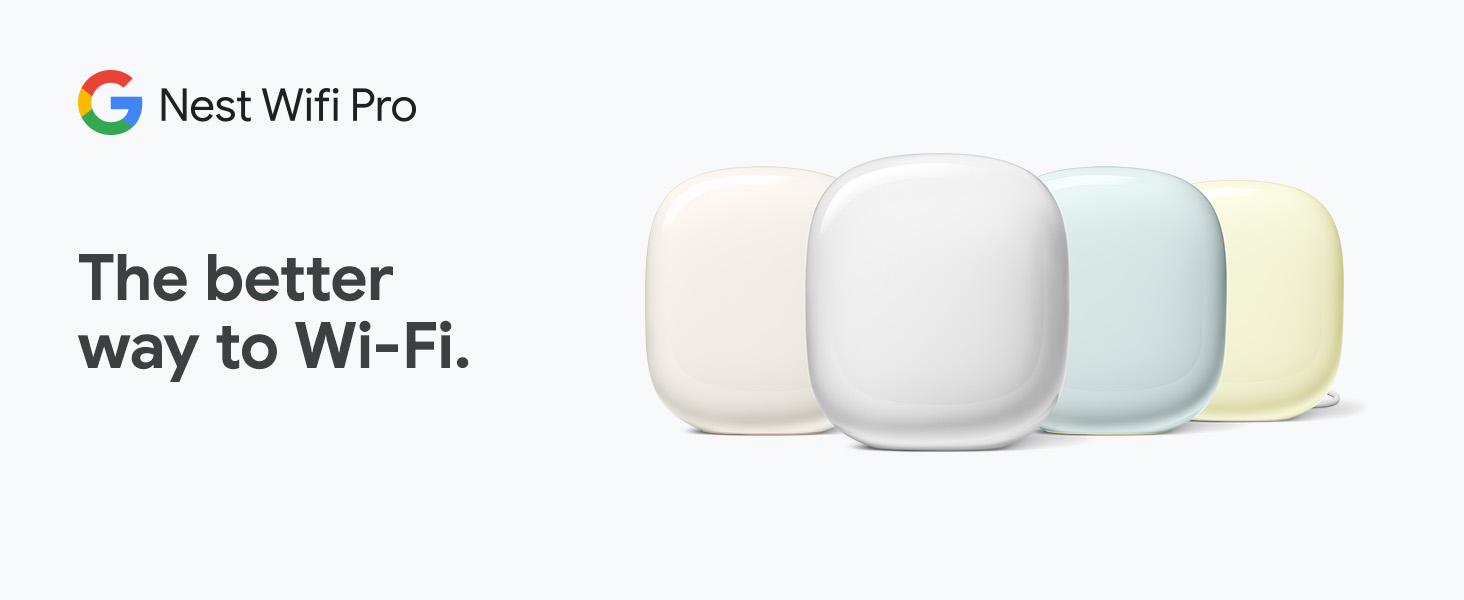
Google Nest Wifi Pro is a cutting-edge mesh Wi-Fi system featuring Wi-Fi 6E technology that delivers up to 2x faster speeds than Wi-Fi 6. The 3-pack setup covers up to 6600 square feet, ensuring reliable, high-speed internet throughout your home. With tri-band support (2.4 GHz, 5 GHz, and 6 GHz), smart self-diagnosis, automatic performance optimization, and advanced security features, it’s designed for seamless connectivity and peace of mind in modern smart homes.










| ASIN | B0BCQSYPZB |
| Best Sellers Rank | #2,602 in Electronics ( See Top 100 in Electronics ) #15 in Whole Home & Mesh Wi-Fi Systems |
| Customer Reviews | 4.0 4.0 out of 5 stars (2,291) |
| Date First Available | September 8, 2022 |
| Item Weight | 0.634 ounces |
| Item model number | G6ZUC |
| Manufacturer | |
| Product Dimensions | 5.16 x 4.65 x 3.35 inches |
W**.
Upgrading from Google Wifi, Nest Wifi to Nest Wifi Pro
The only reason why I am upgrading is because my IPS gave me deal for 1 GBs. I had 200 MBs and that was more than enough for me. I had Google Wifi (gen1) for about 5 years. No problems except I had to buy extra pod to strengthen the signal (i live in condo and i have brick walls). So the signal from my balcony room (storage with concrete walls) was poor to my office. I bought nest wifi and everything was working good (connection was great / good) between nest wifi (router gen2) to 2 google wifi (gen1). I notice that after I got 1 GBs from ISP my speed was still the same 100 MBs on wifi. When I disconnected gen 1s (routers) my speed next to router (testing on iphone 14pro) was 560 MBs. If I would probably just switch my old 2 google wifi (gen 1) to Nest Wifi (gen2) I would be just fine. But since I live in condo I was like let me try that new 6Ghz. So I bought Nest Wifi Pro 3pk. Signal between 3 of them is great. If I would just use 2 it would be “Good signal”. I live in 1500 sqft apt, but my main router is basically in concrete storage (maybe I will drill a whole and put that router inside apt and give update). Speed next to Nest Wifi pro (gen3) router seems to be the same as Nest Wifi (gen2) what I am trying to say is I wouldn’t upgrade if all my previous pods were Nest Wifi (gen2). I wouldn’t expect more than 600 MBs on this routers based on my research online. What I like about google is steady speed, and they are upgrading software for this Nest Wifi Pro (so in future it will get better) Wifi speeds: Shed 500-600 MBs download / 22 MBs upload wifi speed Workout Room about 300 MBs Office 150-300 MBs Overall I don’t play a lot of games. Tried for CS 2 and ping was good, no lags in game. Streaming videos for 6hrs no buffering problems. Overall: If are upgrading from Google Wifi yea thats upgrade. I would not suggest upgrading Nest Wifi (only if you experience network problems or want to see if wifi will be stronger but I don’t see this wifi hitting more than 600 Mbs). Who needs more than 1 GBs internet. Design: I don’t really care about it but looks like nice stone (gen3). If its goes about power connector I am not a fan of it. Gen 1 had better in my opinion because if you connect to multiple plug connector it easy. Missing: Nest WiFi pro use 1 GBs Ethernet/WAN speed (that wire entry) while competition use 2.5 GBs Ethernet/WAN speed. On the other hand who use Ethernet anymore? Gaming desktops and maybe playstation. But going forward I believe it will be all Wifi at some point. Signal: Seems to be better than Google WiFi (gen 1 and gen 2) Software: I had recently update on this which means google is working on this router. Maybe It will get better in future. Installation: Very easy on Google Home app. If you use the same wifi password and name, all your devices will connect automatically. However 3rd took me about 5 tries but finally was added. Price: Very Good compare to others. If you need 4pk see costco. Update from 14 January 2024: I found that moving modem and router from my storage/heating closet to open (without obstruction of concrete/brick walls) inside apartment made increased speed of 400-600 Mbps per second. The farther away pod goes 400+ Mbps. (On 1gb internet for comcast) I don’t see any issues with this system. I changed my 4 starts to 5 stars.
J**M
Horrible…..then works great once I solved the issue
Bought this when it first became available. Just received this afternoon 11/4. Tried setting up but both access points would not connect. Spent 1 hour on the phone with support and they finally said to me ‘they’ll kick this up to a senior engineer but, if I can I should return it to Amazon as it appears defective’. So I’m returning it after spending 2+ hours trying to setup and on the phone with support. Just to give background I am very familiar with google products as I have the original google wifi. Worked flawlessly till they passed a firmware upgrade on this past summer. Since then have had to restart all the routers once a week. The next one I order better work. Will update once I get and successfully setup. Update 11/26 - got the system to work by hooking each wifi point up to the router with internet first. That allowed each wifi point to load whatever updated software it needed as well as connect to the system. I was then able to disconnect each point from the routers internet via Ethernet cord move it to where I wanted it and then it reconnected to the main router. The system now works perfectly and is super fast! Love it!!! But, can’t say the same for google support. They should know how to make the system work and be able to troubleshoot it if someone calls, like me, and the fact that they weren’t able to is not goog sneed for me or anyone in the future if something happens. Now that this works I can recommend it and say it’s fairly simple to setup. Just connect each point to the router when initially setting up so they can each get setup. Hope this helps everyone!
J**E
Anyone interested in 9 pods fopr sale...cheap.
Utter crap. First, I have an old 3 story house with lathe and plaster walls. I had an Orbi system with 5 satellites that worked really well once it was set up (a whole other story). My router died and the series was discontinued. I thought (stupidly) that i would migrate my entire EIFI mesh to Google as I like thier app and interface (versus Orbi's which is garbage). So, I invest in 3 of these nest wifi Pro's. Install went great, they talk to each other, ok. They are supposed to cover 2200sq ft. Now, we all know that is with a million caveats to cover thier rear ends, but I figurede I would get 50% of that, so I should be pushing 3300ft sq. Sure. So, I figured that I had 5 Orbi's, so 6 Nests seems reasonable. So, I buy 3 MORE! for a total of 6. That should be 6600 sq ft. (2200/2 * 6) right? Coverage is ok, but still a bit laggy. So I double down. If 6 is good, 9 is better!!! I should be covering the entire block! Man, I get great signal everywhere. But it is so freaking laggy that is darn near useless. The little google app says "you have great signals", and yet everything stalls, trouble connecting, torubvle stayiing connected. Im sure I have some interferences someplace, but man this is crap. My Orbi systrem, once set up, was an absolute champ. This system, well I have 9 pods for sale!
S**D
استعملته ف بيتي لمده سنه كامله والله انه يستاهل ال5 منتج جدا ممتاز وسرعه انترنت جدا ممتازه وابلود ممتاز ايضا
J**G
Ready to setup and solid performance. Only downside is that with some Galaxy phones the wifi needs to be disconnected sometimes. Don't know if it's Samsung or Google wifi that's the issue but the office jag never had problem on other access points
J**P
Es un excelente producto que si te ayuda para que no tengas inestabilidad sobre la red.
P**I
Would not connect to my modem
G**R
O alcance é muito baixo e sinal incompetente para transpassar paredes de alvenaria.m! Tenho um TP Link M9 Plus que é bem melhor apesar de ter as especificaçoes inferiores. Esperava muito mais desse produto. Extremamente demorado para voltar a rede caso reinicie o modem de internet
Trustpilot
1 month ago
2 weeks ago