
DOWNLOAD THE APP


Customer Services
Copyright © 2025 Desertcart Holdings Limited
DOWNLOAD THE APP


🚀 Scan smarter, read faster, and translate globally—your ultimate productivity sidekick!
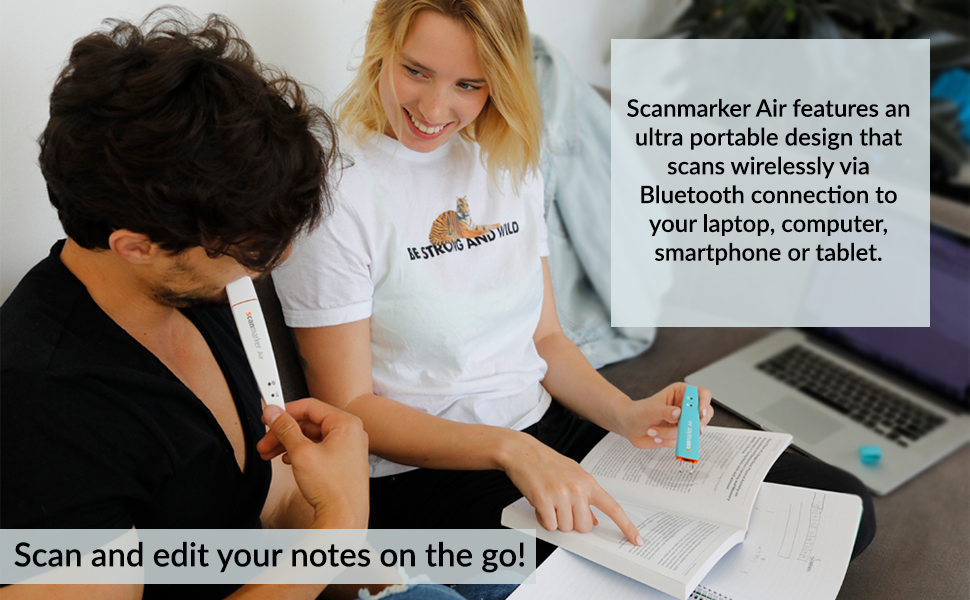
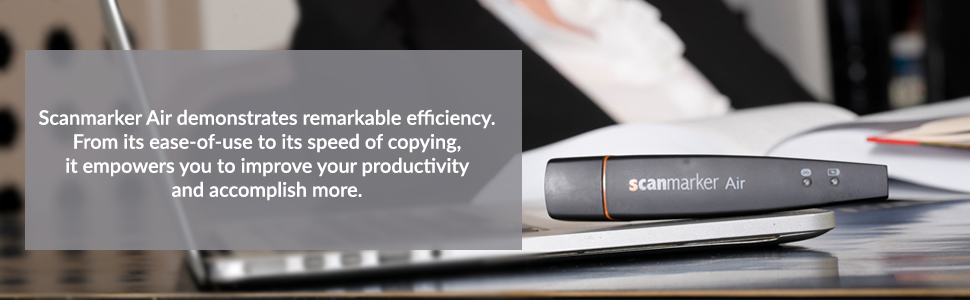
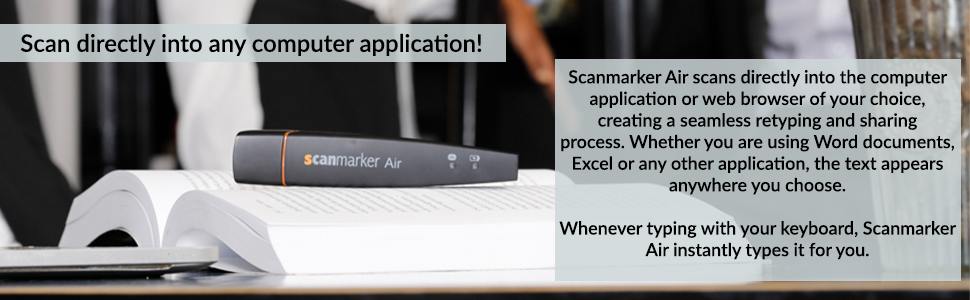
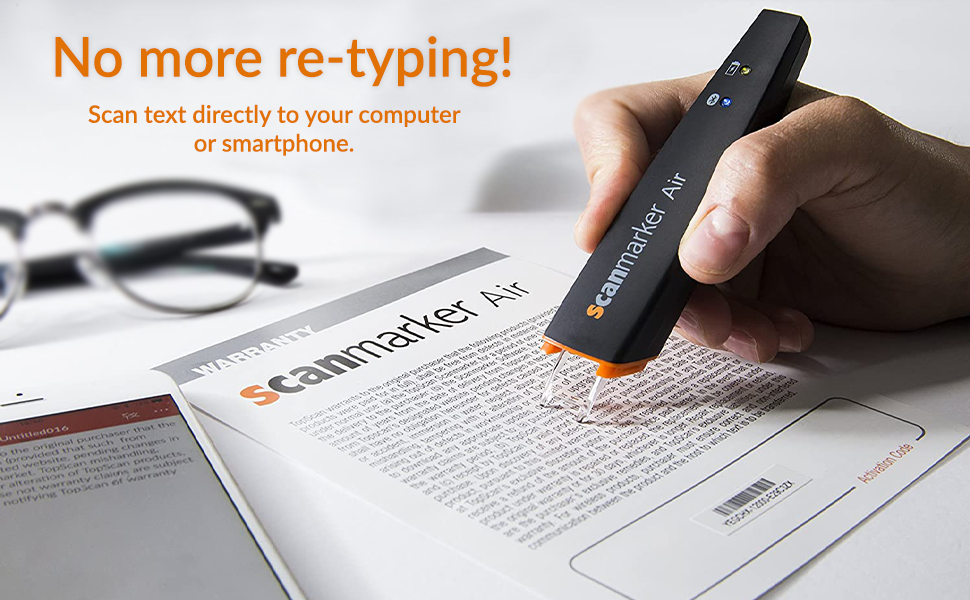
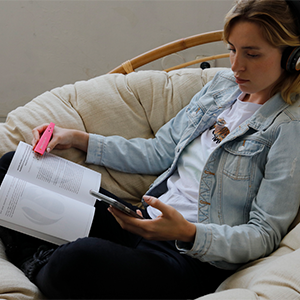
The Scanmarker Air Pen Scanner is a sleek, Bluetooth-enabled handheld device that scans up to 3000 characters per minute, instantly transferring text to your Mac, Windows, iOS, or Android device. It supports OCR scanning and translation in over 40 languages, with real-time text-to-speech functionality designed to assist students, professionals, and those with reading difficulties. Ultra-portable and backed by free lifetime software updates and a 1-year warranty, it’s engineered to save time and enhance productivity on the go.

| ASIN | B01N07J2AE |
| Are Batteries Included | Yes |
| Batteries | 1 Lithium Polymer batteries required. (included) |
| Best Sellers Rank | 88,093 in Computers & Accessories ( See Top 100 in Computers & Accessories ) 103 in Document Scanners |
| Brand | Scanmarker |
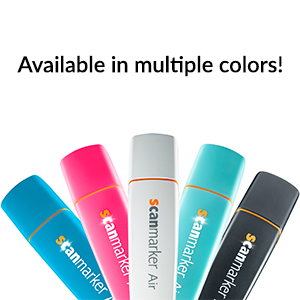
| Colour | Black |
| Customer Reviews | 3.8 3.8 out of 5 stars (5,612) |
| Date First Available | 12 Jun. 2020 |
| Delivery information | We cannot deliver certain products outside mainland UK ( Details ). We will only be able to confirm if this product can be delivered to your chosen address when you enter your delivery address at checkout. |
| Guaranteed software updates until | unknown |
| Item Weight | 27.2 g |
| Item model number | BLE |
| Lithium Battery Energy Content | 0.74 Watt Hours |
| Lithium Battery Packaging | Batteries contained in equipment |
| Lithium Battery Voltage | 3.7 Volts |
| Lithium Battery Weight | 0.06 Grams |
| Manufacturer | Scanmarker |
| Number Of Lithium Ion Cells | 1 |
| Number of Lithium Metal Cells | 1 |
| Product Dimensions | 12.7 x 2.29 x 1.78 cm; 27.22 g |
| Series | Scanmarker Air Pen Scanner |
T**E
Very Good Timesaver
My Scanmarker arrived 10 days ago. While I had spent some hours online looking at comparable products and reading customer reviews I was apprehensive since customer responses seemed so uneven. I needed it for transferring short quotations from books into a MSWord based text file. Having had nearly two weeks of pracice I can say it is a very good product and saves me lots of time. Some people complained abut accurracy. I have found only two sources of problems: 1) user skill. It works best when moved in a swift smooth straight line across the printed page. My skill in doing this is very good after a week or so of practice. 2) If the page cannot be laid flat, sometimes the end of the text line won't scan perfectly. This is mostly an issue with softcover books which won't lie flat when open.Most hard bound books can be laid almost flat and scanning is very easy. Even with softcover , with a little effort the book can be placed on the desk and held firmly with one finger while scanning with the other hand. I didn't buy it for translation but I have amused myself scanning some of President Trump's tweets into Spanish and Italian and the result is, to my eye, quite acurrate and interesting! I have not done a thorough check on other langugaes.
N**R
Be aware of the drawbacks
I have just purchased ''Scanmarker'' and I am not satisfied. Scanning text: The scanner’s tip is done of hard plastic. Consequently the scan process does make marks on soft paper pages even if you apply the ''minimum'' pressure to operate the scanner. That is definitely not acceptable when scanning text on very expensive books. To start the scan you have to press the surface with the scanner’s tip and continue pressing during the scan of the text. At the end of the scan to document if you like to insert a line return such that the next scan will be inserted on a new line you will have to click the scanner’s tip one more time at the end of the scan. Consequently it is not surprising that you will get marks on the pages due to the pressure that must be applied several times with the hard plastic scanner’s tip to operate the scanner. This is a wrong design. The pen shall have two buttons on the side: one to press during the scan and a second button to press to insert a line return (eventually it could be programmable to perform other actions). Then it will be possible to have a ''soft'' touch of the pen on the paper during the scan and not leaving any pressure marks on the paper. But please no hard plastic tips to be press on the paper! Translation and Read aloud: The modes ''Translation'' and ''Read aloud'' do not work without internet connection! I have downloaded a file of 1/2GB and I still have to be connected to internet to have the full functionalities of the product! That is also not acceptable. ''Scanmarker'' could have at least provided the possibility at the time of installation to download the additional code required for one or more particular languages of my choice. The fact that you must be connected to internet is not mentioned in the description of the product. And it is also not mentioned on the paper User’s Manual which is delivered with the product or on the User’s Manual that you can download from the manufacturer! It is only when you try to use the ''Translation'' or the ''Read aloud'' function that you discover that you must be connected to internet to have it working: this is very tricky from the manufacturer to hide that requirement to the buyer. I do not like to be permanently connected to internet and I do not like that somebody else is monitoring what I am scanning: it is a PRIVACY issue! The Widget: ''ScanMarker'' is placing a widget on the left side of your desktop. But you cannot move it where you want: you can only move it vertically. Consequently if the left side of your desktop is fully occupied with icons the widget will hide some of them. It is not really very convenient. I should like to be able to place the widget where I want on my desktop. Trial Period and activation (registration): In addition you must be aware that after you purchase that product you will be able to use it ONLY for a TRIAL period of 30 days! The software requires to be activated (registration) via internet. Although the scan process itself looks to perform in an acceptable manner you have to be aware of all the above drawbacks before buying ''ScanMarker''.
J**S
EXCELENT customer support from ScanMarker Team!
I have ordered this product from Amazon UK. The delivery pack was received in time. However - when I opened the package, there was the case empty only. I immediately get in touch with the support team via email. They, contacted me to know what was the issue and after just 3 working days I have received a new package containing the missing pen. This was a gift for my wife who is been using it for one month now. She’s very happy with her new pen as previously she had to manually take notes. Now she can catalogue an archive all her notes from all the books they need to study. Absolutely recommended!
D**I
Useless
Device is useless. Impossible to use with soft paper books (most books these days). Scanner is tearing paper down. Extremely hard to use with a small script books (all books these days). Bright light on the end of the scanner is blinding. I suggest to avoid it if you care about your eyes.
I**A
Not iOS compatible
This is a good product in principle, although it feels plasticky in the hand. Despite stating otherwise, this digital highlighter does not connect on iOS using the provided apps - the apps simply don't worry. They install fine but the functionality ends there. It works as expected with a MacBook if you're using the software, but please be aware there is no iPhone or iPad compatibility, certainly for the iPhone 13 or iPad mini 5. I expect there was previous compatibility several iOS updates a go but we're talking years not months here. Disappointing to be honest. In terms of scanning, the accuracy is fairly good but I worry about the longevity of the product due to its light and flimsy feel. I would recommend the C-Pen Reader 2 over this hands down, even with the price difference.
B**A
Decided to keep it!
A**H
Great
A**P
Windows'a kutu içinden çıkan dongle ile bağlamak gerekiyor. Dizüstü windows bilgisayarımın dahili bluetoothu ile bağlanamadım (Win10). Mac Mini bilgisayarımda ise dongle işlevsiz ille de dahili bluetooth ile bağlamak gerekiyor ancak ona da tanıtana kadar akla karayı seçtim. Bir kere tanıttıktan sonra ise hiç bir sorun çıkmıyor. Tarayıcıyı çalıştırıp yazılımı açtığınız an kullanıma hazır. Lazerinin rengi beyaz, kablolu olanınki kırmızı idi, kırmızı lazer çok göz alıyor yoruyor ağrıtıyor, beyaz lazer çok çok daha iyi. Hatasız okuma oranı kablolu versiyona göre düşük. Bataryayı tamamen boşaltacak kadar denemedim ancak günü kurtaracak gibi görünüyor. Bir paragrafın tümünü taratmak istediğinizde genelde sonlara doğru yavaşlıyor ve uzun bir süre boş bekleyip sonra bir anda aktarıyor (Word). Kablolu şekilde kullanımda süre kısalıyor tabi ki. Bazen normal bir yazıyı saçma sapan harfler ve semboller şeklinde aktarsa da genel olarak çok güzel bir ürün. Ciddi manada zaman kazandırıyor. Çeviri özelliği güzel çalışıyor. Seslendirme özelliği de gayet güzel, ki zaten işletim sistemiyle alakalı bu durum. Uzun metinleri tararken düzeltme yapma ihtiyacınız oluyor illa ki. Mesela çocukların kelimesini çocuklann şeklinde matematik kelimesini ınateınatik gibi okuyabiliyor. İtalik yazılarda hata payı artıyor. El yazısı okuma neredeyse hiç yok ya da benim el yazım kötü bilemiyorum. Barkod okuması zorlayıcı, gerçi kim niye bununla barkod okutma ihtiyacı duyar bilmiyorum. Narin bir alet fazla zorlamaya gelmez, yine de kalitesiz gibi durmuyor. Yazılımı IRISPen yazılımı ile birebir aynı. IRISPen yazılımı ile de kullanılabilir. Zaten yükleme ekranının sonunda ereşilebilirlik izin isteği soruyor orada da IRISPen şeklinde pencere açıyor (Mac Os). Fiyatı biraz tuzlu ancak değer mi? Bence değer.
M**A
Sto scrivendo la tesi di laurea, e dovendo lavorare su diversi libri presi in prestito dalla biblioteca universitaria, di cui alcuni anche molto delicati, non riuscivo a trovare il modo di sottolineare i passaggi che mi interessavano, non potendo ovviamente sottolinearli materialmente. Inizialmente riscrivevo manualmente su word le parti che avrei voluto sottolineare, ed è inutile dire la quantità di tempo che questo metodo mi faceva perdere. Poi ho pensato di provare la scanmarker, di cui avevo sentito già parlare tempo fa. Ero un po’ scettica a causa di alcune recensioni che lamentavano una decisiva mancanza di precisione, le cui correzioni richiedevano poi un tempo infinito. Posso assolutamente smentire, almeno per quanto mi riguarda: questo strumento mi ha cambiato la vita. Ora mi basta evidenziare le frasi interessanti per ritrovarmele copiate automaticamente su word, con un margine di errore davvero minimo (ad esempio a volte scrive la “i” accentata scambiando il puntino per un accento). Tutto sta nel prendere la mano e riuscire ad evidenziare alla velocità giusta, stando attenti ad andare più dritti possibile. Per non parlare della funzione di traduzione: è geniale, anche se non precisissima comunque davvero utile! Basta impostare la modalità traduzione, scegliere le lingue, e passare la penna su una qualsiasi frase per vederla apparire sullo schermo automaticamente tradotta: sono rimasta senza parole. Se proprio dovessi fare un appunto, ho trovato la funzione vocale che legge ciò che evidenzi leggermente in ritardo, ma io non la utilizzo e quindi non mi disturba. La consiglio assolutamente agli studenti, fa risparmiare tempo e pazienza!
G**I
Ottimo funziona perfettamente
Trustpilot
1 week ago
1 month ago