Desert Online General Trading LLC
Dubai, United Arab Emirates
Desert Online General Trading LLC
Dubai, United Arab Emirates
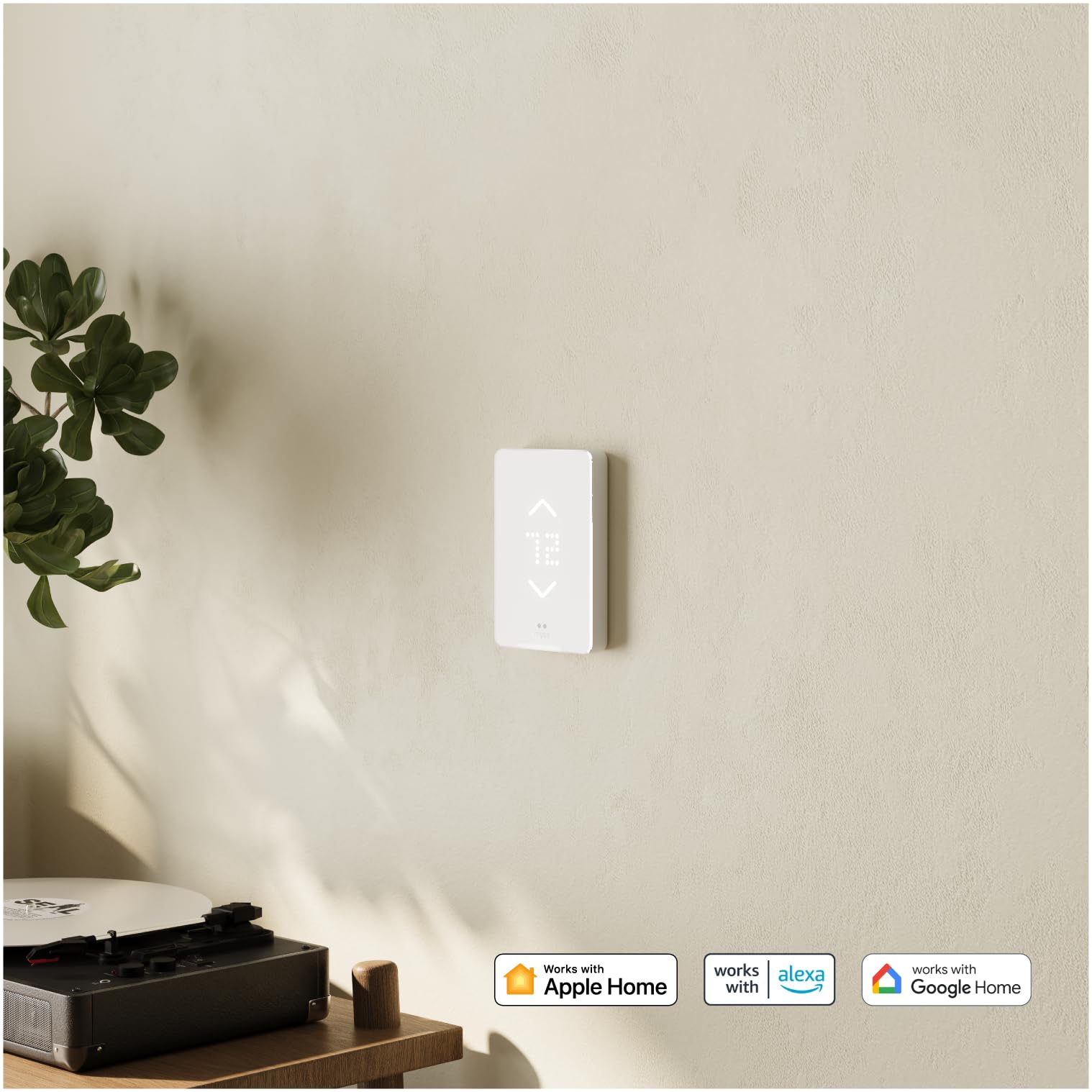
🔥 Stay cozy, connected, and in control — the future of heating is smart! 📲
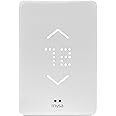
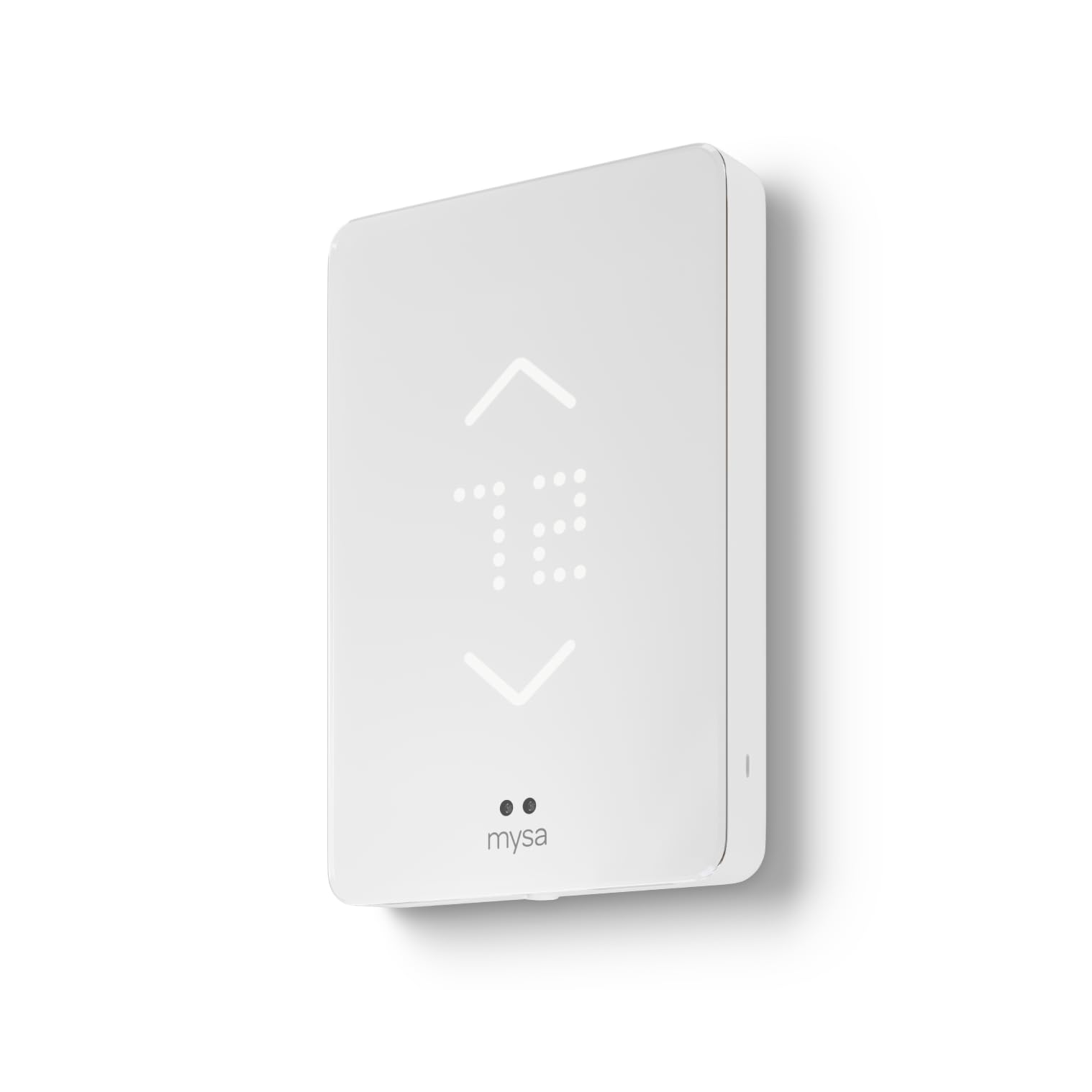
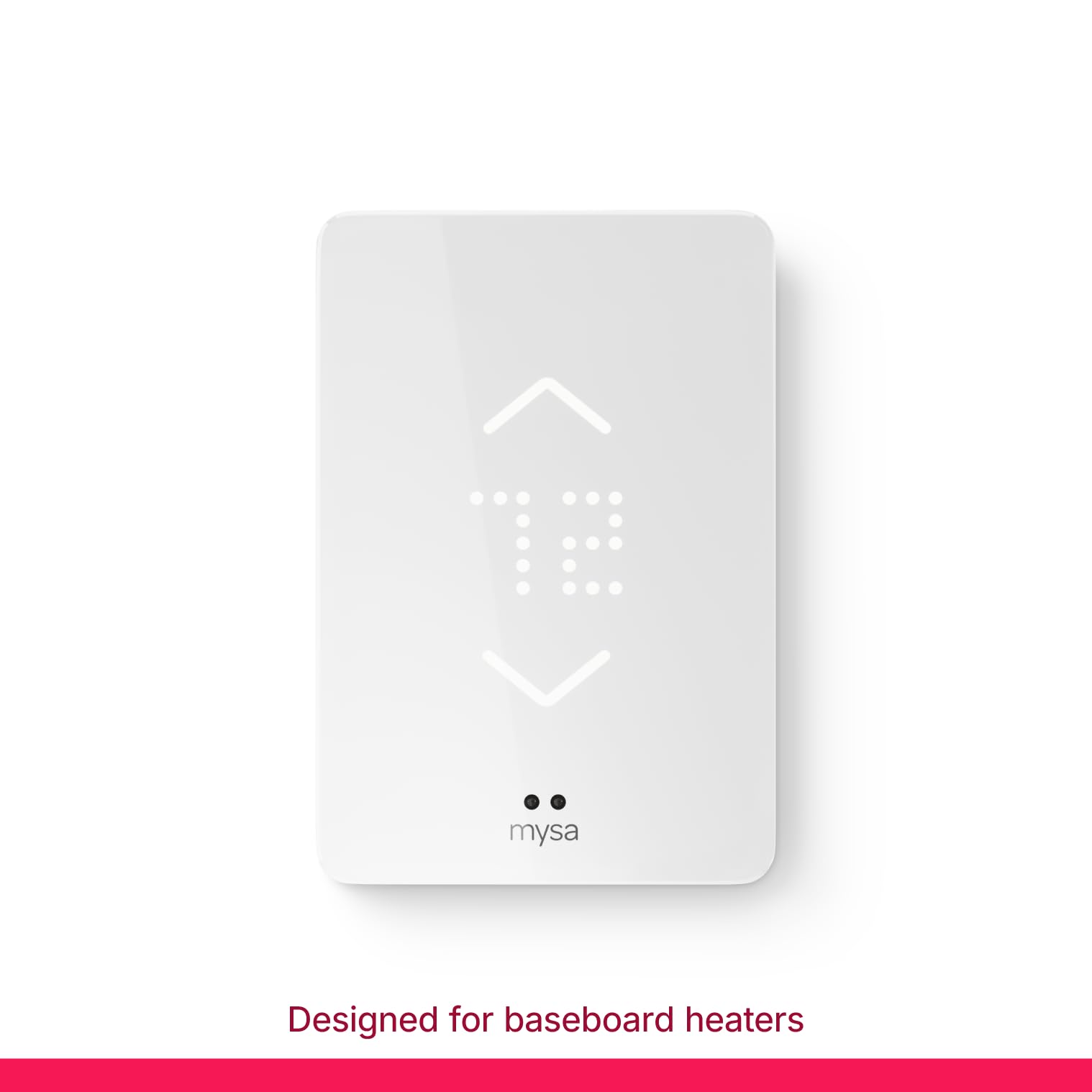
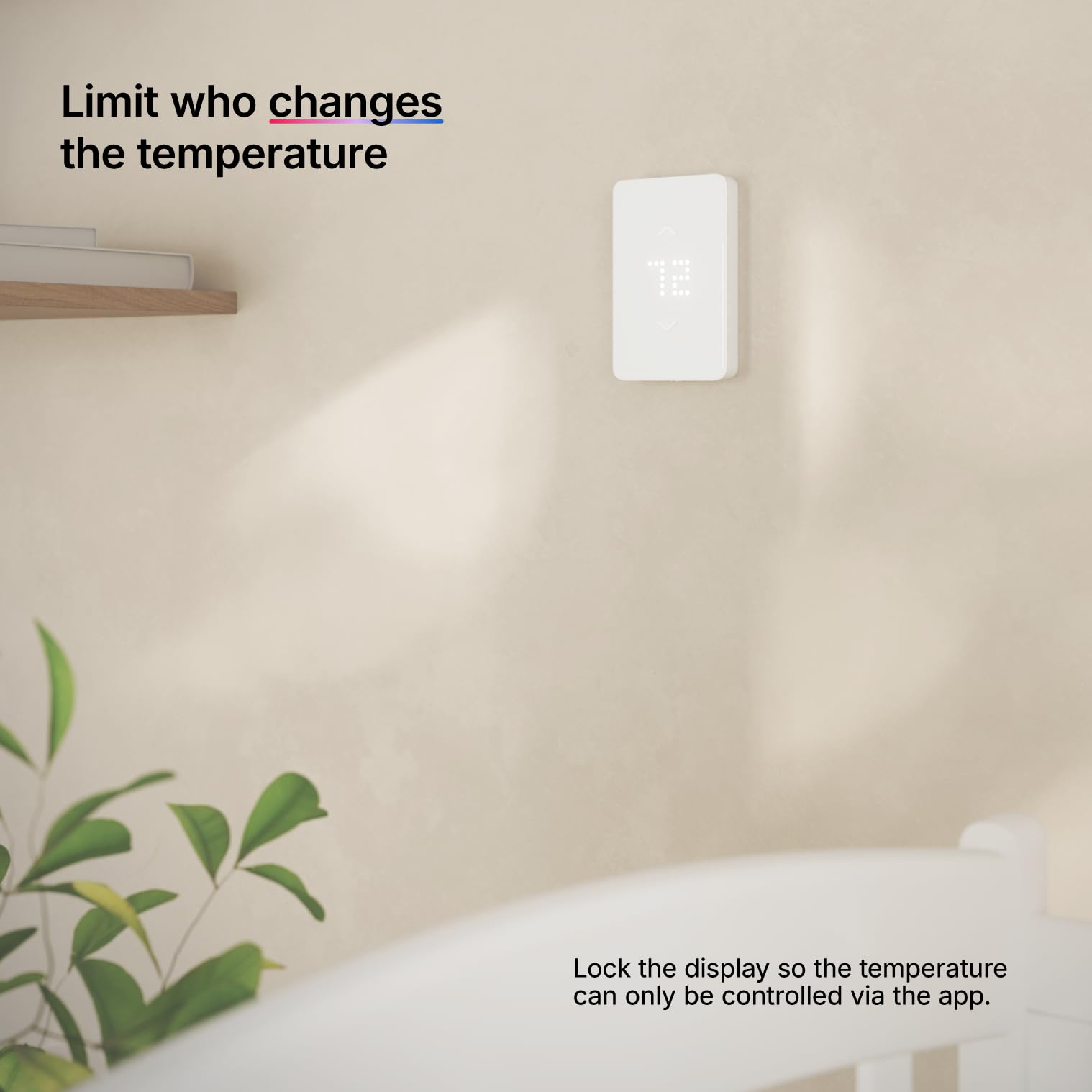
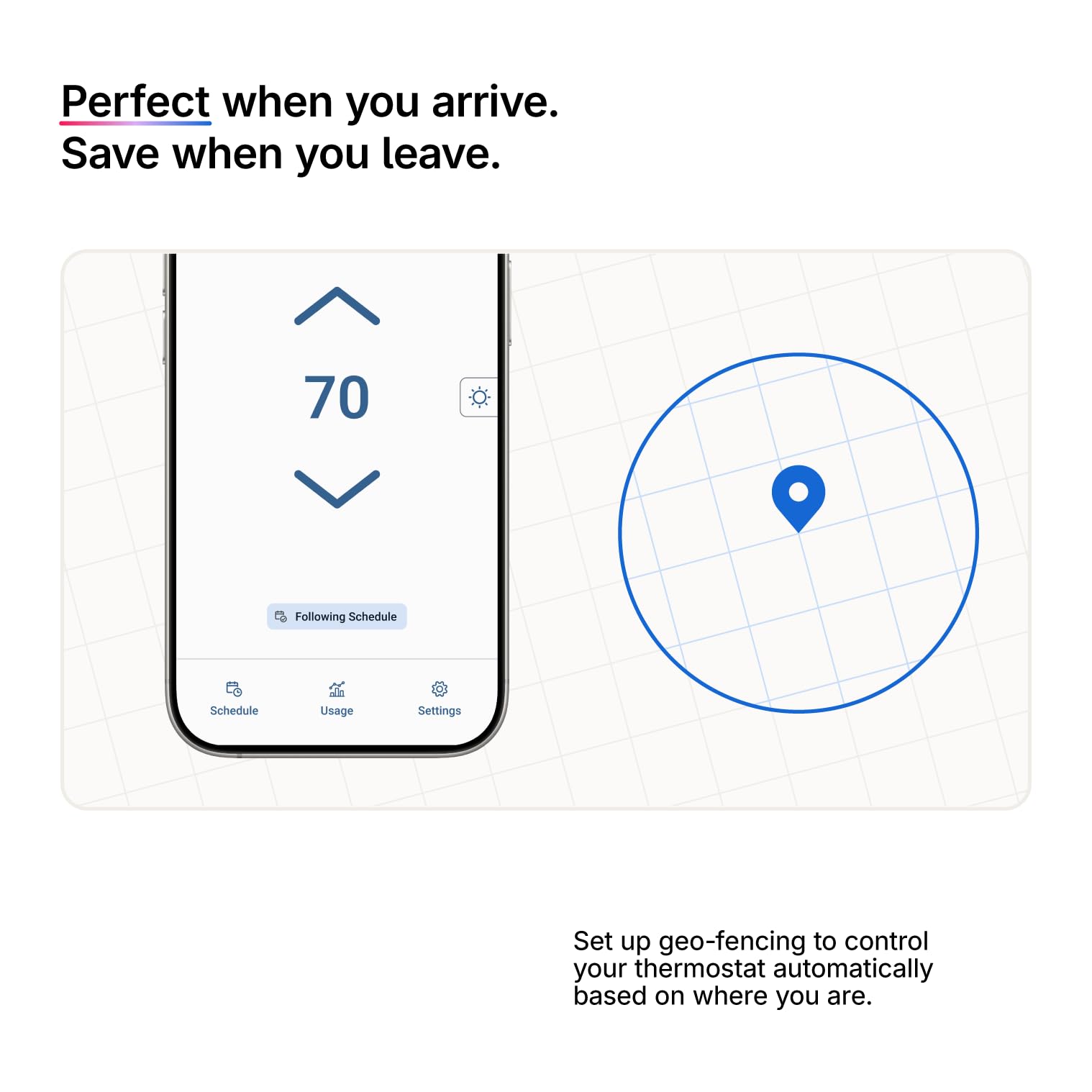
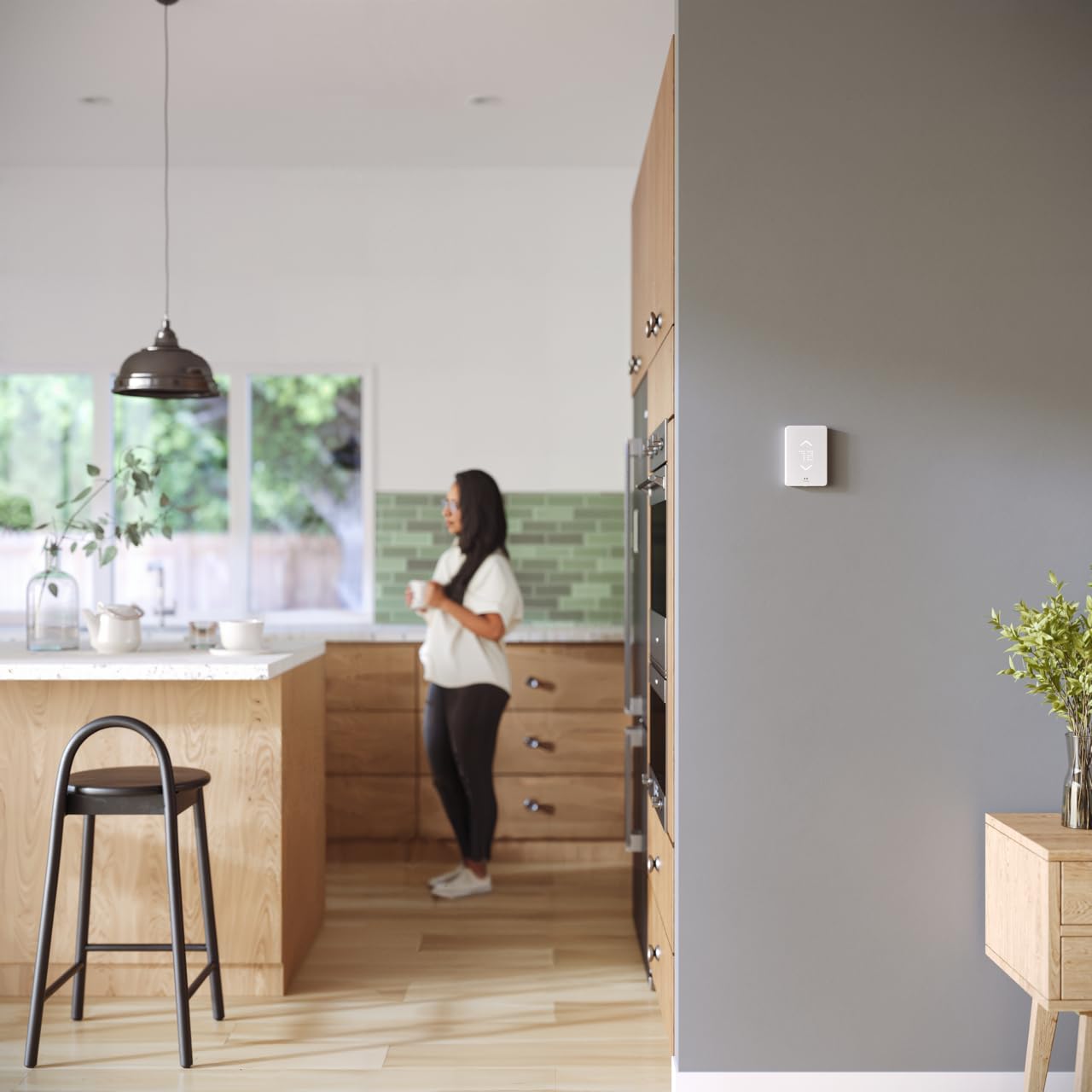
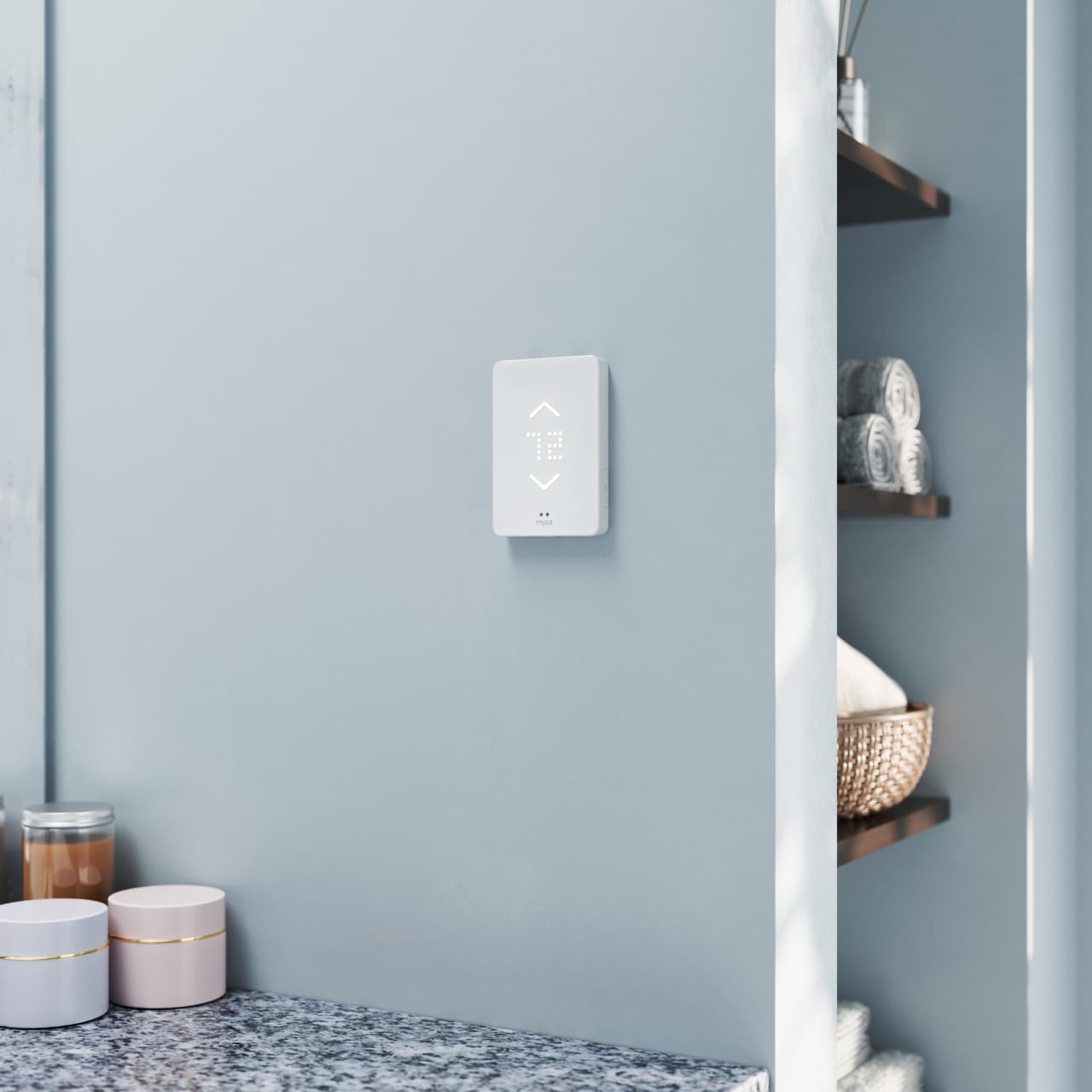
The Mysa Smart Thermostat is a sleek, Wi-Fi-enabled thermostat designed for high-voltage electric baseboard heaters up to 3800W. It features adaptive brightness, voice assistant compatibility (Alexa, Google Assistant, Apple HomeKit), and a free app for remote control and scheduling. With energy insights, geofencing, and easy installation, Mysa transforms your heating system into a smart, efficient, and user-friendly experience.


| Brand | Mysa |
| Model Name | BB.2.0.01.NA-US |
| Product Dimensions | 0.8"D x 3.5"W x 5.1"H |
| Controller Type | Amazon Alexa, Android, Apple HomeKit, Google Assistant, iOS |
| Special Feature | Audible Touch Feedback, Adaptive Display Technology, Energy Insights, Geofencing, Scheduling |
| Color | White |
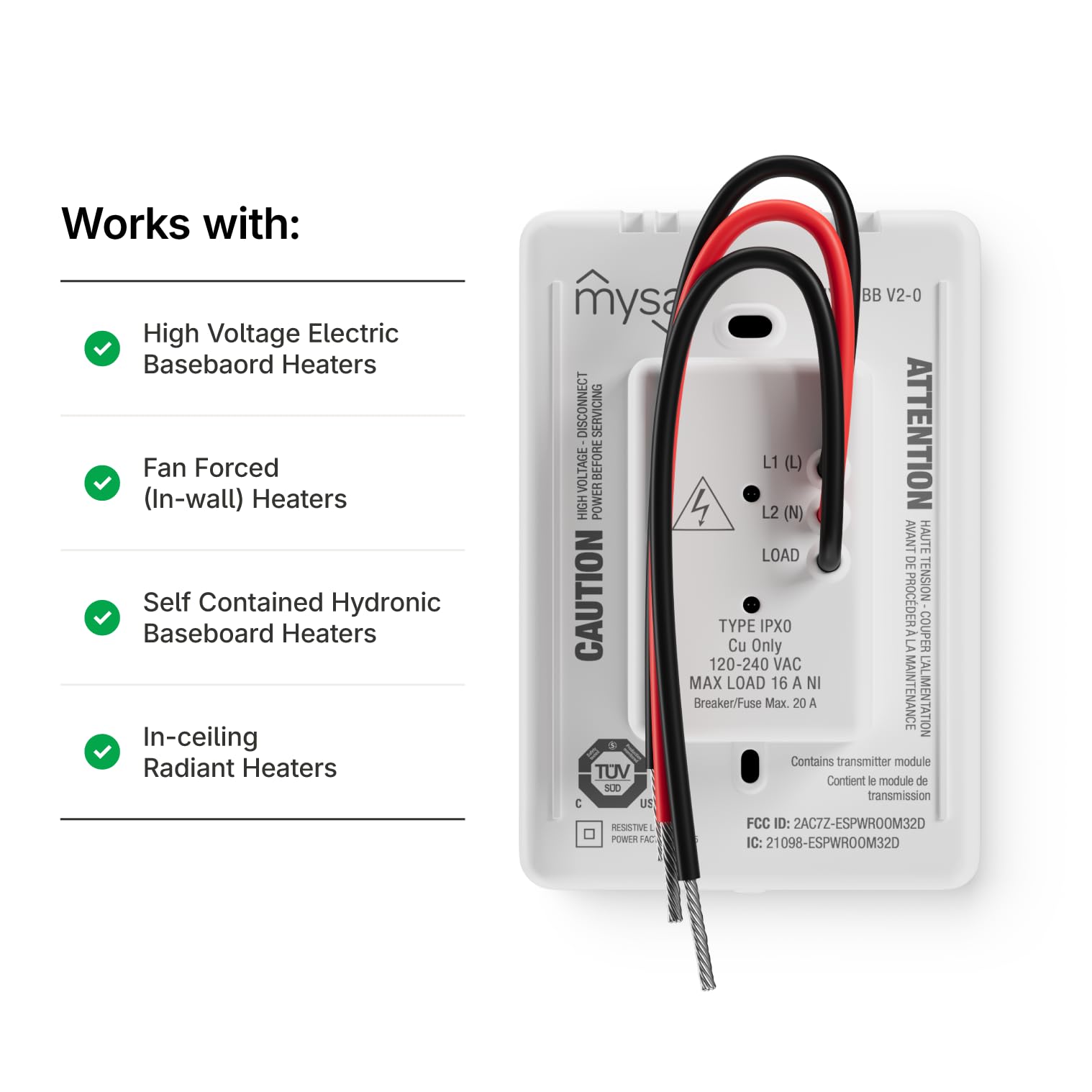
| Specific Uses For Product | For high voltage electric heating systems: • Baseboard heater • Convector (short cycle) • Fan-forced convector (long cycle) • Radiant ceiling heating |
| Temperature Control Type | Heating |
| Connectivity Technology | WiFi, NFC |
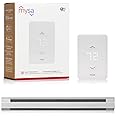
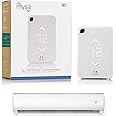
| Included Components | 1 x Mysa for Electric Baseboard Heaters V2 Thermostat, 1 x Welcome Booklet, 2 x Mounting Screws, 3 x Wire Nuts, 1 x Wiring Instructions |
| Power Source | Corded Electric |
| Item Weight | 510 Grams |
| Voltage | 240 Volts |
| Material | Plastic |
| Shape | Rectangular |
| Display Type | LED |
| Finish Type | Smooth |
| Screen Size | 3.5 Inches |
| Control Type | App Control, Button Control and Voice Control |
| Control Method | App, Touch |
| Connectivity Protocol | Wi-Fi |
| Mounting Type | Wall Mount |
| Style | Electric Baseboard Heaters V2 |
| Backlight | Yes |
| Specification Met | energy |
| Wattage | 3800 watts |
| UPC | 821661113898 |
| Manufacturer | Empowered Homes |
| Part Number | BB.2.0.01.NA-US |
| Item Weight | 1.12 pounds |
| Item model number | BB.2.0.01.NA-US |
| Size | 3.5 inches |
| Finish | Smooth |
| Item Package Quantity | 1 |
| Special Features | Audible Touch Feedback, Adaptive Display Technology, Energy Insights, Geofencing, Scheduling |
| Batteries Included? | No |
| Batteries Required? | No |
C**.
Excellent product for older homes
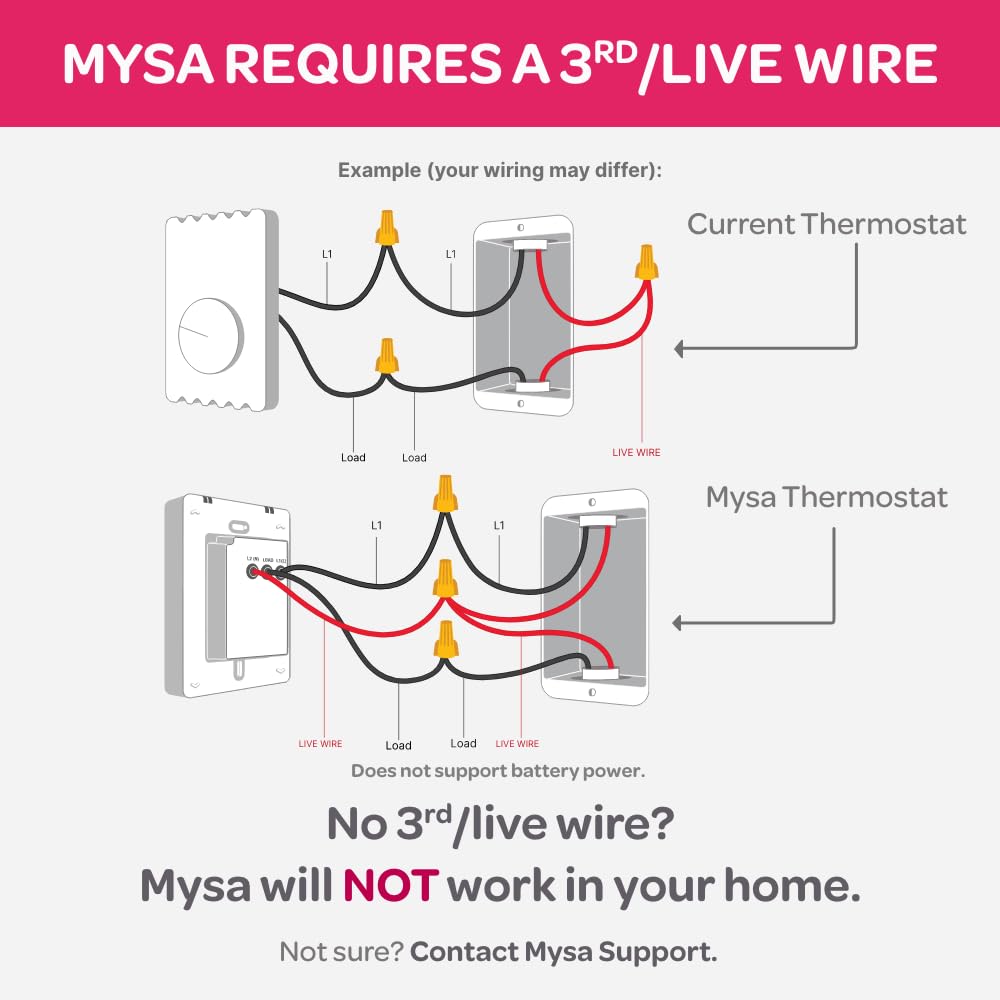
My home was built in 1968, and has a bunch of baseboard heaters. I’d been using other methods to heat the house since baseboard heat is expensive, and the old analog thermostats were either just ‘on’ or ‘off’. I found the Mysa thermostats via my power company who sold them to me at a subsidized price. Once I got a few and saw how good they are, I bought the rest from Amazon and have now installed them in every room.InstallationFor those of you who don’t read directions, do yourself a solid and at least glance at the wiring diagram and simple instructions that come with the unit. You’ll need to be SURE you’ve turned off the right breaker at the box before you start removing your old thermostat. I used a Fluke-branded voltage pen to verify there was nothing live before I inserted a screwdriver. Once you manage to not electrocute yourself, the rest of the installation is a breeze. The first unit took me about 15 minutes. Now I can install a unit in about five minutes.Set-upI’m iPhone-based, and had zero issues setting the unit up. Download their app, and it walks you through every step of the way. The app is very well thought out and intuitive, with a pleasant UI and common sense functionality. (As of this writing, there’s no dark mode yet, but I’m just picking knits.) You can add your thermostat to both the Mysa app, and any of the major home automation services. I use Apple Home and had no issues adding the units there.UsageThe units can be operated manually, or you can set up a schedule on the app. The scheduling is as granular as you want to make it, so if you need a room to go up/down in temperature five times in a single day, you can program that if you want. You can also set up heating zones to control multiple units at once. I have my living room and kitchen tied together, so they both turn on/off simultaneously.ImpressionsOverall, these thermostats are very well-designed, packaged, and implemented. It’s clear a lot of thought and care went into the design and testing, with end-user usability being a top priority. Full disclosure: I’ve only had these installed in all rooms for three days now. During that time, I’ve noticed MUCH more evenly heated rooms throughout the house. One super cool thing about these units, is they’re not just on/off, but can modify voltage to the baseboard heaters to only make them use as much electricity as is needed to keep the room at a desired temperature.Overall I’m pretty thrilled with these thermostats. They look great, they’re easy to use, are solidly built, and integrate well with existing tech. Time will tell how much money I wind up saving on my power bill, but they are for sure a worthy upgrade for my older abode.
M**R
Good baseboard heat controller
We have a number of Nest thermostats and have been impressed with their simple appearance and great functionality. Alas, they cannot handle high voltage systems like baseboard heat. There aren't terribly many options. We went with the Mysa. Their appearance is almost primitive by today's high-res standards. Very simple. However, unlike some other options, you are not totally at the mercy of an app. Temperature can be adjusted up and down on the thermostat, itself. I really wanted that. As for the app, it does most anything you can imagine with scheduling, pre-heat option, energy consumption, etc. More than meets my needs.One thing that worked out rather nicely are the dimensions of the thermostat. My heater runs the length of a wall with a bank of windows above it. There is no really good spot on the wall to place the thermostat. When I removed the old, rotary dial thermostat, I found the hole just right for the Mysa. I had to put in a couple of spacing blocks so I could screw on the backplate of the thermostat, but that was it. No installing an electrical box. No snaking a wire down to the heater. Neat and clean. And the Mysa works great. Nice!
J**R
Easy setup, awesome functionality
I was replacing a Cadet programmable unit which I HATED.Installation was easy (took me about 30-40 minutes total with setup, longer than the indicated 15). The app was really helpful showing, with diagrams where to connect each wire. My system has two baseboards controlled by the single thermostat in my basement.Set-up consisted of a software update which took longer than I would have liked but other than that, the unit connected to my phone via Bluetooth to program the wifi information in minutes.The screen displays set temp, current temp, and moisture %. The schedule allow you to have as many or as little time/temp adjustments as you need, which is a real money saver.And the app has graphs. I love graphs. You can see daily usage, ambient temp, humidity, and setpoint in half hoir increments to track when usage is highest. Add in your current cost per kWh and it'll give you the cost to heat your space for the day.Wish I upgraded sooner!
Trustpilot
1 month ago
1 month ago